
 NEW
Replay: Mac meeting recorder with local AI notes
Record meetings on your Mac, then find the words and decisions that matter.
Updated November 17, 2026
Key facts
- What it is
- Record meetings on your Mac, then find the words and decisions that matter.
- Pricing
- Paid
- Category
- AI Meeting Assistants
- Website
- tryreplay.online
What does Replay do, in plain English?
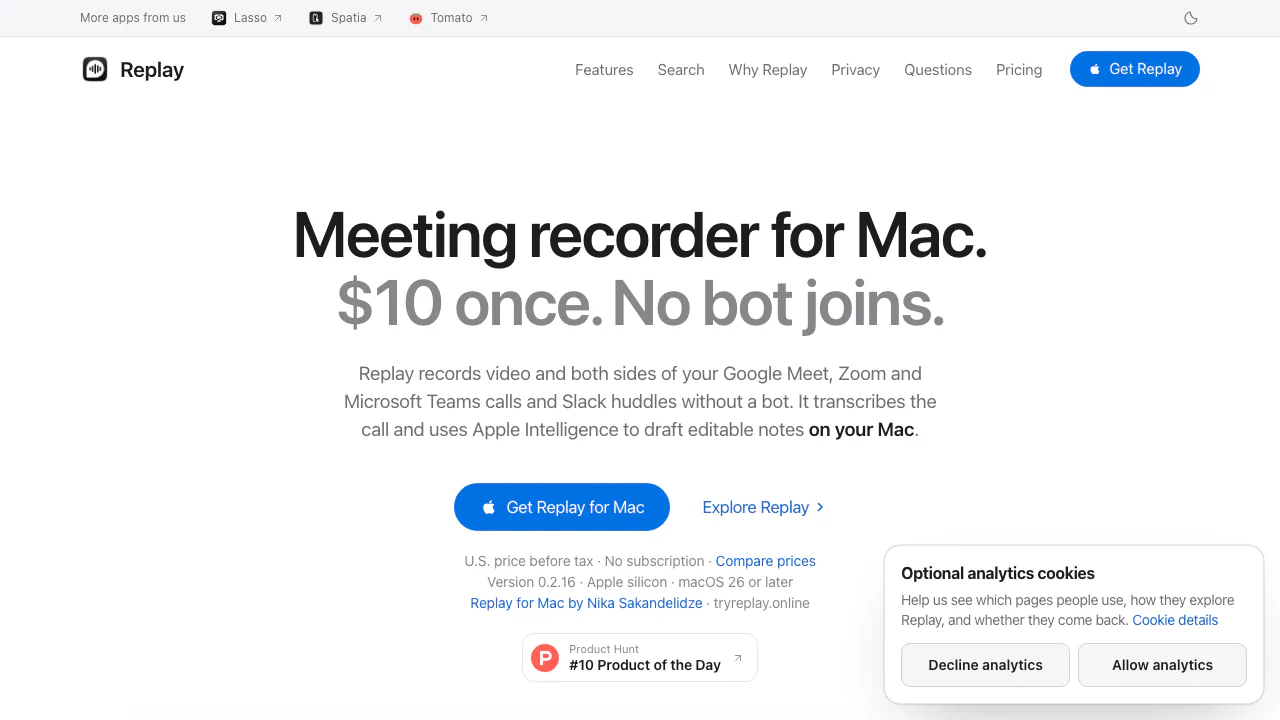
Replay is a Mac meeting recorder that keeps a video of a call, turns the conversation into searchable text and helps you draft meeting notes. Think of it as a personal meeting archive: you can revisit the original discussion instead of relying on memory or an unchecked AI summary. It is an independent app by Nika Sakandelidze.
It suits consultants, project leads and anyone who needs to check client commitments or follow up on decisions. Replay records from your computer, without sending a bot into the participant list. You still need to tell the people involved and obtain the consent required for your situation.
Capture the meeting video and both sides of the conversation
Supported workflows include Google Meet in a browser, the Zoom and Microsoft Teams Mac apps, and Slack huddles. Replay captures meeting video, the call app's sound and your microphone. Your voice and the meeting audio are recorded separately, helping you check both sides during playback.
Capture scope matters. For Meet, keep the intended window visible and pause unrelated browser media: browser audio can include other tabs. Zoom and Teams can capture a chosen window or the app's windows on the call's display, depending on how recording starts. Slack recordings can start from the recording prompt or Record menu. Muting yourself inside Slack does not necessarily mute Replay's separately selected microphone.
Make your first recording, transcript and checked notes
- Install Replay on an Apple silicon Mac running macOS 26 or later. Activate the purchase online with your checkout email.
- Grant Screen & System Audio Recording, Microphone and Speech Recognition permissions. Calendar access is optional.
- Open Settings → Transcripts, select a transcription language available on your Mac and finish downloading its speech model.
- Start a short test call with a consenting participant. Record the intended window and check that your microphone and the other person's voice both register.
- Stop, play back the saved clip and transcribe it. Automatic transcription can also run after new recordings finish.
- Enable Apple Intelligence to draft notes, then review names, numbers, decisions and task owners against the recording before sharing your recap.
Transcript lines initially distinguish Me from Them. You can name speakers and reassign individual lines; this is not a promise of automatic identification of every participant. Generated notes can include a summary, decisions, action items and timed topics. You can edit them in place or write notes manually when Apple Intelligence is unavailable.
Find a commitment and keep the original files
Use ⌘F in the library to search meeting titles, notes and transcribed speech. A spoken match links to its timestamp so you can listen to the surrounding exchange. This is useful when checking whether a delivery date was proposed or actually agreed.
Files live under ~/Movies/Replay Recordings/. Documented outputs include MOV video, M4A audio, Markdown and JSON transcripts, SRT subtitles and generated notes. Edited notes are saved with the recording metadata. You can inspect the folder in Finder and back it up. The homepage estimates around 400 MB per hour of video; optional storage settings can reduce older recordings or retain sound and transcripts.
Local processing and the two sharing exceptions
After activation and the speech-model download, recording, transcription and search run locally. Live online meetings still require their meeting service's connection. Summaries depend on Apple Intelligence being enabled and available for your setup.
Choosing Share Link uploads a separate video copy for 1–12 hours of public access. Anyone holding the link can watch it. Expiry or revocation removes the uploaded copy and stops new playback requests, but cannot recall copies recipients have saved. A connected cloud AI assistant can also receive the transcript passages or notes it reads. Review the official data-handling explanation before choosing these options.
Ask your AI assistant about saved meetings through MCP
Replay provides a read-only local MCP server for clients such as Claude Desktop, Claude Code and Cursor. In Settings → Connect to AI, connect a client that can launch the Replay command on your Mac. Create transcripts first so there is text to search.
The assistant can list recordings, find matching passages, read notes and fetch transcript time ranges. It cannot edit or delete recordings through this server. A connector that only accepts a server URL cannot launch the local command. Use the official MCP setup guide for the exact configuration; a local connection does not make a cloud model offline.
Price and compatibility before you buy
Checked on November 16, 2026: the published U.S. price is a one-time USD 10 before tax, with activation on two Macs and no subscription. Paddle determines the price and tax for your billing country at checkout. The site does not establish a free production tier; its interactive homepage demonstration uses simulated meetings.
Check Apple silicon, macOS 26+, available speech languages and Apple Intelligence on the actual Mac you will use. Do not assume support for Intel Macs, Windows or every meeting service. See Replay pricing and purchase conditions.
Common questions
Which calls can Replay record?
The official site lists browser-based Google Meet, Zoom and Teams Mac apps, and Slack huddles. Use a short test with your real audio devices and display arrangement before an important call.
Can I transcribe a meeting offline?
Yes, after online activation and downloading the required speech model. Available languages come from macOS. AI summaries additionally require Apple Intelligence; online calls and public video sharing still need connectivity.
Does Replay automatically identify everyone and produce final minutes?
It initially separates your microphone from the meeting audio as Me and Them. Speaker names and individual lines can be corrected manually. AI notes are editable drafts: verify decisions, deadlines and responsibilities against the original recording.
Official guides and support
- Recording compatibility and a test-call checklist: verify capture scope and both audio sources.
- Replay support: get help with activation, permissions, transcription or sharing. Start with your app version and problem description.
Alternatives to Replay

Mitra
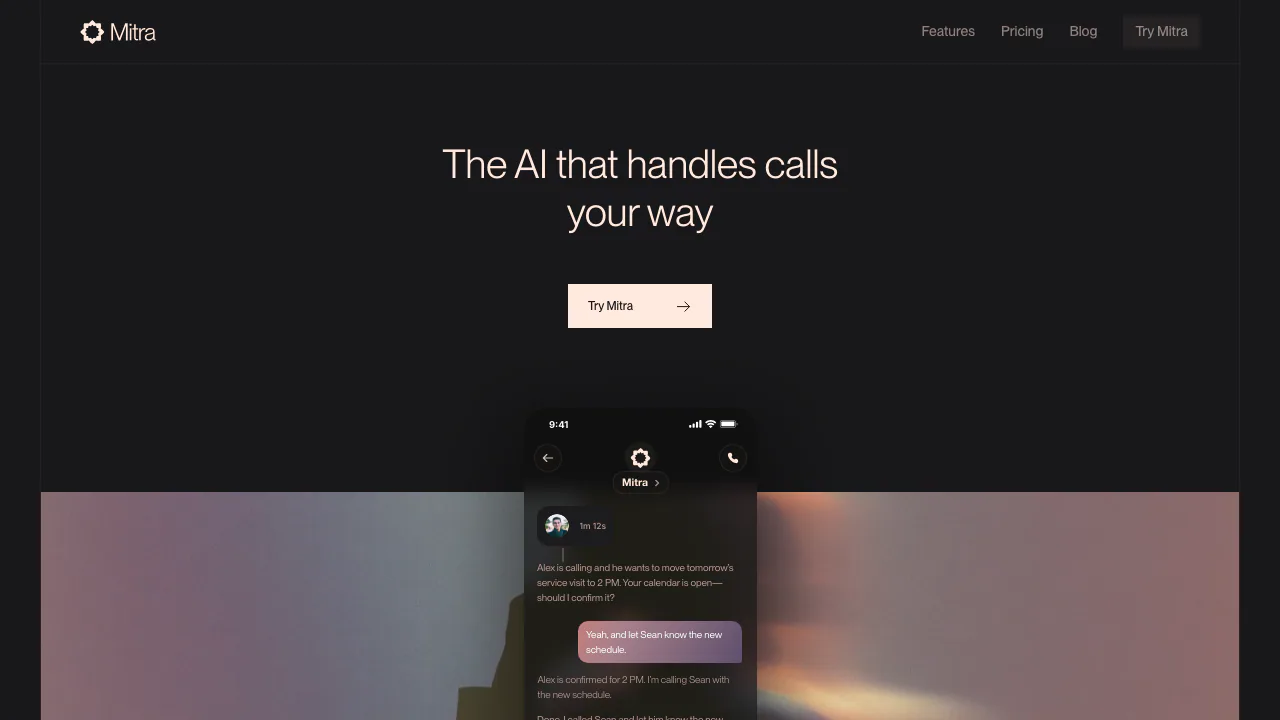
Delegate incoming and outgoing calls with Mitra
AI Voice AgentsPaid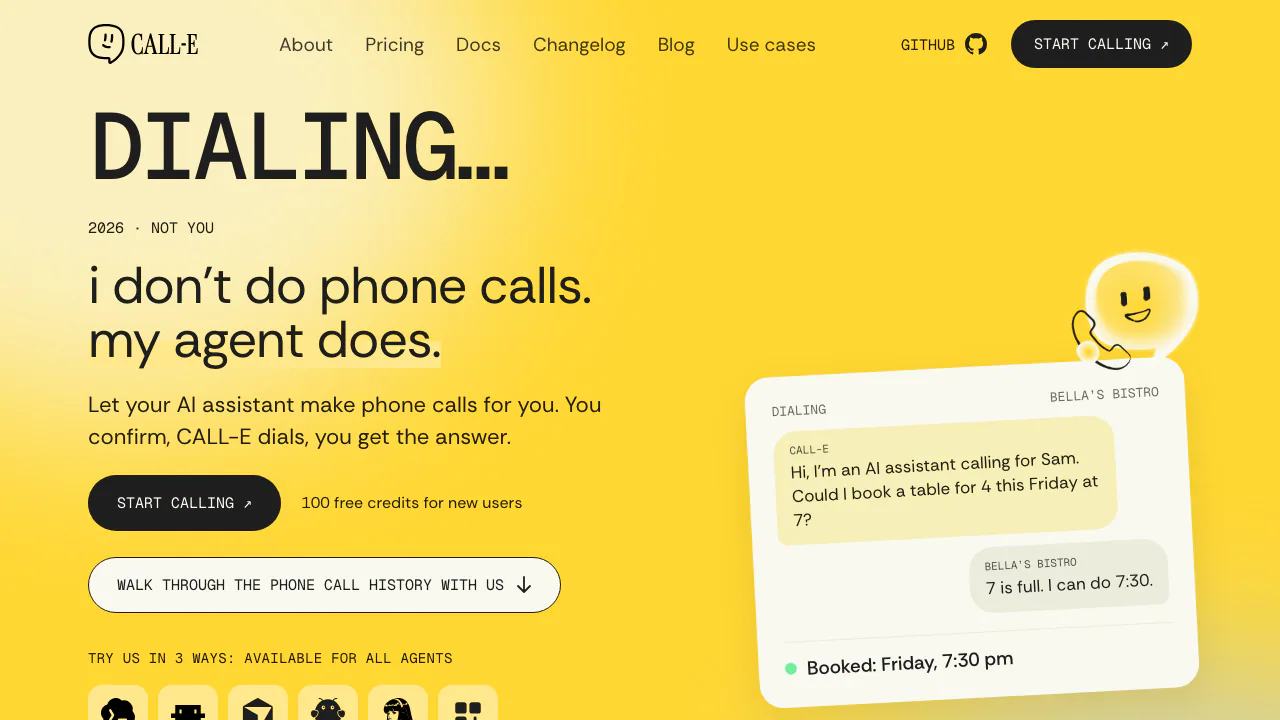

CALL-E
Calls for bookings, quotes and everyday errands
AI Voice AgentsFreemium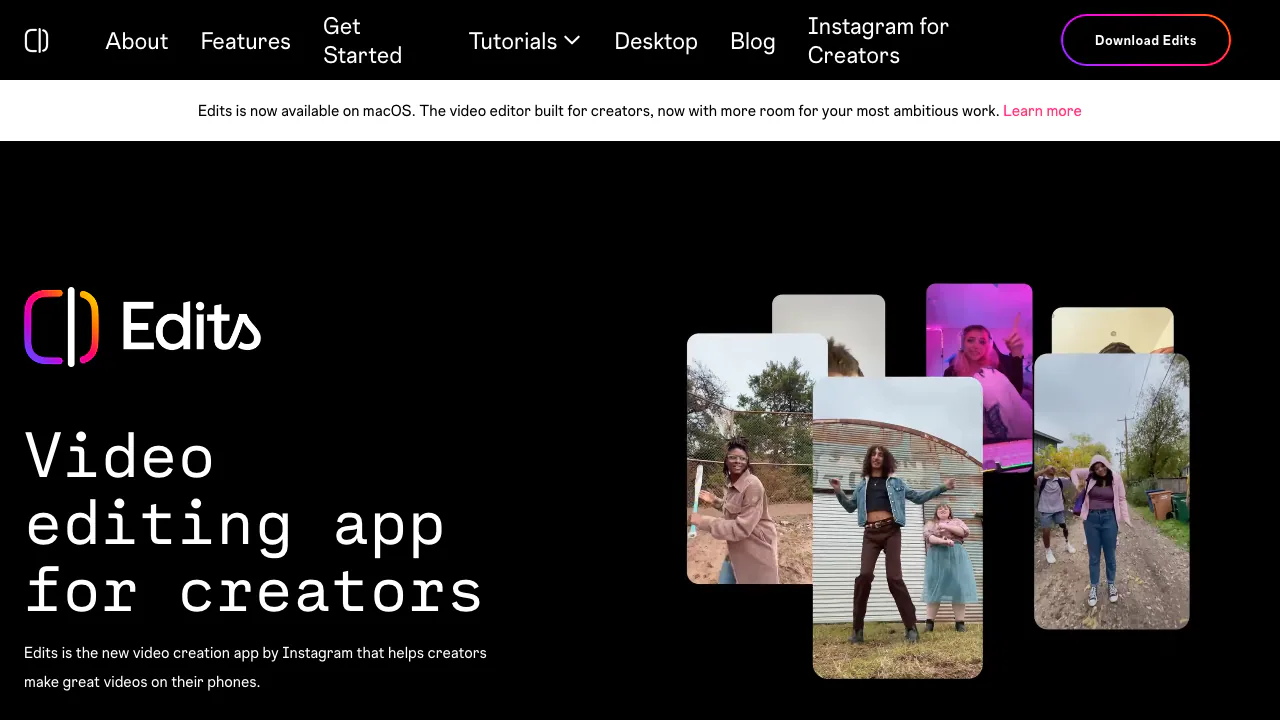

Edits
Edit on your phone or Mac, add captions and share a clean 4K export.
AI Video Editing & Workflow ToolsFreemium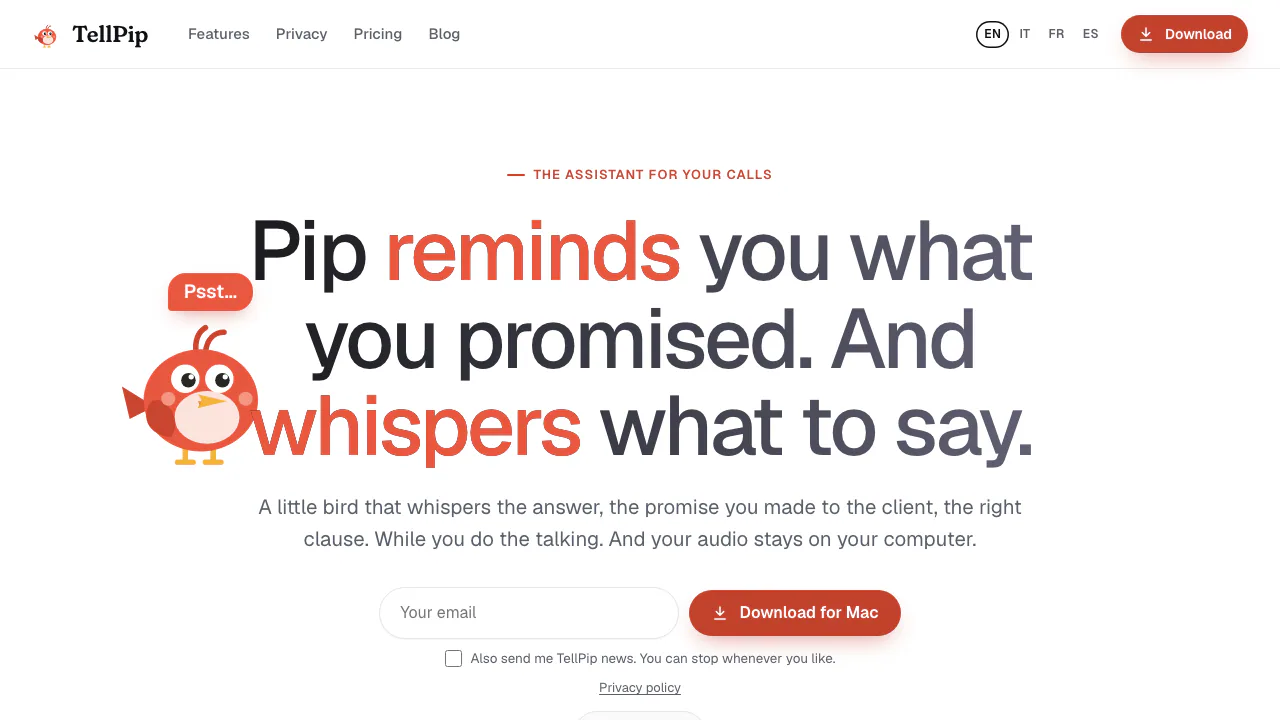

TellPip
Live answers from your own documents, with client commitments ready for the next call.
AI Meeting AssistantsPaid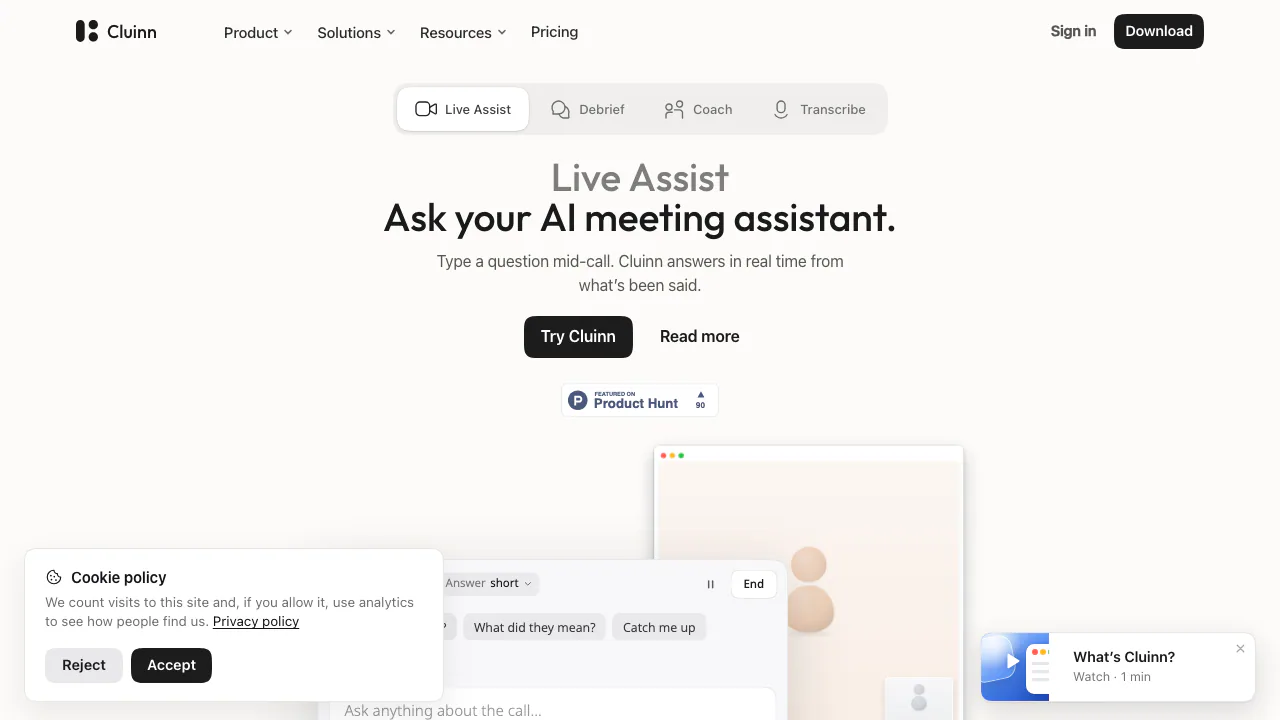

Cluinn
Ask during calls, follow up afterwards and dictate into any Mac app.
AI Meeting AssistantsPaid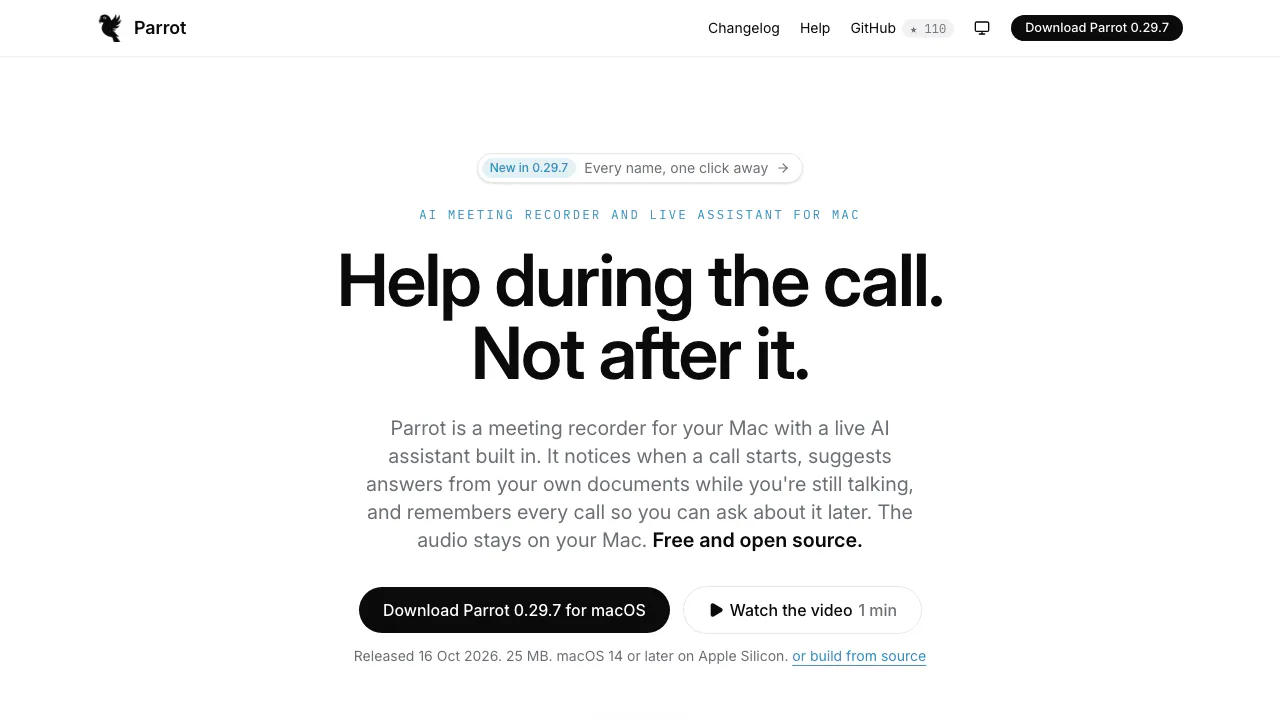

Parrot
Record, transcribe and review meetings on your Mac, with live help from your own documents.
AI Meeting AssistantsFree
- Pricing
- Paid
- Website
- tryreplay.online
- Added
- November 2026
- Updated
- November 17, 2026
More in AI Meeting Assistants
- TellPipPaidLive answers from your own documents, with client commitments ready for the next call.
- CluinnPaidAsk during calls, follow up afterwards and dictate into any Mac app.
- ParrotFreeRecord, transcribe and review meetings on your Mac, with live help from your own documents.
 EarnoteFreemiumTurn recordings into structured notes, tasks, flashcards and PDF study sheets on Apple devices.
Add the badgeShow you're listed on AITroveX
<a href="https://aitrovex.com/tool/replay?ref=badge" target="_blank">
  <img src="https://aitrovex.com/badge-listed-light.svg" alt="Listed on AITroveX" style="height: 54px; width: auto;" />
</a>