
Browser Extension Security Tools
Compare browser extension security tools and risk scanners that inspect permissions, package code, session handling, and platform detection before installation.
1 tool, updated November 2026

How to choose a browser extension security tool
Browser extensions run inside signed-in tabs and can request access to cookies, page DOM content, and network traffic. Tools in this category help security, IT, and operations teams inspect what an extension actually does before or after installation—without relying solely on Chrome Web Store descriptions.
Focus on four practical differences when comparing scanners:
- Static package inspection vs runtime browser monitoring. Static analyzers unpack published
.crxbuilds to inspectmanifest.jsonpermissions, de-minified JavaScript, and outbound network endpoints without installing the extension. Runtime governance platforms deploy an enterprise browser extension or endpoint agent to watch live DOM and session activity. - Session and cookie data-flow tracing. Many extensions request broad host or cookie permissions, yet reading a cookie locally inside your browser carries a different risk profile from uploading a live session token (such as LinkedIn's
li_atcookie) to an external vendor server. - Platform detection and allow/block rosters. Beyond malware or CVE checks, specialized checkers test whether major web platforms actively probe for an extension's
chrome-extension://resources or injected DOM nodes. - Snapshot freshness and version tracking. Static reports apply only to the inspected store version. Check whether a scanner records package version numbers, snapshot dates, or automated alerts when an extension ships an update.
Picks by workflow
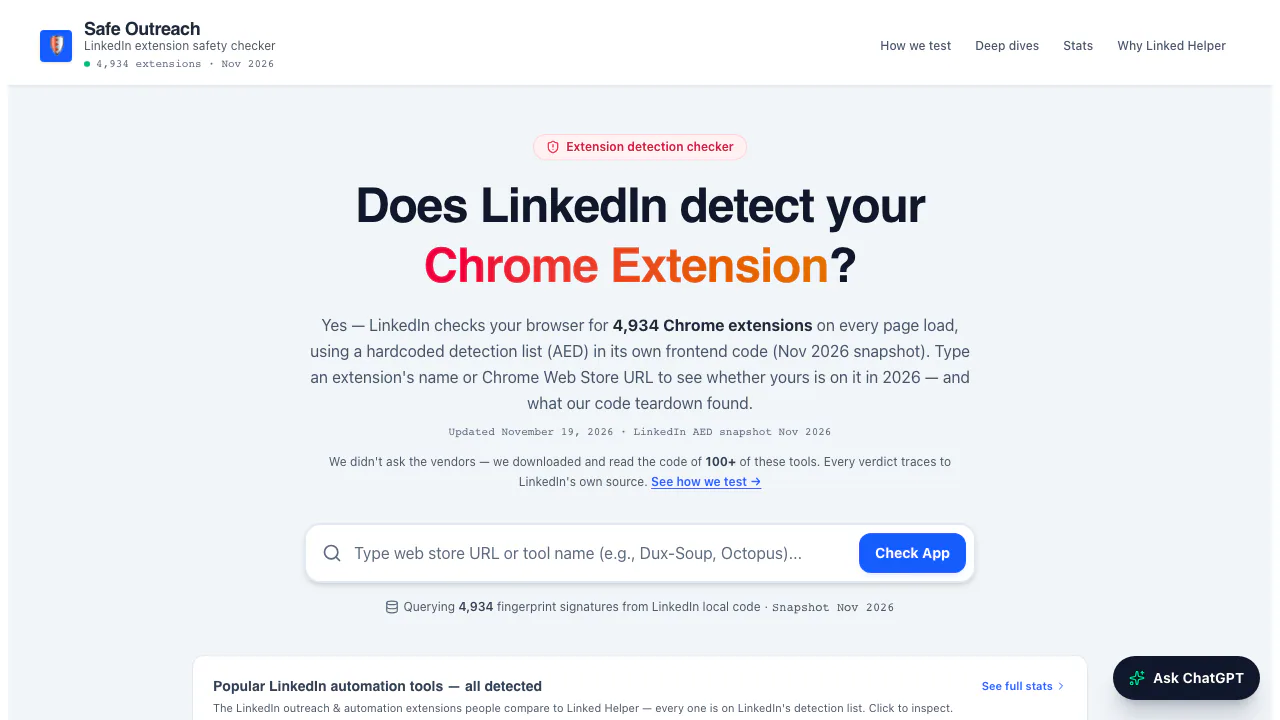
- Good fit for auditing LinkedIn outreach extensions before installation: Safe Outreach, because it offers free browser lookups against LinkedIn's 4,934-ID Active Extension Detection snapshot alongside static code teardowns tracing
li_atcookie handling (as of November 2026).
FAQ
Is checking manifest.json permissions enough to judge an extension?
Permissions show the maximum access an extension requests, not what its code does with that access. Two extensions with identical cookie permissions can behave differently—one keeping session tokens inside your browser and another uploading them to a remote server.
Do static extension scanners catch every update?
No. A static teardown reflects the published package version inspected on that date. Re-check current store versions or pair static audits with update monitoring before relying on an older report.