
AI Transcription Tools
Compare AI tools that turn meetings, interviews, lectures, podcasts, calls, and video into searchable transcripts, captions, and notes.
29 tools, updated November 2026
Replay
NEWRecord meetings on your Mac, then find the words and decisions that matter.
AI Meeting AssistantsPaid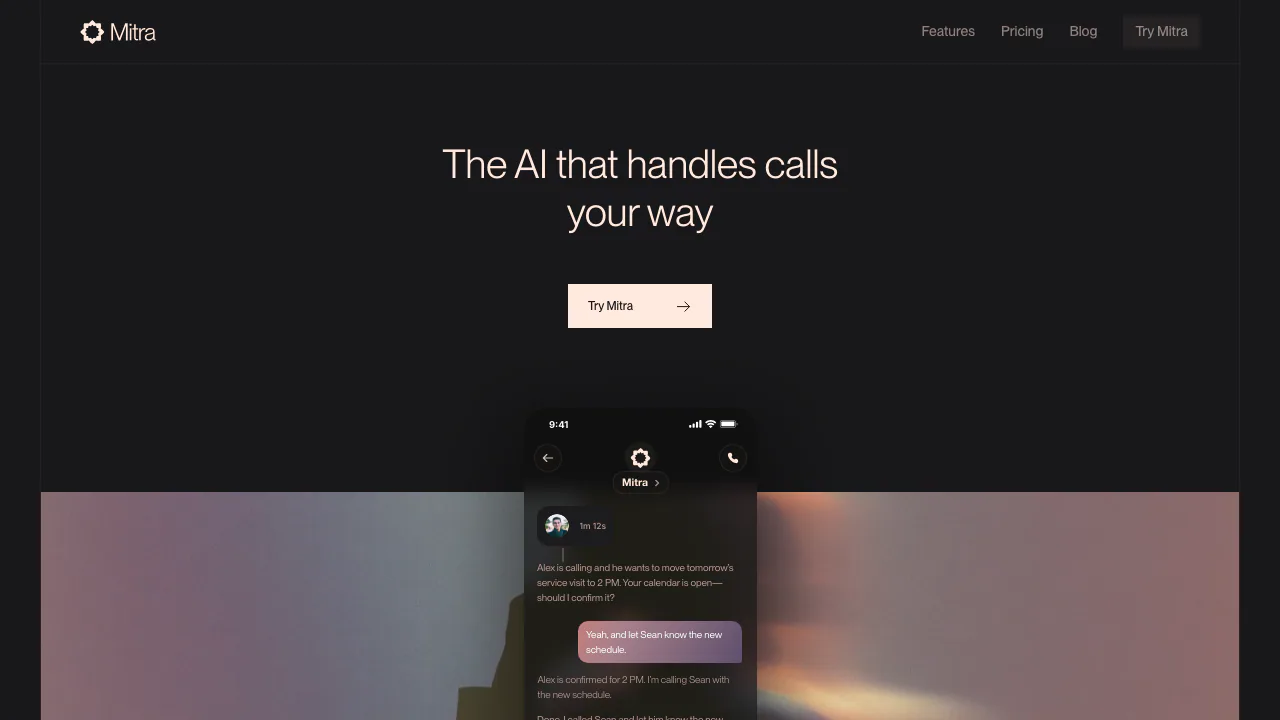

Mitra
Delegate incoming and outgoing calls with Mitra
AI Voice AgentsPaid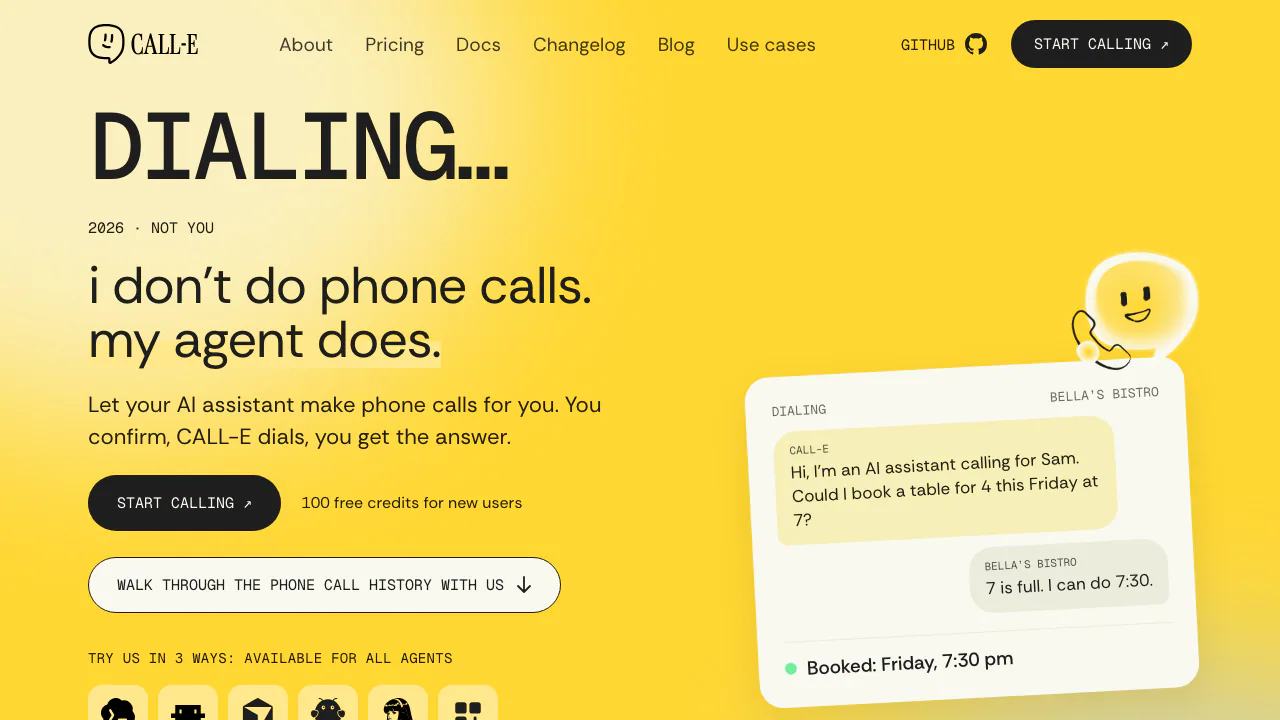
CALL-E
Calls for bookings, quotes and everyday errands
AI Voice AgentsFreemium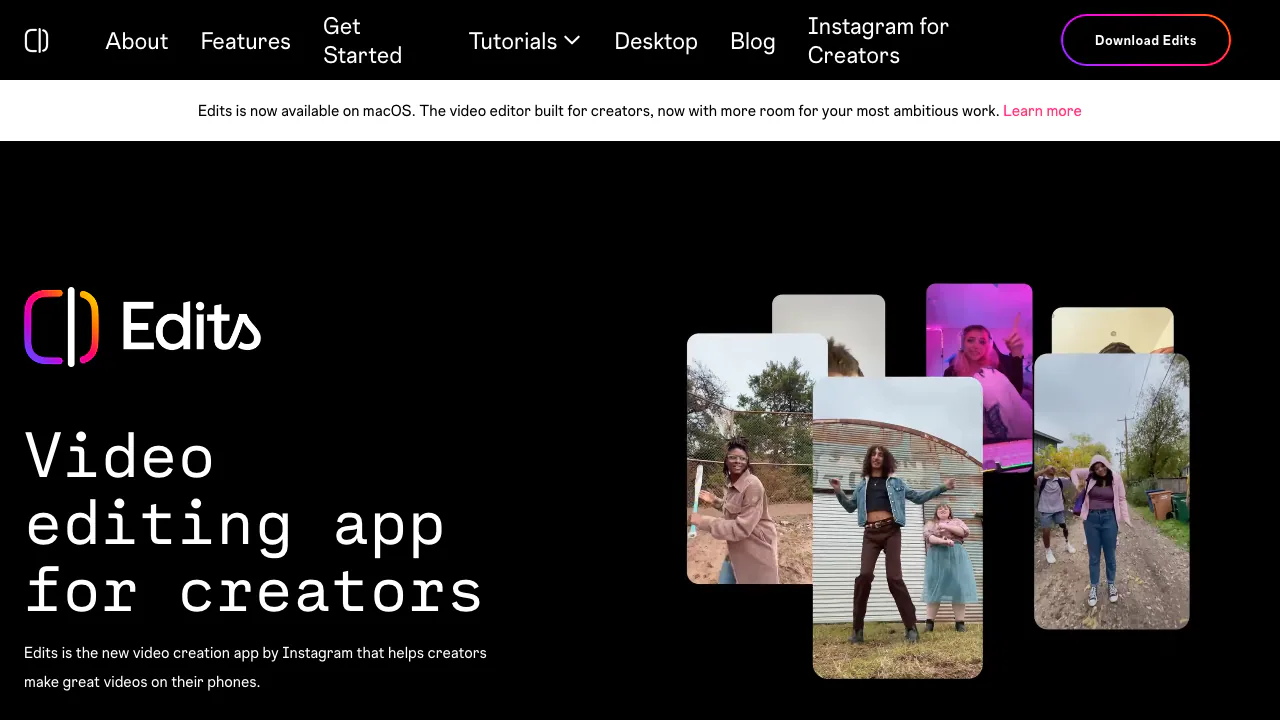

Edits
Edit on your phone or Mac, add captions and share a clean 4K export.
AI Video Editing & Workflow ToolsFreemium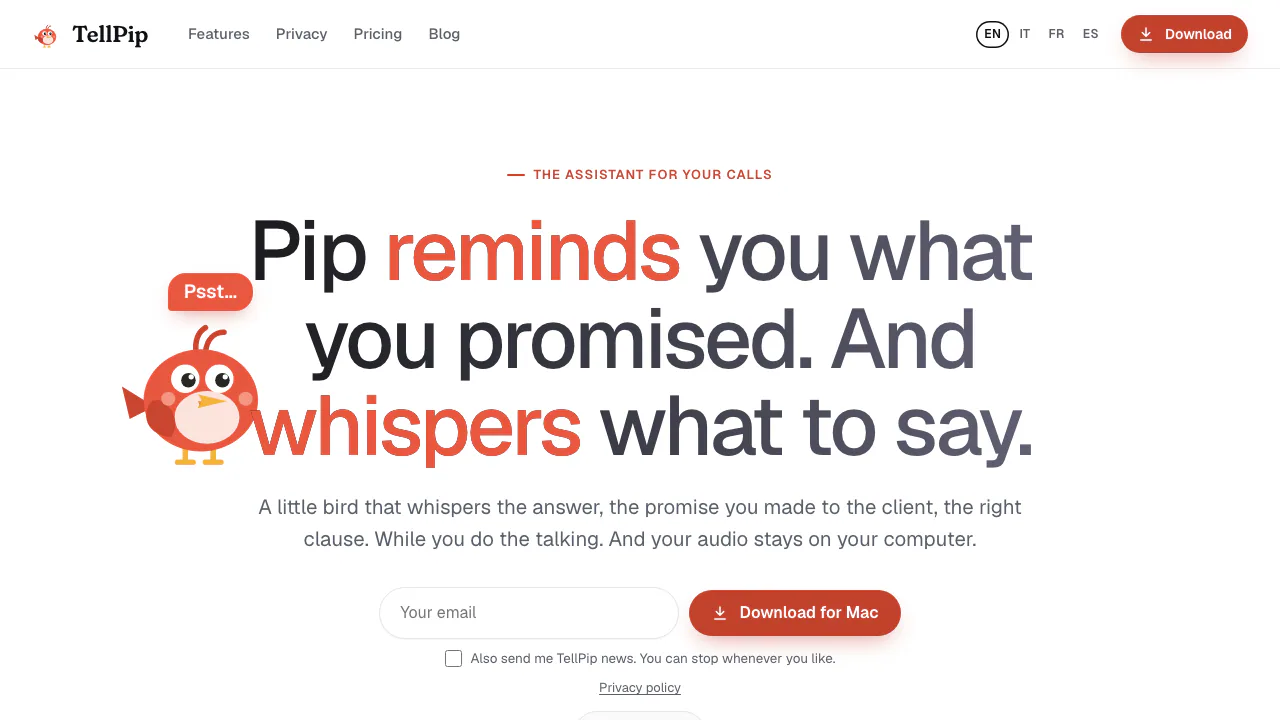

TellPip
Live answers from your own documents, with client commitments ready for the next call.
AI Meeting AssistantsPaid

Vaani
Build multilingual calling agents with business knowledge, tools and memory.
AI Voice AgentsPaid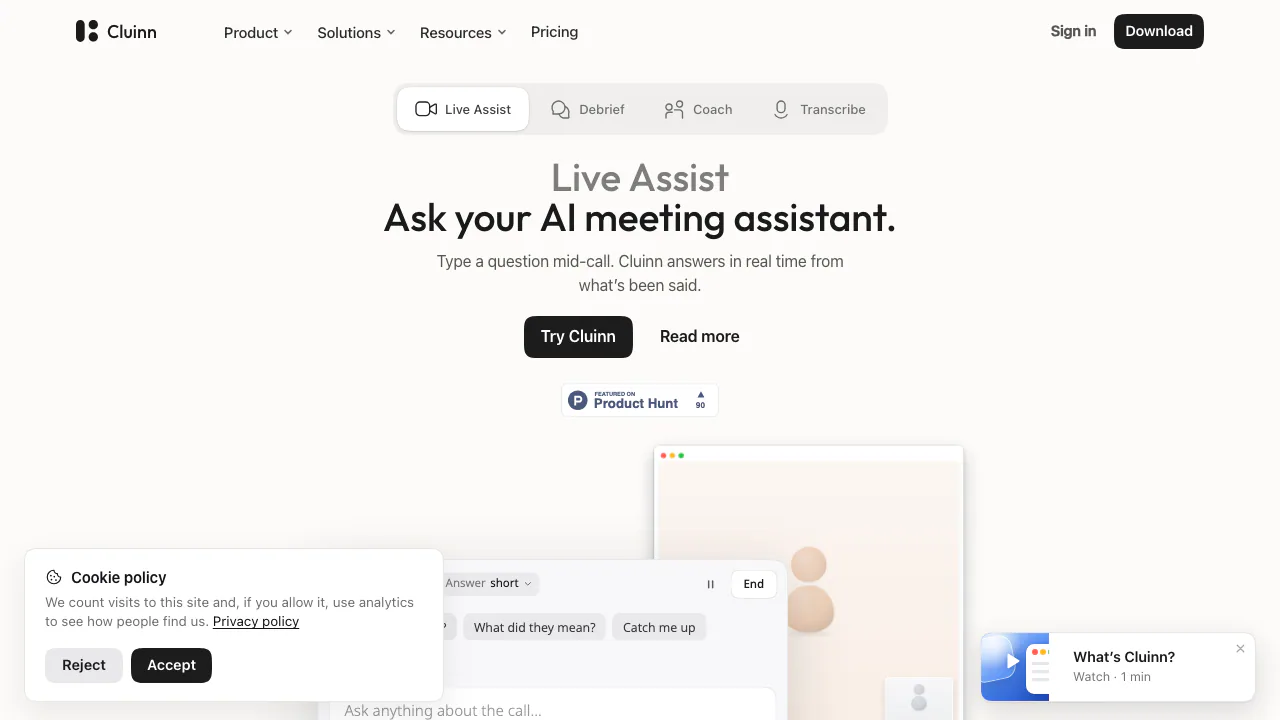

Cluinn
Ask during calls, follow up afterwards and dictate into any Mac app.
AI Meeting AssistantsPaid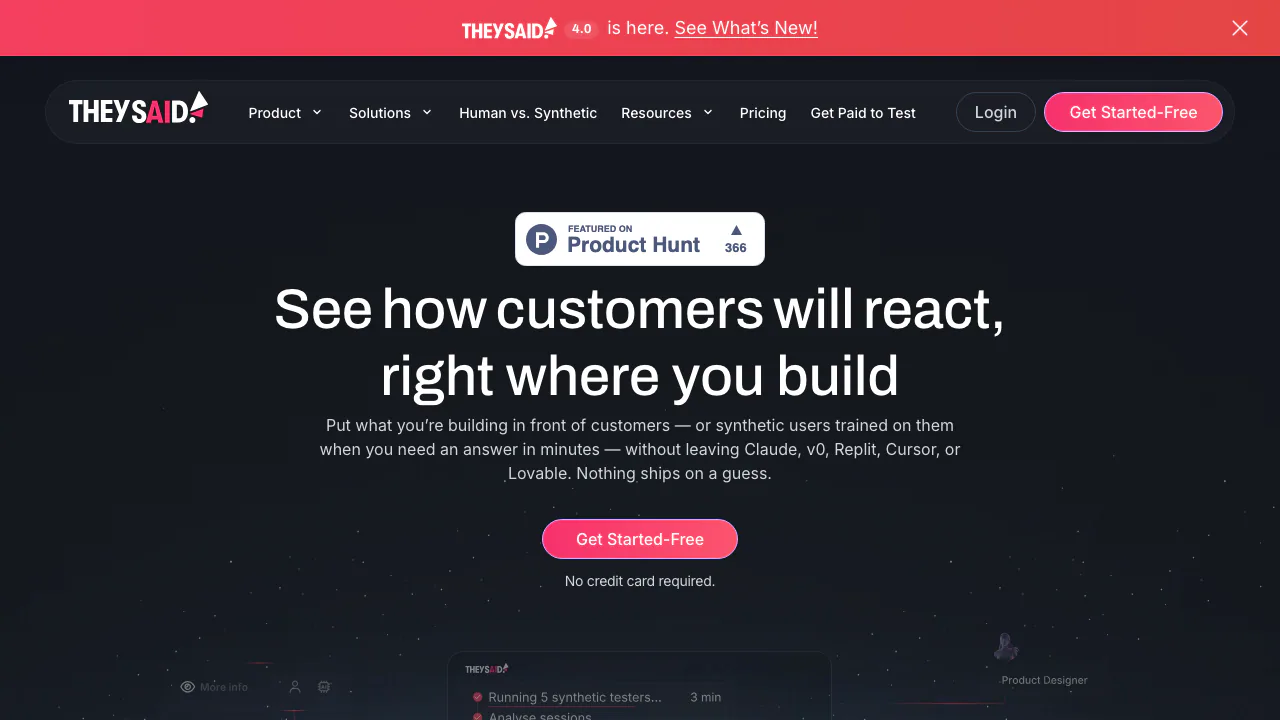

TheySaid
Understand product friction with AI-moderated studies and feedback you can inspect.
AI User Research & Testing ToolsFreemium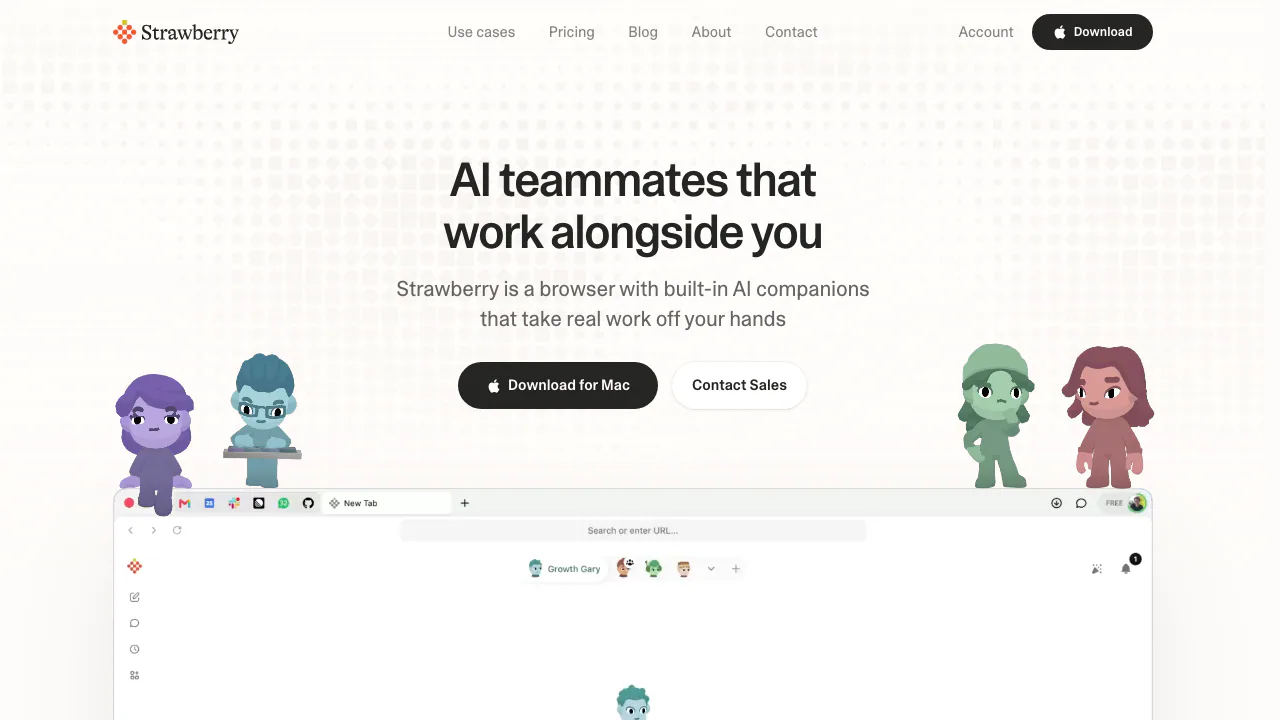

Strawberry Browser
A desktop browser with AI companions for research, recurring work, meeting notes and reviewed actions across your tabs.
AI Browser ToolsFreemium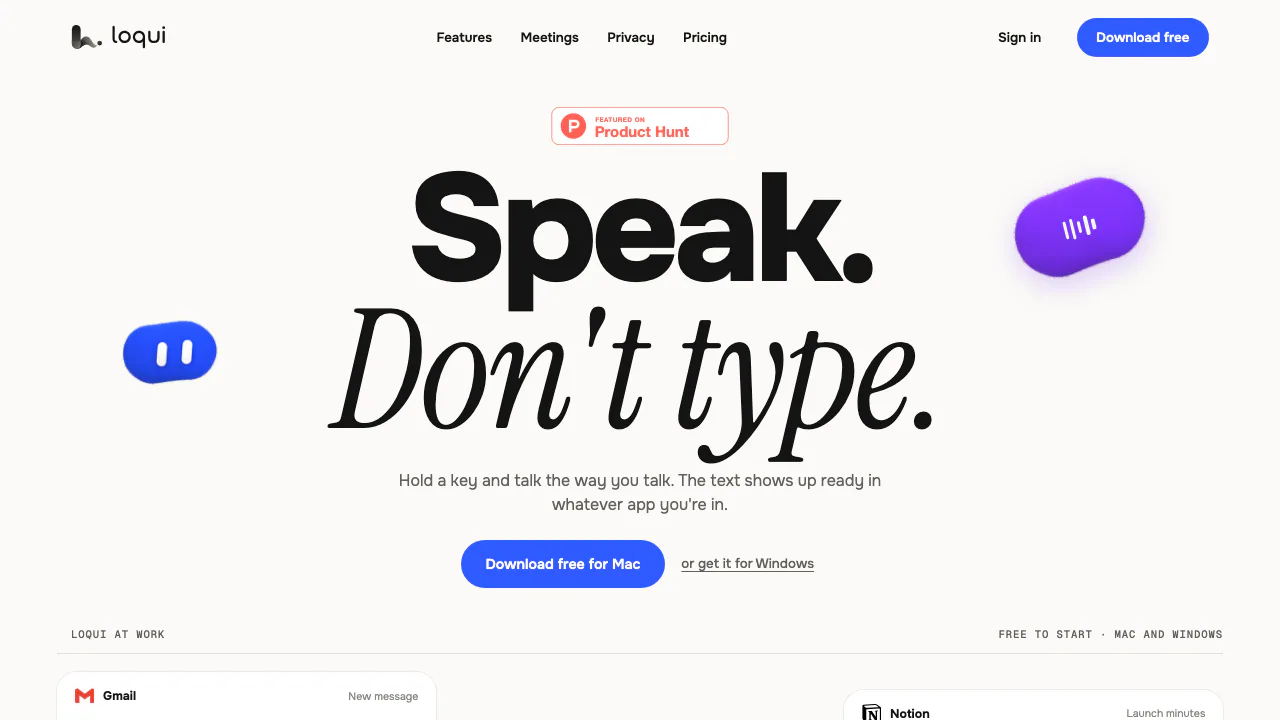

Loqui
Speak naturally and insert polished text into the app you are using.
AI Speech-to-Text ToolsFreemium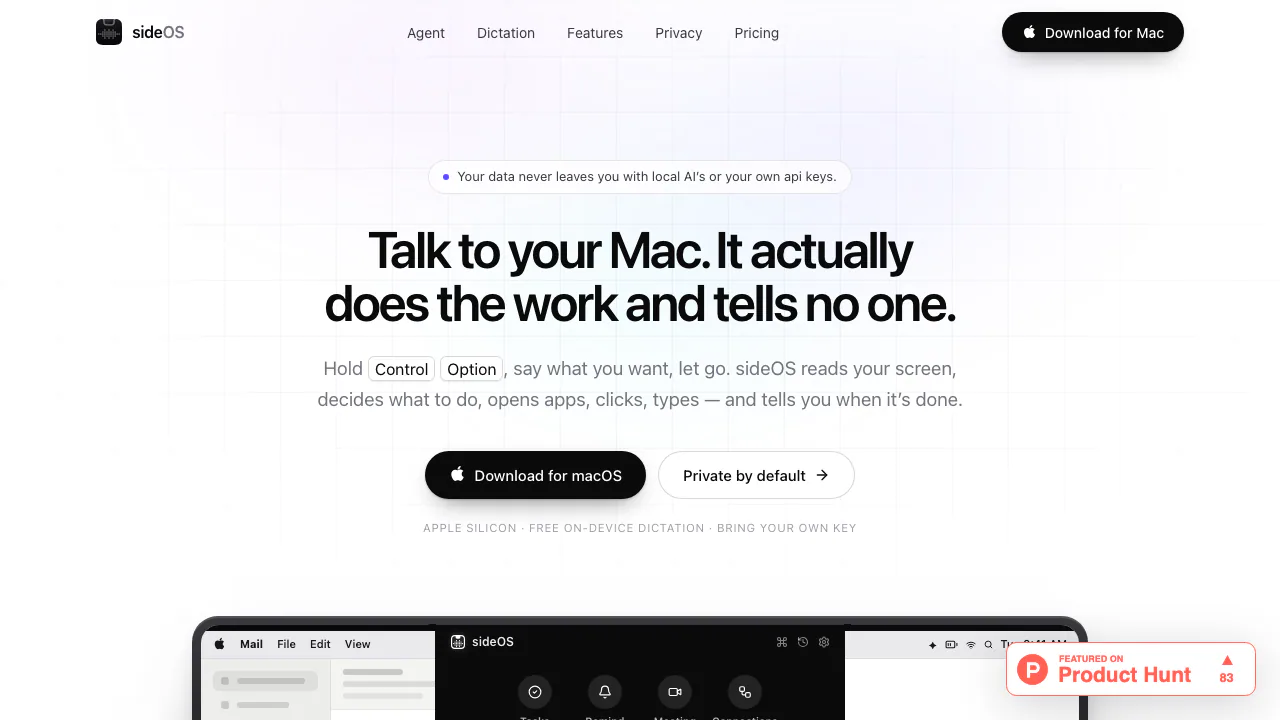

sideOS
Voice commands, local dictation and tasks in your Mac apps
AI Automation ToolsPaid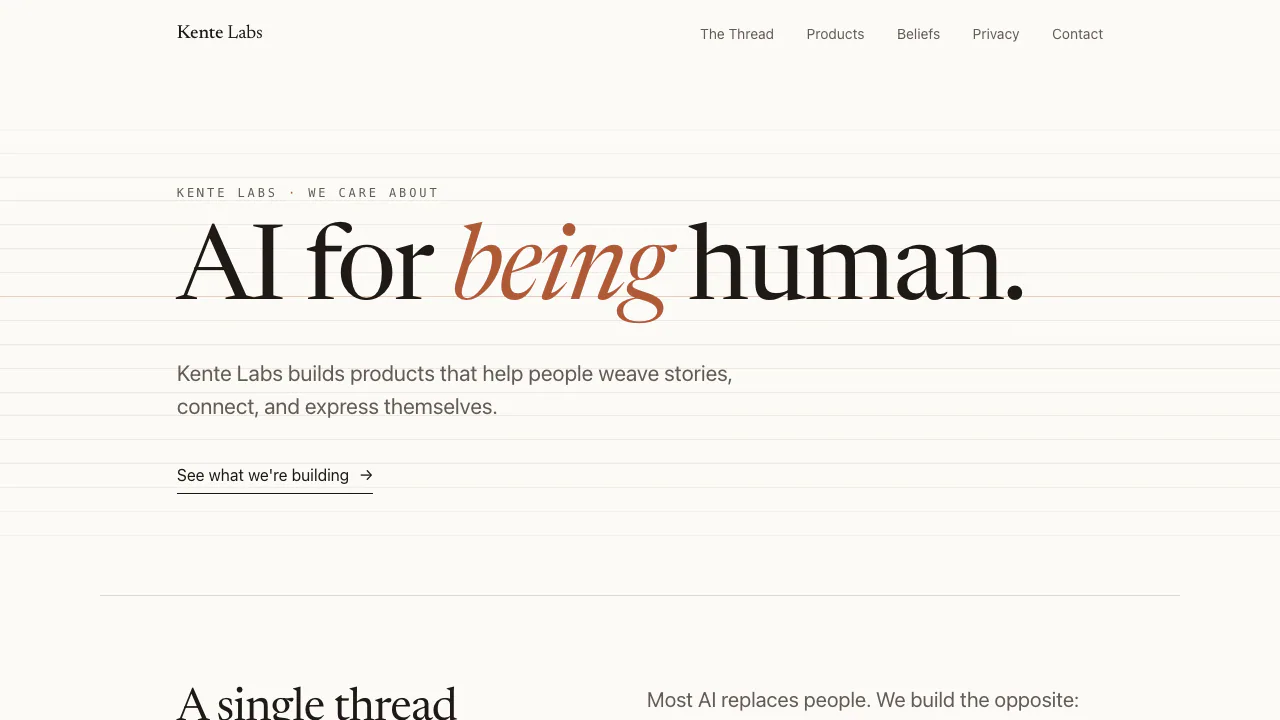
Kente Labs
AI tools for family memories, voice journals and jewellery ideas.
AI Lifestyle ToolsFreemium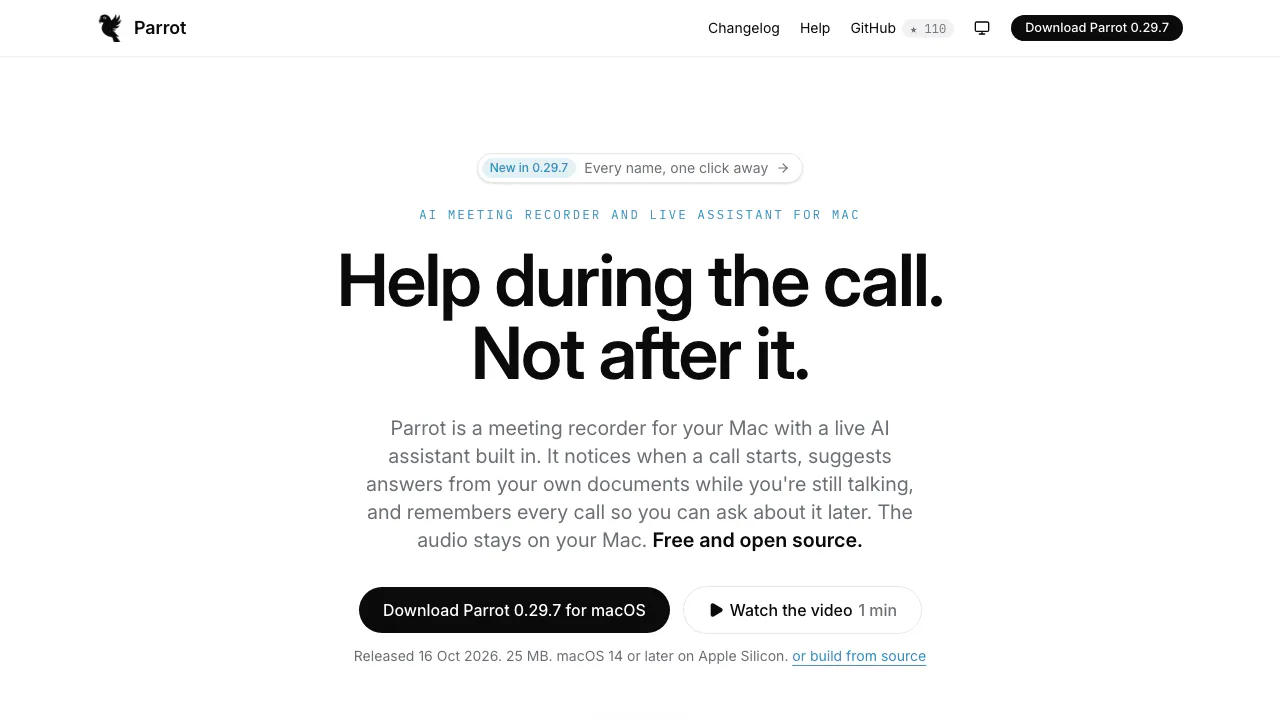
Parrot
Record, transcribe and review meetings on your Mac, with live help from your own documents.
AI Meeting AssistantsFree
Earnote
Turn recordings into structured notes, tasks, flashcards and PDF study sheets on Apple devices.
AI Meeting AssistantsFreemium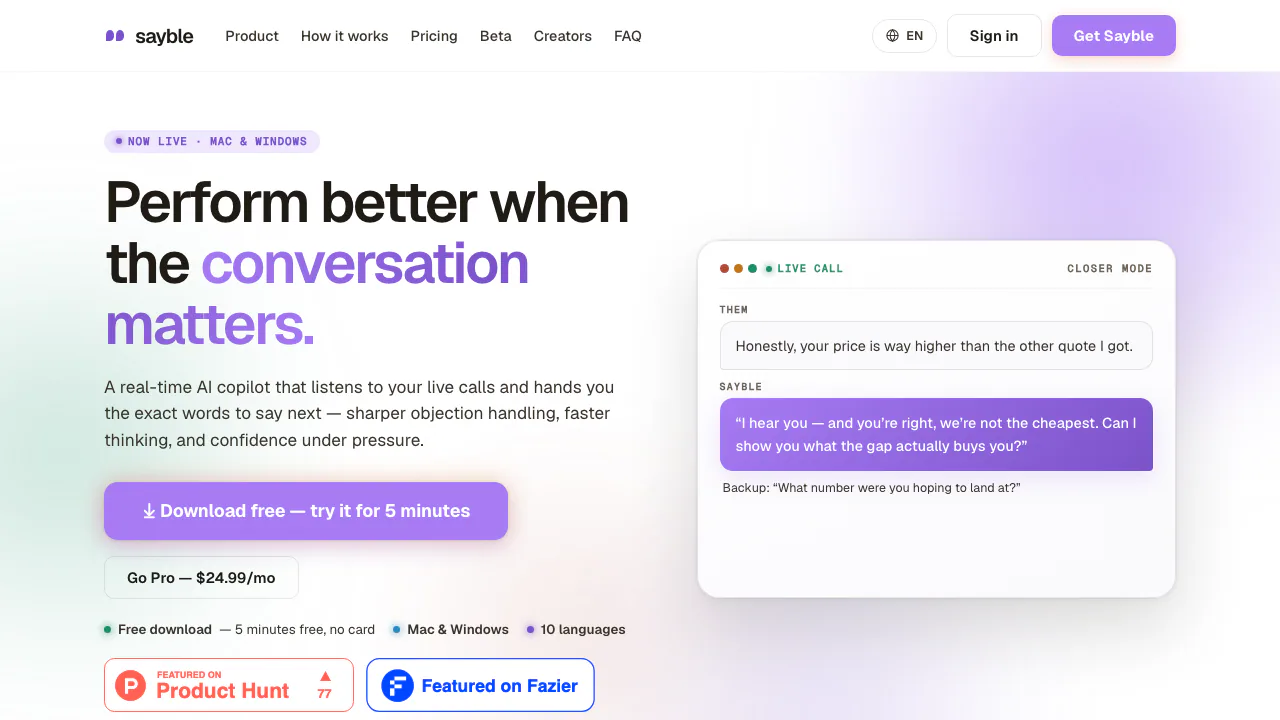

Sayble
Live conversation prompts and practical follow-up for important calls.
AI Marketing & Sales ToolsFreemium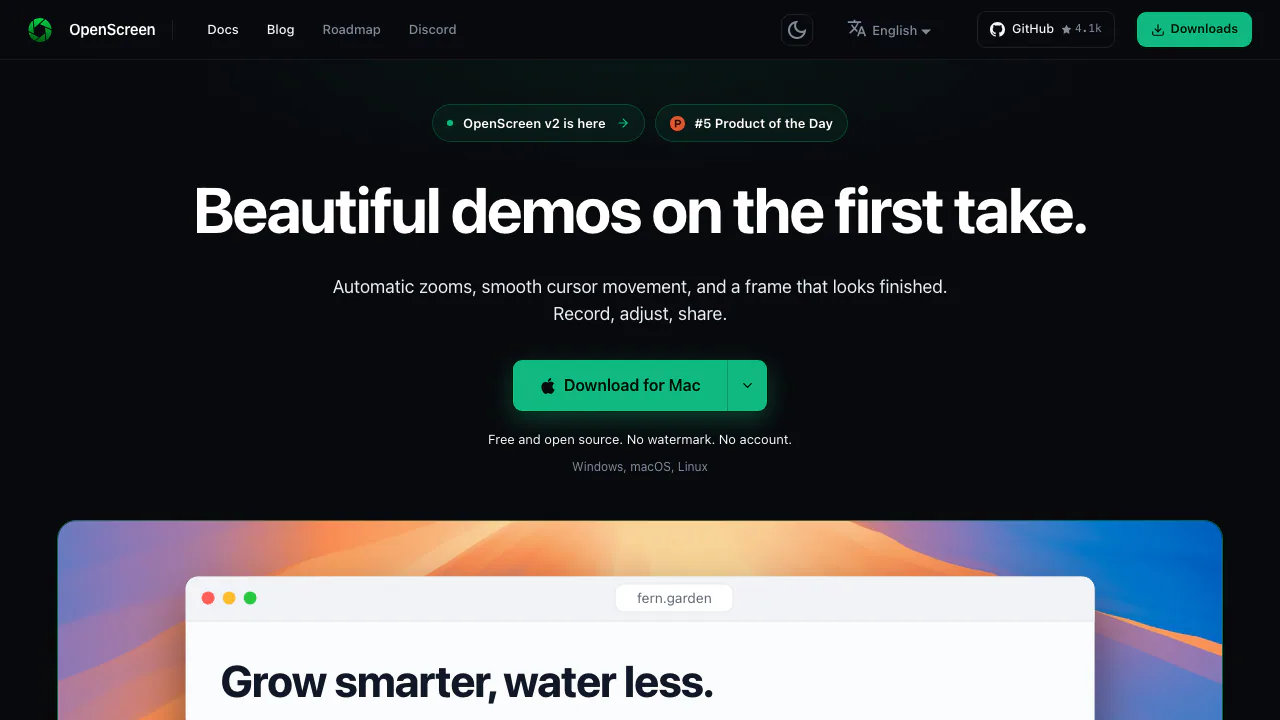
OpenScreen
Record, caption, and polish desktop demos with local tools and optional AI editing.
AI Video Editing & Workflow ToolsFree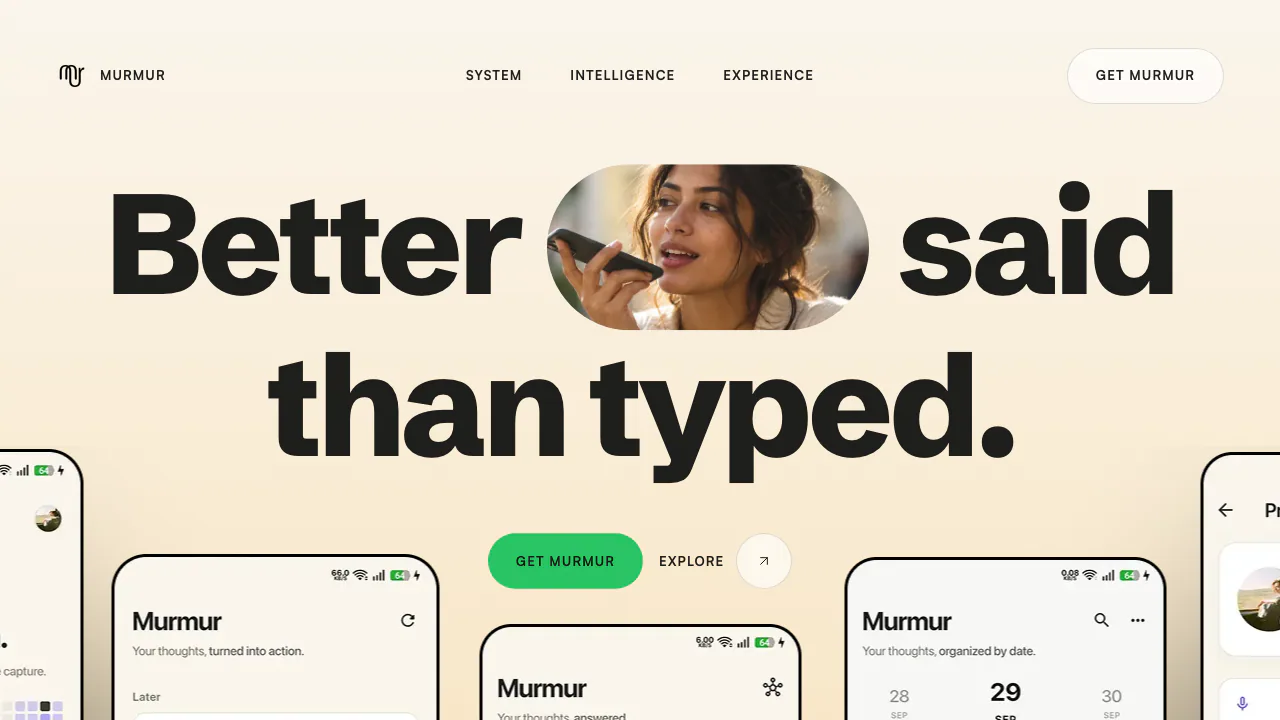

Murmur
Speak an idea, keep the recording and find the thought again.
AI Workspace & Notes ToolsUnknown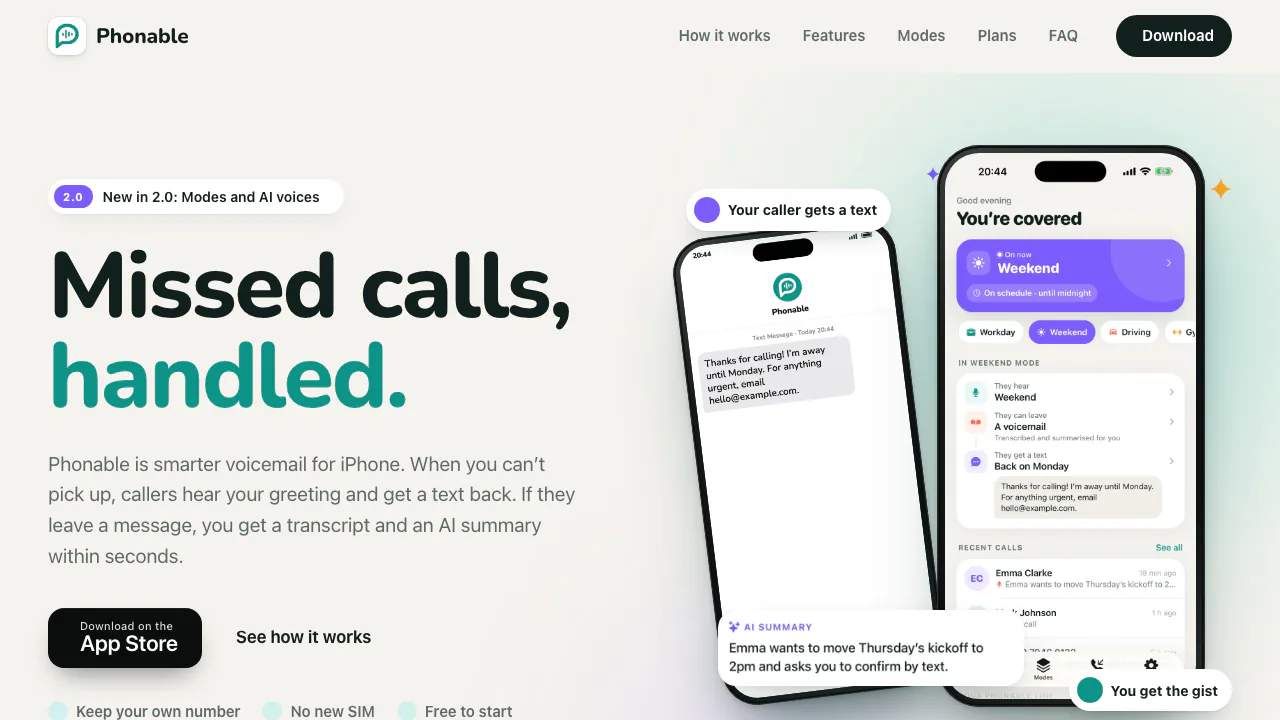

Phonable
Read missed-call messages and send callers a useful text reply.
AI Voicemail ToolsFreemium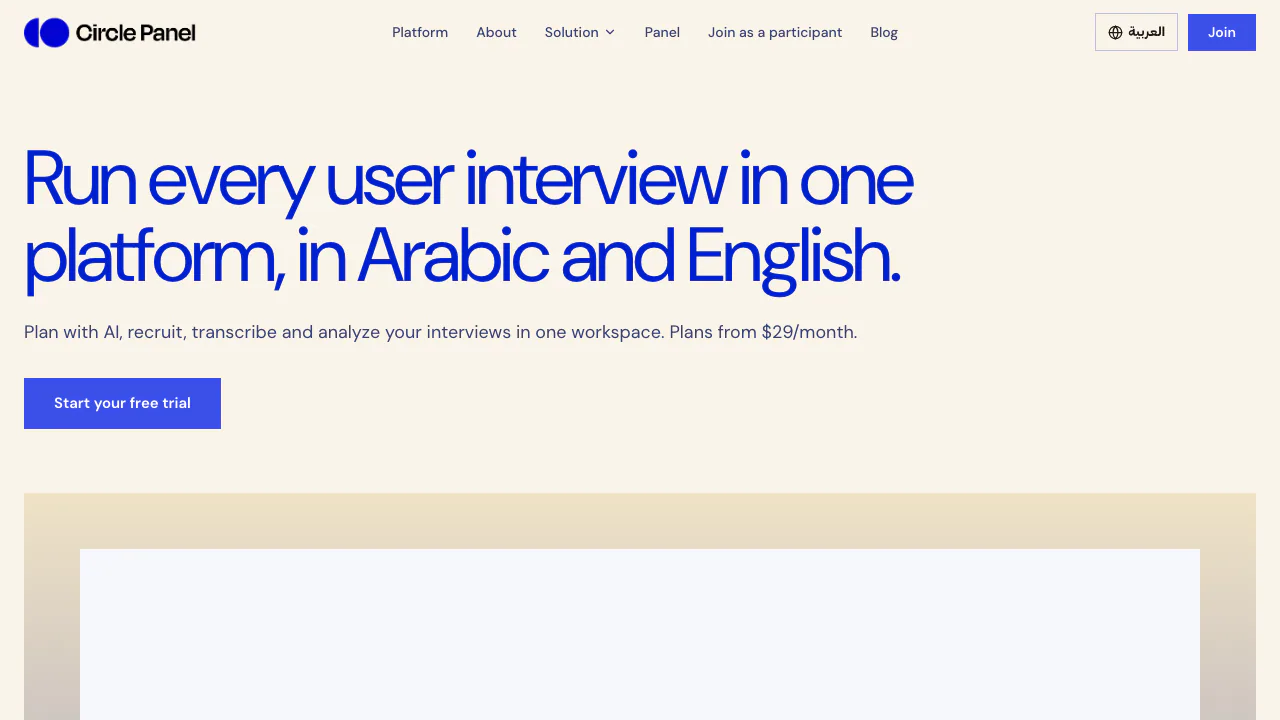

Circle Panel
Plan studies, interview real users and turn recordings into reviewable findings.
AI User Research & Testing ToolsPaid

Hemory
Turn conversations into searchable memory for your AI agents.
AI Productivity & Document ToolsFreemium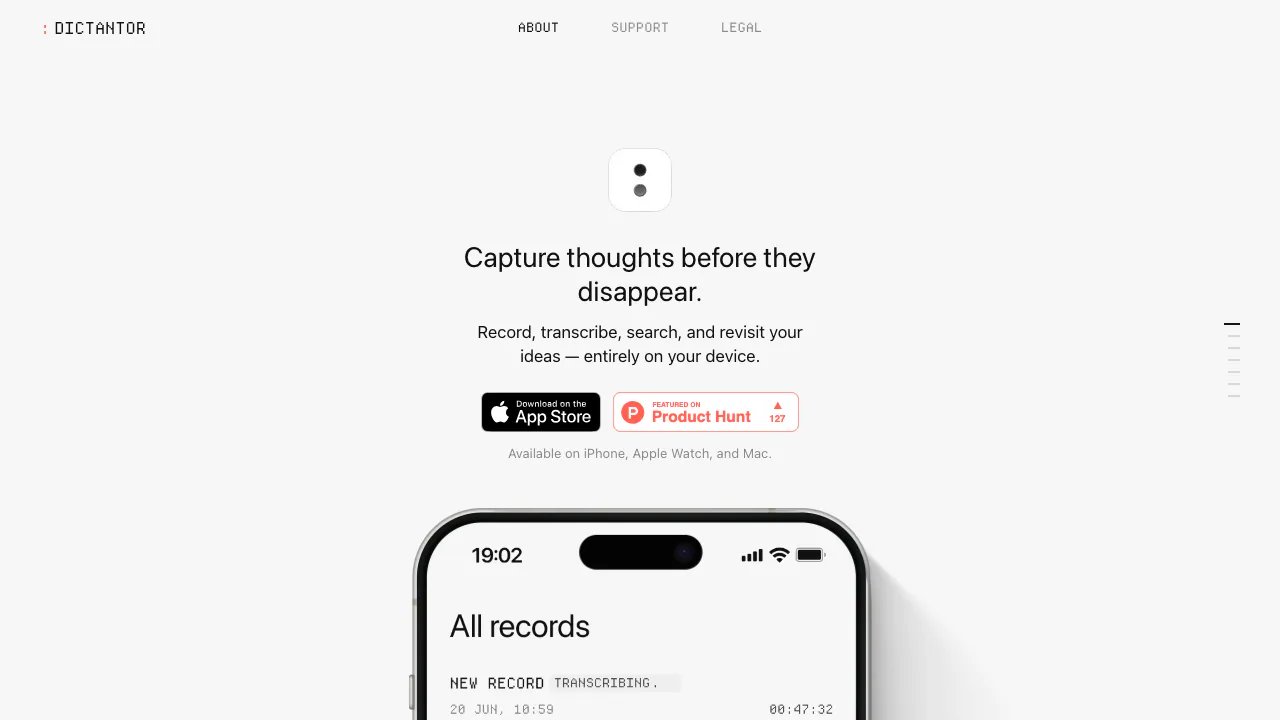

Dictantor
Record speech, find the exact passage and keep transcription on your Apple devices.
AI Productivity & Document ToolsFree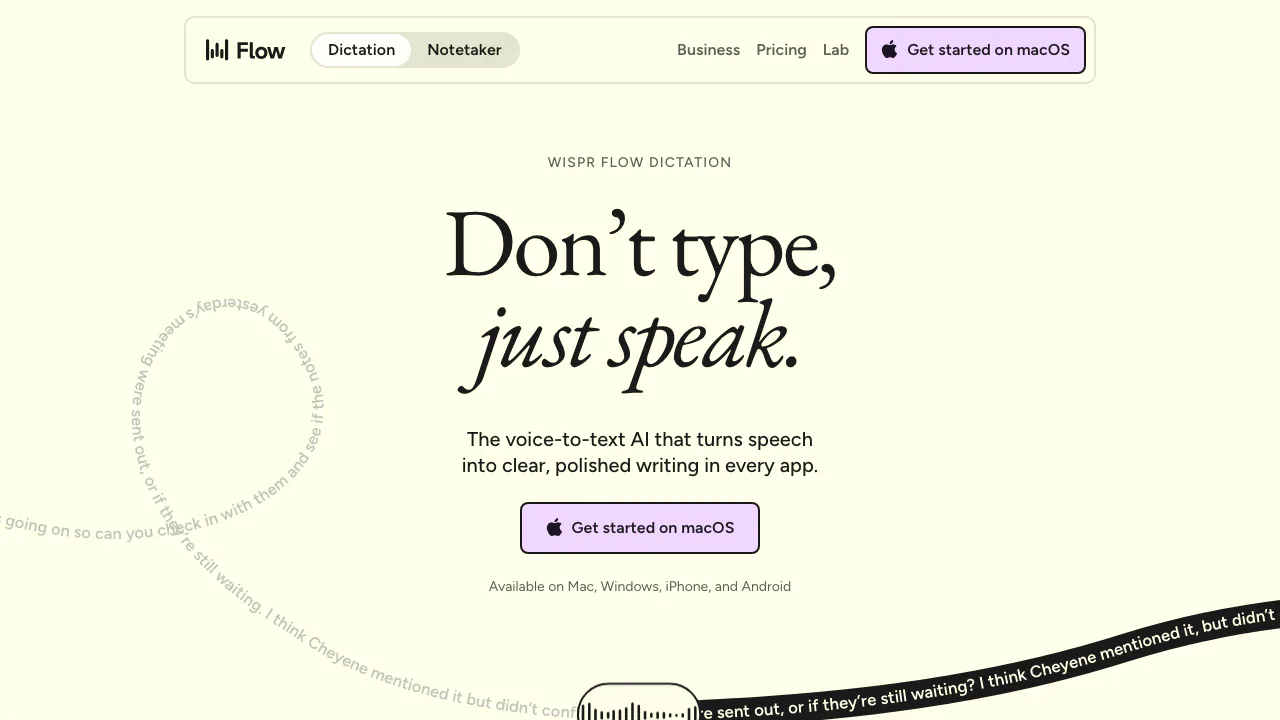

Wispr Flow
Dictate polished text into almost any app and adapt to your vocabulary
AI Writing AssistantsFreemium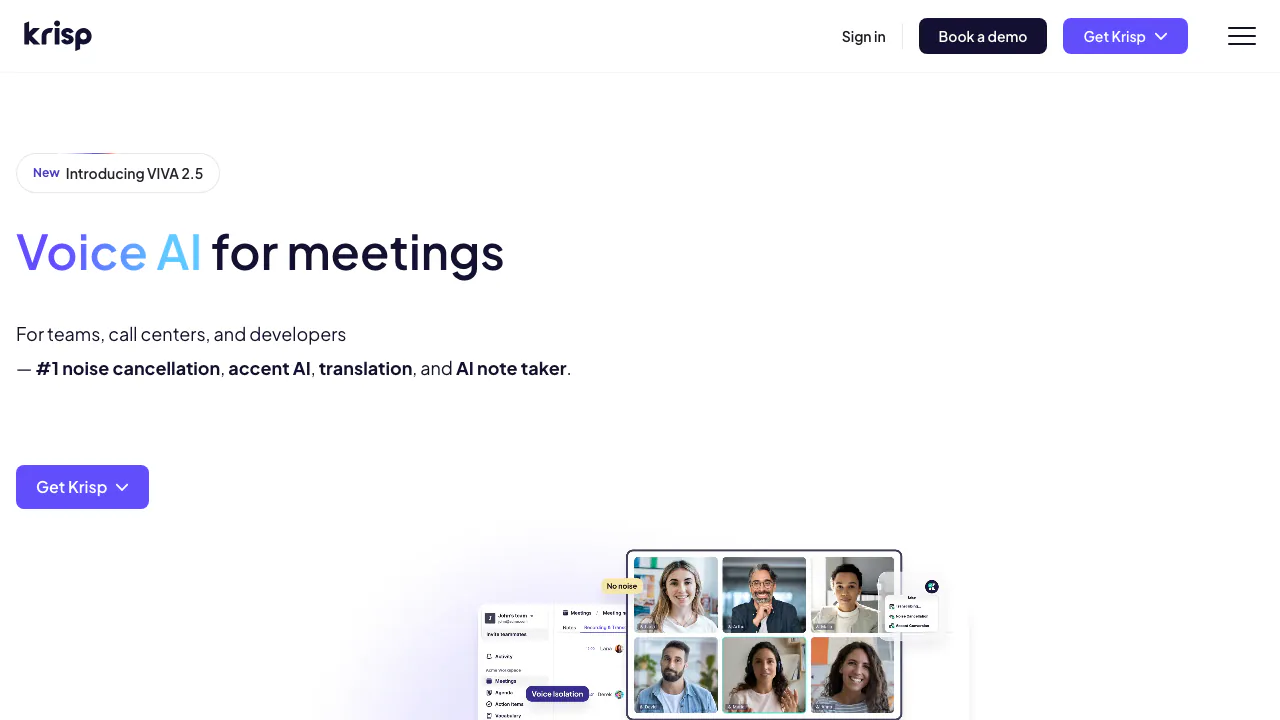

Krisp
Clean meeting audio, transcribe conversations and generate editable notes
AI Workspace & Notes ToolsFreemium

Granola
A bot-free AI notepad that combines your notes with meeting transcripts
AI Workspace & Notes ToolsFreemium
What are AI transcription tools?
AI transcription tools convert recorded or live speech into text. Some are simple upload-and-transcribe services; others join meetings, label speakers, add timestamps, create captions, search recordings, summarize discussions, or expose a speech-to-text API. The right category therefore depends on the job: a journalist needs faithful quotes and timecodes, a video editor needs caption formats, and a support team may need real-time streams and integrations.
Automatic transcripts are drafts, not authoritative records. Accent, crosstalk, background noise, specialist vocabulary, weak microphones, and code-switching can all reduce accuracy.
How to choose a transcription tool
- Accuracy on your audio: Test real recordings from the intended environment. Vendor demos rarely represent noisy calls, distant speakers, or domain terminology.
- Speaker handling: Compare diarization, custom speaker names, overlap handling, timestamps, and how easily a reviewer can correct attribution.
- Languages and vocabulary: Verify the exact language, regional accent, mixed-language behavior, custom dictionary, and proper-name handling you need.
- Live versus recorded use: Meeting bots, browser capture, mobile recording, file uploads, and streaming APIs solve different problems.
- Editing and export: Look for synchronized playback, search and replace, comments, confidence indicators, and exports such as TXT, DOCX, PDF, SRT, VTT, CSV, or JSON.
- Privacy and administration: Check recording consent tools, storage region, retention and deletion, encryption, model-training settings, subprocessors, SSO, and audit controls.
- Total cost: Pricing may be based on minutes, hours, files, seats, storage, summaries, or API usage. Include retranscription and team access in the estimate.
A practical workflow
- Obtain consent and announce recording where required by law or workplace policy.
- Improve the input: use close microphones, reduce background noise, and avoid multiple people speaking at once.
- Upload or capture the recording with the correct language and vocabulary settings.
- Review speaker labels, names, numbers, dates, technical terms, and any low-confidence sections while listening to the source.
- Separate verbatim transcript, edited transcript, summary, and action items so readers know which material was generated or interpreted.
- Export in the format needed by the next system, then apply retention and deletion rules to both audio and text.
Limitations, consent, and security
Transcription errors can reverse a number, misattribute a statement, or turn a tentative comment into a confident one. Do not use an unreviewed transcript for legal evidence, medical decisions, disciplinary action, research quotation, or public attribution. Human verification should increase with the consequence of an error.
Recording laws and consent rules vary by location. Participants should understand what is captured, why, where it is stored, and who can access it. Sensitive conversations may require an approved enterprise service, local processing, regional storage, a data-processing agreement, or a rule that disables model training. Also confirm whether AI summaries and extracted action items are covered by the same deletion policy as the original transcript.
Tools included under this tag
This tag is for tools whose meaningful workflow converts speech into reusable text. It includes file transcription services, meeting transcription assistants, caption generators, interview and research tools, call transcription, and developer speech-to-text platforms. A video editor should receive this tag only when transcription is a discoverable, substantial feature rather than a minor auto-caption checkbox.
Frequently asked questions
How accurate is AI transcription?
Accuracy depends heavily on audio quality, accent, speaker overlap, vocabulary, and language support. Test with your own difficult recordings and review important passages against the audio.
What is speaker diarization?
Diarization separates a recording by speaker, often as Speaker 1 and Speaker 2. It is useful but can misassign short or overlapping remarks, so names and attribution still need review.
Can I transcribe meetings without a meeting bot?
Some tools record system audio, accept an uploaded recording, or integrate with conferencing platforms. Each method has different consent, access, and reliability implications.
Which export format should I use for captions?
SRT and VTT are common timed-caption formats. Plain text is better for reading, while JSON or CSV may preserve timestamps and speaker data for automation.
Is free transcription private?
Price does not determine privacy. Read the current terms for storage, training, retention, sharing, and deletion, and avoid sensitive uploads until those controls meet your requirements.