
Screen Recording Tools
Compare screen recording tools for demos, tutorials and video messages. Check audio, editing, sharing, free limits and data controls before choosing.
1 tool, updated November 2026
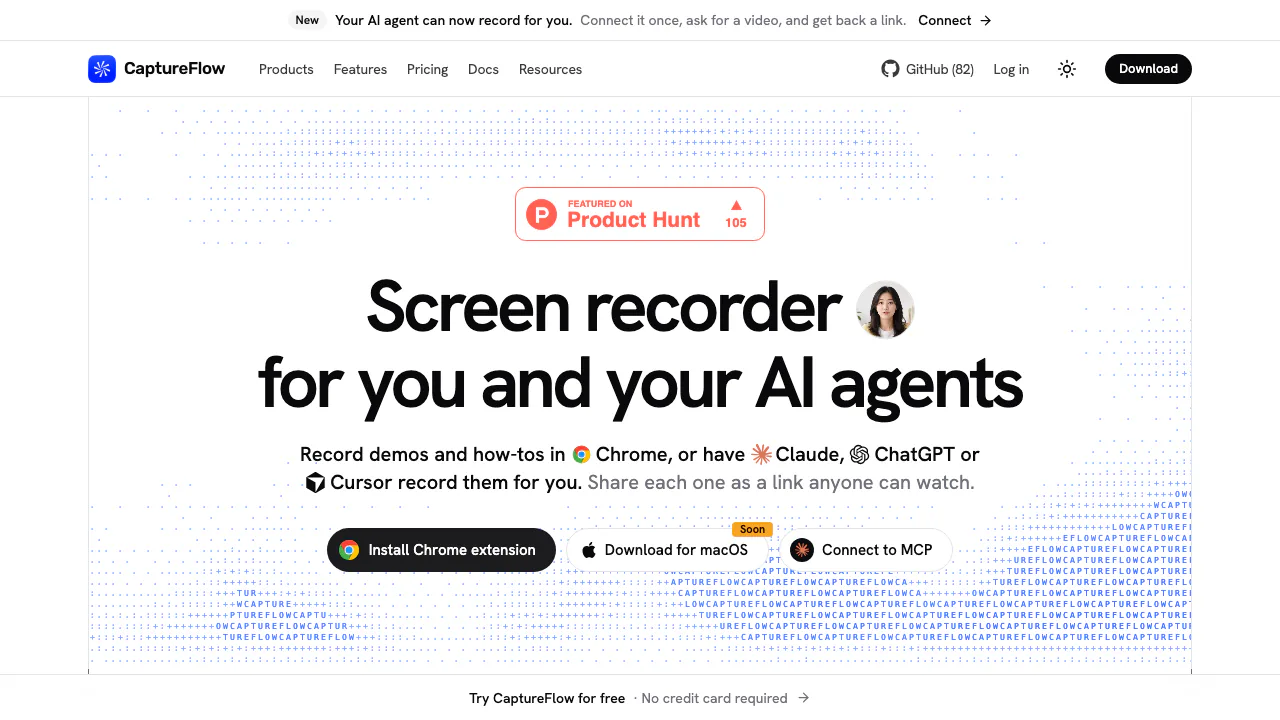

What screen recording tools do
Screen recorders capture actions in a browser tab, an application window or a whole display. They help you demonstrate a feature, explain a task or reproduce a bug. Some save a local file; others upload a recording and provide a link for viewers.
Choose for your actual workflow
Check microphone and system audio support separately, along with camera overlays and platform permissions. For tutorials, readable text and a clear pointer matter. For team feedback, look for access settings, comments and reusable links. AI transcripts, captions and text-based cuts can reduce review work, but availability varies by product and plan.
Review limits and data handling
Compare recording length, resolution, storage retention and export behavior. A free plan may have a time or recording-count limit. Confirm whether edits change the downloaded file or only shared playback. Before recording sensitive information, check where video and audio are processed and whether local saving or self-hosting meets your needs.