
 NEW
CaptureFlow — screen recorder for product demos and AI agents
Record a demo, edit its transcript and share a watchable link.
Updated November 17, 2026
Key facts
- What it is
- Record a demo, edit its transcript and share a watchable link.
- Pricing
- Freemium
- Category
- Screen Recording Tools
- Website
- captureflow.dev
What does CaptureFlow actually do?
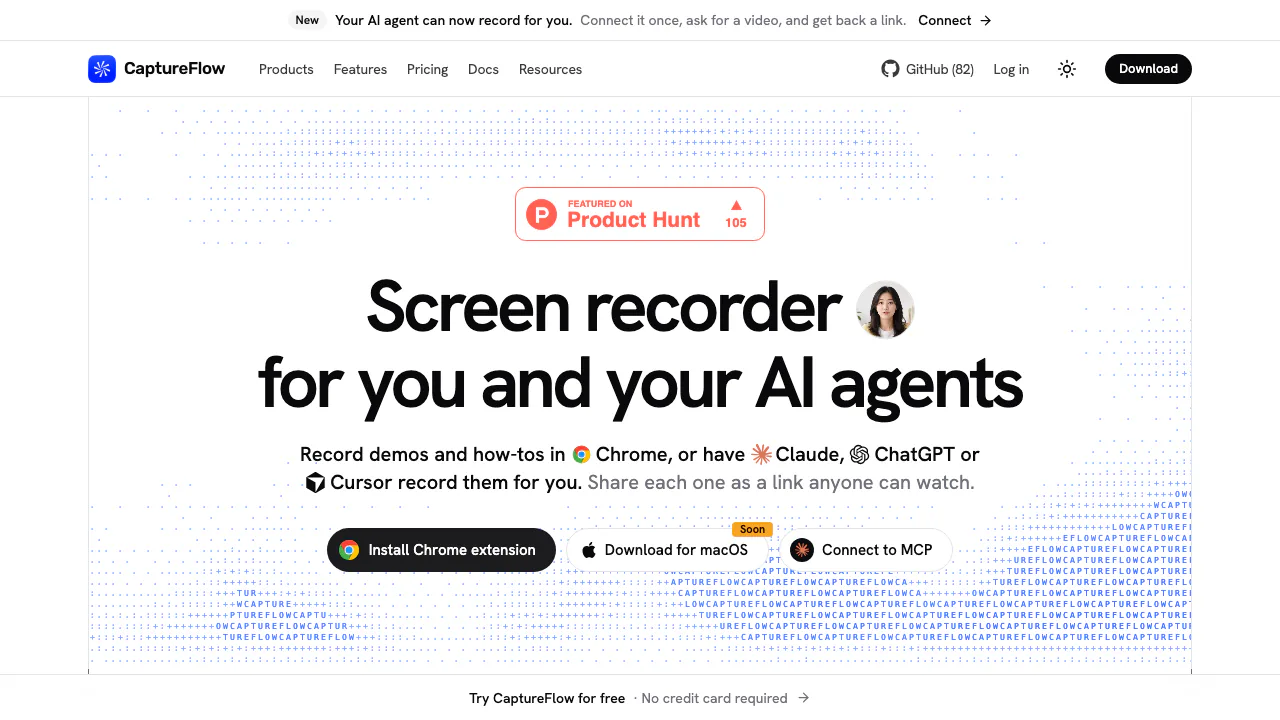
CaptureFlow is an open-source screen recorder that turns something you do on your computer into a video people can watch through a link. Use it to demonstrate a product change, explain a support task or show how to reproduce a bug. You can record in Chrome yourself or connect an AI agent to make a demonstration. The viewer watches in a browser, with no recorder installation required.
Its useful distinction is the whole handoff: capture the action, review the recording, adjust who can watch and send the link. Workspaces add timestamped comments and emoji reactions; an embedded player can bring the same demonstration into documentation.
Record a clear walkthrough and share it
- Open the official download page and install the Chrome extension. The macOS packaged app is still listed as coming soon as of November 16, 2026.
- Sign in for hosted sharing, choose the tab, window or screen to capture, and enable your microphone and camera if needed. Grant the requested capture permissions.
- Perform one concrete task, then stop. Open the resulting share page and check the picture, sound and title.
- Review the transcript when it finishes processing, choose public, workspace or private visibility, and share the appropriate link. Public links can be opened by anyone who has them.
For a short support answer, record only the relevant window and explain the expected result. For a product demo, check that interface text is readable before sending it. These checks also help catch notifications or account details you did not intend to show.
Edit spoken explanations through their transcript
Microphone recordings made with the extension receive a searchable transcript and captions. In the editor, select transcript lines and delete the selection to skip that span in playback. Double-click a line to fix transcription errors. Timeline trimming, background changes and camera positioning help tidy the presentation without recording everything again.
There is an important export boundary: transcript cuts apply to the shared player and embeds. The original file stays intact, so a download retains the complete recording. Do not treat this as permanent removal of confidential material from the source file. See the transcript and cut instructions before distributing downloads.
Let an MCP agent make a demo
The local MCP server works with Claude Code, Codex, Cursor and other MCP clients. It requires Node.js 20 or newer; configure a stdio server running npx -y @captureflow/mcp, then sign in when prompted for uploads. Give the agent a specific target and task, such as demonstrating a checkout on localhost, with optional slides and narration. Review the resulting video and report rather than assuming the requested action succeeded.
Local capture can record a browser, display or application window. With --save-dir, it saves MP4 and an adjacent Markdown report without uploading or signing in. Local sessions stop at 30 minutes; browser recording also stops after five idle minutes. Hosted plan limits still apply to uploaded recordings. Remote chat mode instead renders slide videos on servers and cannot see your computer or logged-in browser. The local agent guide explains permissions and platform differences.
Free limits and when to upgrade
Checked November 16, 2026: hosted Free allows 25 recordings per person, up to five minutes each, in data saver quality, with transcripts and transcript editing. Its cloud agent allowance is 10 minutes monthly. Light is US$5 per member per month on monthly billing, removing recording count and length limits while retaining data saver quality. Pro is US$12 on the same billing basis, adding up to 1080p, AI titles and chapters, filler removal and custom branding.
Light and Pro provide 60 and 120 cloud agent minutes monthly respectively; Pro also lists 60 cloud voiceover minutes. Local agent recordings do not consume that cloud allowance. These are public USD monthly prices, not local tax-inclusive quotes; check the current plans for annual billing and checkout conditions. Free captures are deleted after 30 days without a view, so the free workspace is unsuitable as an unattended archive.
Data control and self-hosting
Hosted captures use Cloudflare R2 and metadata uses D1; transcription and cloud speech involve Workers AI. A connected agent can receive information it reads under its own privacy policy. Review the data policy before connecting an agent to sensitive recordings.
You can self-host through Docker or Cloudflare. The main software is AGPL-3.0, with an MIT capture engine; source availability does not remove infrastructure costs or license obligations. The self-hosting guide explains the deployment choices.
Frequently asked questions
Is CaptureFlow a free unlimited screen recorder?
The hosted Free plan has the count, duration and retention limits above. Self-hosting is a separate option with your own operating costs.
Do I need a desktop app to start recording?
Chrome is the available starting point; the packaged macOS app is coming soon. Local MCP screen and window recording on macOS needs recording permission for the app running the agent.
Can I record my voice with the screen?
Yes. Enable the microphone for narration; microphone-off extension recordings have no transcript. Review the generated captions before sharing.
Official resources and developer community
- Documentation — setup and usage guides.
- GitHub repository — source, license and issue tracking.
- Releases — published builds and changes.
- Official Discord — community discussion.
Alternatives to CaptureFlow

Shot.video
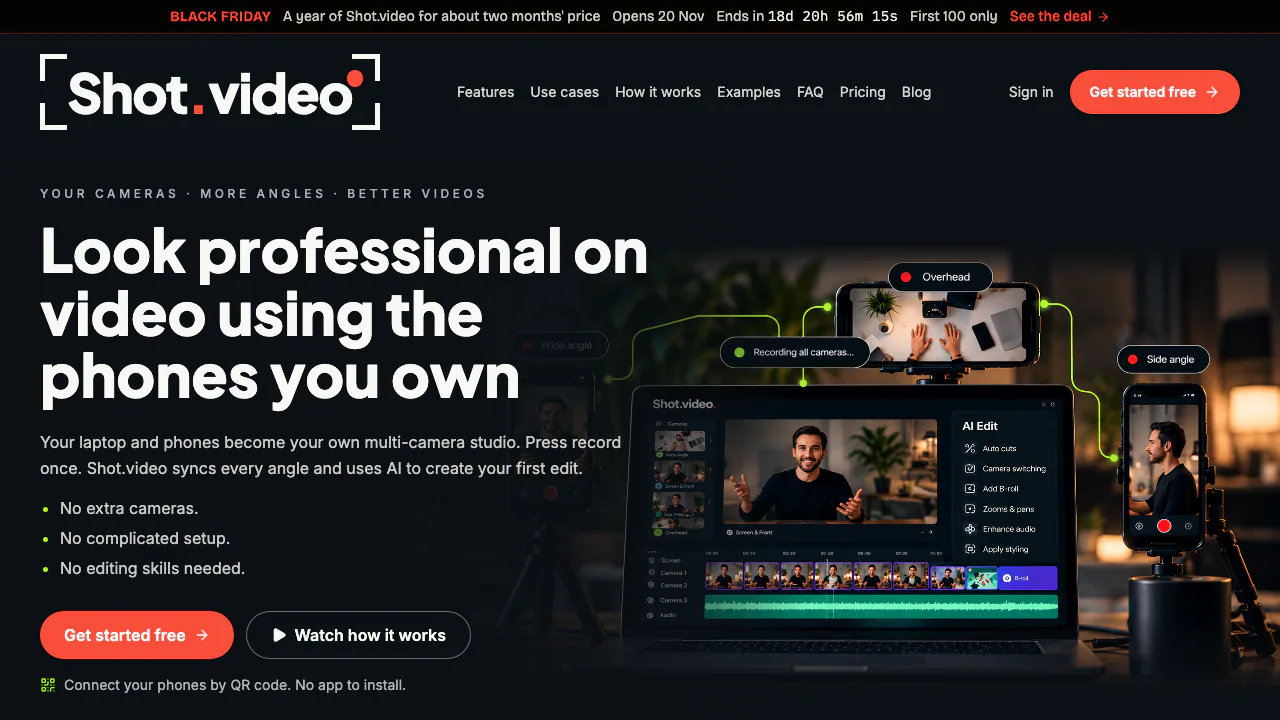
Record your screen and phone cameras together, then refine an AI first cut.
AI Video Editing & Workflow ToolsFreemium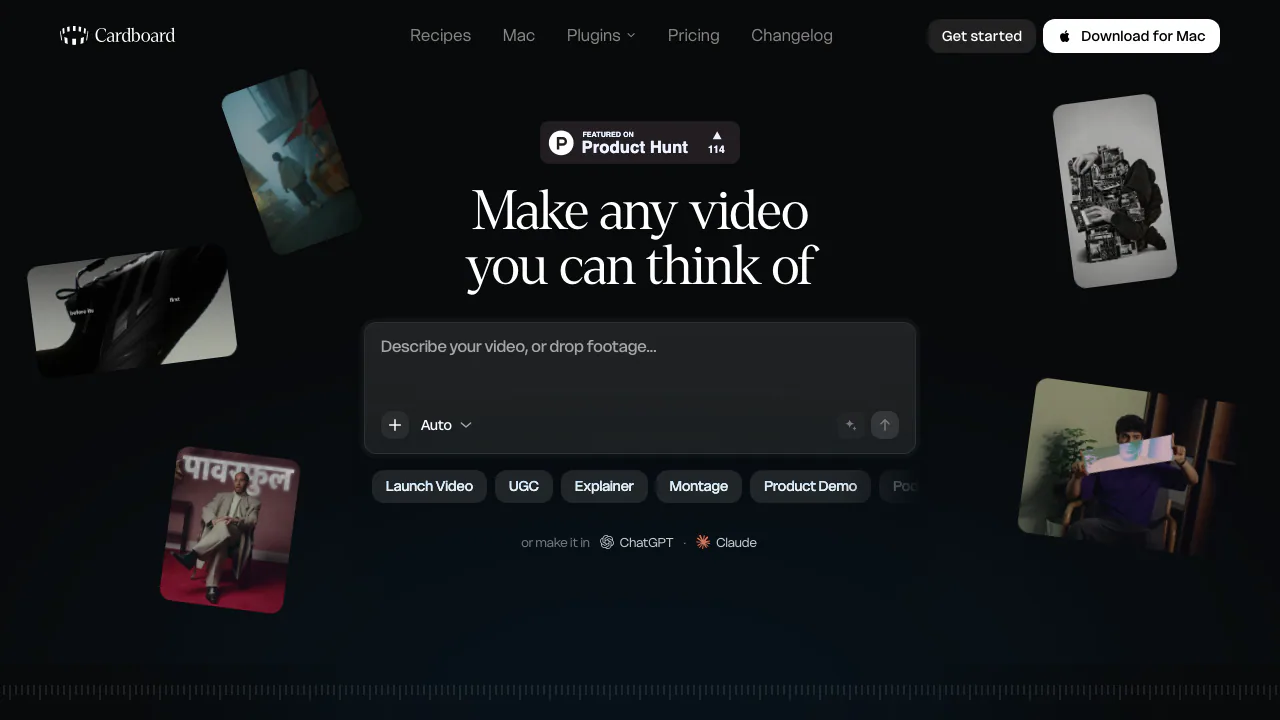

Cardboard
Turn footage or an idea into an editable cut, then refine it through chat or the timeline.
AI Video Editing & Workflow ToolsFreemium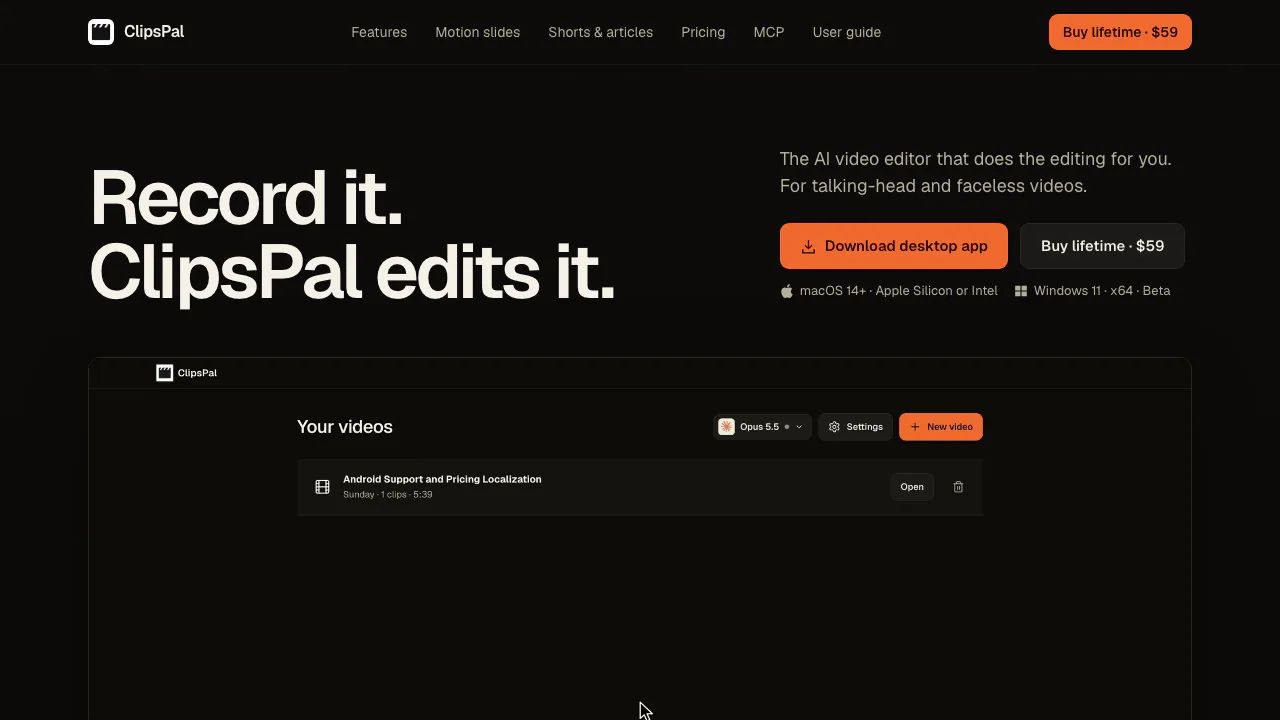

ClipsPal
Turn multiple takes into an editable video with captions, then cut vertical shorts.
AI Video Editing & Workflow ToolsPaid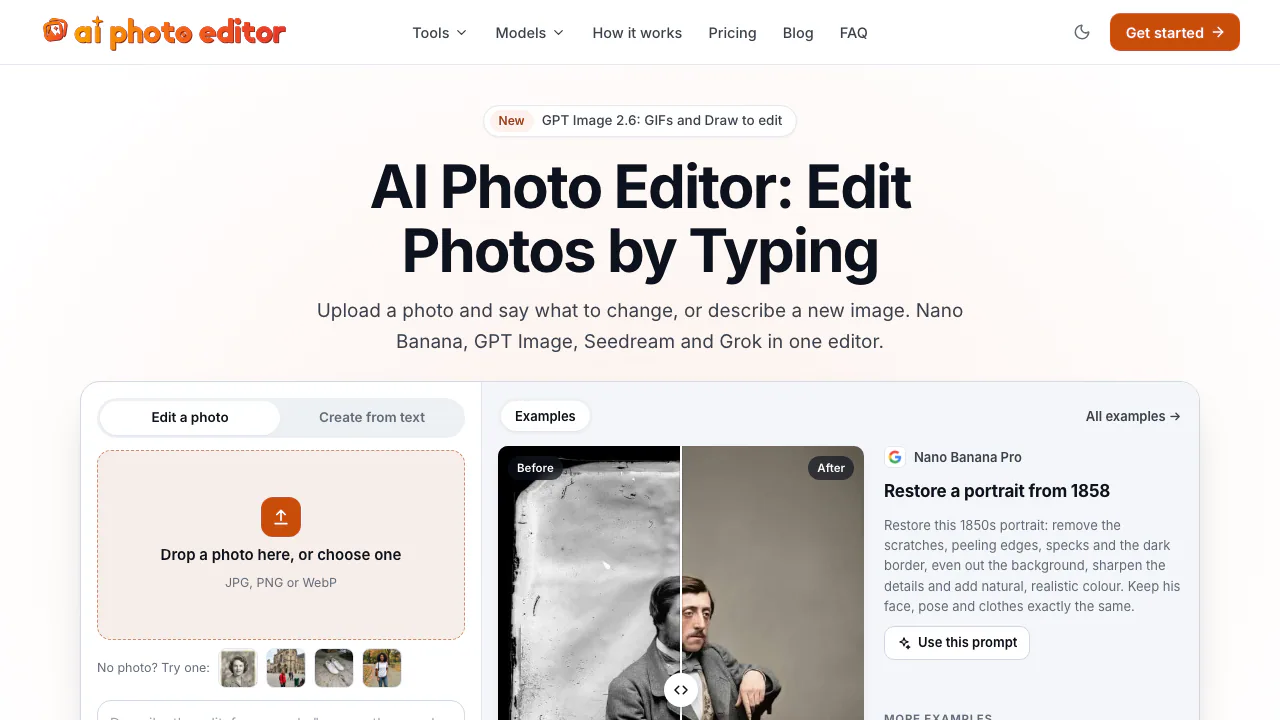

AI Photo Editor
NEWEdit photos by typing with Nano Banana, GPT Image, and Seedream on pay-as-you-go credits
AI Image & Video GeneratorsFreemium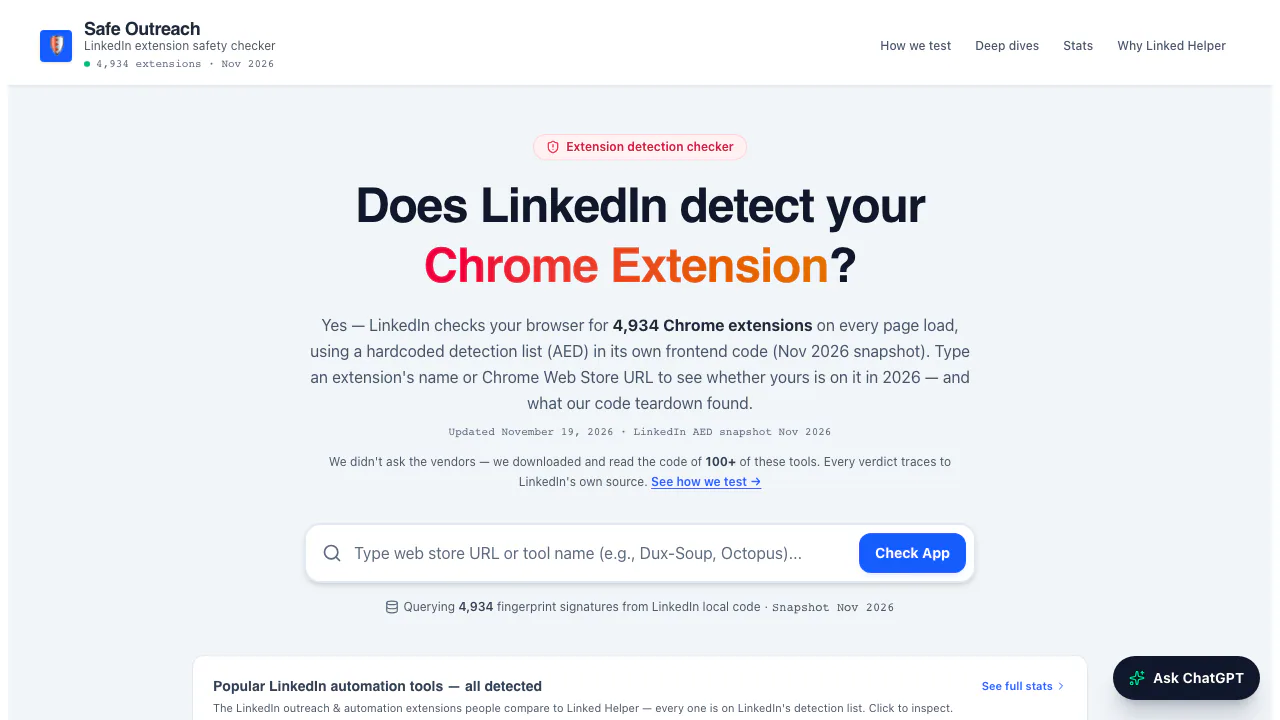

Safe Outreach
NEWCheck Chrome extensions against LinkedIn's detection list and session-cookie audits.
Browser Extension Security ToolsFree

AI//COST
NEWCompare vendor-verified LLM API prices, AI subscriptions, benchmarks, and token costs.
AI Model Pricing & BenchmarksFree
- Pricing
- Freemium
- Website
- captureflow.dev
- Added
- November 2026
- Updated
- November 17, 2026
Add the badgeShow you're listed on AITroveX
<a href="https://aitrovex.com/tool/captureflow?ref=badge" target="_blank">
  <img src="https://aitrovex.com/badge-listed-light.svg" alt="Listed on AITroveX" style="height: 54px; width: auto;" />
</a>