

Hira for AI job application automation
Find matching roles, review AI-filled applications and decide what gets sent.
Updated November 16, 2026
Key facts
- What it is
- Find matching roles, review AI-filled applications and decide what gets sent.
- Pricing
- Freemium
- Category
- AI Job Search Tools
- Website
- applyhira.com
What is Hira and what does it do?
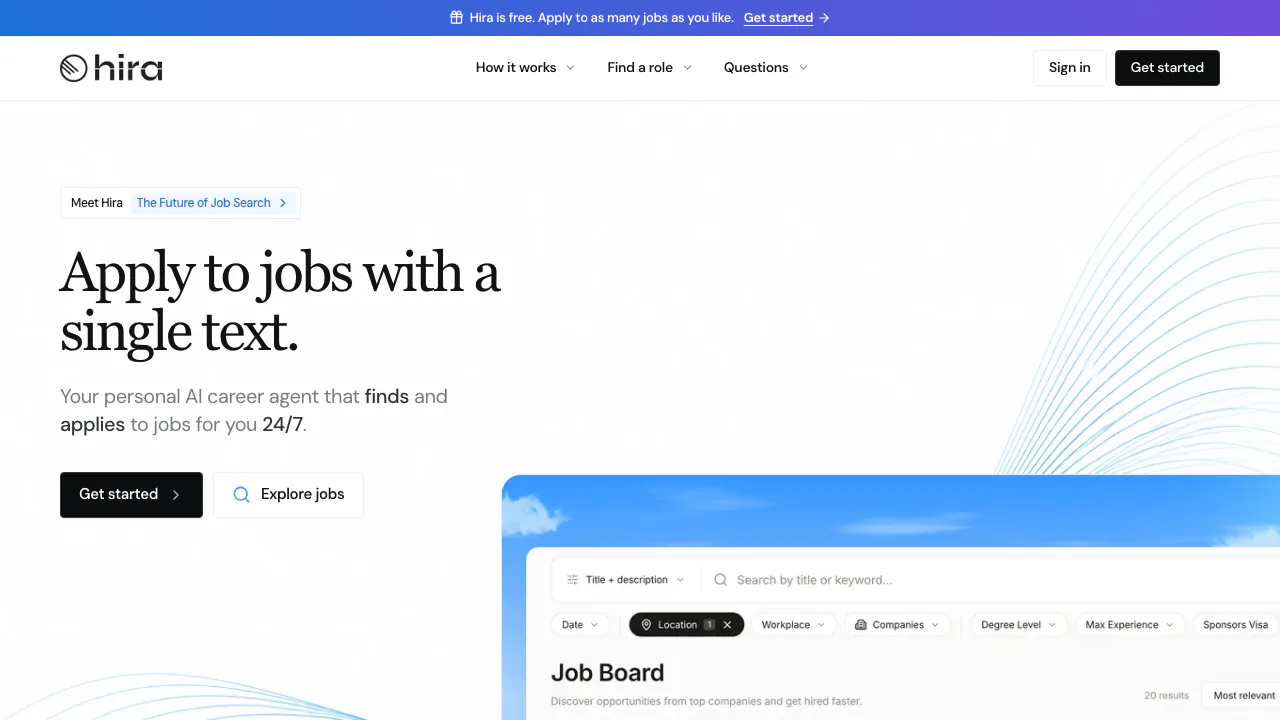
Hira is a personal AI agent for finding jobs and applying to them. Give it your résumé and tell it what kind of work you want. It can find relevant roles, fill out employer forms and draft answers to screening questions. You see the completed application and decide whether to send it.
It suits adults managing their own search who keep running into the same online forms. Hira says it is designed for people in the United States. Employers still decide who advances.
Free vs. Pro for an active job search
On November 6, 2026, the US Free plan covered one search agent, three applications in progress at a time and up to 20 starts and sends per day. That lets you try the whole approval flow on a small set of roles.
Pro was US$10 per month plus applicable tax, with automatic renewal. It offers unlimited search agents, up to ten concurrent applications, no daily application cap and chat on each application. Billing handles cancellation, with access through the paid period. Hira billing terms
From a résumé to your first application
- Upload your résumé, set preferences and check the profile Hira builds. Correct old job titles, dates or contact details before the tool reuses them.
- Describe a search you would actually pursue, such as full-time remote backend roles. Pick a match or browse Browse hiring companies to see listings from employers’ own boards.
- Open the draft and compare the screening answers with the posting. Hira flags guesses, and you can edit them and tell it to remember a confirmed answer. Read work authorization, availability and compensation fields carefully.
- Approve that application when it is ready and check its status in the workspace. Hira also offers text notifications and approvals by reply, or a call to talk through a role.
What reaches the employer and when
The final submission waits for your approval. During preparation, Hira may create an applicant account and save documents to the employer’s system as a draft. Its terms cite Greenhouse and Workday as examples. Employer sites can restrict automation, and after submission Hira cannot recall or edit the application.
The Hira privacy policy says it stores information in the US and shares résumé text, profile information and chats with AI providers to prepare applications and match jobs. Hira says it does not sell personal information or share it for targeted ads. You retain ownership of your résumé. Closing your account stops your agents and applications, and Hira says it keeps the closed account’s information in an archive. Applications already sent stay with employers. Connecting Muse can also share application information with that service.
Hira FAQ
Can Hira submit without my approval?
Hira waits for your approval on each completed application. Review the screening answers and fix any flagged guesses first.
Is Hira free to use?
Yes. Free has one search agent and a cap of three simultaneous and 20 daily applications.
Can Hira fill out applications on Greenhouse or Workday?
The terms cite both as examples. A specific employer may restrict automation, so check the submission status and finish directly on the employer site if necessary.
Official Hira resources
- Hira’s Muse setup guide explains how to connect an account to view matches and approve applications from a Muse chat.
- Official support handles account, billing and privacy questions.
Alternatives to Hira
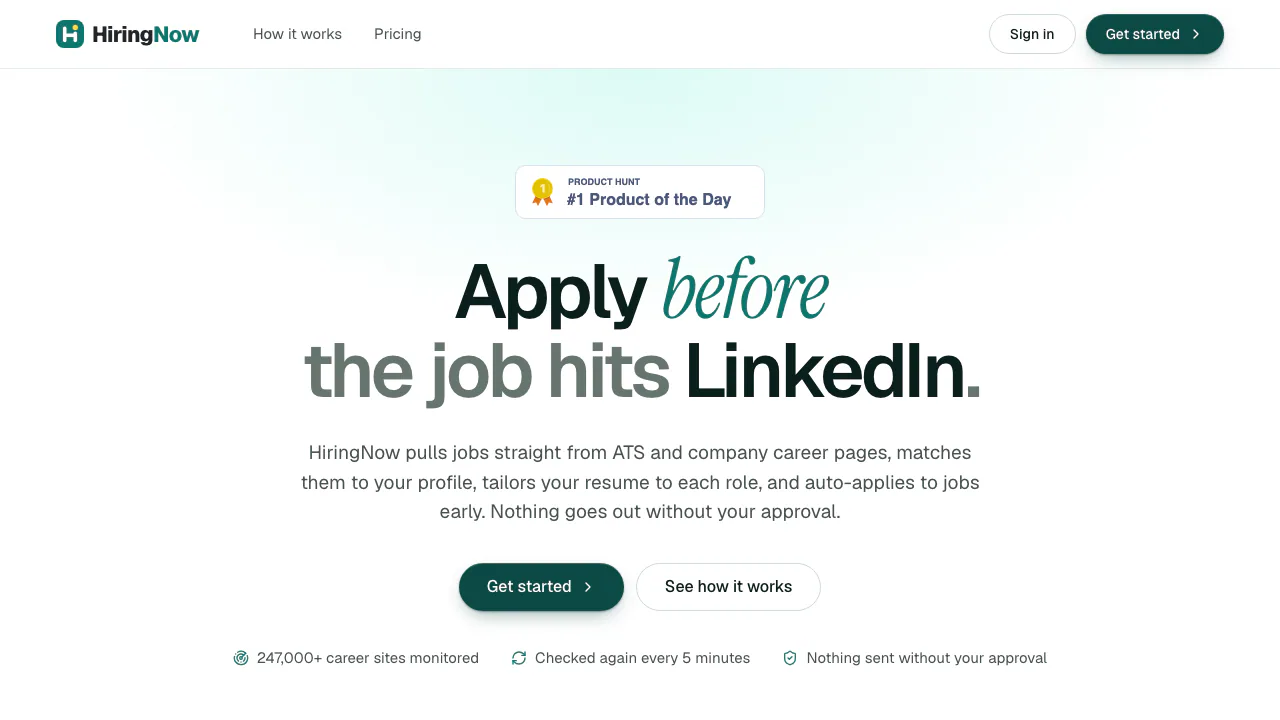

HiringNow
NEWFind fresh jobs, tailor your resume and approve applications before they go out.
AI Job Search ToolsFreemium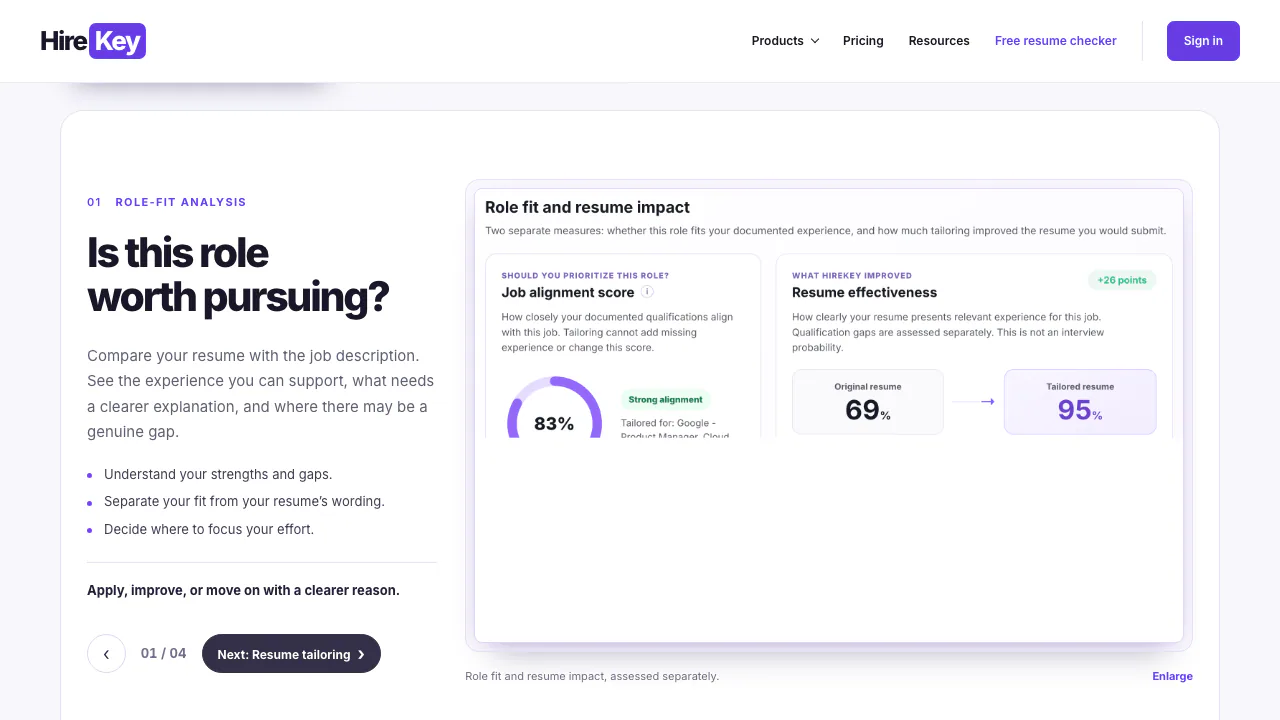

HireKey
Match your resume to a role, prepare your interview and organize applications.
AI Job Search ToolsFreemium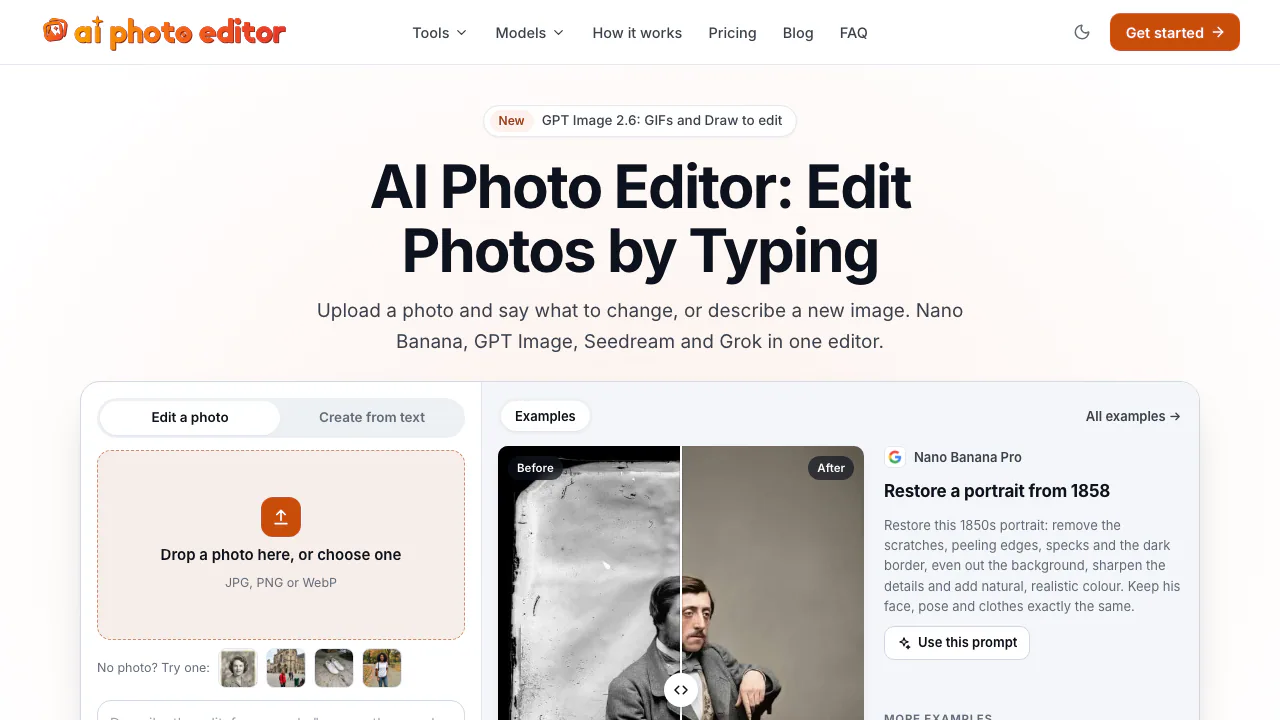

AI Photo Editor
NEWEdit photos by typing with Nano Banana, GPT Image, and Seedream on pay-as-you-go credits
AI Image & Video GeneratorsFreemium

Safe Outreach
NEWCheck Chrome extensions against LinkedIn's detection list and session-cookie audits.
Browser Extension Security ToolsFree

AI//COST
NEWCompare vendor-verified LLM API prices, AI subscriptions, benchmarks, and token costs.
AI Model Pricing & BenchmarksFree

MacThru
NEWNative macOS utilities for on-device screen OCR, per-app audio, brightness, and Safari
Mac Utility AppsPaid
- Pricing
- Freemium
- Website
- applyhira.com
- Added
- November 2026
- Updated
- November 16, 2026
More in AI Job Search Tools
Add the badgeShow you're listed on AITroveX
<a href="https://aitrovex.com/tool/hira?ref=badge" target="_blank">
  <img src="https://aitrovex.com/badge-listed-light.svg" alt="Listed on AITroveX" style="height: 54px; width: auto;" />
</a>