
 NEW
AI Photo Editor: Edit Photos by Typing
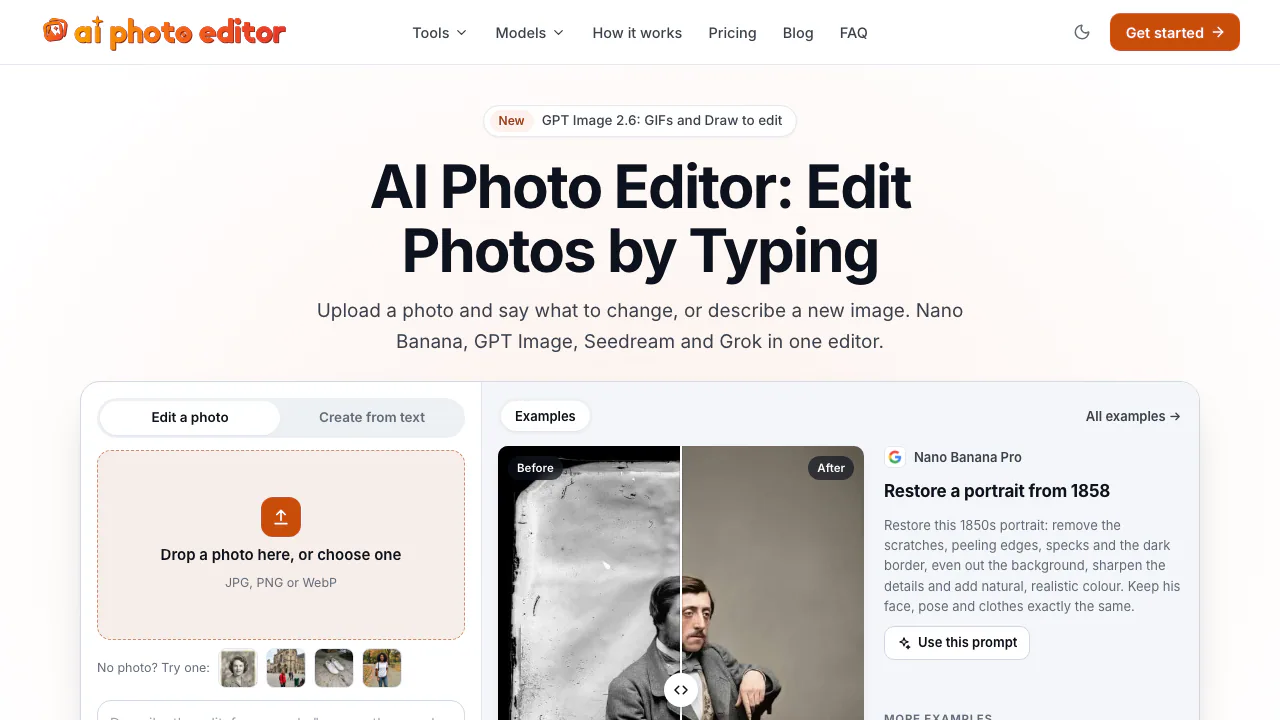
Edit photos by typing with Nano Banana, GPT Image, and Seedream on pay-as-you-go credits
Updated November 20, 2026
Best for
- Casual users fixing family photos, outfits, or backgrounds by typing plain instructions
- Creators comparing Nano Banana, GPT Image, and Seedream on one pay-as-you-go balance
- Occasional editors who prefer non-expiring credit packs over recurring subscriptions
Not for
- Children's portraits, celebrity edits, or face swaps: blocked under the Content Policy
- High-volume ecommerce catalogs or developer integrations: no bulk export or public API
- Offline, mobile-app, or layer-by-layer retouching: runs only in a web browser
Key facts
- What it is
- Edit photos by typing with Nano Banana, GPT Image, and Seedream on pay-as-you-go credits
- Pricing
- Freemium
- Category
- AI Image & Video Generators
- Website
- ai-photo-editor.net
- Free plan
- 5 free signup credits (1 standard edit), no card required; no recurring free quota (Larger sizes and premium models cost 8–15 credits; failed or safety-blocked runs cost 0 credits) source
- Starting price
- $4.99 one-time (Starter pack: 150 credits (~30 standard edits), no subscription, credits do not expire while account is active) source
- Platforms
- Web (Browser-based editor; no native mobile or desktop apps) source
- API
- No (No public developer API published) source
- Open source
- No (Proprietary web service operated by Code Canyon LLC) source
- Commercial use
- Allowed if you hold rights to uploaded photos and follow Content Policy and model-provider terms (Terms §8: you own generated results (no exclusivity guarantee; cannot clear third-party rights)) source
- AI training on your data
- App operator does not train on uploads or results; third-party model providers process jobs under their own terms (Uploads are deleted after ~1 day and generated images after 30 days; routed via SeeAPI gateway (Privacy §4, §8)) source
- Company
- Code Canyon LLC (Wyoming, US) source
AI Photo Editor is a browser-based AI photo editor and image generator that applies typed instructions or circle-to-edit marks to existing photos for casual creators, families, and solo marketers. Instead of locking users into a monthly plan, AI Photo Editor routes edits across multiple third-party image models from one credit balance—starting with 5 free signup credits (no card required) and one-time packs from $4.99 (as of November 2026).
What you can do with AI Photo Editor
AI Photo Editor combines an open prompt editor with focused task pages so users can either type custom changes or pick a guided preset in the browser.
- Prompt-based and circle-to-edit cleanup: Upload up to 5 JPG, PNG, or WebP photos (or start from text alone), describe what should change while keeping the rest intact, or circle unwanted people, cables, signs, or text overlays on the dedicated removal tools. Most edits finish in 20 to 60 seconds, and you can continue editing the returned result.
- Portrait, restoration, and seasonal presets: Guided photo editing tools cover old-photo scratch repair and colorization, outfit and hairstyle swaps, pose adjustments, studio or outdoor background replacement, and holiday card or Santa scene templates.
- Multi-model picker on one balance: Rather than running a single house model, AI Photo Editor lets you switch between Google Nano Banana (2.1, 2, and Pro up to 4K), OpenAI GPT Image (2, 2.5, and 2.6 with transparent PNGs and looping GIFs), ByteDance Seedream 5.0 (Pro and Lite), xAI Grok Imagine, and Alibaba Z-Image Turbo. The exact credit cost displays next to the button before you generate.
How AI Photo Editor compares
- Versus Pixelcut: Both route prompts across multiple image models (including Google Nano Banana and OpenAI image models), clean up objects, and replace backgrounds. Pixelcut runs on recurring plans (starting at $8/month billed annually as of November 2026) and adds iOS and Android apps, 1,000 monthly batch exports on Pro, talking AI UGC video ads, and a developer REST API and MCP server. Choose AI Photo Editor when you only edit occasionally in a browser and want non-expiring one-time credit packs rather than a subscription.
- Versus Photoroom: Photoroom is built around repeatable ecommerce catalog production—with 1,000 monthly exports on its yearly Pro tier, up to 50 workspace seats, Shopify sync on Max and above, and product video ad workflows (as of November 2026). Pick Photoroom for ongoing storefront catalogs and team workspaces; pick AI Photo Editor for ad-hoc portrait restyling, old-photo restoration, or outfit swaps.
- Versus Canva: Canva is a full multi-page graphic design workspace with editable text layers, templates, slide decks, and print layouts. Choose Canva when an edited photo needs to sit inside a structured layout; choose AI Photo Editor when you want direct prompt-driven edits across Seedream, Nano Banana Pro, or GPT Image from one pay-as-you-go balance.
Limits to know
- Strict rules on minors, public figures, and face swaps: Under the Content Policy, users must be at least 18 and may only submit photos of themselves or consenting adults. Photos of children or anyone under 18, celebrities or public figures without permission, face swapping, impersonation, and sexual content are prohibited. Refused prompts or withheld outputs do not deduct credits.
- Temporary cloud retention: According to the Privacy Policy, uploaded photos are deleted about 1 day after upload and generated images are deleted 30 days after delivery, so finished edits must be downloaded to keep.
- External model processing: Operator Code Canyon LLC states it does not train models on user uploads or outputs, though jobs are sent through the SeeAPI gateway to the selected model provider (Google, OpenAI, ByteDance, xAI, or Alibaba) under that provider's API terms.
- Browser-only, single-run workflow: There are no native mobile or desktop apps, no layer-by-layer retouching history, no bulk catalog export, and no public API.
FAQ
Is AI Photo Editor free to use?
New accounts receive 5 free credits at sign-up with no credit card required (as of November 2026). That covers one standard 5-credit edit, while larger resolutions and heavier models require 8 to 15 credits; there is no recurring monthly free quota.
How much does AI Photo Editor cost, and do credits expire?
Paid credits are sold as one-time packs starting at $4.99 for 150 credits via Stripe Link, with larger packs lowering the per-image rate (see the official pricing page for current pack tiers). There is no recurring subscription, credits do not expire while your account stays active, failed generations cost nothing, and unused credits are refundable within 7 days of purchase (as of November 2026).
Is AI Photo Editor safe for private photos?
Uploaded photos are stored at private URLs and deleted about 1 day after upload, while generated results are deleted after 30 days (as of November 2026). Code Canyon LLC does not publish user images or use them to train models, though your photo and prompt are processed by whichever third-party AI model provider you select.
Can I use AI Photo Editor images commercially?
Yes. Under Section 8 of the Terms of Service, you own the images generated for you and may use them for work, provided you hold the rights to any uploaded source photo and comply with both the Content Policy and the selected model provider's terms. As with other generative tools, the operator does not guarantee exclusive copyright in AI output.
What we checked
On November 20, 2026 we checked 8 facts in Key facts against AI Photo Editor’s own pages:
- ai-photo-editor.net/tools
- ai-photo-editor.net/pricing
- ai-photo-editor.net/terms
- ai-photo-editor.net/privacy
Not tested: we did not sign up, pay or run AI Photo Editor ourselves. Prices and plans change; confirm them on ai-photo-editor.net before you buy.
Alternatives to AI Photo Editor
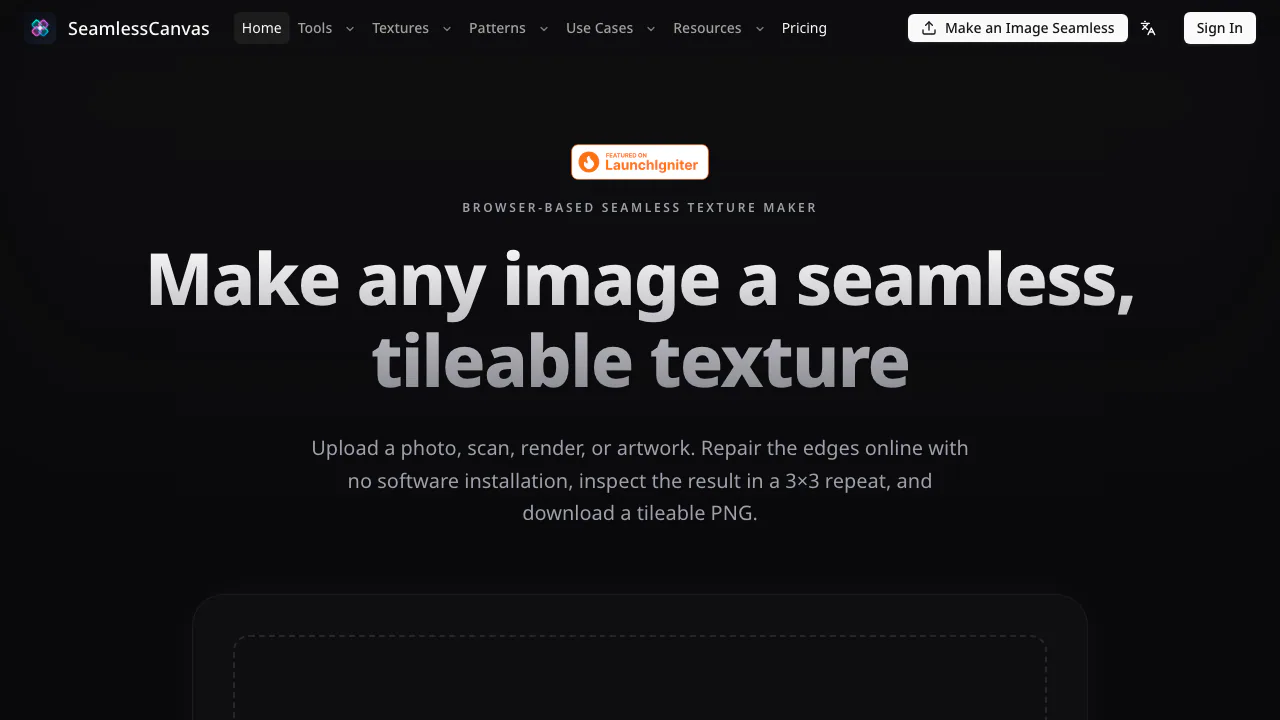

SeamlessCanvas
Repair image seams and generate repeatable textures and patterns.
AI Image & Video GeneratorsFreemium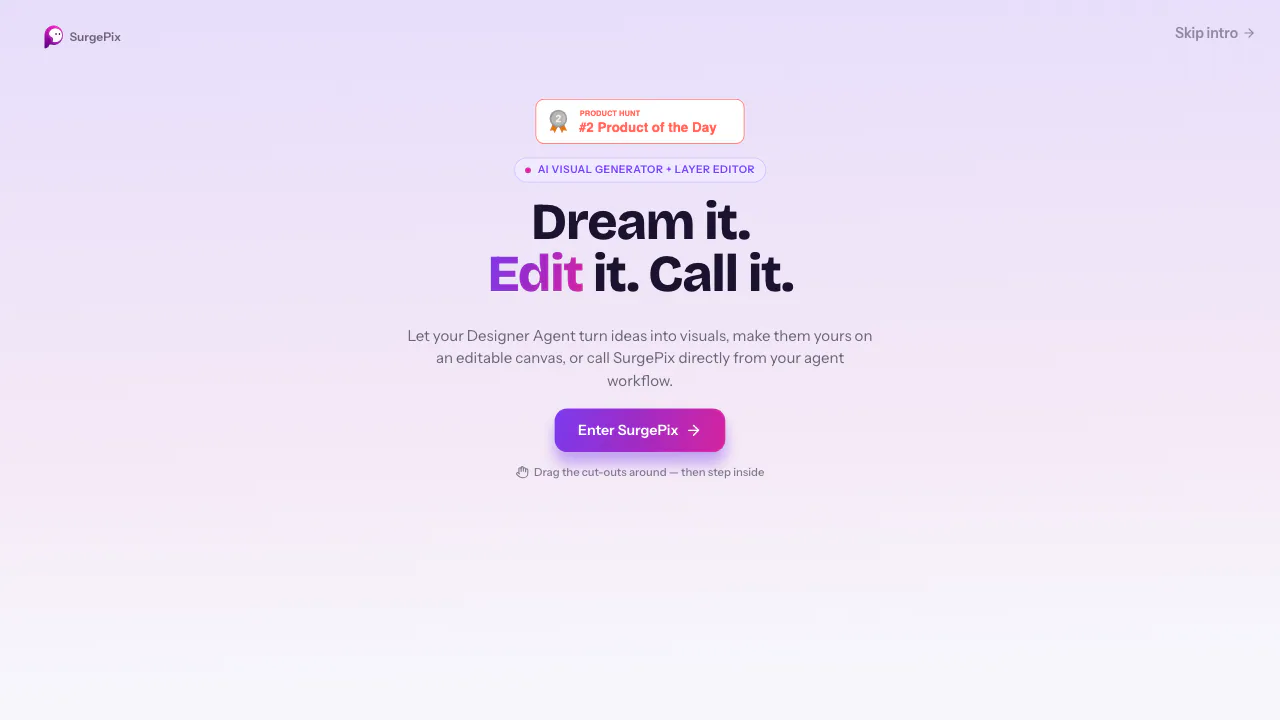

SurgePix
Generate images, posters and decks, then refine individual layers.
AI Image & Video GeneratorsFreemium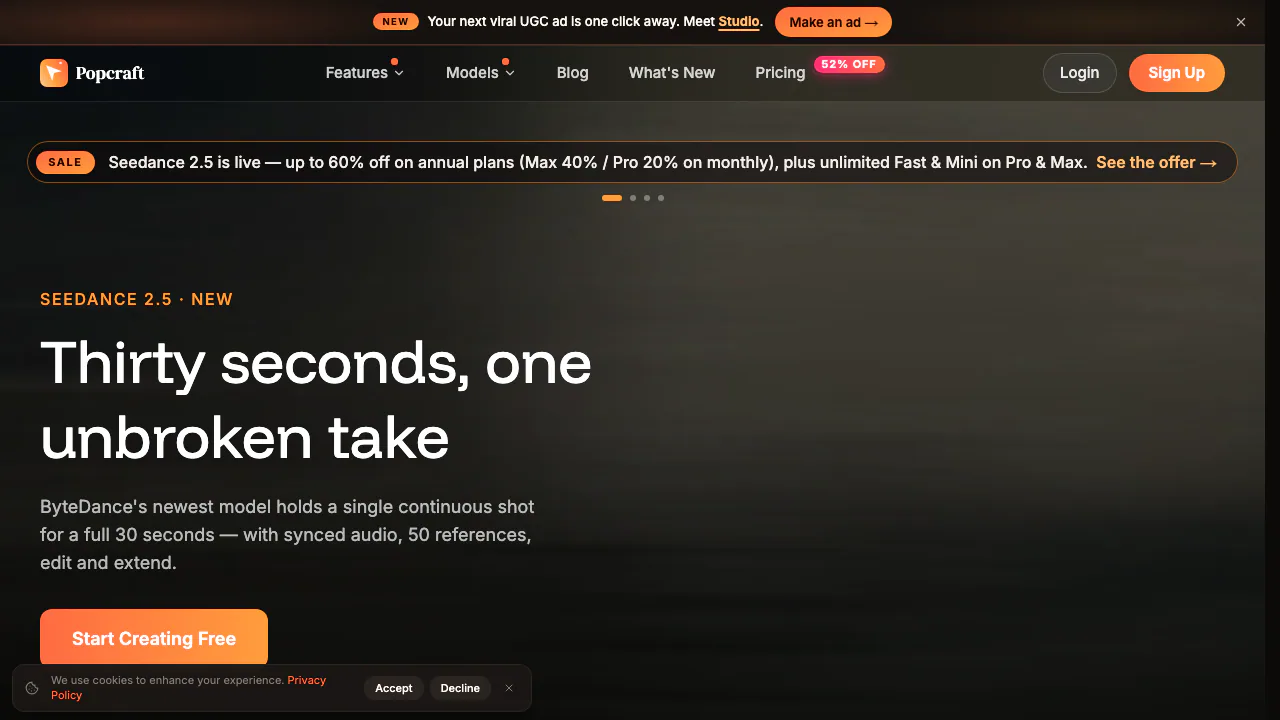

Popcraft
Create AI videos, images, audio and product ads in one workspace
AI Image & Video GeneratorsFreemium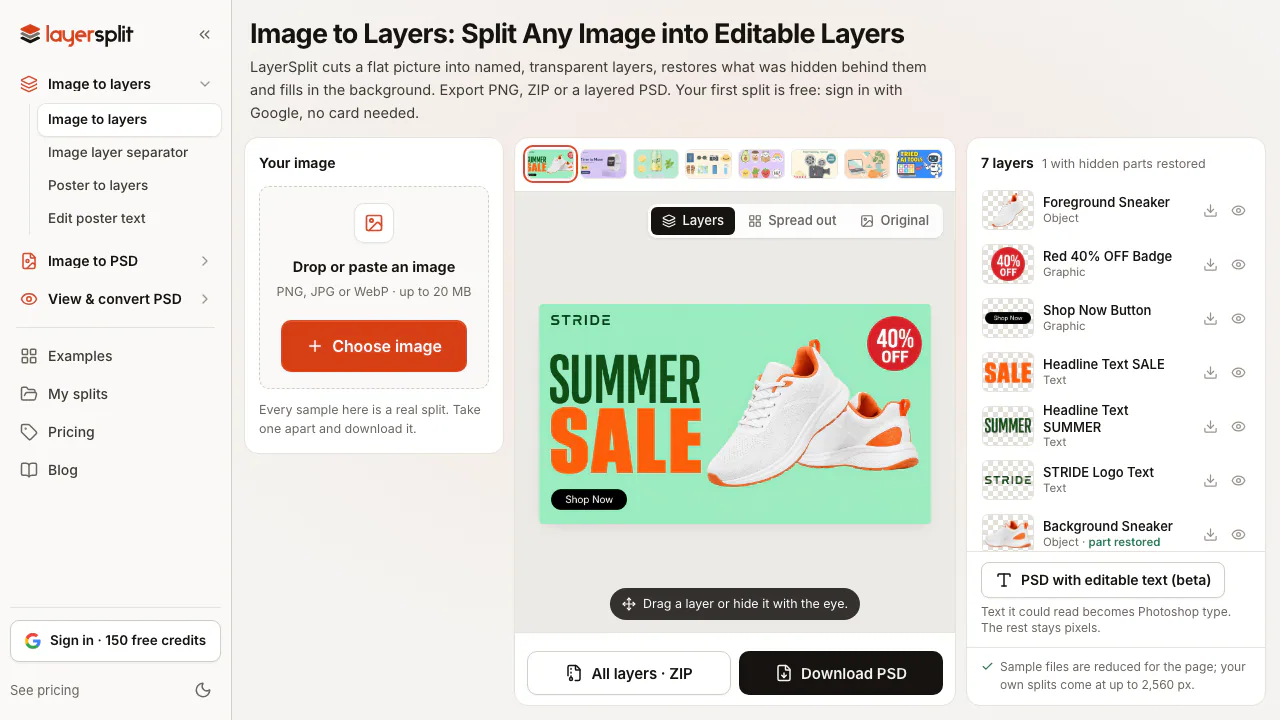

LayerSplit
NEWSplit flat images into named PNG or PSD layers with AI-restored backgrounds
AI Image & Video GeneratorsFreemium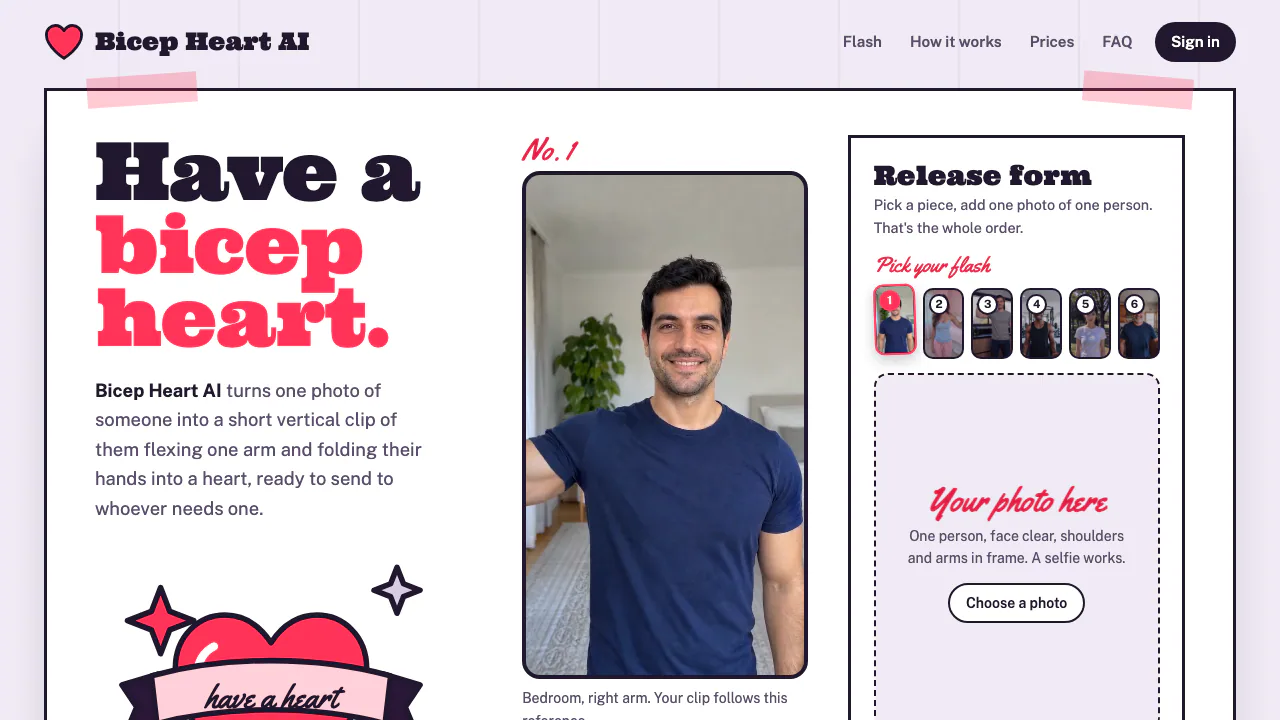

Bicep Heart AI
Make a short, silent arm-heart video from one consenting adult’s photo.
AI Image & Video GeneratorsPaid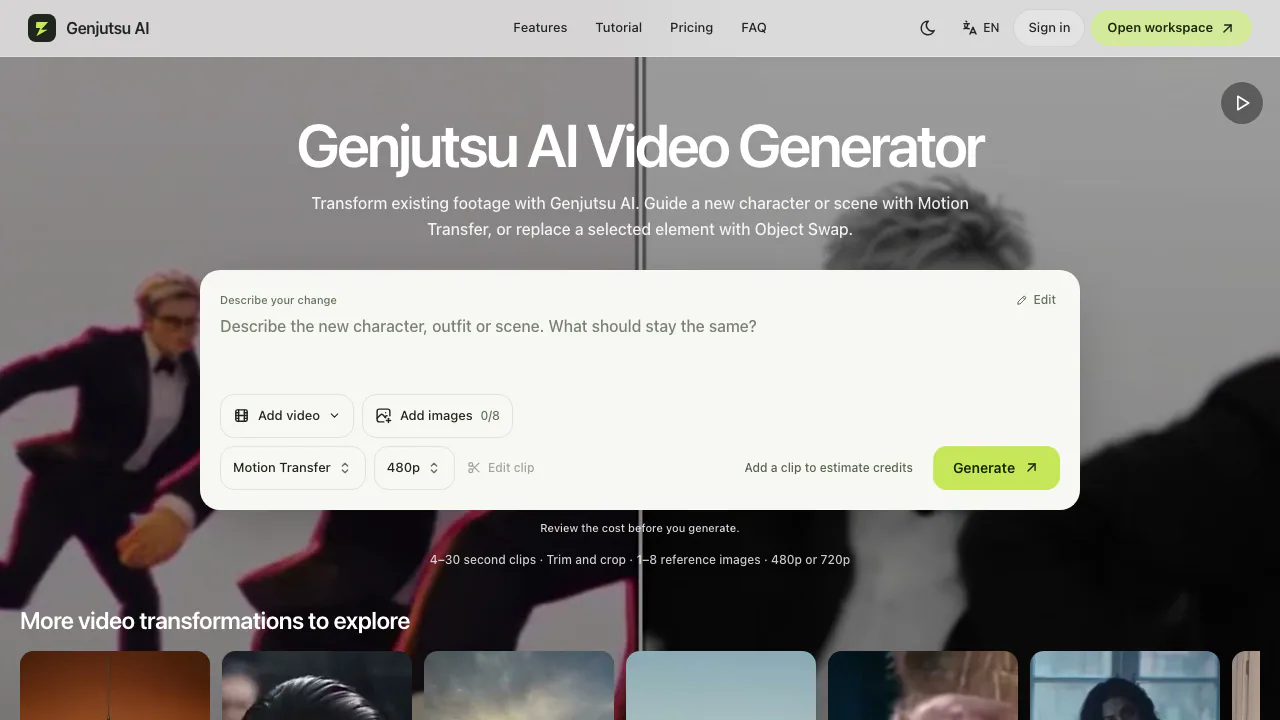

Genjutsu AI
Recast a short video or replace a selected subject using reference images.
AI Image & Video GeneratorsPaid
- Pricing
- Freemium
- Website
- ai-photo-editor.net
- Added
- November 2026
- Updated
- November 20, 2026
- Checked
- November 20, 2026
More in AI Image & Video Generators
- LayerSplitFreemiumSplit flat images into named PNG or PSD layers with AI-restored backgrounds
- Bicep Heart AIPaidMake a short, silent arm-heart video from one consenting adult’s photo.
- SeamlessCanvasFreemiumRepair image seams and generate repeatable textures and patterns.
- SurgePixFreemiumGenerate images, posters and decks, then refine individual layers.
Add the badgeShow you're listed on AITroveX
<a href="https://aitrovex.com/tool/ai-photo-editor?ref=badge" target="_blank">
  <img src="https://aitrovex.com/badge-listed-light.svg" alt="Listed on AITroveX" style="height: 54px; width: auto;" />
</a>