
 NEW
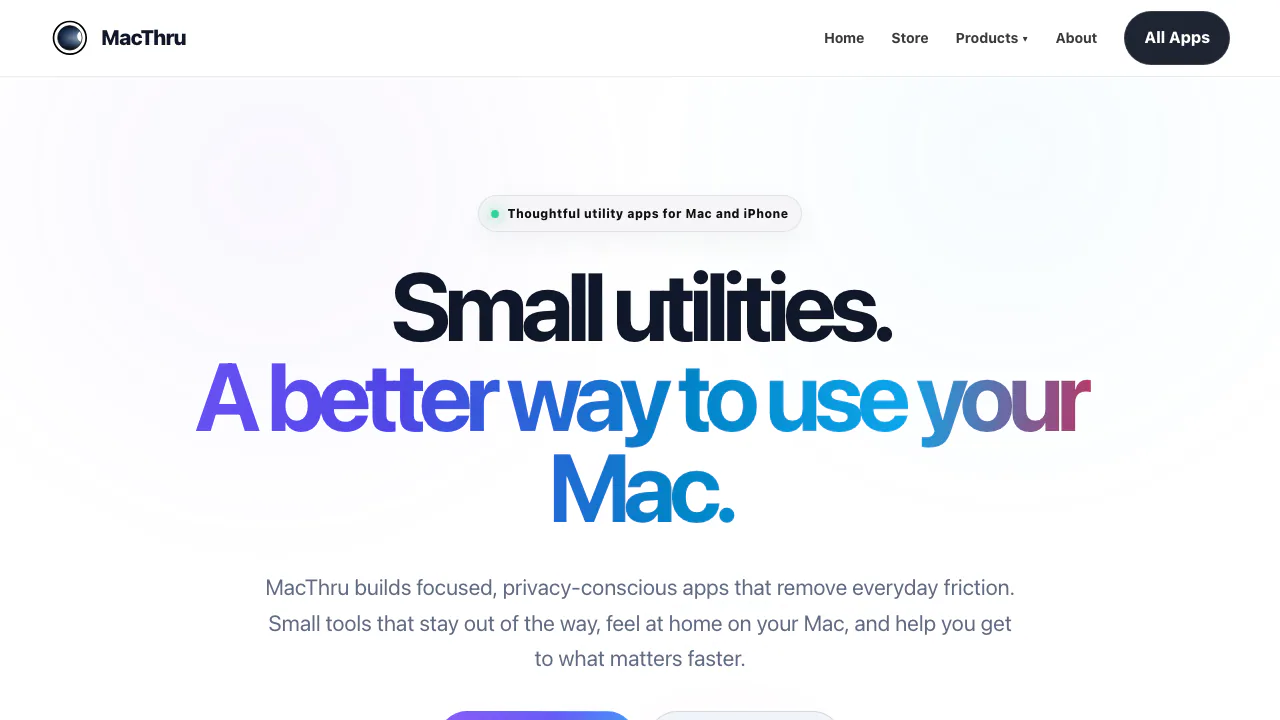
MacThru: Mac Utility Apps for Screen OCR, Audio & Displays
Native macOS utilities for on-device screen OCR, per-app audio, brightness, and Safari
Updated November 20, 2026
Best for
- Mac users who copy unselectable screen text or spreadsheet tables without cloud uploads
- People who want separate menu-bar controls for audio output, app volume, or brightness
- Safari viewers on macOS looking to request surround audio and HD playback on Netflix
Not for
- Windows, Linux, or mobile users, as every released MacThru utility is built for macOS
- Users looking for a permanent free tier rather than paid utilities with short trials
- Teams needing a cloud OCR API or automated multi-page document batch pipelines
Key facts
- What it is
- Native macOS utilities for on-device screen OCR, per-app audio, brightness, and Safari
- Pricing
- Paid
- Category
- Mac Utility Apps
- Website
- macthru.com
- Free plan
- No free plan; Textly includes a 3-day free trial with no card required on the direct Mac build, while other suite apps use Mac App Store terms (Tejora also includes a 3-day Mac App Store trial; Easily and Cine 5.1 require upfront purchase) source
- Starting price
- $9.99 one-time (Textly direct 2-Mac lifetime license on MacThru Store (50% off $19.98); other apps are sold separately on the Mac App Store) source
- Platforms
- macOS (Four macOS menu-bar utilities and one Safari extension for Mac; Volora has no public download link yet) source
- Open source
- No (Proprietary macOS software; license terms prohibit redistribution, modification, and reverse engineering) source
- Commercial use
- Textly and Easily: allowed for personal and professional use; Tejora, Cine 5.1, and Volora defer to App Store rules (Textly Terms §2 and Easily Terms §2 allow professional use; Tejora, Cine 5.1, and Volora Terms §1 cite App Store rules) source
- AI training on your data
- Textly: captures stay in local memory and are never sent to servers or language models; no explicit AI training clause (Textly Privacy §1 keeps OCR 100% local via Apple Vision; Easily, Tejora, Volora, and Cine 5.1 store settings locally) source
- Company
- MacThru (independent product studio; India governing law) (About page describes MacThru as an independent product studio; Textly and Easily Terms §11 specify the laws of India) source
MacThru is a collection of macOS utility apps from an independent product studio that handles screen text capture, audio routing, display brightness, and Safari streaming controls for Mac users. Instead of bundling system tweaks into one heavy dashboard, MacThru ships five separate apps—Textly, Easily, Tejora, Volora, and Cine 5.1—built around menu-bar shortcuts and local processing. On the MacThru Web Store, Textly includes a three-day free trial with no payment card required and a $9.99 one-time direct lifetime license for up to two Macs (as of November 2026).
What each MacThru utility does
- Textly (screen and table OCR): Press
Cmd + Shift + 2or use the menu bar, grant macOS Screen Recording permission, and drag over unselectable words inside playing videos, Zoom or Teams calls, scanned PDFs, or app dialogs. Textly runs Apple's on-device Vision framework to copy recognized text straight to the clipboard, adds a dedicatedCapture Tablemode that preserves rows and columns as tab-separated values or Markdown for Excel, Numbers, and Notion, and includes inline translation (macOS 14.4+) plus a searchable local Clipboard Recents tray. See the Textly table capture guide and screen capture workflow guide. - Easily (audio, mic, and desktop controls): Combines audio output switching, external display volume and brightness sliders, instant microphone muting, desktop icon hiding for screen sharing, and auto-mute on sleep wake or new audio connections in one menu.
- Tejora (per-app brightness and display scaling): Remembers a preferred brightness level for individual apps and adjusts your screen automatically as you switch windows, alongside manual brightness and resolution sliders for built-in and compatible external displays.
- Volora (per-app volume mixer): Gives active Mac apps such as Safari, Music, Spotify, and Discord independent volume sliders and mute toggles below the master volume.
- Cine 5.1 (Safari streaming extension): Enables available 5.1 surround audio tracks and requests 1080p playback on compatible Netflix titles in Safari, shows IMDb context, and adds a watch-history button for Netflix and Prime Video.
How MacThru compares
For OCR work, Photo to Text runs in any browser without installing desktop software, offers a free online tier (up to 10 images or PDF pages per run without sign-up, with paid plans from $7.50/month billed annually as of November 2026), and exports uploaded files directly to .docx or .xlsx. MacThru's Textly cannot batch-convert multi-page files into Word documents, but it captures live pixels directly from your Mac screen—including video frames and locked dialogs—entirely offline without uploading sensitive screens.
Among Mac menu-bar utilities, Jarq focuses on translating, rewriting, and dictating selectable text right at the cursor on Apple Silicon Macs, keeping a permanent free tier of five cloud actions per day (plus unlimited offline dictation, or Pro at $4.99/month as of November 2026). Choose Jarq when you write and translate editable drafts across apps; choose MacThru when you need pixel-level screen and table OCR or dedicated hardware controls for audio, brightness, and Safari playback.
Limits and licensing to know
MacThru sells each utility separately rather than as a suite subscription. As of November 2026, only Textly is sold directly on the MacThru Store via Paddle; its Mac App Store edition uses separate Apple billing with a six-month auto-renewing subscription or a lifetime in-app purchase. Easily ($3.99 on the US Mac App Store), Cine 5.1 ($1.99 on the US Mac App Store), and Tejora (three-day trial before a one-time Lifetime Access in-app purchase) are distributed through the Mac App Store with regional storefront pricing, while Volora has a product page on MacThru without a public download link yet.
System requirements and hardware support vary by app. Textly requires macOS 13.0 or later (macOS 14.4+ for Apple Translation; macOS 27 for Finnish, Hindi, and Marathi OCR), while Easily, Tejora, and Cine 5.1 require macOS 14.0 or later. Tejora's external display brightness and scaling depend on monitor hardware and cabling, and Cine 5.1 remains subject to Netflix title support and Safari playback rules. Core capture in Textly never sends screen regions or clipboard text to external servers or language models—see the Textly privacy policy—though Web Store activation checks a device hash and key against MacThru's license server.
FAQ
Is MacThru free to use?
No MacThru app has a permanent free plan as of November 2026. Textly offers a three-day free trial (no card required on the direct Mac download) before requiring a $9.99 one-time direct license on the MacThru Store or a Mac App Store purchase, Tejora includes a three-day Mac App Store trial before its one-time unlock, and Easily and Cine 5.1 are paid upfront on the Mac App Store.
How is Textly different from macOS built-in Live Text?
macOS Live Text works inside supported Apple apps such as Safari, Preview, and Photos, whereas Textly captures directly from the screen buffer across third-party apps, locked PDFs, and video streams. Textly also reconstructs multi-column tables for spreadsheets and keeps a searchable Clipboard Recents tray in the menu bar.
Can Textly copy tables into Excel or Numbers without losing columns?
Yes. Using Capture Table from the menu bar or a custom shortcut, Textly analyzes rows and columns on your Mac and copies tab-separated or Markdown table data so pasting into Excel, Apple Numbers, Google Sheets, or Notion preserves cell alignment; double-check dense figures against the source.
Which MacThru app controls individual app volume versus output devices?
Volora provides independent volume sliders and mute buttons for individual applications, though MacThru had not posted a public download link for Volora as of November 2026. Easily is available on the Mac App Store and switches system-wide audio output devices, mutes your microphone, and adjusts display brightness.
What we checked
On November 20, 2026 we checked 7 facts in Key facts against MacThru’s own pages:
- macthru.com/textly/license
- macthru.com/store
- macthru.com/textly/terms
- macthru.com/textly/privacy
- macthru.com/about
Not tested: we did not sign up, pay or run MacThru ourselves. Prices and plans change; confirm them on macthru.com before you buy.
Alternatives to MacThru
fileAI
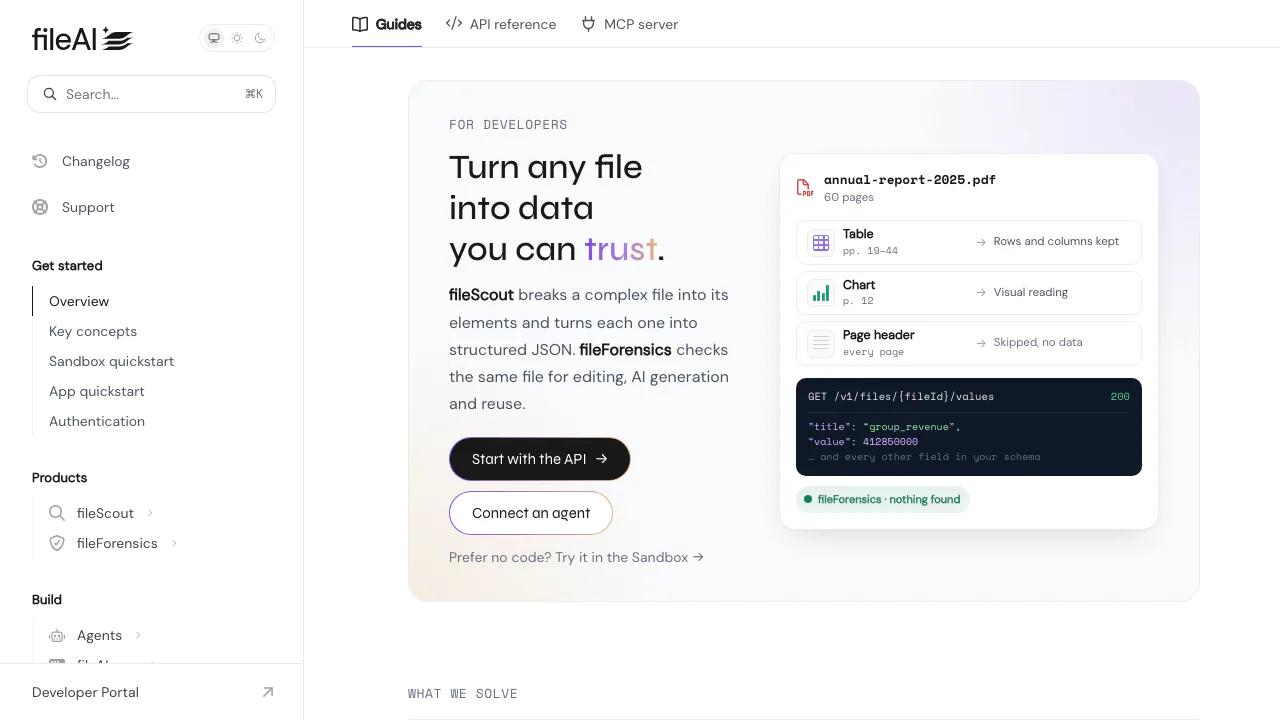
Extract document fields to JSON and route suspicious files for review.
AI Productivity & Document ToolsPaid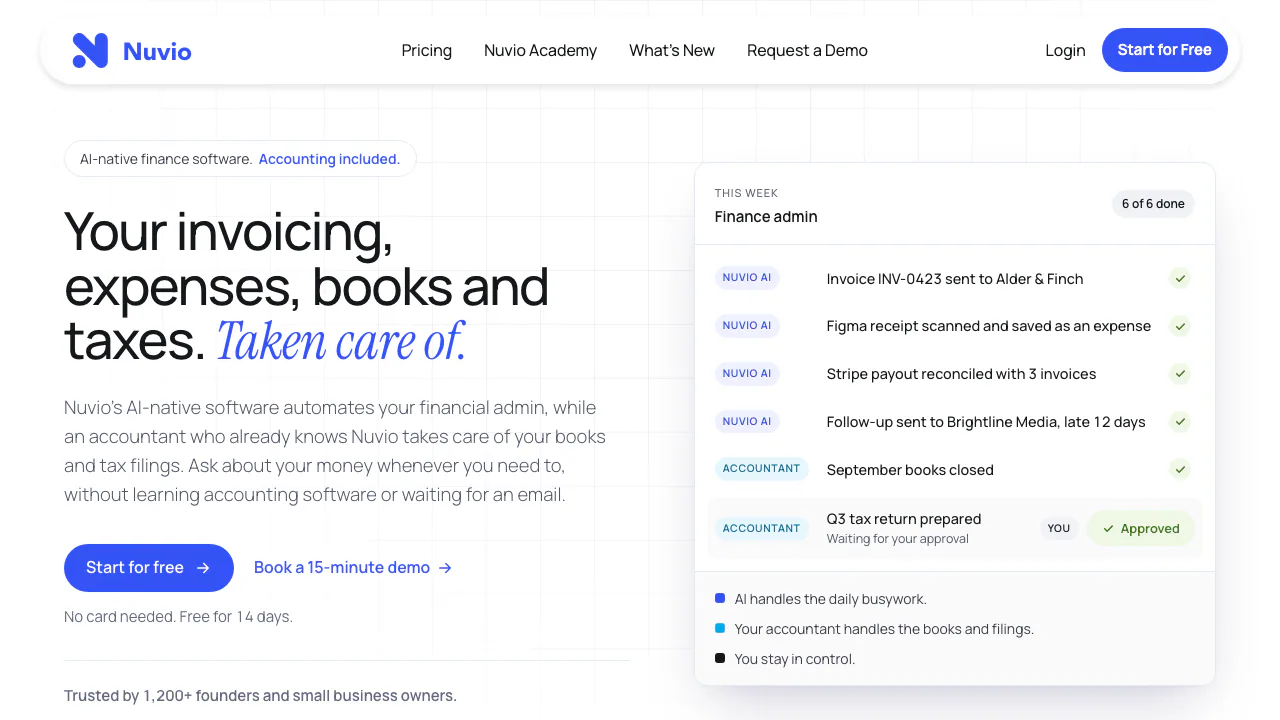

Nuvio
Nuvio AI accounting software for small businesses
AI Accounting & Business Finance ToolsPaid

Invited
Turn bills, invitations and tickets into reminders you can review.
AI Productivity & Document ToolsFreemium

AI Photo Editor
NEWEdit photos by typing with Nano Banana, GPT Image, and Seedream on pay-as-you-go credits
AI Image & Video GeneratorsFreemium

Safe Outreach
NEWCheck Chrome extensions against LinkedIn's detection list and session-cookie audits.
Browser Extension Security ToolsFree

AI//COST
NEWCompare vendor-verified LLM API prices, AI subscriptions, benchmarks, and token costs.
AI Model Pricing & BenchmarksFree
- Pricing
- Paid
- Website
- macthru.com
- Added
- November 2026
- Updated
- November 20, 2026
- Checked
- November 20, 2026
Add the badgeShow you're listed on AITroveX
<a href="https://aitrovex.com/tool/macthru?ref=badge" target="_blank">
  <img src="https://aitrovex.com/badge-listed-light.svg" alt="Listed on AITroveX" style="height: 54px; width: auto;" />
</a>