
AI Meeting Assistants
Compare AI meeting assistants for live questions, summaries and follow-up work. Check meeting platforms, free limits, app actions and data controls.
7 tools, updated November 2026
Replay
Record meetings on your Mac, then find the words and decisions that matter.
Paid

TellPip
Live answers from your own documents, with client commitments ready for the next call.
Paid

Cluinn
Ask during calls, follow up afterwards and dictate into any Mac app.
Paid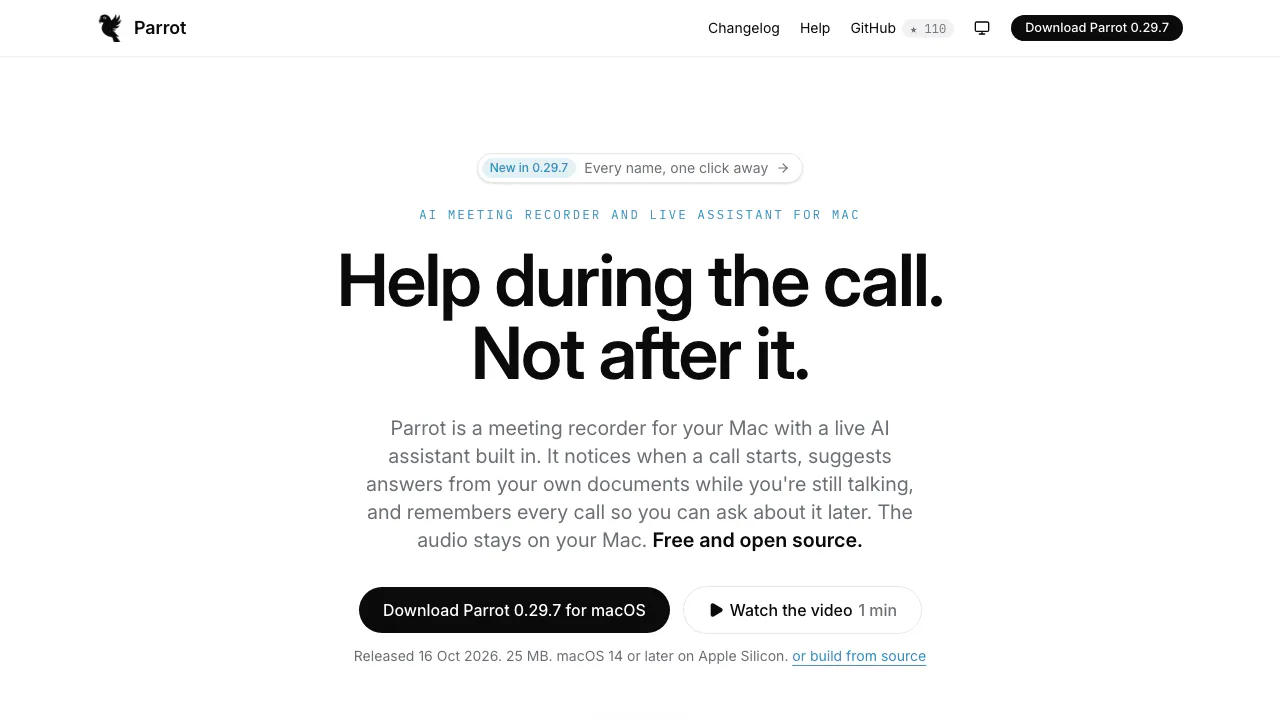
Parrot
Record, transcribe and review meetings on your Mac, with live help from your own documents.
Free
Earnote
Turn recordings into structured notes, tasks, flashcards and PDF study sheets on Apple devices.
Freemium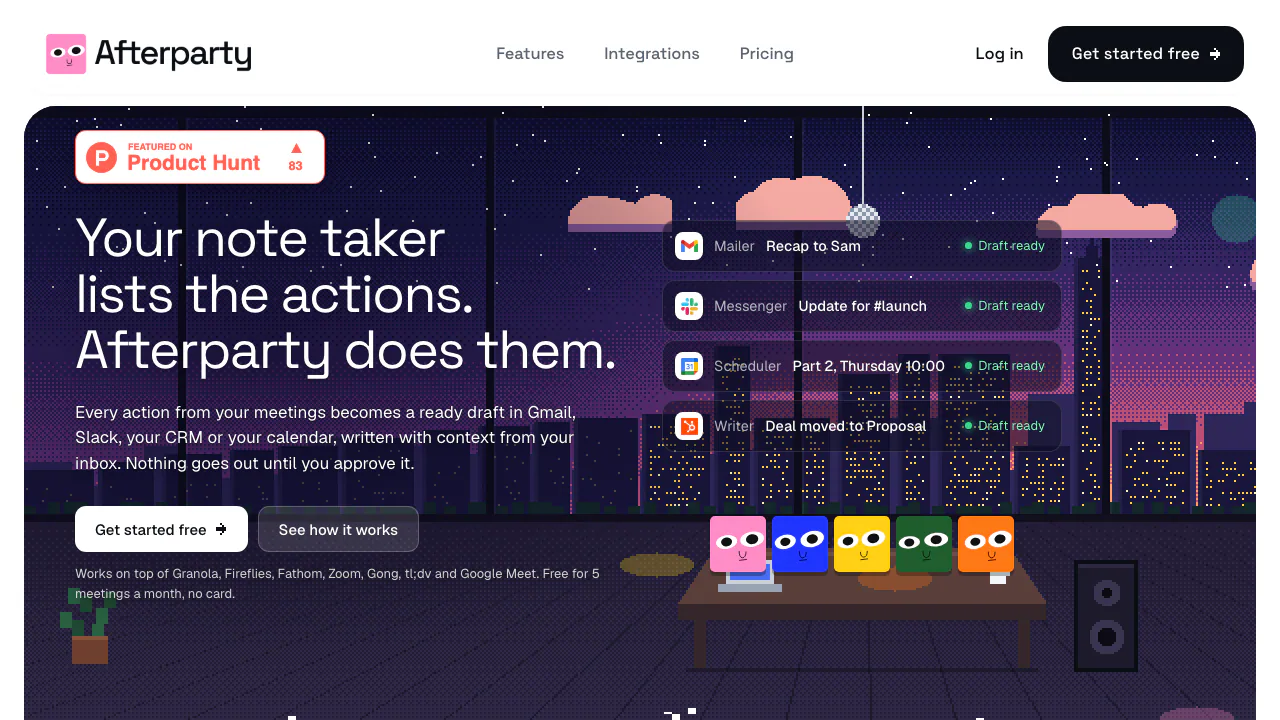

Afterparty
Turn meeting commitments into drafts you review and approve.
Freemium

HeyPi
An AI meeting workspace for turning live discussion into work.
Freemium
What does an AI meeting assistant do?
An AI meeting assistant helps people use the information exchanged in a meeting. Depending on the product, it can capture a transcript, summarize decisions, answer questions about the discussion or help carry out follow-up work. Some join an existing call; others provide their own meeting room.
Choose by the work you need to finish
For a reliable record, compare transcript review, speaker identification and access to original context. For help during a call, check live questions, private versus shared responses and the ability to create useful material. For follow-up, distinguish a suggested task from an action completed in a connected app.
Check limits and control
Confirm supported platforms and languages with a realistic test. Compare participant limits, creation credits, retention and guest access. Explain AI participation to attendees and review recipients, content and permissions before external actions. A free meeting allowance does not necessarily include unlimited AI processing.