

EditsFreemium
Edit on your phone or Mac, add captions and share a clean 4K export.
TellPip | AI meeting assistant for client calls on Mac
Live answers from your own documents, with client commitments ready for the next call.
What does TellPip do?
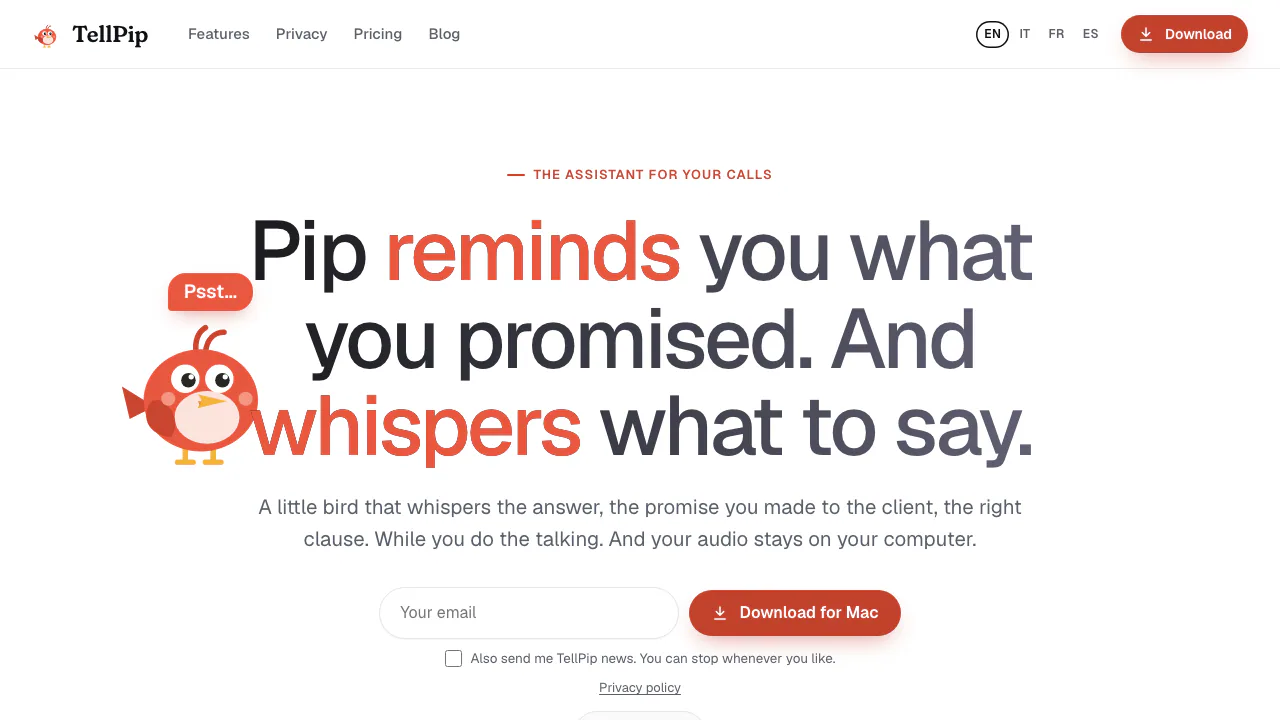
TellPip is an AI meeting assistant for Mac. If a client asks whether a fee includes onboarding, Pip can look in the price list or proposal you supplied and display a suggested answer while you are still on the call. You decide what to say. Afterwards, the app prepares notes and a follow-up email draft and can bring unfinished commitments back at your next conversation.
It is especially useful for consultants, account managers and salespeople who meet the same clients regularly. A revised quote or a promise from last week is a more useful starting point for a reply than a generic summary of the current meeting.
Run a first call with your own reference material
- Install TellPip on an Apple Silicon Mac (M1 or later) running macOS 14.2 or later. Sign in with your email and the six-digit code, let the local models install and grant the microphone and screen/system audio permissions. Mac download and system requirements
- Pick a mode for the call, such as Sales, and attach a current document. A PDF proposal, Word document or CSV price sheet gives Pip something specific to search. The official guide lists a 20 MB limit per reference file.
- Open the Pip widget and start listening with Psst. Use Suggest or type a question when you need help. Check a price, date or clause against the original before you commit to it on the call.
Turn a call into a follow-up you can check
Open Notes, Transcript or Follow-up email after ending the session. Compare decisions and action items with the transcript, especially owners and due dates, then copy the reviewed draft into your mail app. Client memory can bring open promises into the next conversation. Edit a wrong date or mark a completed item as done on the memory card. guide to meeting note templates
What stays on the Mac?
TellPip says it transcribes audio and stores sessions, notes and client memory on the Mac. AI generation uses external providers. Depending on the task and settings, they may receive transcript excerpts, reference text and a screenshot. Short reference documents can be sent in full. The policy describes provider-side retention. Check your organization's requirements and inform participants when required. TellPip privacy policy
Trial, subscription or a one-off pack
On November 6, 2026, the standard trial offered five sessions of up to ten minutes without a card. Solo includes manual suggestions, memory, notes and up to 15 documents. Everything adds automatic suggestions and Invisibility for screen sharing. The five-hour pack has no recurring payment and expires after 90 days. Enterprise adds shared sources such as Notion and SharePoint, with per-seat billing. Check checkout for the applicable price and tax. current TellPip plans
Frequently asked questions
Can I use TellPip with Zoom or Teams?
Yes. TellPip captures audio on the Mac without adding a participant. The vendor also lists Google Meet and Webex among tested apps.
Does the free trial roll unused minutes forward?
No. A session counts when it starts, even if you finish early. The trial never automatically becomes a paid subscription.
Can I transcribe a meeting offline?
The local transcription model can run offline after setup. Generated replies and notes use an online AI service.
Related tools
AI Meeting Assistants →
CALL-EFreemium
Calls for bookings, quotes and everyday errands
MitraPaid
Delegate incoming and outgoing calls with Mitra
VaaniPaid
Build multilingual calling agents with business knowledge, tools and memory.
CluinnPaid
Ask during calls, follow up afterwards and dictate into any Mac app.
TheySaidFreemium
Understand product friction with AI-moderated studies and feedback you can inspect.