

Kudos: AI Wallet for Credit Card Rewards and Bills
Choose a card, stack eligible cashback and understand your spending with AI.
Updated November 17, 2026

Key facts
- What it is
- Choose a card, stack eligible cashback and understand your spending with AI.
- Pricing
- Freemium
- Category
- AI Personal Finance Tools
- Website
- joinkudos.com
What is Kudos? A plain-English explanation
Kudos is a smart wallet from Kudos Technologies, Inc. that helps you decide which of your credit cards to use, keep track of benefits and understand where your money goes. Think of it as a helper alongside your existing cards: at a supported checkout it compares rewards; inside your wallet it brings financial information and useful next steps together.
It is useful for people juggling several supported cards or recurring payments. Compatibility depends on the issuer, merchant and service provider. A recommendation does not guarantee a particular reward or approval for a new card.
Pick a card and combine eligible rewards
Kudos recommends a card from the cards you have added, while optional autofill can complete payment details. There are three separate opportunities to check: the card's normal rewards, an activated issuer offer and Kudos Boost cashback from a participating merchant. They can combine on an eligible purchase, but each has its own conditions.
For Boost, open Boost Merchants, find the retailer and activate the offer before paying. In Benefits Tracker, sort credits and perks by expiry, review what remains and follow the redemption instructions. Premium can activate offers through supported issuer portals. Card Explorer and Test Drive help evaluate another card against spending and annual fees; estimated earnings remain estimates. The current guide allows up to 50 cards in the wallet.
Ask questions about your own spending
Kudos AI uses your available card, spending, bill and subscription information as context. Ask which category cost the most this month, what recurring payments exist, or whether a card's benefits fit your habits. Open the wallet on the web or mobile and look for the assistant in the lower-right corner.
The assistant is currently a beta feature for Premium and Lifetime members. Transaction history can cover up to two years, depending on bank data. AI usage may be capped; the terms do not promise one universal unlimited allowance. Check its interpretation against the underlying transactions.
Turn recurring costs into specific tasks
Premium adds bill negotiation and subscription cancellation. In Lower Bills, choose an eligible phone, internet or cable bill and let Kudos contact the supported provider. The guide says users keep any savings without a negotiation commission; a lower bill is not guaranteed.
For an unwanted subscription, review recurring payments, select it and request cancellation. Check the resulting status and subsequent billing. The specific Premium guide currently excludes phone-based subscription cancellations such as some gym memberships, so confirm support before relying on a request.
Complete your first shopping workflow
- Install the Chrome, Safari or Edge extension, or use the iOS/Android app, then add your supported cards.
- For connected insights, authorize account access through Plaid. After returning to Kudos, manually match each account to the correct card using the last four digits. A wrong match can put benefits on the wrong card.
- Choose a participating merchant and activate Boost before checkout. Review the recommended card and applicable offer conditions.
- Enable autofill only if you want it, complete the purchase and later check the reward and benefit records. Some banks require reauthentication; account data may take time to sync.
Free tools, Premium and the real cost
As verified on October 20, 2026, core card recommendations, card management, autofill and standard Boost remain free. Kudos AI, transaction-based analysis and the advanced automations require Premium or Lifetime access. Current purchase options are an annual subscription or a one-time Lifetime plan; consult the official Premium details and your checkout for the actual amount, taxes and billing channel.
Premium earns 1.25 times the standard Boost rate on eligible purchases and includes free PayPal redemption. The help center lists a US$2.99 processing charge per PayPal redemption for non-Premium members. Compare these costs with rewards you can actually use rather than headline savings.
Separate account access from permission to act
Connecting through Plaid lets Kudos receive balances, transaction details and the last four digits; that connection does not give Kudos your bank login or permission to make payments. Saving full card details for autofill is a separate, optional step.
Bill negotiation and cancellation involve a different authorization: the service may need account credentials or PINs to represent you to a provider. The privacy policy also describes financial-data processing by external AI providers, including de-identified data, and retention of query history while the account is active. Read the relevant permissions and deletion conditions before connecting sensitive accounts.
Frequently asked questions
Is Kudos free, and what requires Premium?
The core checkout and standard Boost tools are free. Premium/Lifetime adds Kudos AI, transaction history and advanced automations; the current subscription amount appears at checkout.
Do I have to save my full card details?
No. Autofill is optional, and Kudos says you can use the service without entering full card details. Connecting accounts for spending insights is a different process.
Can I activate Boost after I have paid?
No. Boost must be activated before the purchase is completed. Activating it afterward does not apply retroactively.
What happens to connected financial data?
Connected transactions support spending analysis and recommendations. The privacy policy describes external service providers and account/query retention and deletion rules; do not interpret card encryption as a promise that no financial data is processed.
Official guides and support
Alternatives to Kudos
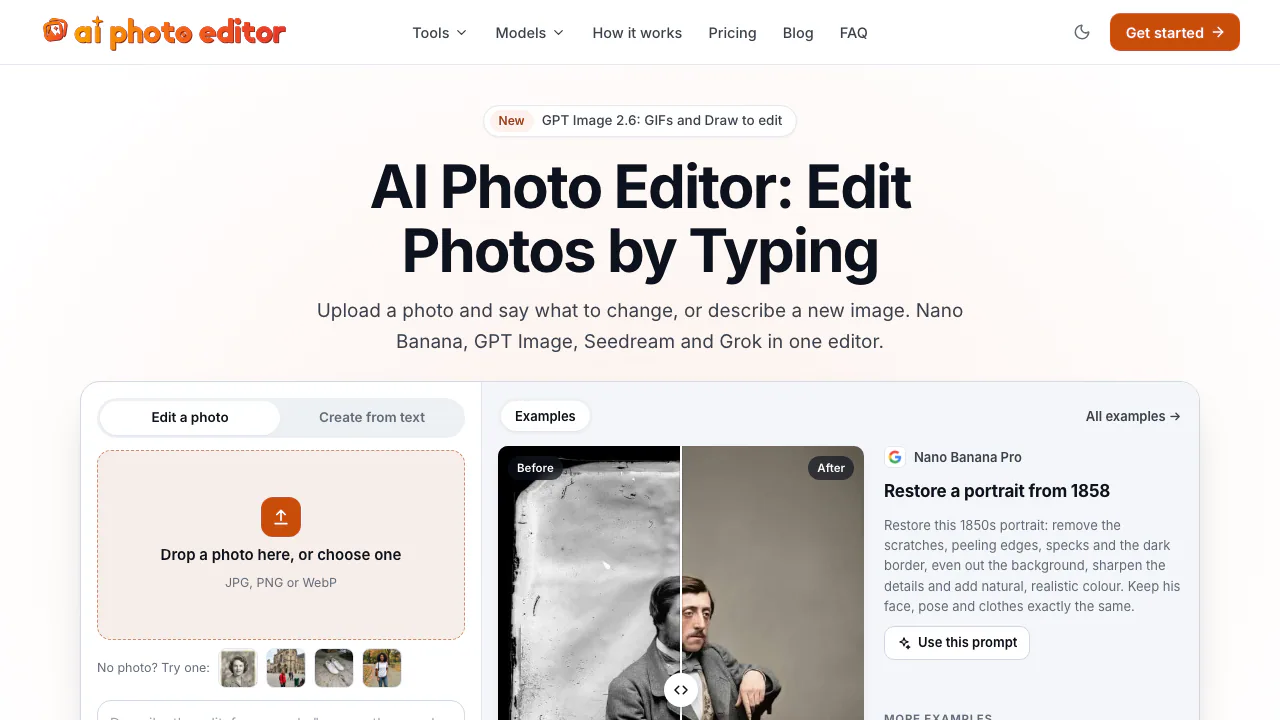

AI Photo Editor
NEWEdit photos by typing with Nano Banana, GPT Image, and Seedream on pay-as-you-go credits
AI Image & Video GeneratorsFreemium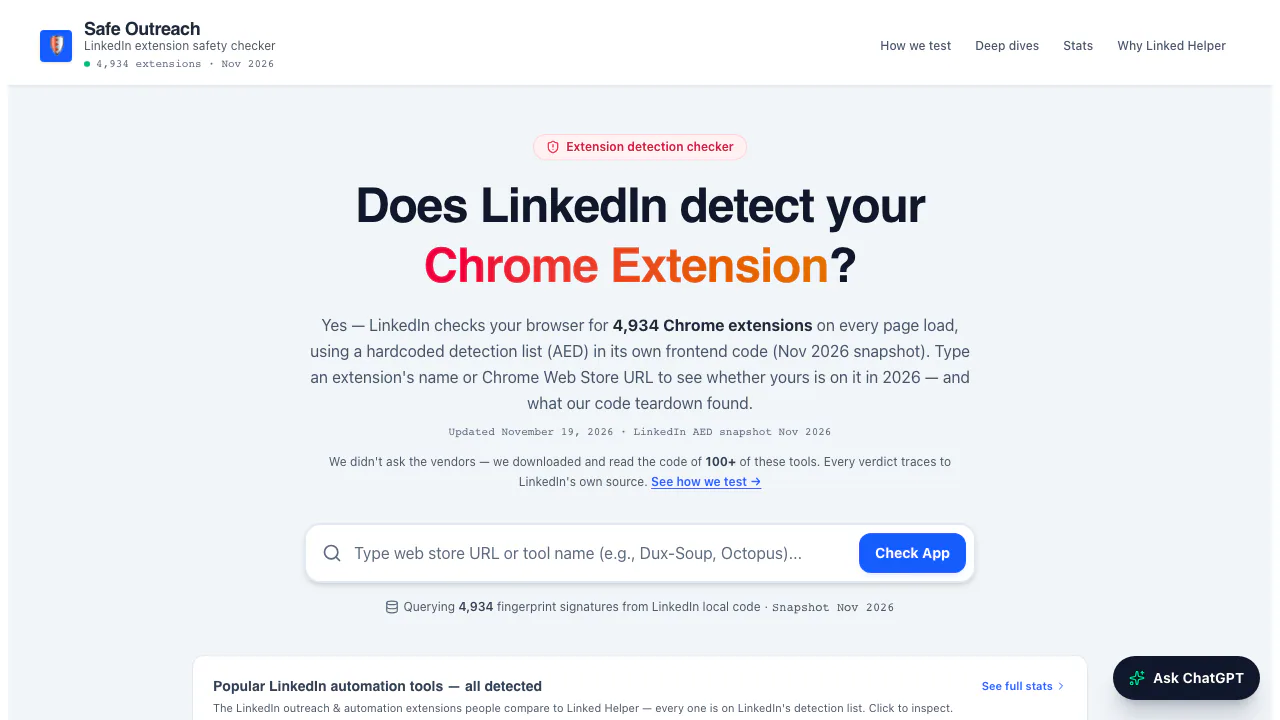

Safe Outreach
NEWCheck Chrome extensions against LinkedIn's detection list and session-cookie audits.
Browser Extension Security ToolsFree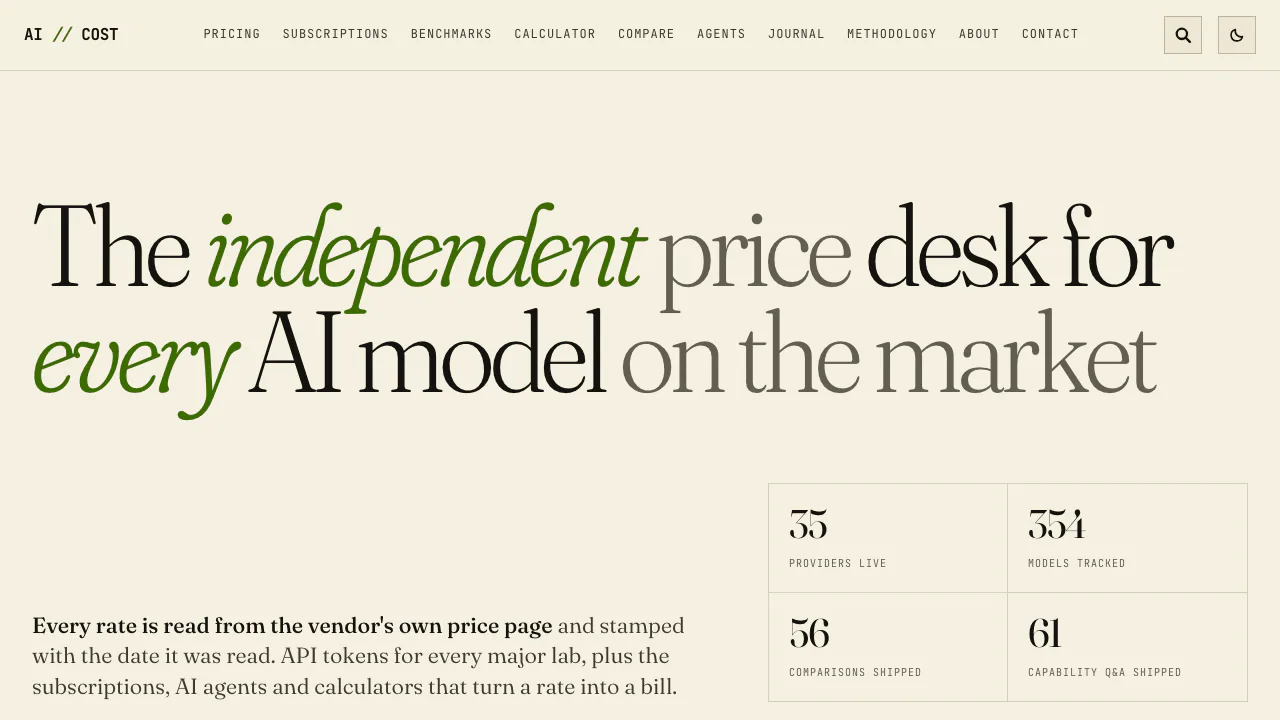

AI//COST
NEWCompare vendor-verified LLM API prices, AI subscriptions, benchmarks, and token costs.
AI Model Pricing & BenchmarksFree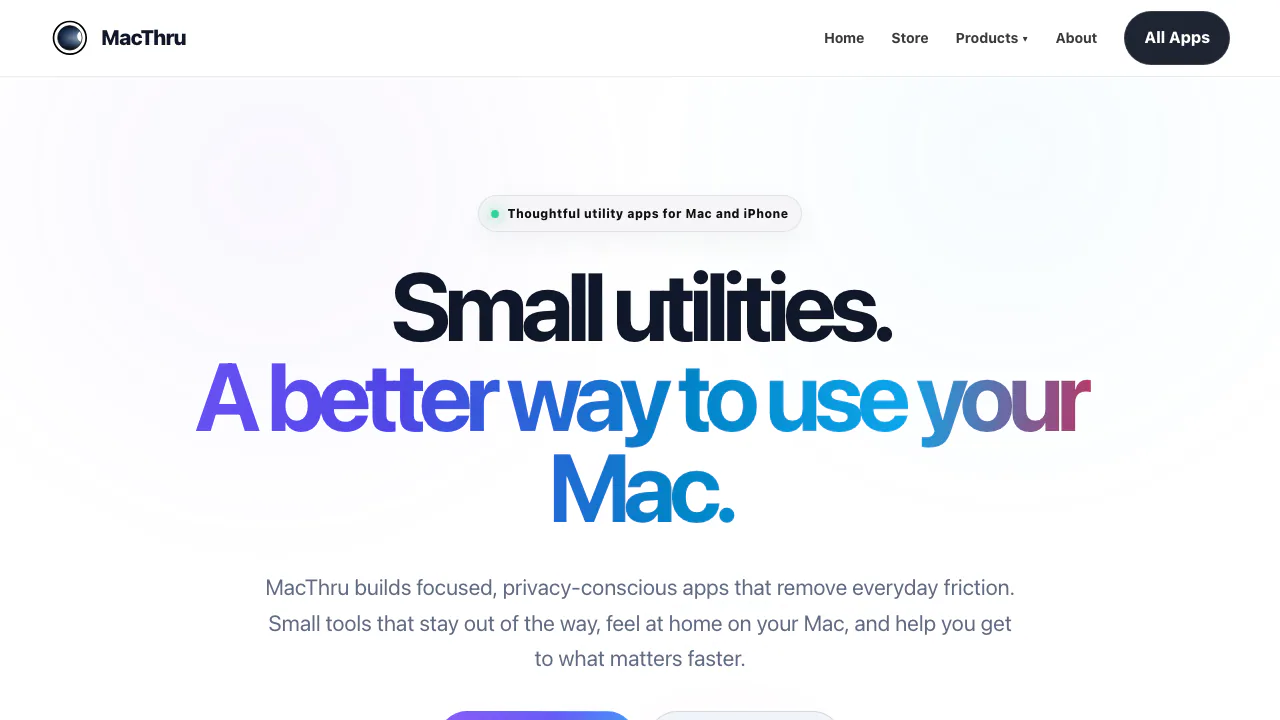

MacThru
NEWNative macOS utilities for on-device screen OCR, per-app audio, brightness, and Safari
Mac Utility AppsPaid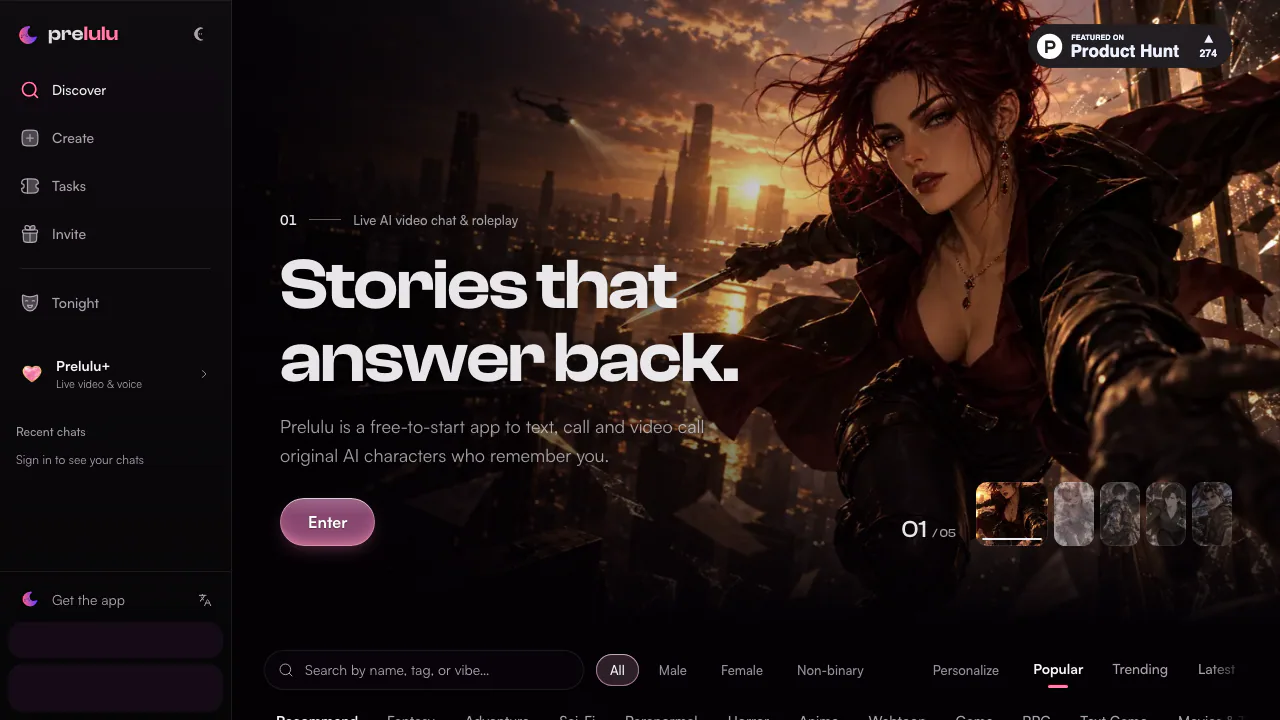

Prelulu
NEWChat with fictional AI characters by text, voice, or live avatar video calls.
AI Character Chat & CompanionsFreemium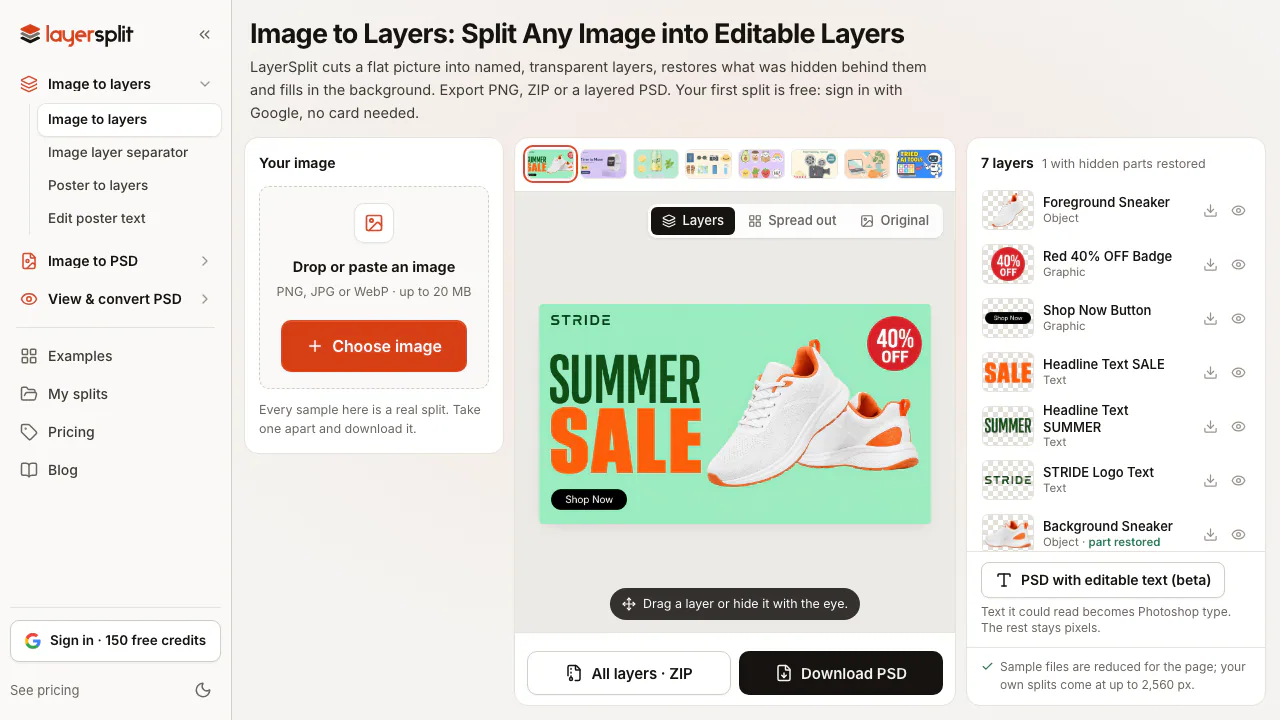

LayerSplit
NEWSplit flat images into named PNG or PSD layers with AI-restored backgrounds
AI Image & Video GeneratorsFreemium
- Pricing
- Freemium
- Website
- joinkudos.com
- Added
- October 2026
- Updated
- November 17, 2026
Add the badgeShow you're listed on AITroveX
<a href="https://aitrovex.com/tool/kudos?ref=badge" target="_blank">
  <img src="https://aitrovex.com/badge-listed-light.svg" alt="Listed on AITroveX" style="height: 54px; width: auto;" />
</a>