
 NEW
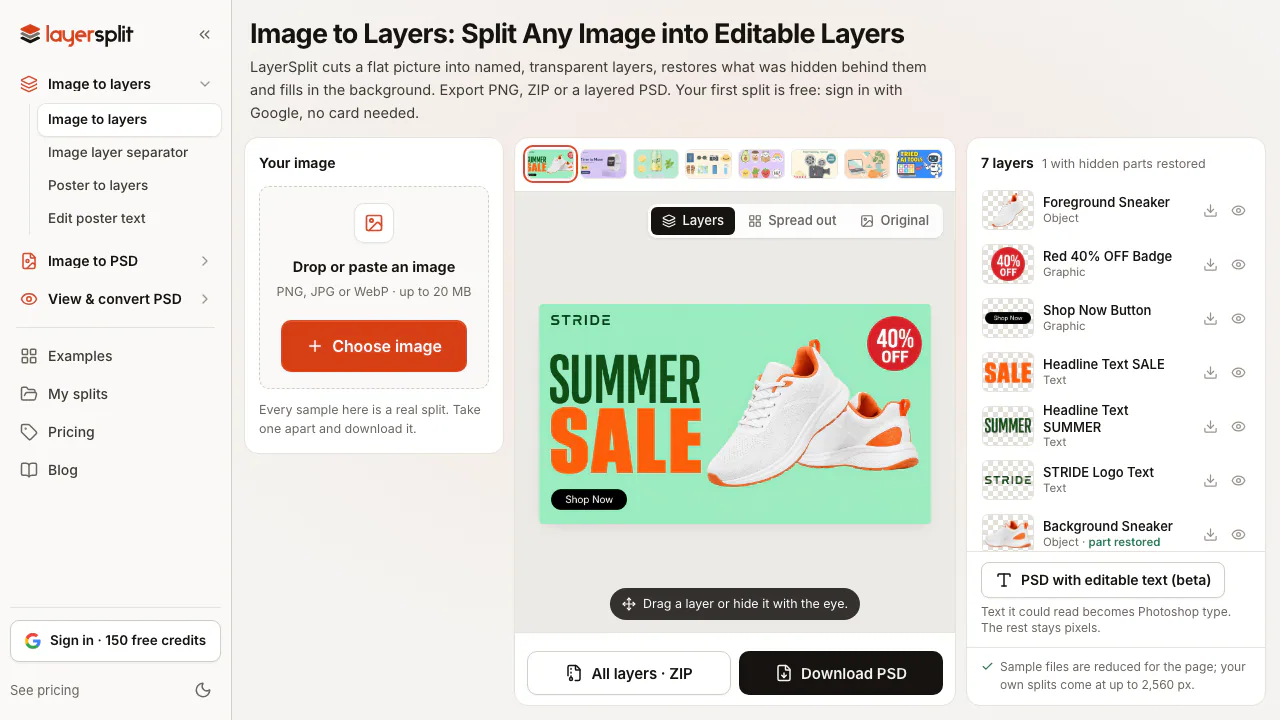
LayerSplit: AI Image to Layers & Editable PSD Converter
Split flat images into named PNG or PSD layers with AI-restored backgrounds
Updated November 20, 2026
Best for
- Designers rebuilding lost PSD files from flat banners, posters, or client graphics
- Marketers localizing ad headlines and badges while keeping original product pixels
- Creators separating flat AI-generated images into movable layers for Photoshop or Figma
Not for
- High-resolution print layouts: large uploads are downscaled before splitting
- Character rigging into separate eyes, mouth, and hair parts for animation tools
- Offline, mobile-app, or automated API pipelines: runs only in a web browser
Key facts
- What it is
- Split flat images into named PNG or PSD layers with AI-restored backgrounds
- Pricing
- Freemium
- Category
- AI Image & Video Generators
- Website
- layersplit.com
- Free plan
- 150 one-time credits on Google sign-in (one split of up to 15 layers, no card, no watermark); browser PSD viewer and converters free without login (No recurring monthly free credits; each element layer costs 10 credits and the filled background is free) source
- Starting price
- $9.90 one-time (Starter pack (900 credits / 90 layers, non-expiring); Basic subscription is $12/mo monthly or $99/yr ($8.25/mo) for 1,400 credits/mo) source
- Platforms
- Web (Browser web app only; exports PNG, ZIP, and layered PSD for Photoshop, Photopea, Affinity Photo, Figma, or Canva) source
- API
- No (No public REST API or developer docs; interactive web workflow only) source
- Open source
- No (Proprietary hosted web service operated by Code Canyon LLC) source
- Commercial use
- You own generated results and may use them if you hold rights to the input; no third-party or exclusivity guarantee (Applies to free and paid splits alike (Terms §8); prohibits minor photos, unauthorized public figures, and infringed assets) source
- AI training on your data
- LayerSplit does not train on your files; makes no guarantee for third-party AI providers (SeeAPI, fal.ai) (Chooses service-only providers (Gemini, SAM 3, Nano Banana, Bria Eraser); uploads and splits auto-delete after 30 days (Privacy §4, §8)) source
- Company
- Code Canyon LLC (Sheridan, WY, US) (Wyoming LLC at 30 N Gould St Ste N, Sheridan, WY 82801; Link by Stripe acts as merchant of record) source
LayerSplit is a browser-based AI image layer separator that splits flat PNG, JPG, and WebP graphics into named, transparent layers over an AI-filled background for designers, marketers, and ecommerce teams. Built for banners, posters, product shots, and flat AI artwork when no source file exists, LayerSplit gives new Google sign-ins 150 one-time credits (up to 15 layers without watermarks), with non-expiring packs from $9.90 one-time and plans from $12/month (as of November 2026).
What you can do with LayerSplit
- Split designs without redrawing visible pixels: Upload a PNG, JPG, or WebP up to 20 MB, preview detected elements and credit cost free, and confirm. LayerSplit uses Google Gemini and Meta SAM 3 to outline 5 to 15 elements front to back, cuts visible pixels directly from your upload so logos and product details stay intact, and uses Google Nano Banana and Bria Eraser only to restore occluded parts and fill the background.
- Export for Photoshop, Figma, or Canva: Download transparent PNG layers, a ZIP with
layers.jsoncoordinates, or a layered PSD for Photoshop, Photopea, and Affinity Photo. - Convert readable text into Photoshop type (beta): Beta editable-text PSD export turns recognizable words into retypable Photoshop text layers while keeping logos and stylized lettering as pixel layers.
- Inspect and convert PSDs locally: Free no-login tools—including a browser PSD Viewer (up to 200 MB) and batch PSD-to-PNG/JPG converters (up to 50 files)—run locally without uploading files.
How LayerSplit compares
- Versus Pixelcut and Photoroom: Both Pixelcut and Photoroom target ecommerce visuals on web, iOS, and Android with batch cutouts, AI scenes, video ads, and APIs, but export flat images. Choose them for mobile, catalog batching, or API workflows; choose LayerSplit when every headline, badge, and object in a finished graphic needs its own PSD layer over a filled background.
- Versus remove.bg: remove.bg extracts one foreground subject—and its pricing page announces the standalone site closes December 1, 2026 as background removal moves into Canva (as of November 2026). LayerSplit keeps up to 15 layers and fills the background behind each.
- Versus SurgePix: SurgePix generates posters, carousels, and editable PPTX decks from prompts on a web canvas or via CLI skills. Pick SurgePix to generate visuals from scratch; pick LayerSplit to reverse-engineer an existing flat file into a PSD.
Limits to know
- Resolution and overlap speed: Outputs cap at 2,560 px on the long side (larger uploads scale down). Non-overlapping splits take about 2 minutes; overlapping objects take 5 to 10 minutes.
- Visual and font edge cases: Edited beta type layers map to Arial, Times New Roman, Impact, or Courier New unless restyled. Busy photos, white borders on white backgrounds, strong cast shadows, and glowing halos split less cleanly than structured graphics, and Live2D or Spine character rigging is unsupported.
- Credits, retention, and providers: Each element layer costs 10 credits (background is free; failed layers auto-refund). Subscription credits reset monthly, whereas pack credits stay active; see current tiers on the LayerSplit pricing page. Under the Privacy Policy and Terms of Service, files auto-delete after 30 days, minor or non-consensual public-figure photos are prohibited, and splits run via third-party providers on SeeAPI and fal.ai.
FAQ
Is LayerSplit free to try, and do exports have watermarks?
Yes. Google sign-in grants 150 one-time credits with no card required—covering one split of up to 15 layers with watermark-free PNG, ZIP, and PSD exports (as of November 2026). Browser PSD viewers and converters need no login, though there is no recurring monthly free credit pool.
Does LayerSplit turn image text into editable Photoshop text layers?
Partly, in beta. Exporting a PSD with editable text converts readable words into Photoshop type layers set in Arial, Times New Roman, Impact, or Courier New once edited, while logos, curved text, and standard exports remain pixel layers.
Does LayerSplit redraw my product or graphics with AI?
No. Visible pixels of objects, logos, and unedited text are cut directly from your upload; AI inpainting only reconstructs occluded object areas and fills the background.
How long does LayerSplit keep uploaded images, and does it train AI models on them?
Uploads and splits stay private to your account and delete after 30 days. LayerSplit states it does not sell user files or train models on them, though processing uses third-party models via SeeAPI and fal.ai without independent provider guarantees.
What we checked
On November 20, 2026 we checked 8 facts in Key facts against LayerSplit’s own pages:
Not tested: we did not sign up, pay or run LayerSplit ourselves. Prices and plans change; confirm them on layersplit.com before you buy.
Alternatives to LayerSplit
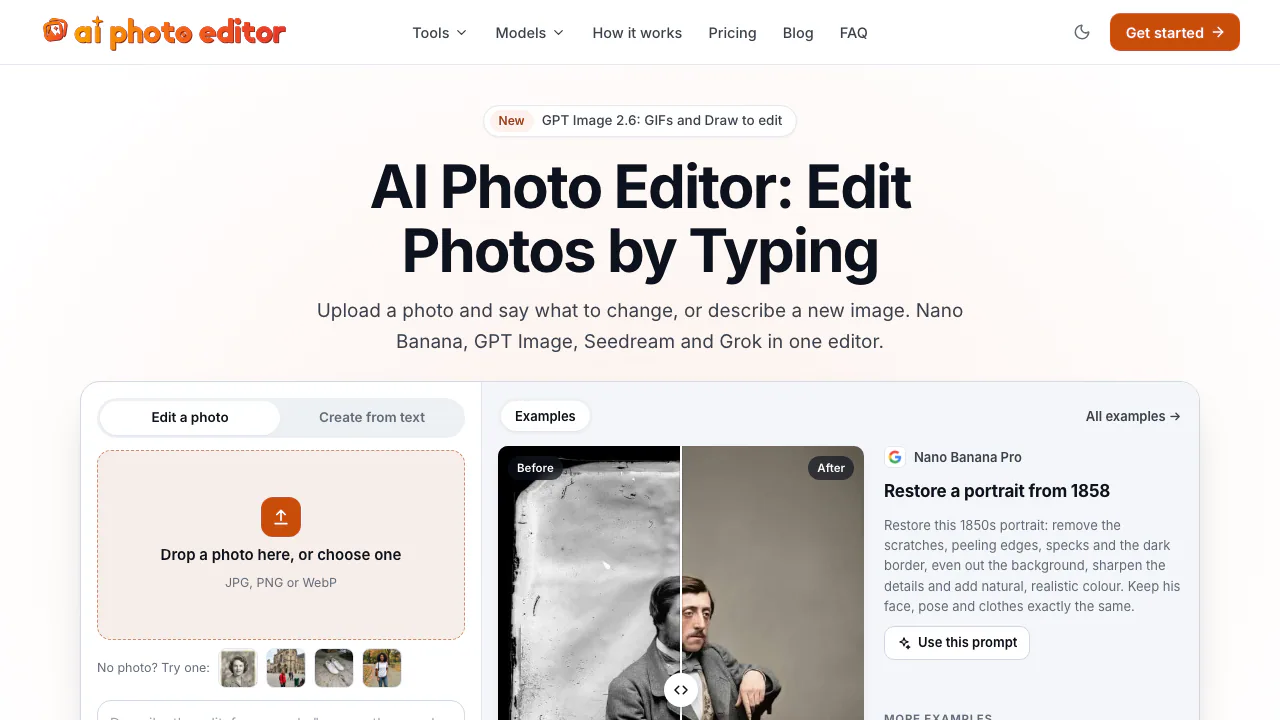

AI Photo Editor
NEWEdit photos by typing with Nano Banana, GPT Image, and Seedream on pay-as-you-go credits
AI Image & Video GeneratorsFreemium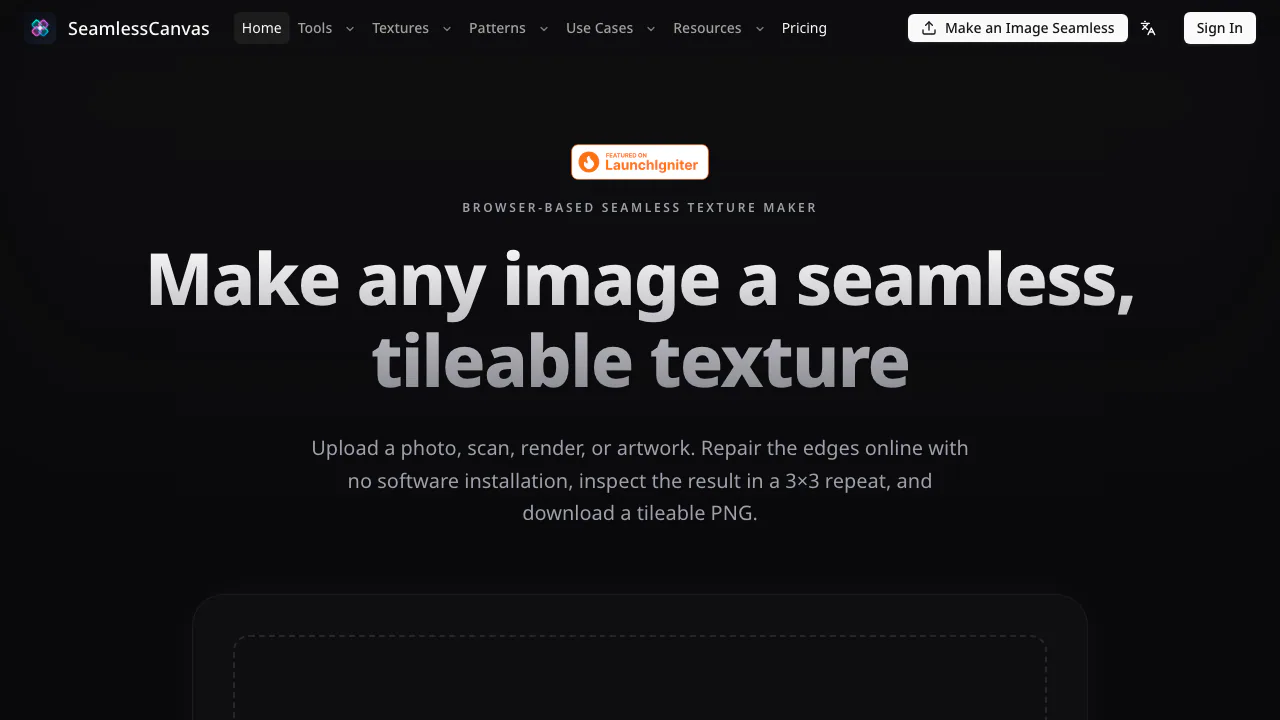

SeamlessCanvas
Repair image seams and generate repeatable textures and patterns.
AI Image & Video GeneratorsFreemium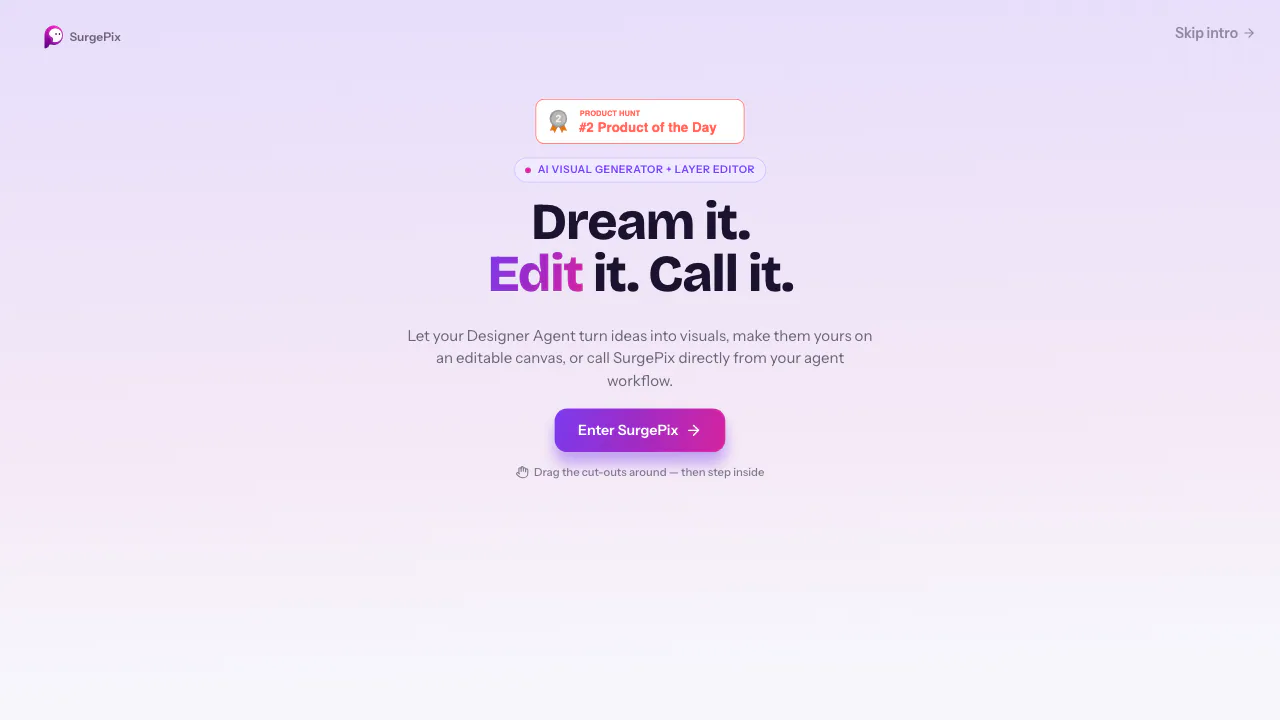

SurgePix
Generate images, posters and decks, then refine individual layers.
AI Image & Video GeneratorsFreemium

Favore
Create an image, refine it, then turn it into motion in one workspace.
AI Image & Video GeneratorsPaid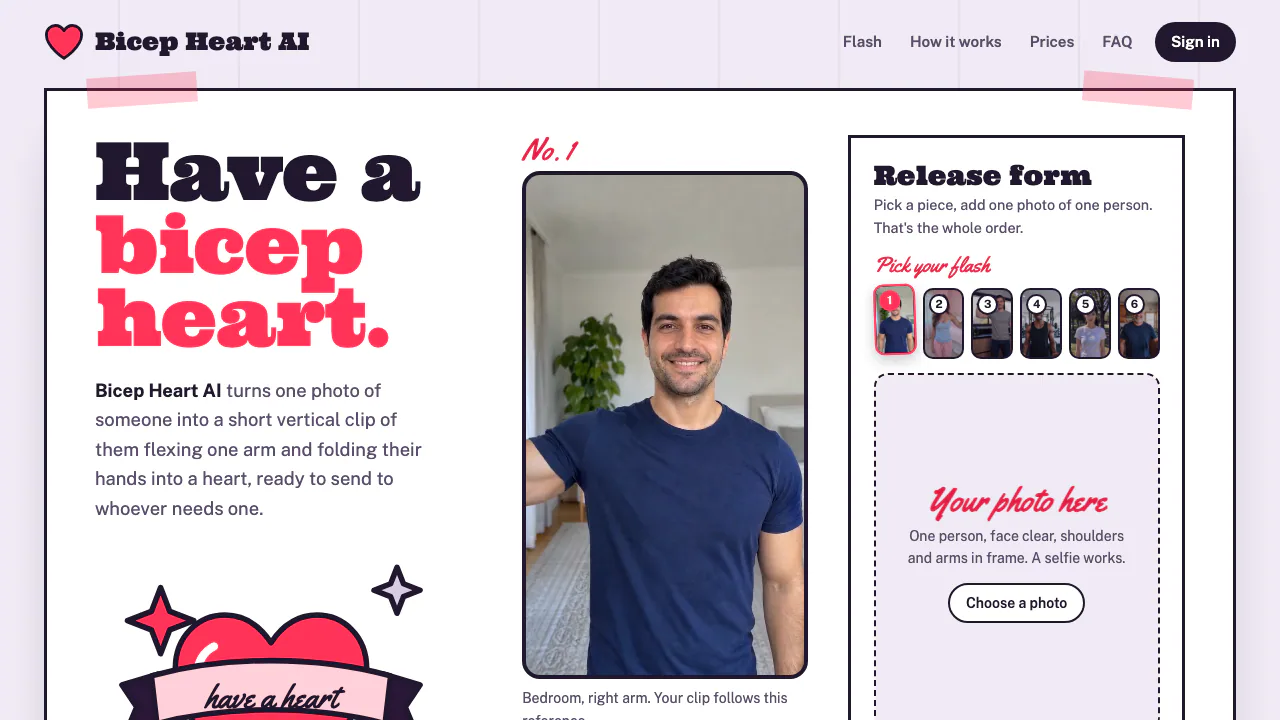

Bicep Heart AI
Make a short, silent arm-heart video from one consenting adult’s photo.
AI Image & Video GeneratorsPaid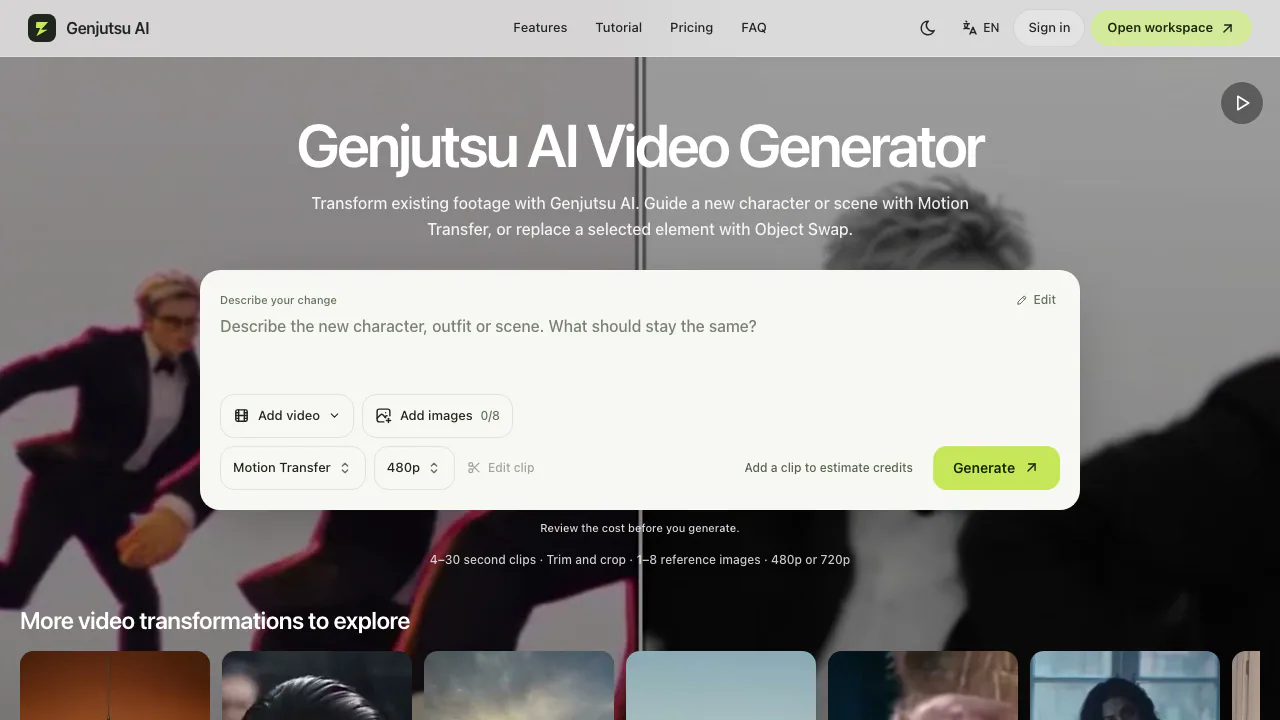

Genjutsu AI
Recast a short video or replace a selected subject using reference images.
AI Image & Video GeneratorsPaid
- Pricing
- Freemium
- Website
- layersplit.com
- Added
- November 2026
- Updated
- November 20, 2026
- Checked
- November 20, 2026
More in AI Image & Video Generators
- AI Photo EditorFreemiumEdit photos by typing with Nano Banana, GPT Image, and Seedream on pay-as-you-go credits
- Bicep Heart AIPaidMake a short, silent arm-heart video from one consenting adult’s photo.
- SeamlessCanvasFreemiumRepair image seams and generate repeatable textures and patterns.
- SurgePixFreemiumGenerate images, posters and decks, then refine individual layers.
Add the badgeShow you're listed on AITroveX
<a href="https://aitrovex.com/tool/layersplit?ref=badge" target="_blank">
  <img src="https://aitrovex.com/badge-listed-light.svg" alt="Listed on AITroveX" style="height: 54px; width: auto;" />
</a>