

siliXon: AI PCB Design, Routing and Manufacturing Files
Turn an electronics idea into an editable PCB project
Updated November 17, 2026

Key facts
- What it is
- Turn an electronics idea into an editable PCB project
- Pricing
- Freemium
- Category
- AI PCB & Circuit Design Tools
- Website
- silixon.io
What does siliXon actually do?
siliXon is a browser-based AI PCB design tool that turns a description of an electronic device into a circuit-board project. A PCB holds electronic components and connects them through copper tracks. You describe the behavior you want; its assistant, Rocky, helps work out the requirements, chooses components, creates the schematic, places parts and routes the board.
The result is an editable design with manufacturing outputs. This makes it relevant to makers trying their first hardware idea and engineers exploring a prototype. SILIXON LIMITED operates the service, which is currently in early beta.
Take an idea through the first-board workflow
Start with a small, clearly defined task. Explain what the board should do, how it should receive power and which controls or connections it needs. The documented workflow uses plain English. Add dimensions, protocols or specific components when these are important.
- Open the application and describe your board.
- Answer Rocky's questions about missing requirements. Check the suggested choices against your intended use.
- Review the generated schematic, components and layout. Use the board views to inspect the result.
- Resolve reported issues, make revisions and rerun checks. The official guide demonstrates a “Fix with Rocky” action.
- Download the manufacturing ZIP containing Gerber, drill and pick-and-place files. Export the bill of materials separately as CSV.
These outputs serve different jobs: Gerber describes the fabrication layers, drill data specifies holes, and the BOM identifies parts. Send the appropriate files to your manufacturer and review its quote and production settings. Ordering inside the platform is available only where supported. The illustrated first-board guide shows the process.
Autorouting with room for manual changes
The generated board remains editable in 2D and 3D. You can move components, add or remove traces, add vias, and request changes in conversation. This matters when the first layout needs a different connector position or more space around a component.
After editing, inspect the new layout and repeat checks. Pro includes KiCad import and export for users who want to continue in that workflow; the public plan description does not specify a comprehensive version-compatibility matrix.
Which projects fit the beta?
Current support covers two- and four-layer boards, with an emphasis on digital designs and limited analog capability. The homepage shows a temperature indicator, Bluetooth remote and USB macro pad as examples.
Checks cover areas such as parts and placement, routed connections, manufacturing rules, continuity and datasheet consistency. They help find problems but do not certify safety or guarantee a working board. Engineering review and testing remain necessary before fabrication or deployment. Silkscreen image upload is marked as coming soon.
Free and Pro: limits that affect your choice
Verified on October 20, 2026, the public prices are in GBP. Free costs £0/month, provides one end-to-end project every two weeks and two Community remixes, and requires no card. Its projects are public.
Pro costs £14.99/month, billed monthly with cancellation available at any time. The advertised benefits include unlimited projects and remixes, private PCBs and KiCad exchange. Beta terms still allow usage controls to protect service reliability. Check the current plans before subscribing. Treat fabrication, components, assembly and shipping as separate purchasing decisions.
Public boards, ownership and data handling
Free projects enter Community after passing all manufacturing checks. Signed-in users can see the board, project name and username; Rocky chats, history, project descriptions and private notes are not shown to them.
You retain your content rights, while published boards grant others reuse rights under CERN-OHL-P-2.0. Copies may be modified, made and sold with the required license and credit notices. Making a board private later does not retract existing copies. Review the Community terms before sharing valuable designs.
The privacy policy says Community boards are not used to train or update its AI. This is a specific statement about those boards. The service still processes projects, files, prompts and usage records, and uses PostHog analytics and session recordings that may include non-password form values. Account deletion can be requested, subject to the policy's retention exceptions.
Common questions
Is siliXon free to try?
Yes. Free offers one complete project every two weeks and two remixes, with public projects. Choose based on those limits and disclosure rules, not price alone.
Do I need to learn PCB design first?
You can begin without drawing a schematic: Rocky helps clarify the idea. Reviewing a physical design is a separate responsibility, so beginners should seek experienced help before ordering.
Can I take the design into KiCad?
The Pro plan lists KiCad import and export. Check the imported or exported project before making it part of a production workflow.
Official resources and community
- siliXon application: create an account and start a board.
- Official Discord: discuss the product and share feedback.
- Official support: account, policy and data requests.
Alternatives to siliXon
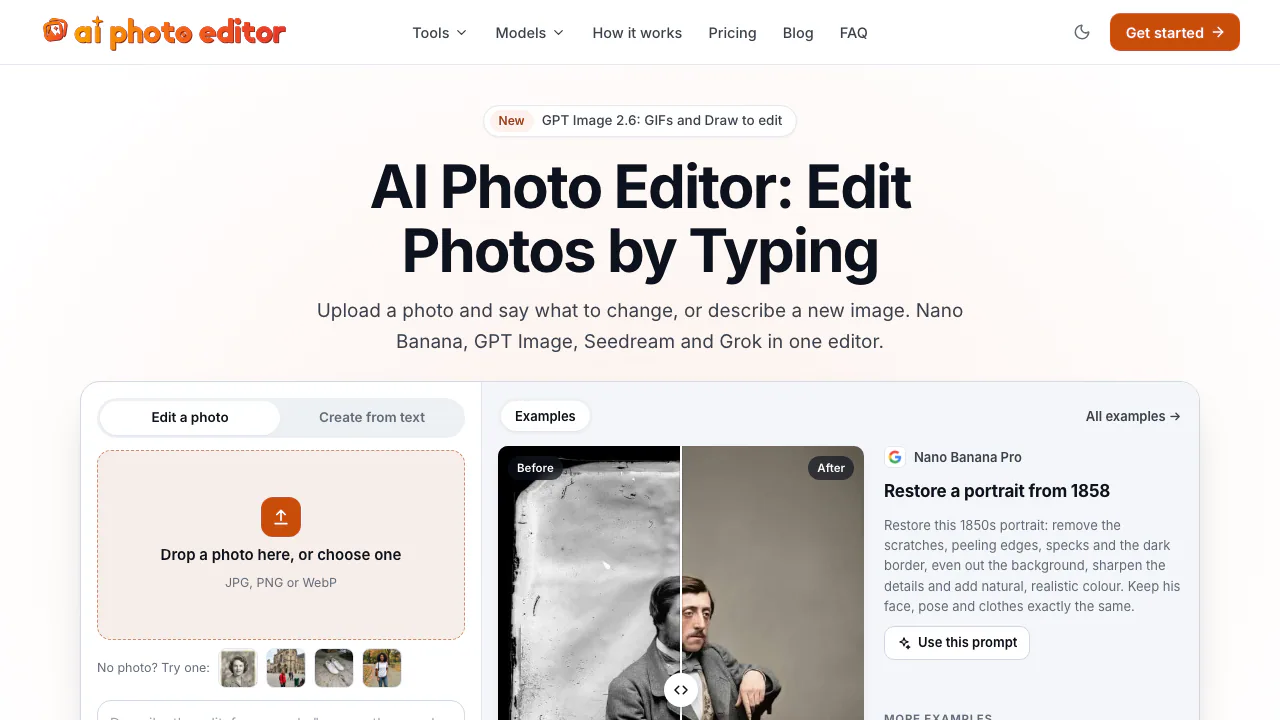

AI Photo Editor
NEWEdit photos by typing with Nano Banana, GPT Image, and Seedream on pay-as-you-go credits
AI Image & Video GeneratorsFreemium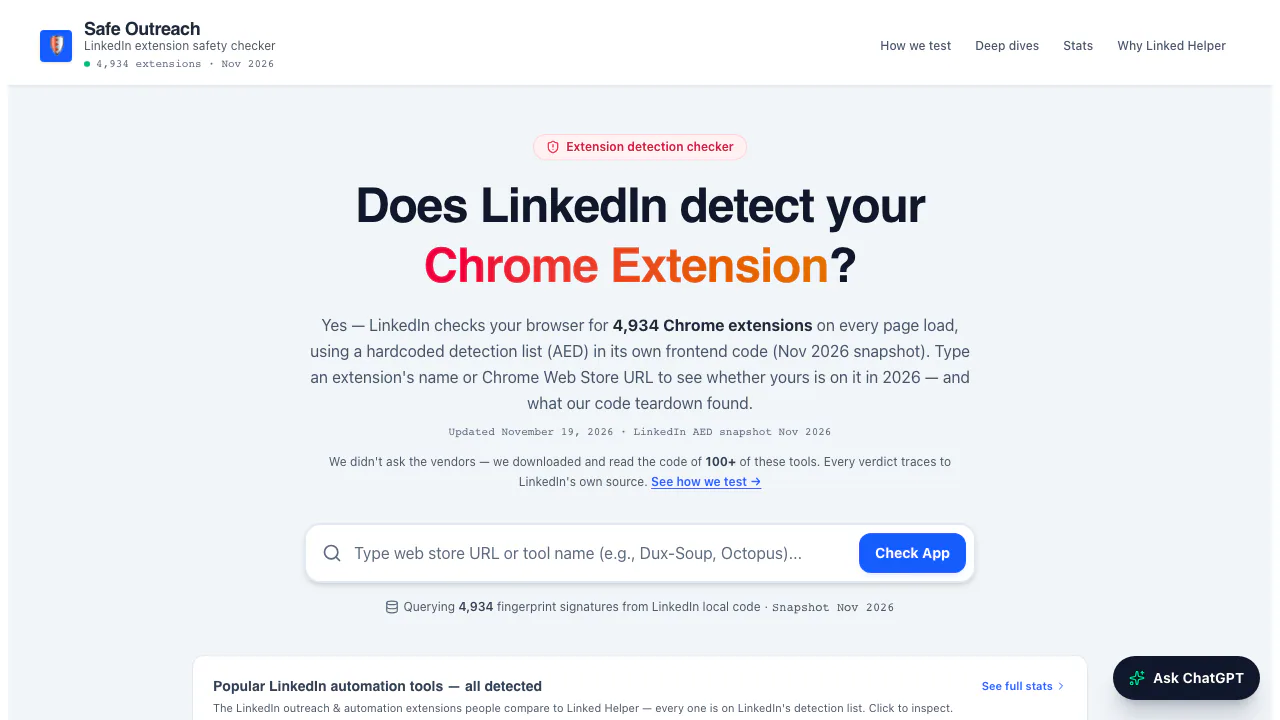

Safe Outreach
NEWCheck Chrome extensions against LinkedIn's detection list and session-cookie audits.
Browser Extension Security ToolsFree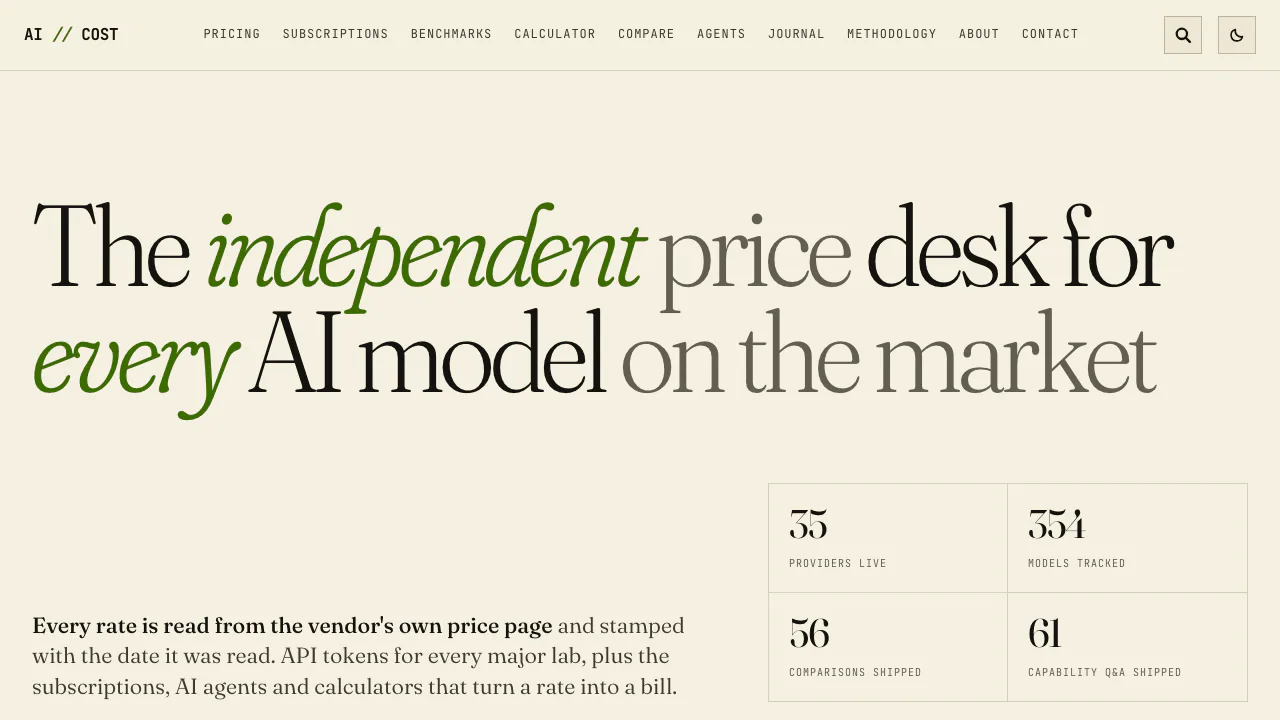

AI//COST
NEWCompare vendor-verified LLM API prices, AI subscriptions, benchmarks, and token costs.
AI Model Pricing & BenchmarksFree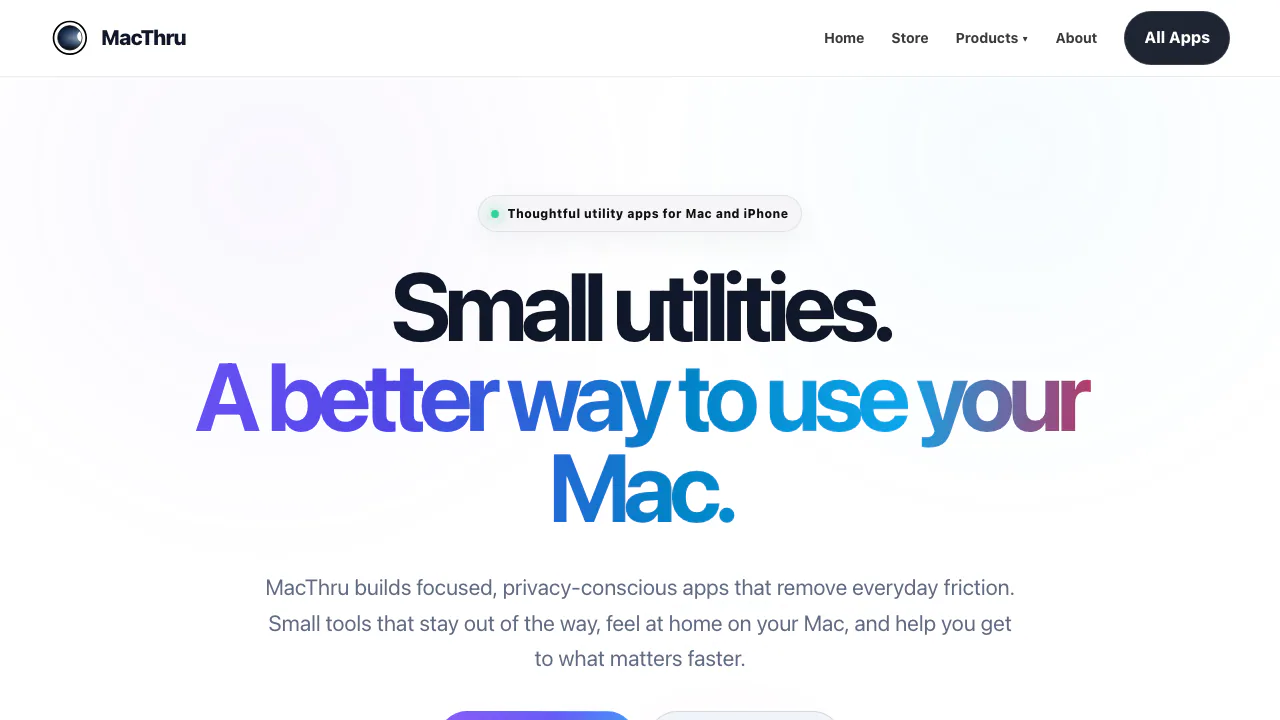

MacThru
NEWNative macOS utilities for on-device screen OCR, per-app audio, brightness, and Safari
Mac Utility AppsPaid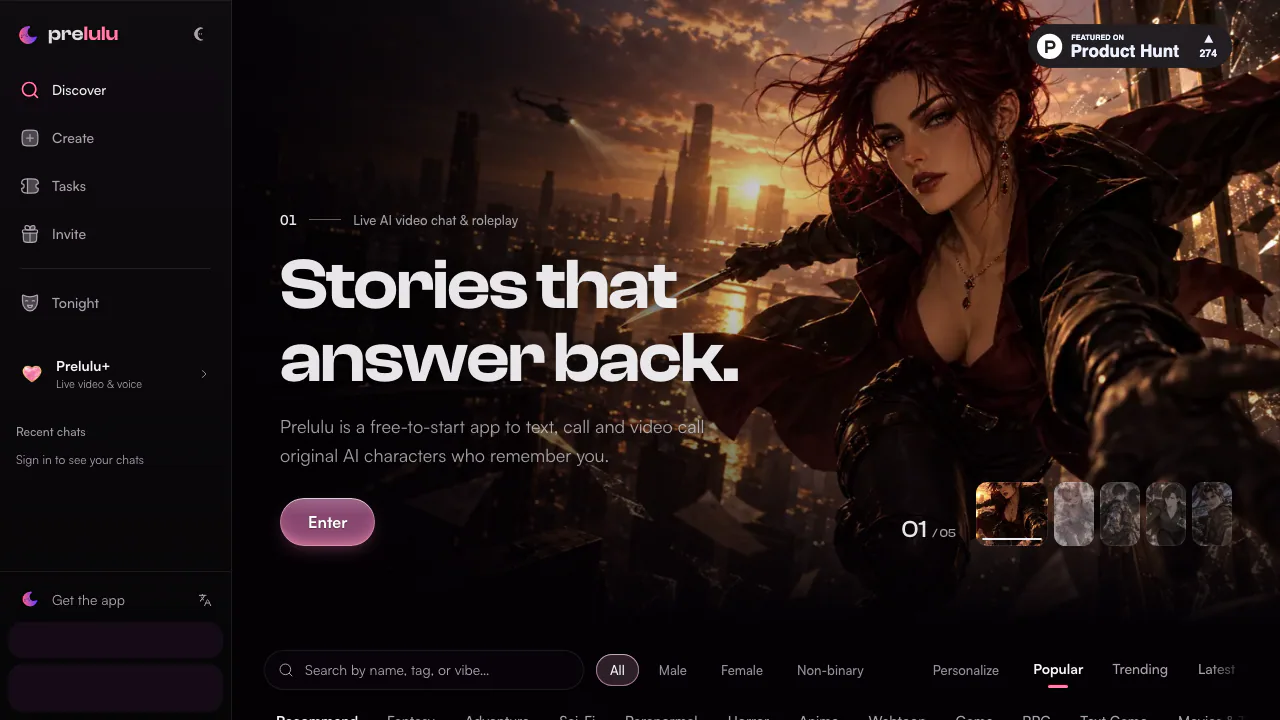

Prelulu
NEWChat with fictional AI characters by text, voice, or live avatar video calls.
AI Character Chat & CompanionsFreemium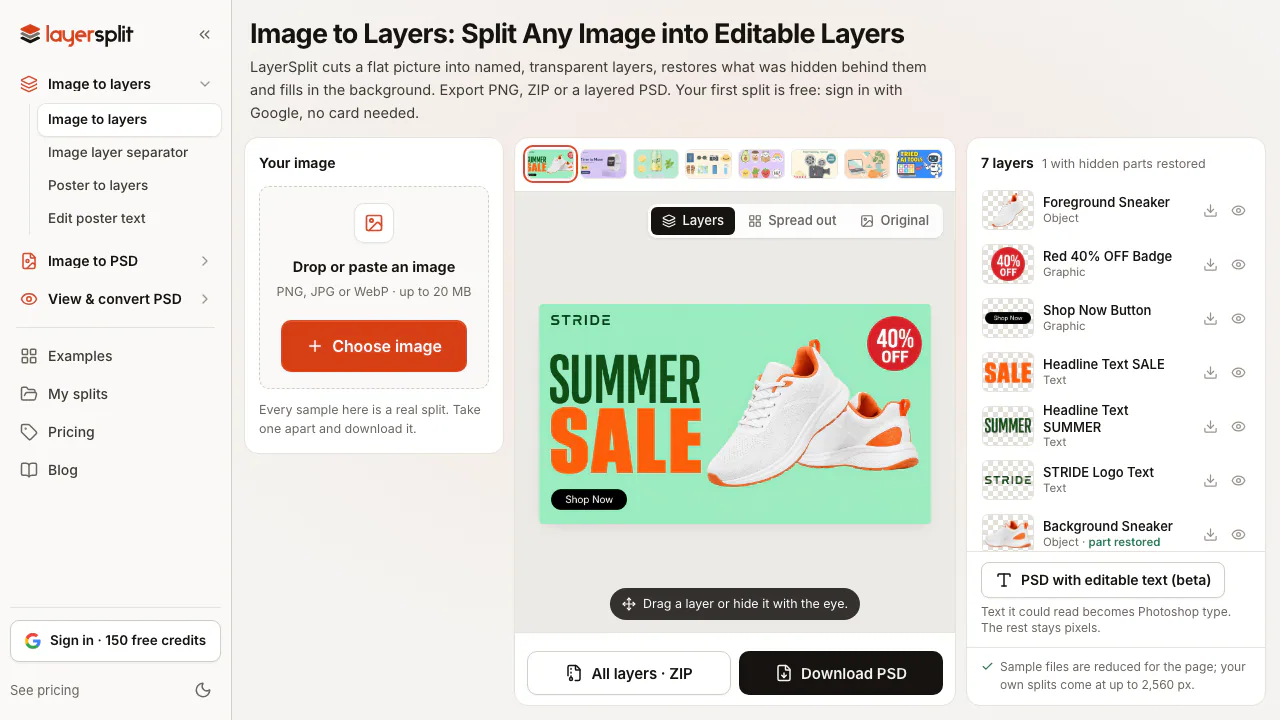

LayerSplit
NEWSplit flat images into named PNG or PSD layers with AI-restored backgrounds
AI Image & Video GeneratorsFreemium
- Pricing
- Freemium
- Website
- silixon.io
- Added
- October 2026
- Updated
- November 17, 2026
Add the badgeShow you're listed on AITroveX
<a href="https://aitrovex.com/tool/silixon?ref=badge" target="_blank">
  <img src="https://aitrovex.com/badge-listed-light.svg" alt="Listed on AITroveX" style="height: 54px; width: auto;" />
</a>