
Train with Pasta — an AI personal trainer for iPhone
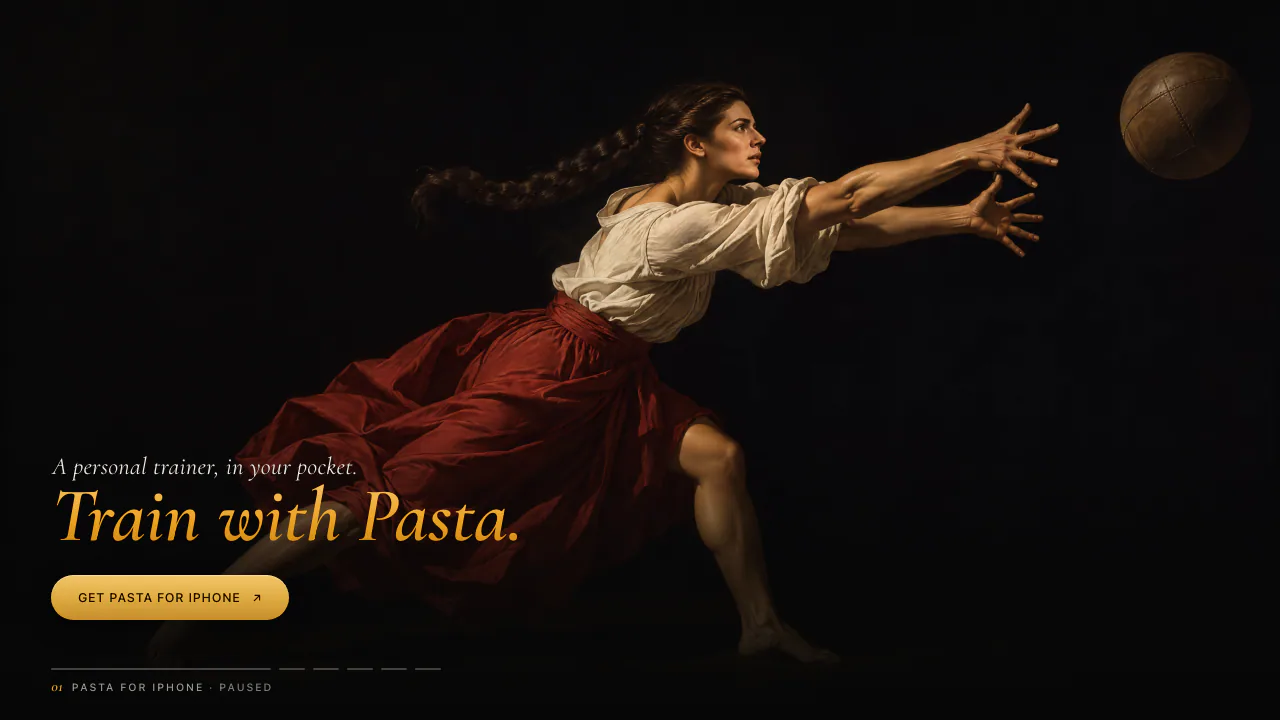
Generate a workout, follow spoken cues and track your training on iPhone.
Updated November 17, 2026
Key facts
- What it is
- Generate a workout, follow spoken cues and track your training on iPhone.
- Pricing
- Paid
- Category
- AI Fitness Coaches
- Website
- pppasta.com
What does Train with Pasta actually do?
Train with Pasta is an AI personal trainer for people who want a usable workout rather than a list of fitness ideas. You describe your goal, available time and equipment; the iPhone app builds a session with exercises, sets, repetitions and rest. It can then guide the session aloud and keep the resulting training history. The website introduces the app and links to a separate desktop workout builder.
Pasta is published by AI OR DIE PTE. LTD. in Singapore. Its practical appeal is connecting planning with the moments when you are actually exercising.
Turn a request into a session you can follow
Hold to speak or type what you want to train. Include the time available and equipment you have, then inspect the proposed movements, sets and rests. Ask for a replacement if a movement does not suit your setup. Review the suggested loads before starting.
You can also paste a workout link from YouTube or a webpage. Pasta tries to extract a session; the official wording does not promise that every link works. Check the imported result rather than assuming it matches the source.
For desktop preparation, open the workout builder, choose a workout, add exercises and edit sets, repetitions, weight and rest. The visible editor includes equipment filters, KG/LB units and a Get link action. The website instructs you to paste the resulting link into Pasta on iPhone.
Keep your attention on the workout
Starting playback enables spoken set and rest cues. Timers can appear on the Lock Screen, Dynamic Island, widgets and Apple Watch. The exercise library provides instructions, with technique videos for common movements; this is not a verified camera-based form assessment feature.
Live heart-rate input can come from Apple Watch or a compatible Bluetooth strap. Other trackers, including Fitbit, are read indirectly when their data has been written to Apple Health. Pasta does not directly connect to your Fitbit account.
Plan several weeks and review progress
Give Pasta a longer-term goal and the days you can train. It builds a plan around that schedule and previously lifted weights. Open-ended plans include a lighter week every fourth week.
Completed sessions can be written to Apple Health with permission. Insights presents heart-rate zones, training load and readiness from available HRV, resting heart rate and sleep data. Weekly reports include records and an estimated VO₂ max. These are training indicators, not a medical assessment.
Check your iPhone and membership first
As checked on October 19, 2026, the US App Store listing requires iOS 27.0 or later; the app also needs an Apple Intelligence-capable iPhone. The Watch app requires watchOS 27.0. The listed app language is English. Confirm Apple Intelligence availability for your device and region.
Download is free, followed by a seven-day trial. The US offer lists $9.99 monthly, $99 annually or $299 for a lifetime unlock. Other countries may differ. Apple processes payment, subscriptions renew automatically, and cancellation is managed through Apple account settings. A trial is not a verified permanent free tier.
Understand the privacy boundary
According to the privacy policy, training and Health records stay on the device, subject to Apple's device synchronization and backup arrangements. Voice transcription happens on-device, while workout generation can use Apple's on-device and Private Cloud Compute models.
The app does not require an account, but “on-device training data” does not mean there is no server communication: configuration, anonymous purchase or advertising attribution records and optional support messages are described separately.
Frequently asked questions
Is Pasta free to use?
Only the initial seven-day trial is stated as free. Continued access uses a subscription or lifetime purchase, with the applicable price shown by Apple.
Can I create a workout around my equipment?
Yes. Describe the equipment and time you have, inspect the generated session and ask to replace unsuitable exercises.
Can Pasta replace a personal trainer?
It can organize and guide sessions, but its terms require users to review AI suggestions. It does not establish safe loads or medical suitability for an individual. The app licence is for personal, non-commercial use on Apple devices.
Official help and conditions
- Pasta Help: contact support about app behaviour or compatibility.
- Pasta terms: review billing, AI limitations and permitted use.
Alternatives to Train with Pasta

AI Photo Editor
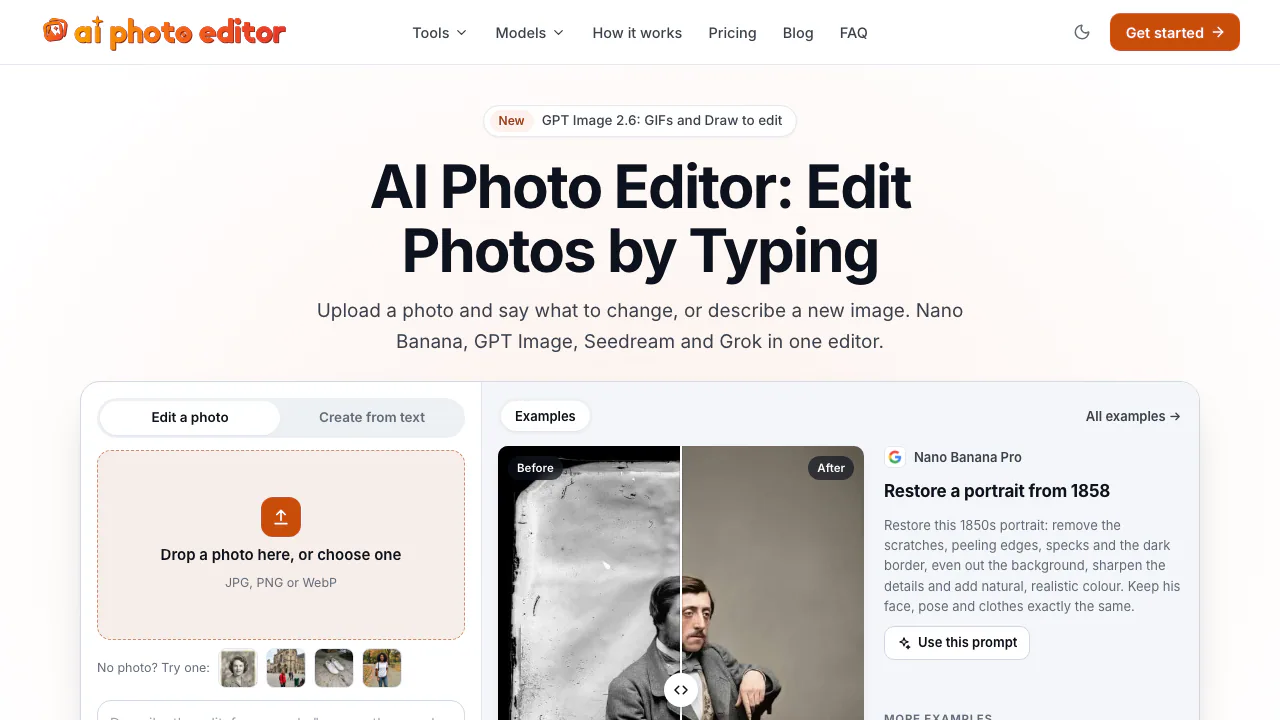
NEWEdit photos by typing with Nano Banana, GPT Image, and Seedream on pay-as-you-go credits
AI Image & Video GeneratorsFreemium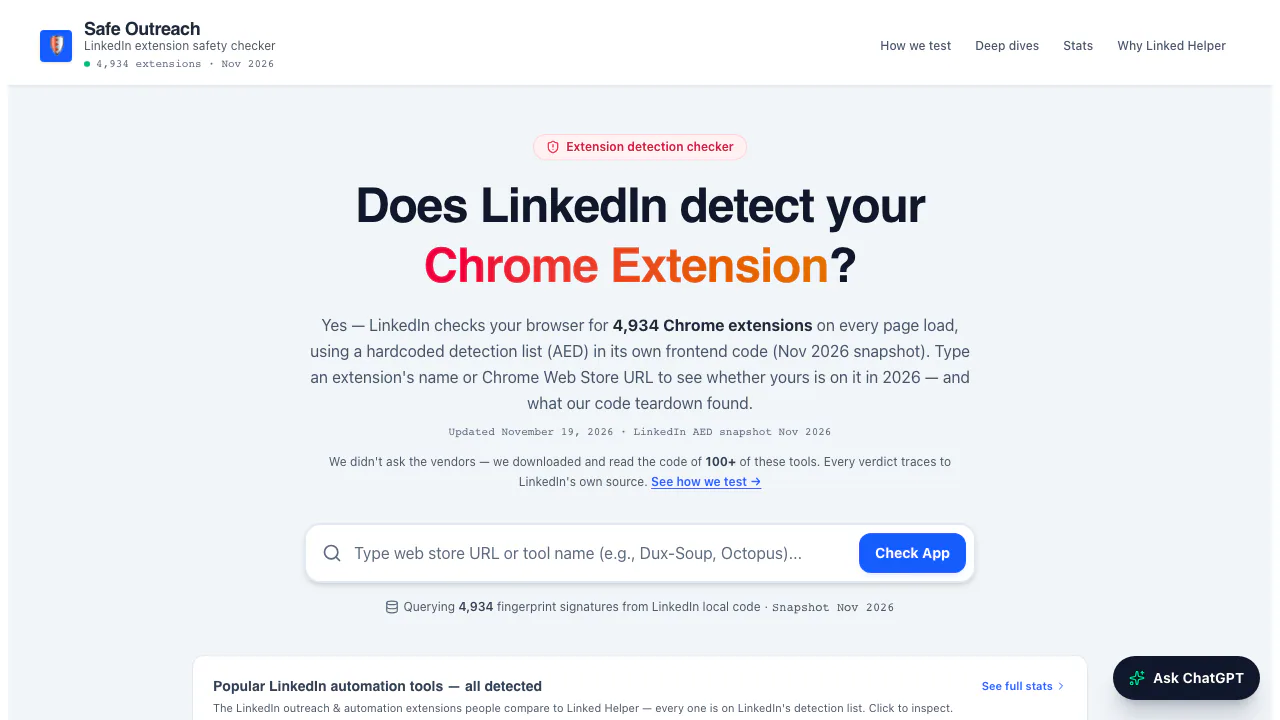

Safe Outreach
NEWCheck Chrome extensions against LinkedIn's detection list and session-cookie audits.
Browser Extension Security ToolsFree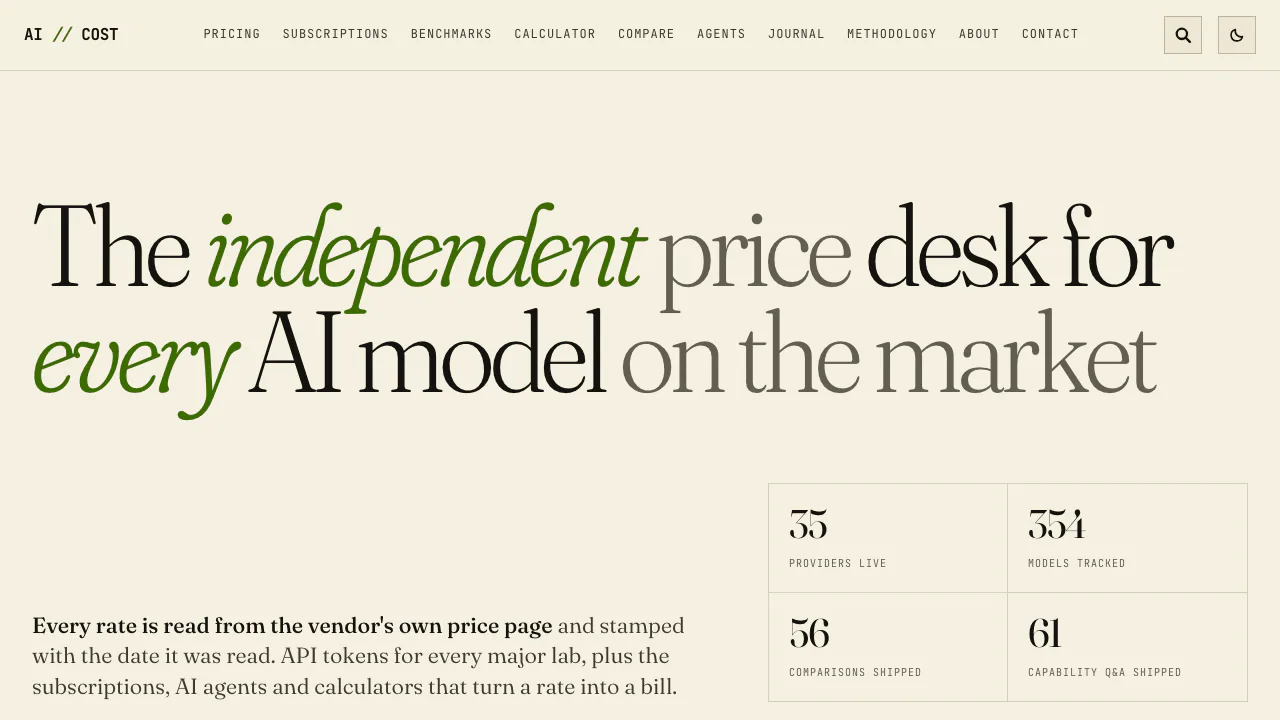

AI//COST
NEWCompare vendor-verified LLM API prices, AI subscriptions, benchmarks, and token costs.
AI Model Pricing & BenchmarksFree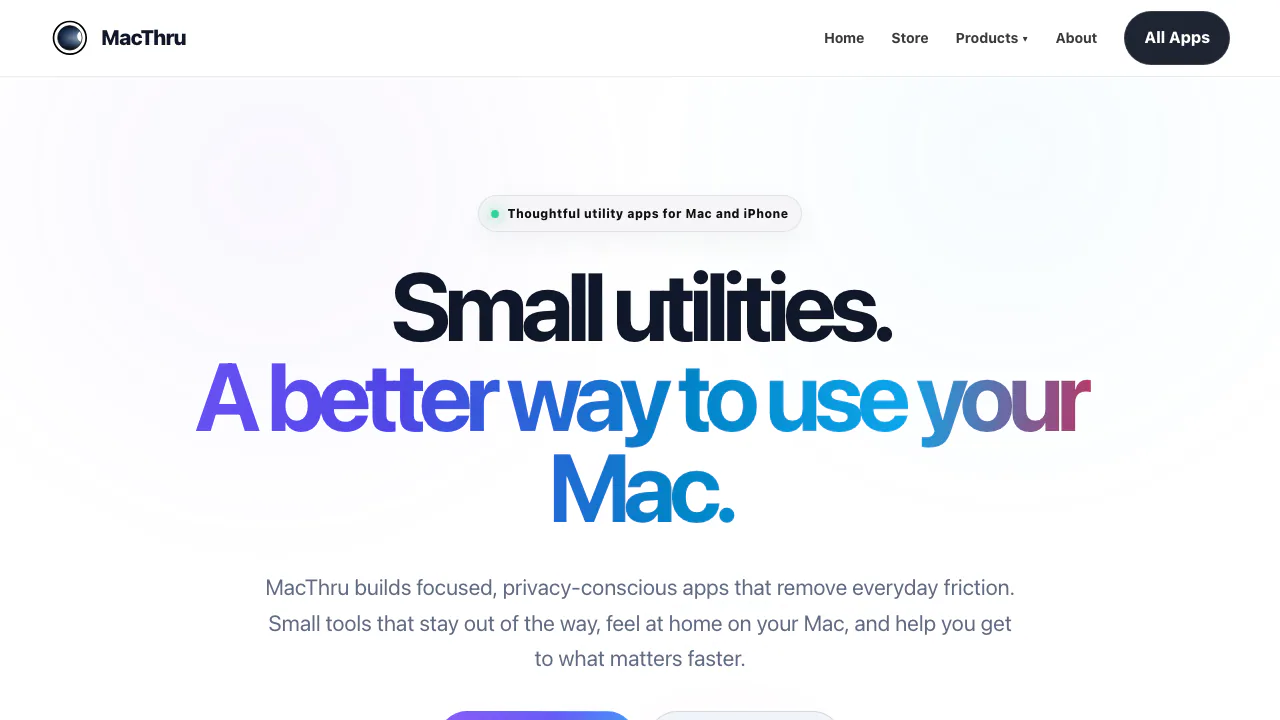

MacThru
NEWNative macOS utilities for on-device screen OCR, per-app audio, brightness, and Safari
Mac Utility AppsPaid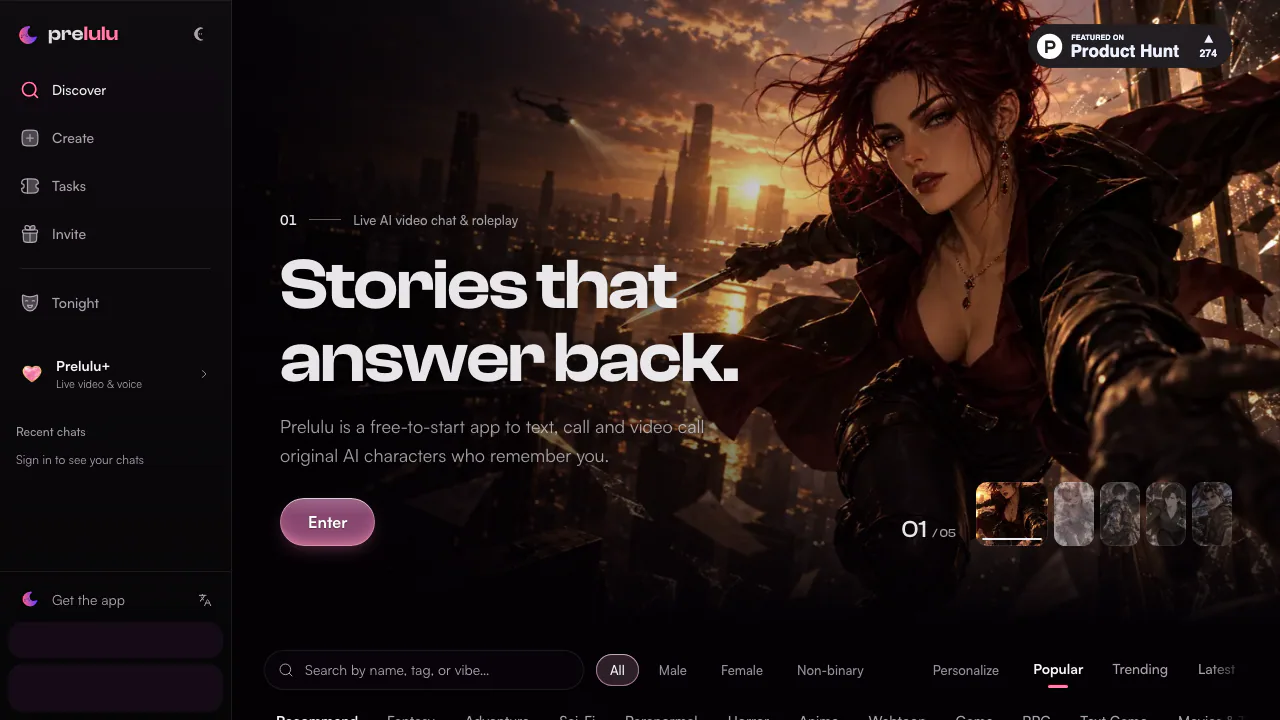

Prelulu
NEWChat with fictional AI characters by text, voice, or live avatar video calls.
AI Character Chat & CompanionsFreemium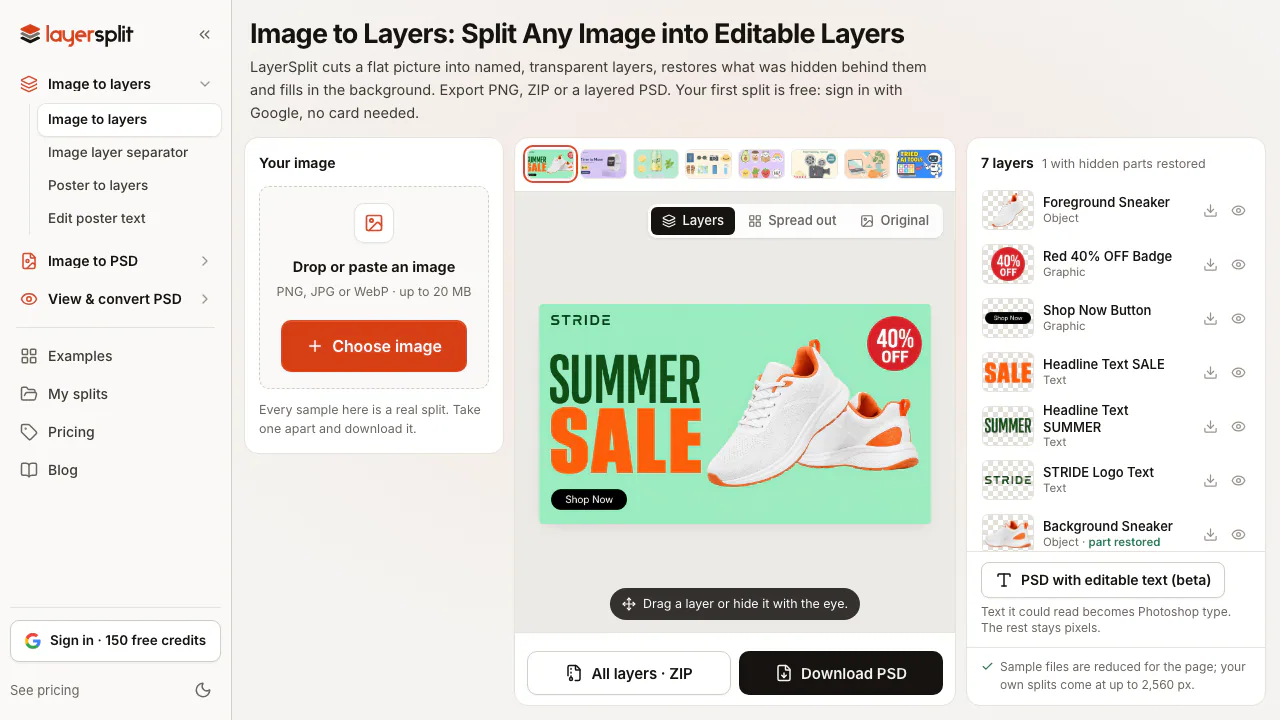

LayerSplit
NEWSplit flat images into named PNG or PSD layers with AI-restored backgrounds
AI Image & Video GeneratorsFreemium
- Pricing
- Paid
- Website
- pppasta.com
- Added
- October 2026
- Updated
- November 17, 2026
Add the badgeShow you're listed on AITroveX
<a href="https://aitrovex.com/tool/train-with-pasta?ref=badge" target="_blank">
  <img src="https://aitrovex.com/badge-listed-light.svg" alt="Listed on AITroveX" style="height: 54px; width: auto;" />
</a>