

NitroStackFreemium
Build typed MCP tools, inspect their behavior and deploy them with a connected development stack.
Buddy CI/CD for builds, deployments and AI agents
Visual CI/CD pipelines, preview environments and deployment tools that AI agents can operate.
What does Buddy actually do?
Buddy Works is a CI/CD and platform engineering service that takes software you already have and helps build, test and publish it. Think of a repeatable release checklist: fetch a Git revision, install dependencies, run tests, transfer the result and check what happened. Buddy can execute that sequence whenever your configured trigger fires.
It suits developers, web agencies and platform teams that want visible release steps alongside configuration stored as YAML. Its AI integrations let coding agents operate this delivery infrastructure. You still supply a repository, working commands, target credentials and tests that reflect your application.
Set up a first build-to-deployment pipeline
For a Node.js project, the official workflow guide documents this path:
- Create a project and connect GitHub, GitLab, Bitbucket, Buddy Git or a private Git server.
- Add a pipeline, choose its architecture and resources, and decide whether configuration lives in the repository as YAML.
- Select a branch, tag or environment context and a trigger such as a Git event, schedule or webhook.
- Add a Node.js action with dependency, test and build commands appropriate to your project. Choose the required runtime; attach a database service if the tests need one.
- Add the deployment action and destination. The guide demonstrates SFTP followed by SSH commands to install dependencies and restart the application, with an optional Slack notification.
- Push a change, inspect each action's output and verify the deployed application at its destination.
Build results are available in the pipeline filesystem. Check which files the transfer action includes: the example excludes local Node modules and installs them on the server. A successful transfer alone does not establish that the application behaves correctly.
Review releases and manage their environments
Remote deployments support changed-file transfers, manual approvals, role-based access and rollback. Pipelines can run container actions and workloads across supported processor and operating-system environments. This is useful when one release combines compilation, tests and a destination-specific publish step.
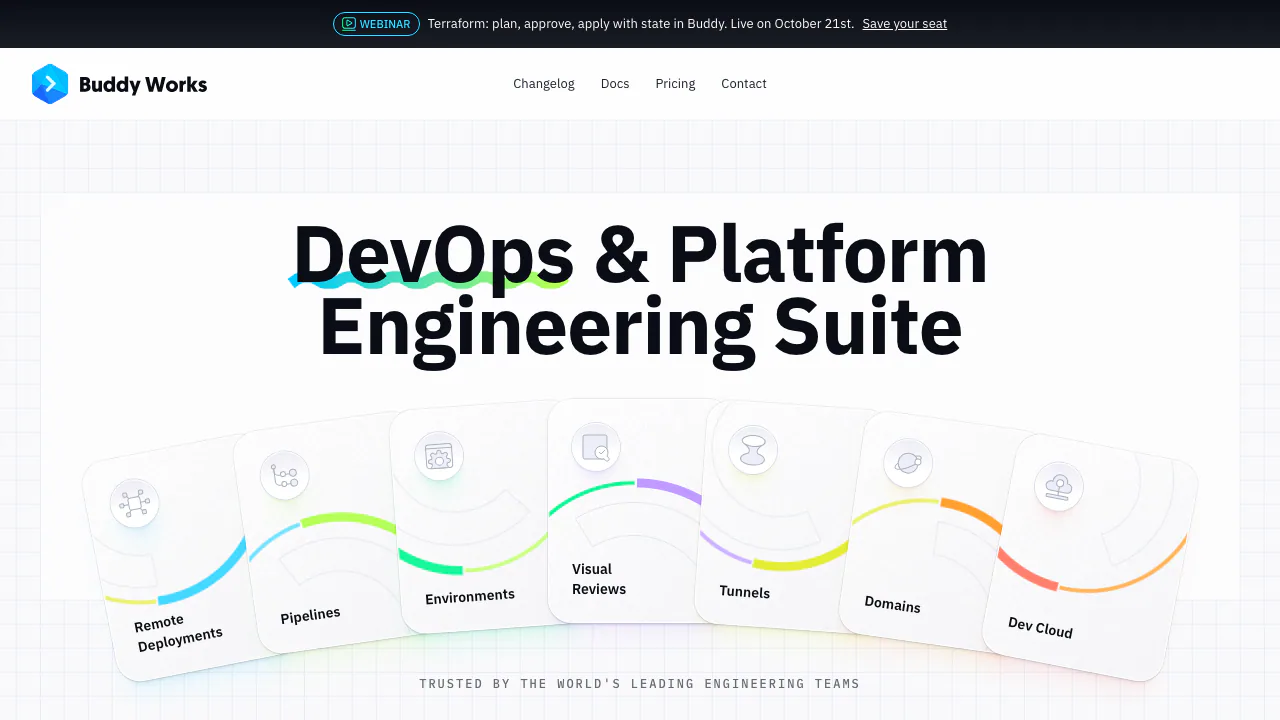
Buddy also provides branch and pull-request environments, with infrastructure options that include its cloud, customer AWS and local networks. Dev Cloud runs MicroVM applications and static sites. Visual Reviews compares pages across browsers and viewports and integrates with Playwright, Selenium, Cypress, Figma and Storybook. Tunnels and domain management connect services, manage DNS and provision SSL certificates. Choose the modules required by your workflow and check their resource costs separately.
Let AI agents operate a defined workflow
Buddy documents integrations for Claude Code, Cursor, Codex and other agents. The remote MCP instructions cover regional endpoints for the US, Europe and Asia, interactive OAuth and bearer-token authentication. An agent can run pipelines, inspect logs and manage deployments or sandboxes. Isolated cloud sandboxes can also host agent tasks away from your local machine.
The alternative skill workflow uses the Buddy CLI: install bdy, run bdy login, link the project with bdy proj link, and follow the official skill setup. Pure MCP use does not require that CLI workflow. Tool-category filtering reduces the exposed operations, while token and workspace permissions determine authority. Start with the access needed for your intended task: these tools act on real resources.
Free plans, paid capacity and billing units
Checked on 19 October 2026: the public pricing page lists Free, Pro and Hyper. Free includes one seat, one concurrent run, 300 pipeline GB-minutes and 1 GB of pipeline cache. Paid plans increase resources and controls; extra seats, concurrency, compute and cache can add charges.
GB-minutes measure allocated memory multiplied by execution time, with action-specific multipliers. They are not ordinary elapsed build minutes. Currency displays vary, so check the account's current quote and usage breakdown. The pricing page and plan documentation disagree about free sandbox access; confirm that entitlement before relying on it. The documented cloud trial lasts 14 days and is separate from the ongoing Free plan.
Check repository access and data handling
The REST API must be enabled in workspace settings and follows workspace permissions. Review what source, secrets and logs a connected agent can access. Buddy's privacy policy describes its data processing; an external AI provider has separate terms. Do not infer a universal no-training promise from an integration being available. Advanced access controls can also depend on the plan.
Common questions
What does CI/CD mean in Buddy?
It is the configured process for building and checking code, then preparing or carrying out deployment. You choose the actions and triggers that fit your application.
Can I use an existing GitHub repository?
Yes. Connect the repository when creating the project, then choose the branch or other context and the events that should run the pipeline.
Is Buddy free?
There is a limited Free plan. Larger teams, heavier workloads and additional controls may require paid resources. Confirm sandbox availability separately because the public pages currently conflict.
Official resources
- Product documentation — supported workflows and setup.
- API reference — permissions, authentication and JSON requests.
- Product support — questions, issues and demos.
- Service status — operational updates.
- Buddy on X — official announcements.
Related tools
CI/CD & Deployment Tools →
Craft AgentsFree
Connect AI agents to files, APIs, MCP and browser workflows.
Inbox ZeroFreemium
Sort incoming mail, prepare replies and clear subscriptions with an AI assistant.
BackdropFreemium
Create AI coworkers that use your tools, carry team context and move work forward.
withHumanFreemium
Check agent tool calls against policy and route consequential actions to a human before execution.
CopilotKitFreemium
Connect your application's interface to AI agents, tools and human decisions with an open-source SDK.