
Craft AgentsFree
Connect AI agents to files, APIs, MCP and browser workflows.
NitroStack: Build, Test and Deploy an MCP Server
Build typed MCP tools, inspect their behavior and deploy them with a connected development stack.
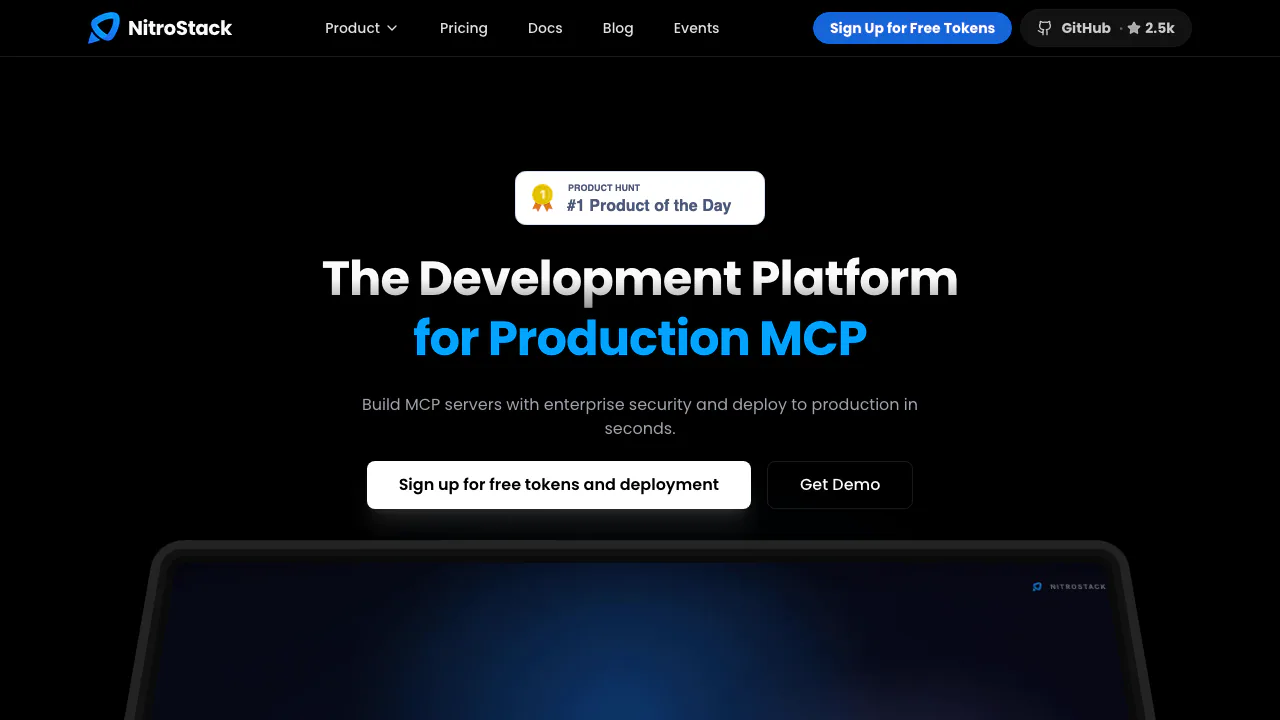
NitroStack is an MCP server development platform for teams that want AI applications to use their APIs and business tools. It combines a TypeScript framework, a desktop testing environment, managed hosting and a customizable chat frontend.
What does NitroStack actually do?
Think of NitroStack as a toolkit for giving an AI application useful actions. If you already have an inventory API, you can expose a stock lookup as an MCP tool. A compatible AI client can discover that tool, pass the required arguments and use the returned inventory data in its response.
MCP, the Model Context Protocol, defines the connection between the AI application and external capabilities. NitroStack helps you build and operate the server behind that connection. Your code and permissions determine what the tool can read or change. This makes the platform particularly relevant to TypeScript developers and teams building integrations for their own products.
Turn existing services into typed tools
The SDK uses decorators to declare tools, resources and prompts. Zod schemas describe and validate inputs, while dependency injection helps organize shared services. API key, JWT and OAuth 2.1 authentication patterns support access control.
NitroStudio can also generate an MCP project from a Swagger/OpenAPI URL or a Postman Collection in JSON v2.0 or v2.1 format. Review the generated schemas, credentials and endpoint behavior before exposing those tools. React widgets can turn tool output into interactive components when the consuming client supports them.
Inspect what happens between a request and an answer
NitroStudio is available for macOS, Windows and Linux. Its inspector lets you browse server capabilities, enter tool arguments and inspect response payloads. Integrated chat tests whether a natural-language request reaches the intended tool.
Ops Canvas shows invocation order, latency and token usage. Test cases can specify expected calls and arguments, while Markdown Skills guide ordered workflows. These views help you locate an incorrect parameter or a failing step; generated code and tests still require developer review.
Build a first local MCP server
Follow the official quick start for the supported Node.js, npm and tsx setup, then:
- Run
npx @nitrostack/cli init my-server. - Enter the project folder and run
npm install. - Start development with
npm run dev, or open the folder in NitroStudio. - Execute a sample tool and inspect its input and output before adding your own API logic.
- Test invalid arguments and credentials as well as a successful request.
A useful completion check is a real tool call returning the expected business result. A running server alone does not establish that authentication or validation works correctly.
Share the server and add a branded interface
NitroCloud supports connecting a GitHub repository, selecting a branch, configuring environment variables and deploying on push. Check deployment logs and exercise the hosted endpoint from your intended MCP client.
For a customer-facing interface, NitroChat provides a Next.js chat application that connects over HTTP/SSE and supports branding changes. Verify transport, authentication and widget compatibility with the client you plan to use.
Separate framework licensing, hosting and model charges
As checked on 19 October 2026, the public SDK repository uses Apache-2.0. Commercial hosting has separate terms. The published cloud plans quote USD:
- Hobby: $0 monthly, 30,000 requests per month and 30 requests per minute. It has cold starts and a hard monthly cap.
- Pro: $30 per organization per month, including 300,000 requests and a 300-per-minute rate limit.
- Enterprise: starts at $250 monthly, with negotiated resources and conditions.
When usage-based billing is enabled, Pro overage costs $0.10 per 1,000 requests, up to 10 million extra requests; higher usage requires a sales agreement. Model tokens are billed separately. Applicable taxes and your order terms affect the final bill.
Understand the data path before connecting business systems
The privacy policy says NitroStack does not train generalized AI models on customer data. AI features can still send necessary inputs to model providers, whose retention and training practices differ. This is not a blanket zero-retention promise.
Review which prompts, code and tool results reach a model. Your team remains responsible for credentials, tool permissions, generated-code validation and actions performed against connected systems.
Frequently asked questions
Can I build and run an MCP server locally?
Yes. The CLI scaffolds a local project, and NitroStudio supports local testing. You can choose remote hosting when you need to share an endpoint.
Can I turn an existing API into MCP tools?
Yes, using the documented OpenAPI/Swagger or Postman import path. Check the generated project against the original API before relying on it.
Is NitroStack free to use?
The open-source SDK and capped Hobby hosting provide a free starting point. Paid hosting, request overages and model token usage have separate conditions.
Official resources and developer community
- Documentation: tool definitions, authentication and deployment guides.
- GitHub source and license: inspect code and report issues.
- Discord community: discuss development and integration.
- Official X account: product announcements.
Related tools
AI Coding & Developer Tools →
Inbox ZeroFreemium
Sort incoming mail, prepare replies and clear subscriptions with an AI assistant.
3AMContact
Investigate production incidents, verify causes and repair within your team's approval policy.
Buddy WorksFreemium
Visual CI/CD pipelines, preview environments and deployment tools that AI agents can operate.
BackdropFreemium
Create AI coworkers that use your tools, carry team context and move work forward.
withHumanFreemium
Check agent tool calls against policy and route consequential actions to a human before execution.