

ToriFreemium
Product answers from your docs, with your team ready to step in.
Lookout for Slack: AI message automation
Watch selected Slack channels and turn matching messages into useful actions.
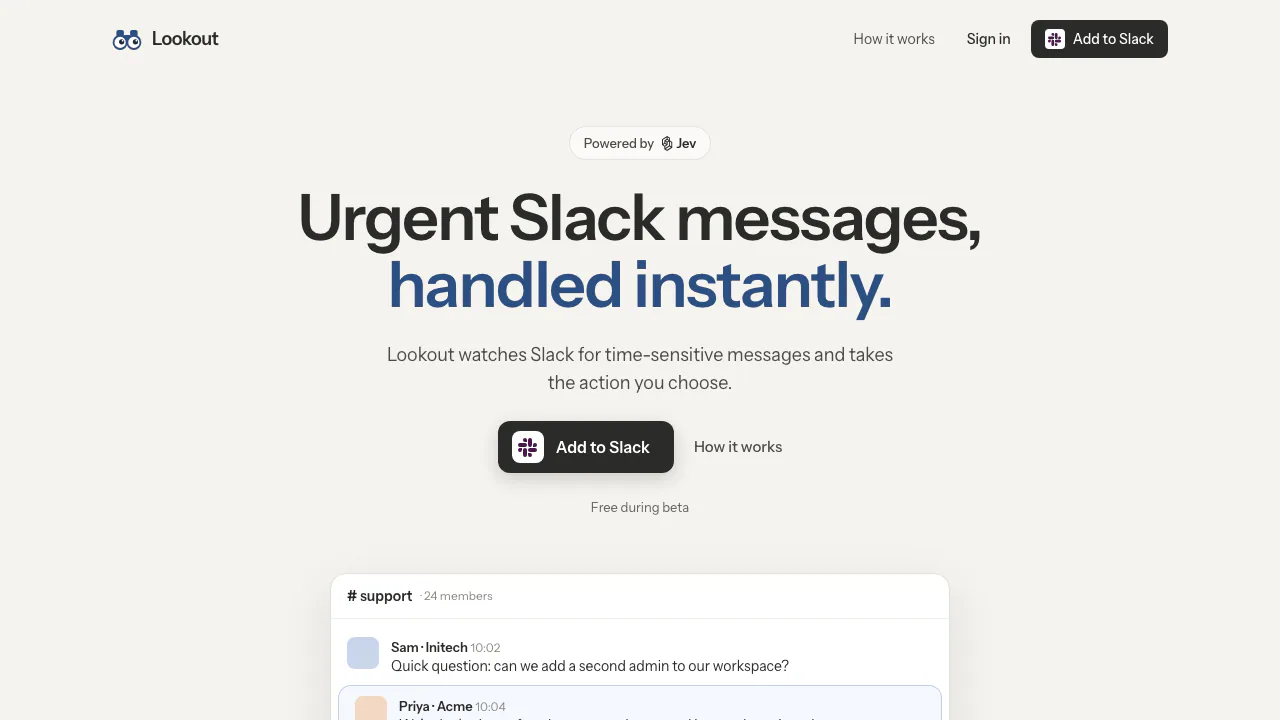
What does Lookout for Slack do?
Lookout is a Slack automation tool that checks incoming channel messages against a condition you describe. You choose the channels and the action; Jev, from TypeSafe, decides whether each new message matches. A useful match can become a direct message, a reaction or work in a connected application.
Think of it as a lookout for the situations your team needs to notice quickly. A customer locked out before a presentation can be routed to the person on call without someone continually scanning the support channel. The condition describes the situation, while the action determines what happens next.
Turn important messages into the right action
The official examples cover three distinct jobs:
- Escalate urgent support: catch messages about customers unable to access or use the product, then notify the person responsible.
- Track specific errors: watch an alert channel for a relevant error and create a Linear issue for follow-up.
- Spot valuable signups: identify a subscription notification above a chosen amount and mark it with a reaction.
These examples operate on information already arriving in Slack. A Stripe notification or Sentry alert in a demonstration does not establish a direct integration with those source systems.
Official policies also describe connections to Notion, Linear, Gmail and incident.io, managed through Composio. An optional webhook sends the matched message, channel and message link to your team's endpoint. Pick a destination that corresponds to an actual next step: notifying an owner and creating a task solve different problems.
Set up a useful first Lookout
- Choose a narrow situation and decide who should handle it.
- Use Add to Slack on the website to install it in a workspace you are authorized to manage.
- Describe what to watch for and select the relevant channels. Private channels require an invitation for the app.
- Choose the response, connecting a destination account when needed.
- Review a live test against recent messages, then check match outcomes and the resulting notification or item in the destination tool.
As an editorial recommendation, include both the cases you want and the cases you want excluded in your description. Test results help reveal whether the condition is useful before relying on it. Match history records the rule, channel, timestamp and outcome without retaining message text in that history. You can pause or delete a Lookout in the app or its Slack Home tab.
Choose channel access and understand data handling
Lookout reads channels it has joined. Selecting All public channels adds it to every public channel, which is a broader scope than choosing a few specific channels. The policy says it never reads direct messages, although sending a DM is an available action.
Message text and the rule description go to TypeSafe for evaluation under its terms. Lookout clears message text from its active database after processing and retries. However, PostHog recordings can capture visible app content, including live-test results, and are retained for 30 days. Backups, providers and copies sent to connected tools can have additional retention.
Lookout states that it does not train AI models on your messages. That statement does not mean zero retention. Review the privacy policy before choosing channels or forwarding their contents.
Beta pricing and practical limits
As checked on October 21, 2026, Lookout is free during beta. Its terms of service say features and limits may change and users will be told before a paid plan applies. Public pages do not establish a numeric message quota, action allowance or future price.
The product fits support, engineering and commercial teams whose signals already arrive in Slack. AI can miss a message or flag the wrong one; actions can also fail or arrive late. Keep another response path for critical incidents and check actual action outcomes.
Frequently asked questions
Is Lookout free?
It is currently free during beta. This is not a permanent-free or unlimited-use promise, and connected services have their own terms.
Can it read private channels or direct messages?
Private channels require an invitation. The official policy says Lookout does not read DMs; receiving an automated DM does not change that access boundary.
Does Lookout keep message content?
Processing text is cleared from the active database, but visible content may remain in 30-day session recordings or external destinations. Uninstalling does not erase past records.
Can it guarantee every urgent message is caught?
No. Its terms explicitly allow for missed matches, incorrect matches and delayed or failed actions. It should supplement a team's response process.
Official resources
- Setup overview and installation: see the public workflow and start installing the app.
- The privacy policy provides the official contact for support and workspace data requests, including deletion after uninstalling.
Related tools
AI Automation Tools →
readywhenFree
Turn promises in emails, chats and call notes into reviewed follow-up.
GleapPaid
Connect customer questions, bug investigations and reviewed fixes.
Craft AgentsFree
Connect AI agents to files, APIs, MCP and browser workflows.
BackdropFreemium
Create AI coworkers that use your tools, carry team context and move work forward.
withHumanFreemium
Check agent tool calls against policy and route consequential actions to a human before execution.