

LookoutFree
Watch selected Slack channels and turn matching messages into useful actions.
Tori: AI Support Agent for Docs and Human Handoff
Product answers from your docs, with your team ready to step in.
What does Tori do, in plain English?
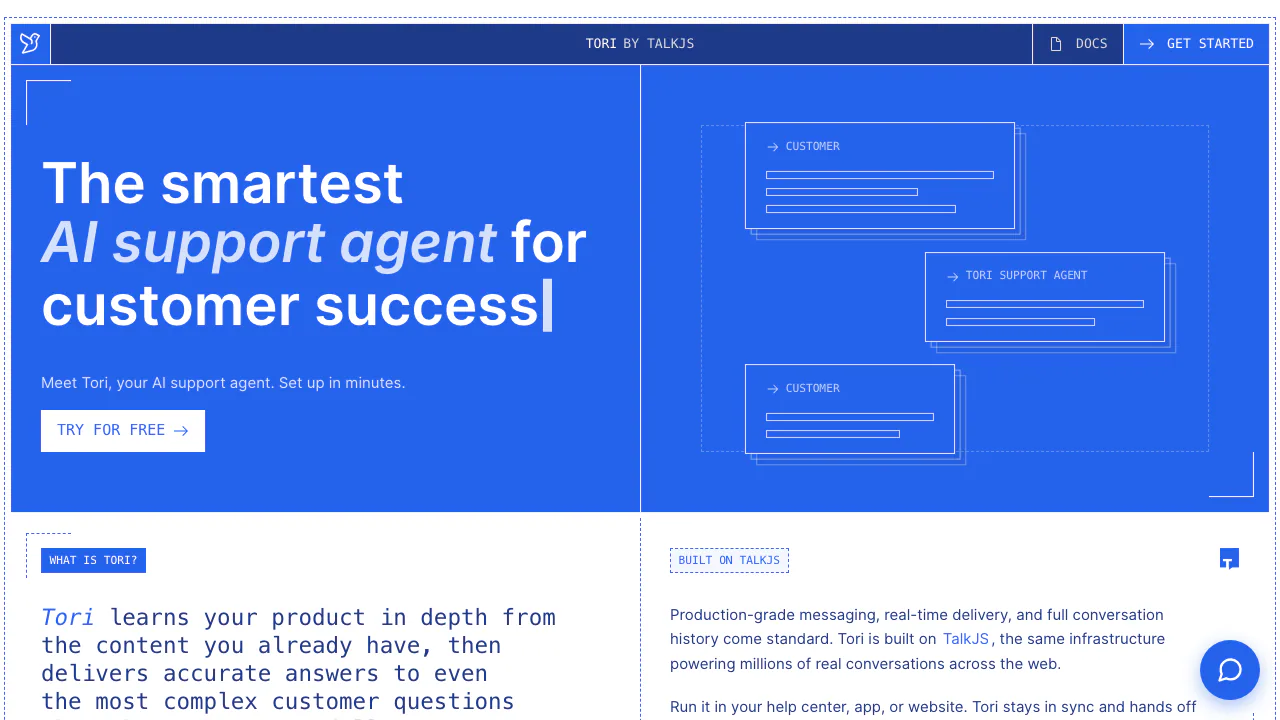
Tori is an AI support agent from TalkJS that answers questions about your product using your website, help center and documentation. Think of it as a support teammate that can look through the material you provide, explain an answer in chat and ask your team to help when the request needs a person.
It suits software and service teams with product knowledge worth reusing across customer conversations. Its main job is explaining that knowledge. Reading documentation does not give it the ability to inspect a customer's account, run your software or perform billing operations.
Turn product documentation into useful support answers
Add the website areas Tori should consult and upload supplementary guides where needed. It researches relevant pages or files when a question arrives, including questions that require combining information from several sources. Each agent needs at least one website source. A source starting at a help-center path covers that area; a documentation subdomain needs its own source.
Website changes become available automatically, sometimes after a few hours. Changed files need a new upload. Correct the underlying source when information is outdated, then test a fresh conversation. A correction typed into one chat does not teach every future chat.
Custom instructions control tone and handling rules. By default, Tori replies in the customer's language and includes useful source links. These defaults are adjustable; they do not guarantee every response will follow a rule perfectly.
Set up and test your website support agent
- Sign up and create an app and an agent.
- Connect a website, help center or documentation source. Add clear source descriptions and relevant files.
- Ask representative customer questions in the dashboard. Check the answer against the original material and include an unsupported question and a request for a person.
- Copy the dashboard's JavaScript snippet, which contains your app and agent IDs, into your site.
- Test the embedded experience in a new conversation, including what your team sees during escalation.
Use a popup launcher or an inline chatbox; the latter needs explicit dimensions. Google Tag Manager is another documented installation route using a Custom HTML tag. Instructions saved to an agent affect its live conversations, so use a separate agent when testing changes that should not reach customers.
Bring a human into the same conversation
Your team can follow customer chats in the inbox and join without waiting for an escalation. When Tori requests help, it adds a tag and writes an internal note describing the request, what it found and what remains for a human. The conversation stays available to the team.
Escalation is a request for attention: it does not automatically assign a department, pause AI replies or promise a response time. A human reply does not itself silence later AI responses either. External notifications can use an escalation webhook, but require an integration; this is not a ready-made Slack connection.
The documented service currently does not email customers when a person replies. Plan how customers will return to the chat, especially anonymous visitors who have left the site.
Internal handoff notes default to English; their language can be configured separately.
Free trial, paid plans and response limits
Checked on 21 October 2026. The public plans are monthly and priced in USD:
- Trial: free with no time limit; 50 AI responses per month, 1 seat and 1 agent.
- Basic: $35 per month; 300 responses, 2 seats and 1 agent.
- Standard: $140 per month; 1,400 responses, 3 seats and 3 agents.
- Growth: $550 per month; 6,000 responses, 7 seats and 5 agents.
- Enterprise: contact the provider for a tailored plan.
Compare response volume alongside staff seats and separate agents. These figures are not local-currency offers. Tax treatment, overage charges and quota rollover were not established; confirm those conditions before purchasing.
Choose safe sources and protect customer data
Choose material that may safely be disclosed to anyone who can talk to the agent. The documentation warns that a user may persuade Tori to reveal content from uploaded files or instructions. A secrecy instruction is not an access-control boundary.
The official privacy policy describes a data-processor role, default EU storage and minimizing the user data supplied. It also describes deletion through the REST API or a request to the provider. Review the current terms for your deployment; the reviewed pages did not establish a complete model-training policy or retention schedule.
Tori FAQ
Is Tori free, and what does the quota measure?
The Trial plan has no time limit but includes only 50 AI responses each month. One response can contain several chat messages. If Tori asks a clarifying question and answers after the customer replies, those are two responses.
Can Tori issue refunds or inspect customer accounts?
It can explain information you supply and involve your team. Custom instructions do not grant access to billing, orders or account systems, so a refund or account check still needs an appropriate human workflow.
Can confidential files be hidden with instructions?
No secrecy guarantee is documented. Only add information suitable for the people who can use the agent; asking it not to disclose a file does not make that file safe to provide.
Official resources
- Official getting-started guide: account setup, sources, testing and website embedding.
- Contact the Tori team: plan questions, implementation help and conditions not covered in the public documentation.
Related tools
AI Customer Support Agents →
readywhenFree
Turn promises in emails, chats and call notes into reviewed follow-up.
GleapPaid
Connect customer questions, bug investigations and reviewed fixes.
3AMContact
Investigate production incidents, verify causes and repair within your team's approval policy.
ChatwayFreemium
Answer website and store enquiries with AI, a shared inbox and human support.
SellioFreemium
Handle customer conversations together and let a knowledge-based AI agent answer website visitors.