

AfterpartyFreemium
Turn meeting commitments into drafts you review and approve.
Chatway AI Customer Service Chatbot and Live Chat
Answer website and store enquiries with AI, a shared inbox and human support.
What is Chatway, in plain language?
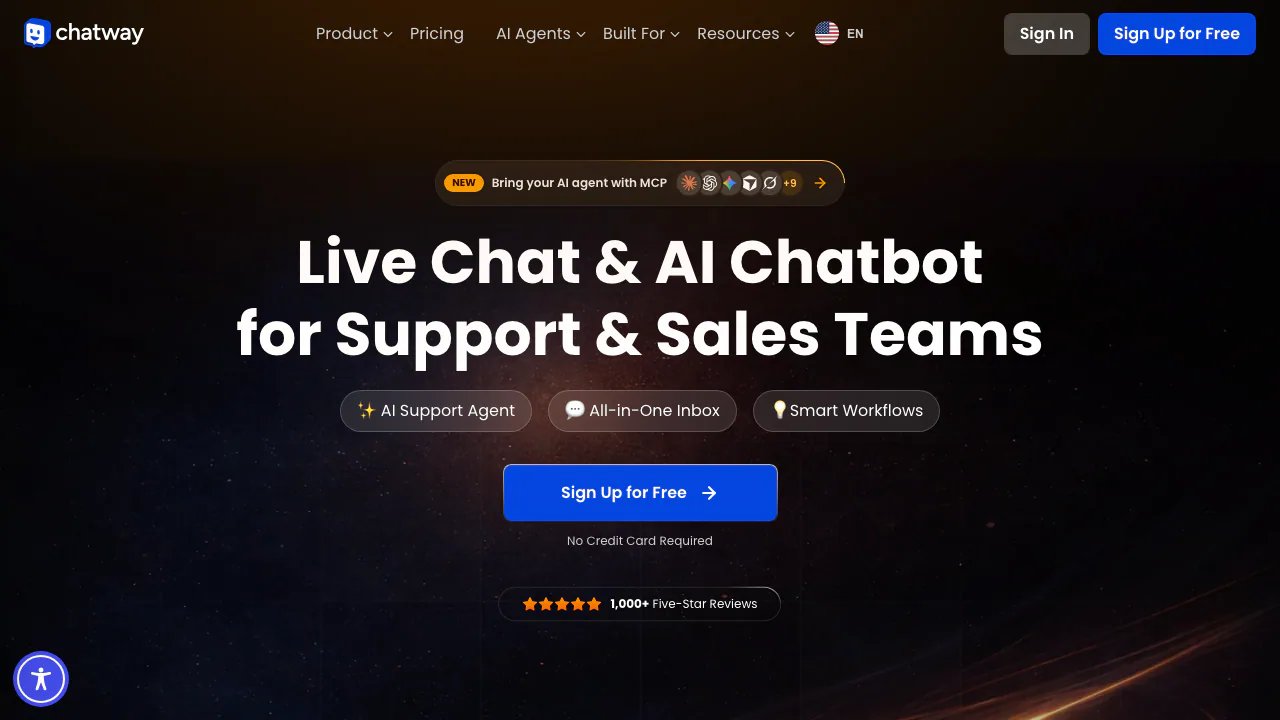
Chatway adds a customer-service desk to your website. A visitor opens the chat widget to ask about delivery, a product or your services; your team can reply directly, or an AI customer service chatbot can answer using information you supply. Staff manage the conversation in a shared inbox, with web, iOS and Android access. Chatway is operated by Poptin Ltd.
It suits online shops, service businesses and small support teams that repeatedly explain the same policies. Its value depends on maintaining useful information and having someone available for exceptions. Installing a widget alone does not make an AI agent knowledgeable about your business.
Answer routine questions and keep people in control
The AI agent accepts public website links, written content and question-and-answer pairs. These sources let it explain your own products and policies instead of relying on an unspecified general answer. You can rescan, deactivate or replace sources when details change.
People can take over a conversation and return it to AI. Private notes, assignments and canned replies help a team coordinate the follow-up. Paid workflows add actions such as sending triggered messages and assigning tags. Mobile apps let staff handle a conversation away from a desk.
AI can also reply through connected WhatsApp, Facebook Messenger, Instagram and email integrations. A social button that sends visitors to another app is different from connecting that channel to Chatway's inbox; check your plan before treating them as equivalent.
Put product and order context beside the conversation
Shopify and WooCommerce connections can bring products, carts and orders into support. This is useful when a shopper asks about an item already in the cart or wants help understanding an order. Full store synchronisation is listed among Business features.
A useful evaluation is to test a real product question and an authorised order enquiry, then check what the agent can actually access. Do not assume a knowledge-base answer can change an order or issue a refund: those actions were not established in the reviewed documentation.
Set up a first conversation you can verify
- Create a Chatway account and obtain the installation code from the dashboard. Add it to the site's shared head area, or before the closing body tag when needed. Supported platform apps provide another installation route.
- Open the AI section and create an agent. Set its name, timezone, availability, instructions and AI disclosure.
- Supply publicly accessible help or policy URLs, or enter text and Q&A pairs. CSV imports can add multiple links or Q&A entries.
- Test the widget with questions your sources answer, plus an exception that needs staff attention. Check the reply and practise assigning the chat to a person.
- Revisit Data Sources after changing a policy, and rescan or replace outdated information.
The official AI setup guide explains the controls. As an editorial recommendation, use test data during setup and keep AI disabled for topics you cannot yet support reliably.
Understand the two parts of the cost
Checked on 18 October 2026 against the public pricing page. Free includes one seat, 50 conversations per month and access to 30 days of chat history. Business lists two seats and 200 monthly conversations; Plus lists ten seats and 1,000. Paid features include broader integrations, translation and workflows; Enterprise uses a custom quote.
AI is a separate add-on available even on Free. An account starts with ten free AI conversations; additional AI credits are purchased according to usage. The setup guide describes one credit per AI-handled conversation, so do not read the free allowance as unlimited AI or a confirmed monthly replenishment.
The platform conversation allowance also covers manual, API, MCP and webhook usage. At the limit, the widget remains visible but replies to new conversations are restricted. The official page displays USD and monthly/yearly billing options; check the selected term, seat additions and AI credits in Chatway's current pricing.
Check data handling before connecting customer records
Chatway states that private user data and visitor conversations are not used to train public or shared AI models. Its policy nevertheless allows processing by infrastructure providers to deliver the service. External agents connected through MCP have access according to the permissions you grant and may process data under their own terms.
Consent fields and retention controls help manage collected information. These controls are not a guarantee that every deployment meets your obligations. Review the privacy policy, limit access to necessary data and supervise AI replies, which can be inaccurate.
Extend the inbox with API, webhooks and MCP
The REST API is available on all plans and uses an API key. Webhooks provide event notifications, while MCP lets compatible external agents work with authorised Chatway data and actions. These options suit teams building a custom workflow; they still have to account for plan usage and the connected service's costs.
Frequently asked questions
Is Chatway's AI chatbot free?
There are ten initial free AI conversations. The ongoing free live-chat plan and paid AI credits are separate allowances.
Can a person take over from the AI?
Yes. Conversations can be assigned to a human and reassigned to AI, so staff can handle cases that need judgement.
Does the AI automatically know private business information?
No. You supply knowledge sources and authorise integrations. Public URL sources must be accessible, and changing policies should be reflected in those sources.
Official resources
- Help centre: installation, channel connections and account settings.
- Developer documentation: API authentication, endpoints and webhooks.
- Contact Chatway: product and account enquiries.
Related tools
AI Customer Support Agents →
CopilotKitFreemium
Connect your application's interface to AI agents, tools and human decisions with an open-source SDK.
withHumanFreemium
Check agent tool calls against policy and route consequential actions to a human before execution.
PancakePaid
Turn your website and buying signals into reviewed prospects and personal outreach.
Retriever AI (rtrvr.ai)Freemium
Turn browser instructions into checked tables and completed web tasks.
Cube FormsFree
Cube Forms is an AI form builder designed for people and their agents to use the same form