
 NEW
Antelog: AI agent security for coding tools
Check agent actions before execution and trace what happened.
Updated November 17, 2026

Key facts
- What it is
- Check agent actions before execution and trace what happened.
- Pricing
- Freemium
- Category
- AI Agent Security Tools
- Website
- antelog.dev
What is Antelog? A plain-language explanation
Antelog is an AI agent security tool for developers who give coding assistants access to files, databases and cloud accounts. Think of it as a checkpoint between an agent proposing an action and that action running: it records the request, applies local safety rules and returns either permission to continue or a reason for blocking it. It works with connected coding tools on your computer.
This is useful when an assistant can do more than suggest code, such as running terminal commands or calling infrastructure tools. Its value is reducing specific destructive and data-leaking actions while leaving a readable activity trail. It does not replace database permissions, backups or review.
Block destructive commands and data leaks
The rules cover database and backup destruction, cloud teardown, erasing important folders, unsafe pushes, exposed credentials and certain outbound transfers. Examples include destructive SQL without a filter, deleting cloud volumes, printing a .env file, and force-pushing to a protected main branch.
Prompt-injection protection considers context: after the agent reads outside material, sending data to a destination that is not yours can be blocked. Company destinations and destinations named in your own request have documented conditions. Custom block rules can add restrictions; they cannot remove built-in protection.
The hosted AI check usually adds risk notes rather than creating blocks. A second look can release a clearly harmless database-wipe or stack-teardown false alarm in limited cases; hard stops for secrets, cloud deletion, file erasure and other documented classes are not released.
Install it and verify your coding tools
- Open the official installation instructions and choose macOS/Linux or Windows PowerShell. The installer verifies published download checksums and does not require administrator rights.
- Restart existing coding-agent sessions. Sessions already open are not protected until restarted.
- In Codex, approve Antelog through
/hooks; repeat after Antelog updates. Cline requires its Enable Hooks setting. - Run
antelog doctorand confirm the tools you actually use appear as protected. Review a normal session withantelog logand inspect any stop withantelog blocked.
The installer detects Claude Code, Codex, Cursor, GitHub Copilot, Gemini CLI, Qwen Code, Cline, OpenCode and Kilo Code. Tools installed later may need setup again. Other agents can call antelog check, but they must actually use that integration.
Review activity and recover discarded work
Use antelog log for allowed and stopped actions, antelog blocked for reasons, and antelog sent --since 7d for outgoing files, messages and destinations. antelog privacy narrows the view to partly hidden email addresses and phone numbers. Reports can be saved as HTML, CSV or JSON with antelog report.
The full local log uses linked fingerprints; antelog verify reveals a broken chain if an entry is changed or deleted. Before certain Git commands discard uncommitted work, Antelog saves a backup. List it with git for-each-ref refs/antelog/backups, then restore the chosen reference using git restore --source=refs/antelog/backups/<time> --worktree -- .. Review the reference before restoring files.
Understand hosted checks and coverage limits
A local log does not mean every check stays offline. Hosted checks are enabled by default and send redacted action or script text to Antelog's server; reviewing a stopped action can also include your latest request and limited session context. Antelog says this service keeps counts rather than action text, while model providers apply their own terms. Connecting a dashboard uploads redacted short history separately.
The security disclosure explains how to disable hosted checks: put off in ~/.antelog/hosted-ai-check, restart and check antelog doctor. Remove any configured personal AI keys too if their direct requests must stop. Leave the machine disconnected from the dashboard, or revoke its connection, to stop history uploads.
Coverage depends on hooks and plugins. Unconnected agents, manual commands, many deletions implemented inside code and cleverly concealed data are outside its complete protection. Copilot's cloud agent is not covered; some integrations can run unchecked when hooks are disabled or a plugin fails. Public legal pages are marked draft; the source code is not public.
Free protection and company deployment
Checked on November 16, 2026: the public Free plan is $0 for one person, with the same blocking protection, 50,000 AI checks per machine per month and 14 days of online history. Offline or over the AI quota, local rules decide alone.
Antelog Team uses custom pricing for companies. It centralizes machine activity, company rules and destinations, roles, audit history and CSV exports. SSO and self-hosting are available on request, with terms to confirm directly. Published dollar amounts are the site's USD display; regional availability and local taxes are not established here.
Frequently asked questions
Is Antelog free to use?
Yes. Personal Free includes blocking and a limited hosted-check/dashboard allowance. Company management uses custom-priced Team; exceeding hosted checks leaves local rules in charge.
Does Antelog work entirely offline?
Local blocking can continue without hosted AI, but default hosted checks and a connected dashboard send data. Disable each relevant connection and verify the resulting configuration.
Can it catch every destructive action?
No. Coverage is limited by recognized rules, integration state and documented exceptions, including local test databases and SQLite. Keep normal access controls and backups.
Is Antelog open source?
No public source code is offered according to the official FAQ. The linked GitHub repository distributes releases; it is not evidence of an open-source license.
Official documentation and support
- Official downloads and checksums: inspect versions and obtain installers.
- Antelog support: setup questions and security reports.
Alternatives to Antelog
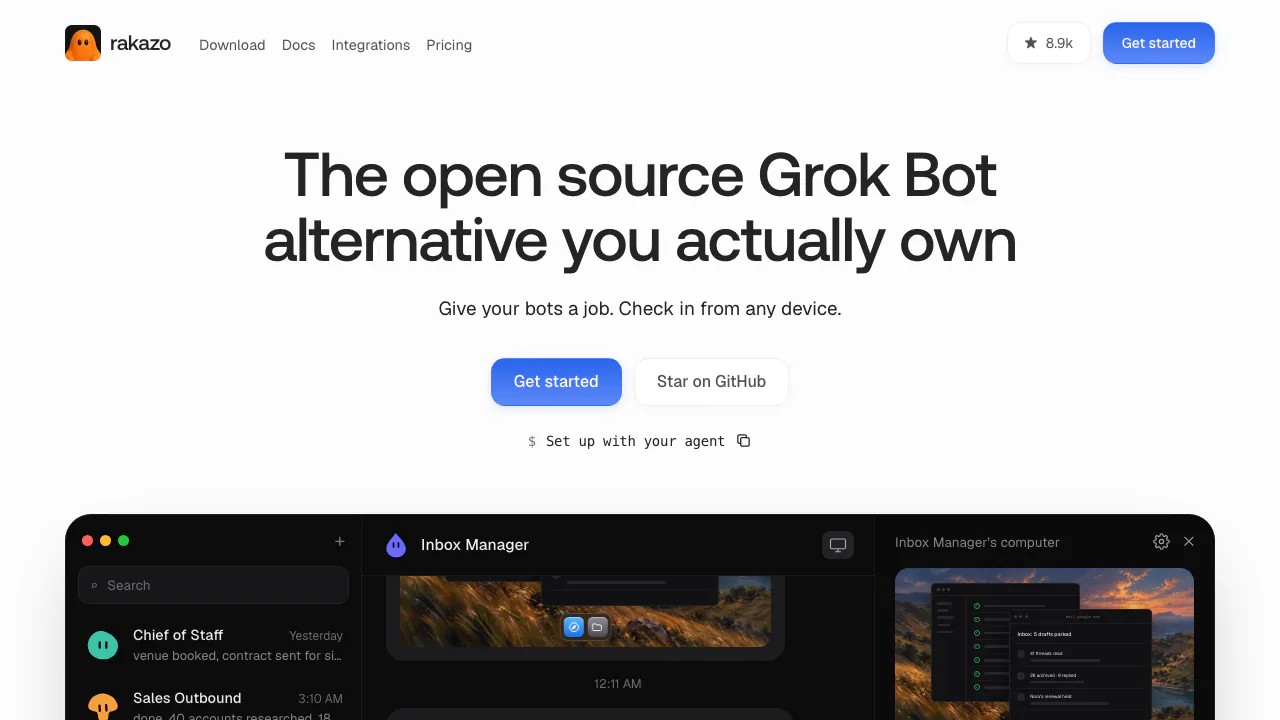

Rakazo
NEWPersistent AI bots with app connections, memory, computers and scheduled routines
AI Automation ToolsFreemium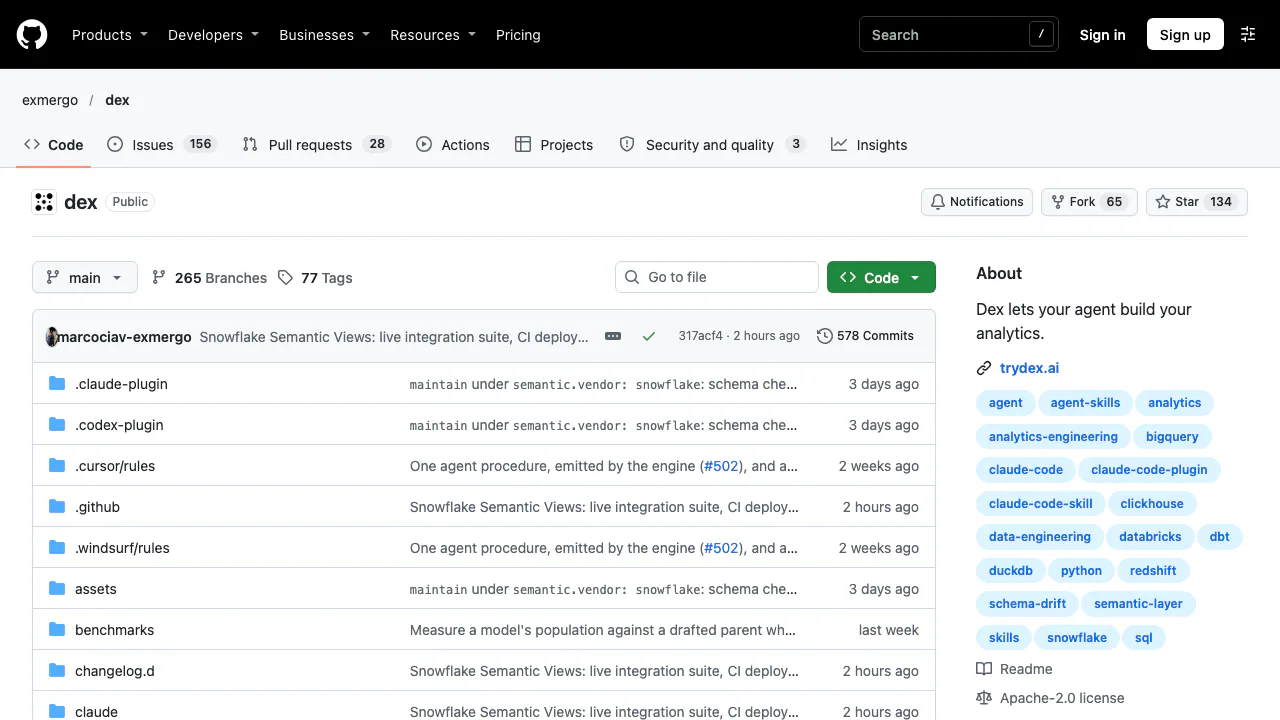

Dex
NEWGive your coding agent a repeatable way to explore data, build dbt models and maintain metrics.
AI Coding & Developer ToolsFree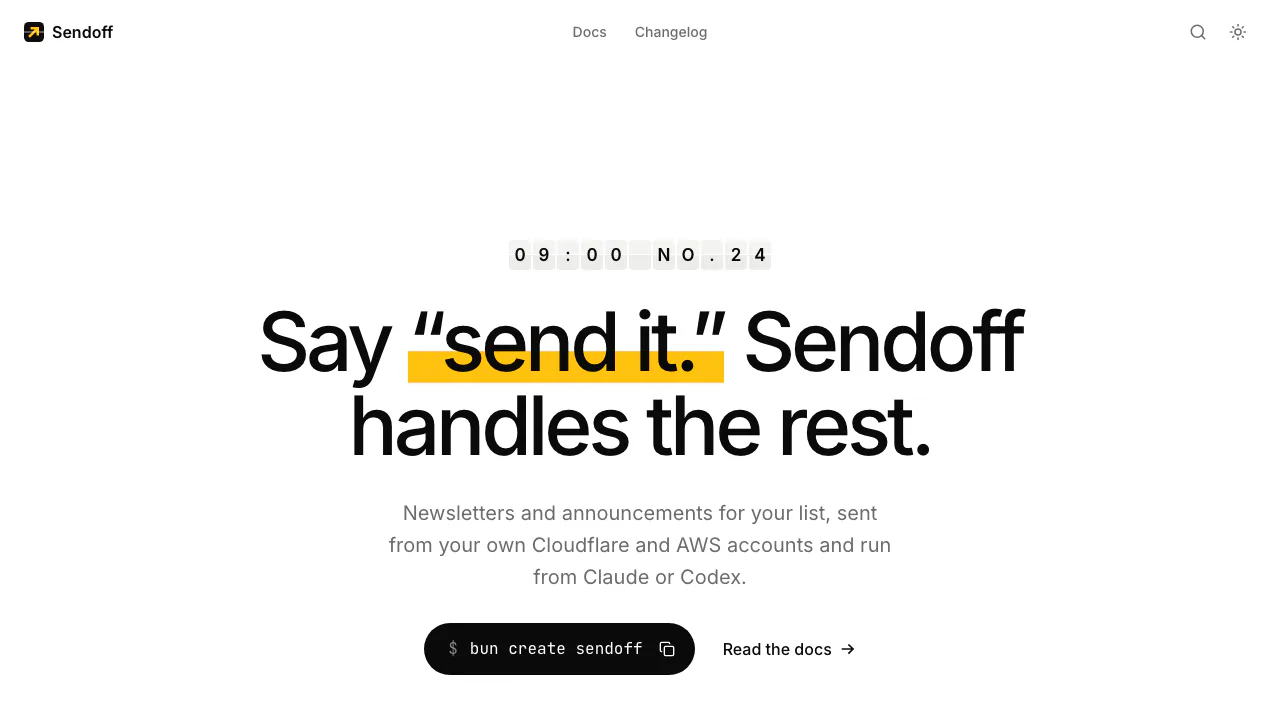

Sendoff
Draft and send newsletters from Claude or Codex on your own cloud accounts.
AI Marketing & Sales ToolsPaid

Hexmos
Review Git changes where they happen, from your terminal to your team's pull requests.
AI Coding & Developer ToolsFreemium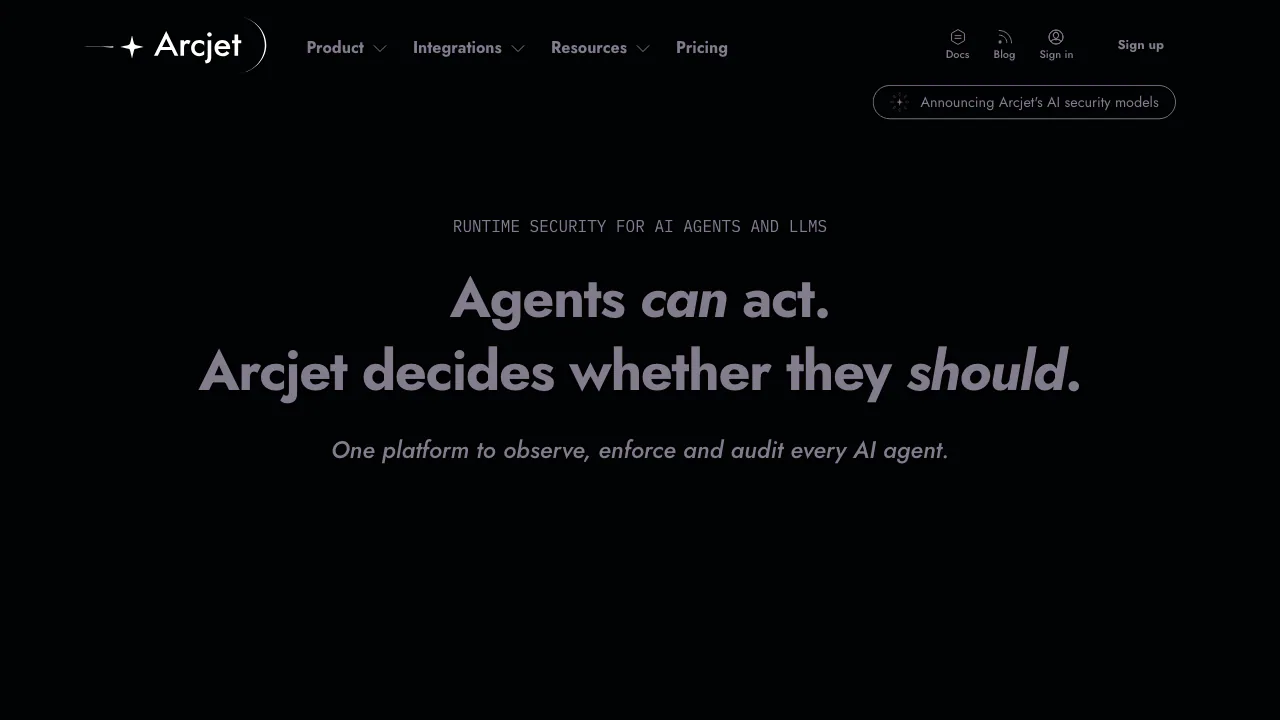

Arcjet
Check agent actions before they run, with policies, threat detection and decision records.
AI Agent Security ToolsFreemium

AI Photo Editor
NEWEdit photos by typing with Nano Banana, GPT Image, and Seedream on pay-as-you-go credits
AI Image & Video GeneratorsFreemium
- Pricing
- Freemium
- Website
- antelog.dev
- Added
- November 2026
- Updated
- November 17, 2026
More in AI Agent Security Tools
Add the badgeShow you're listed on AITroveX
<a href="https://aitrovex.com/tool/antelog?ref=badge" target="_blank">
  <img src="https://aitrovex.com/badge-listed-light.svg" alt="Listed on AITroveX" style="height: 54px; width: auto;" />
</a>