

Agent ClanFreemium
Send tasks and review approvals across Claude Code and Codex sessions.
Hexmos AI Code Review and Developer Tools
Review Git changes where they happen, from your terminal to your team's pull requests.
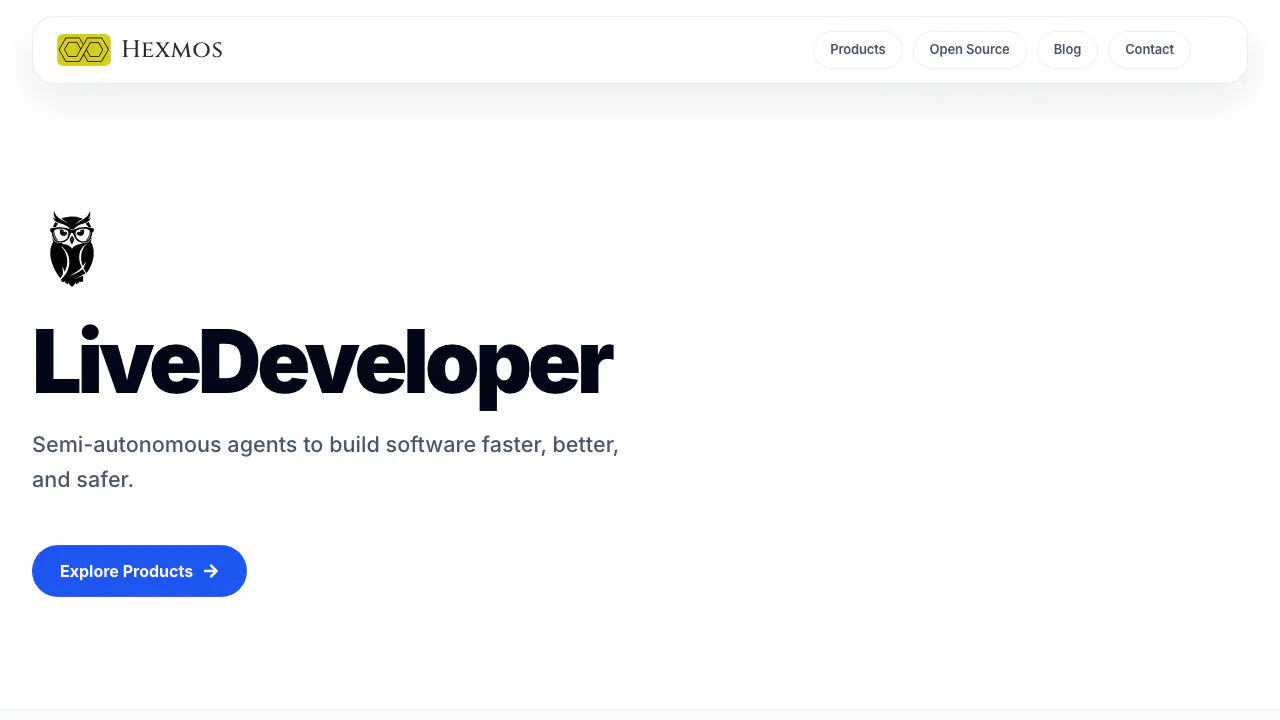
Hexmos offers AI code review tools for individual developers and engineering teams, along with browser utilities and API tools. Its flagship reviewer, LiveReview, helps teams decide which changes to inspect first. The Git and Claude Code tools give developers feedback earlier, while a change is still on their machine.
What is Hexmos used for?
It's a place to pick the right tool for a particular development task. Say you've changed how an app checks account permissions. You can use git-lrc to look through your staged edits before committing, then let LiveReview flag risky lines once the change is in a pull request. For everyday tasks like formatting JSON, the same website links to Free DevTools. Hexmos Technology LLP uses the LiveDeveloper brand on this product homepage.
Prioritize risky pull requests with LiveReview
LiveReview ranks findings by risk and review priority. A small edit to a function that writes to a database may warrant more attention than a large visual change. Teams can configure repository rules, CI/CD merge gates, and automatic approval for low-risk changes. They can route uncertain changes to a human reviewer.
To try it, connect your Git provider, authorize a test repository, and open a small PR. Compare the inline findings with the actual diff and check how LiveReview orders them before adding a merge gate or enabling automatic approval. For example, open a PR with a small change to a shared validation function and a cosmetic edit. Check whether the review draws attention to the shared function and whether its feedback makes sense before treating a risk score as a merge decision.
Catch issues before a Git commit
Install git-lrc, run git lrc setup, sign in to Hexmos, and configure a model connector. Stage the edits you want checked, then run git lrc review. The browser view shows the staged diff and comments on specific lines. Restage any fixes before reviewing again. A Git hook can also launch the check when you commit.
If you work in Claude Code, follow the claude-lrc plugin guide and use /lrc:review from your session. The plugin can be installed separately and opens the diff and findings in your browser. The plugin is free. Model usage follows your connector's provider terms.
Find API and everyday developer tools
- LiveAPI endpoint search and documentation indexes endpoints from Git source and generates OpenAPI or Swagger docs.
- Lama2's REST client guide shows how to run plain-text requests in a terminal or VS Code and share them through Git.
- Free DevTools browser utilities include JSON tools, a Dockerfile linter, and command references. The basic resources open without registration. The site also offers Pro features.
How usage and deployment affect cost
As checked November 9, 2026, LiveReview's public pricing lists a Free plan with 30,000 reviewed lines per month and up to three members. Premium starts at US$32 per month for 100,000 reviewed lines with unlimited team members. Enterprise is quoted and offers self-hosting and SSO.
For private code, check the inference endpoint as well as the deployment. In a self-hosted installation the operator controls retention and outbound connections. Configuring an external model still sends review context to that provider. The LiveReview security guide explains this data flow and documents local Ollama as an option.
Frequently asked questions
Which Git providers can LiveReview review?
LiveReview documents integrations with GitHub, GitLab, Bitbucket, Gitea, and Azure DevOps. Check your provider's setup instructions before granting repository access.
What does the free plan cover?
Up to three members can share 30,000 reviewed lines per month. The allowance tracks lines in reviewed changes. You can estimate it from your review workload even if your repository is much larger.
Does a local Git hook keep code on my machine?
The hook starts locally. For a staged review, git-lrc submits the diff to the configured model for analysis. A self-hosted Enterprise deployment with local inference gives teams a way to control that data path.
Official resources
- LiveReview integration and deployment docs cover provider setup and the first review.
- Official git-lrc GitHub repository hosts installation instructions and commands.
- Hexmos product support handles questions about individual apps.
Related tools
AI Coding & Developer Tools →
DessnFreemium
Design and review changes against the frontend your product already uses.
QualityLayerPaid
An approval and review workflow for the coding agents you already use.
One RoofFree
Bring coding-agent sessions, approvals and bounded loops into one Mac app.
WavefunctionFree
Parallel coding tasks with your own cloud or local models.
NanaFree
Run coding agents side by side with worktrees and persistent terminals.