

KrevPaid
Plan a product launch, create the assets, and review what goes live.
Sendoff — Self-hosted newsletter software
Draft and send newsletters from Claude or Codex on your own cloud accounts.
What does Sendoff do?
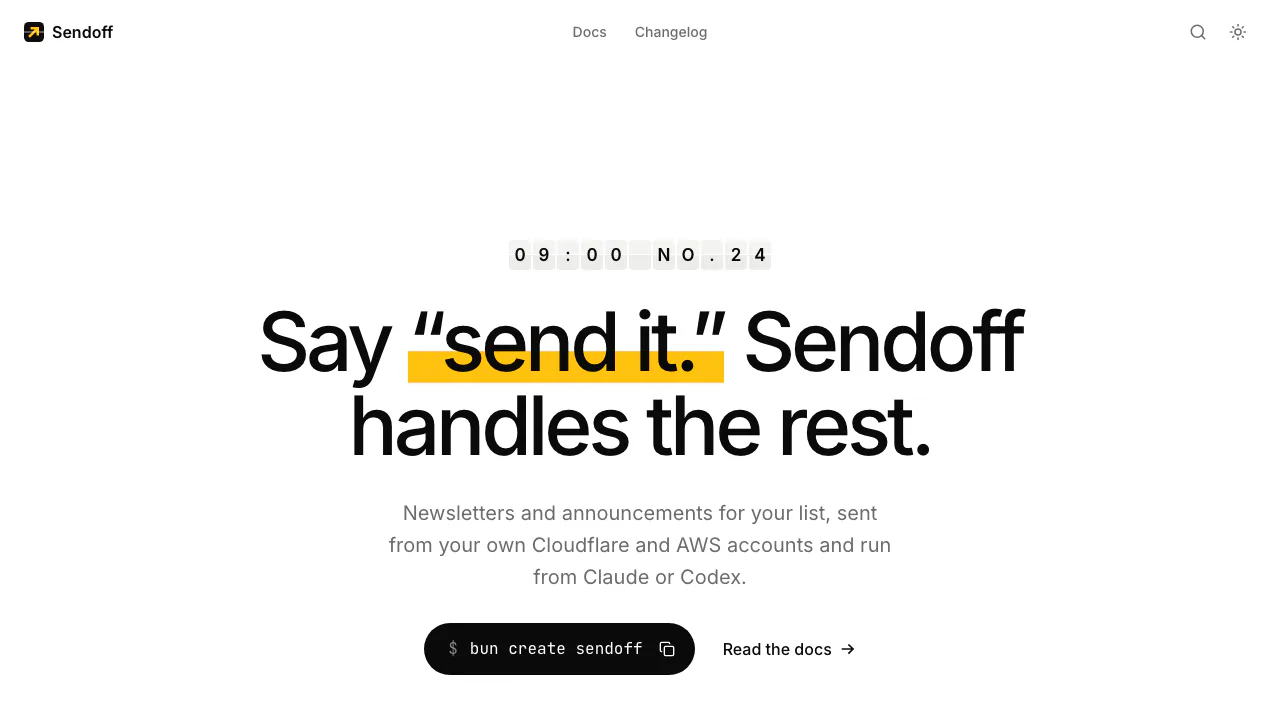
Sendoff is self-hosted newsletter software for emailing people who have subscribed to your updates. For example, give Claude or Codex the release notes for a new version and ask it to turn them into a short announcement. Sendoff formats the draft, gives you a preview and sends the approved issue from your domain through Amazon SES. It fits independent publishers and developers who run one newsletter or product mailing list.
Set up your own sending instance
Have Bun, Git, a domain, a sender address, a Cloudflare Workers Paid account and an AWS account ready. Run bun create sendoff and provide the sender details, hostname and SES region. Setup provisions the Worker, D1 database, queue and sending identity. Add the DNS records it prints if your DNS is managed elsewhere, then follow its prompt to request SES production access.
Connect the deployed /mcp endpoint to Claude Code or Codex with the setup token. Claude on the web and Claude Desktop use an OAuth connector. Treat the token like a password because it grants access to drafts, subscribers and sending. Ask the agent to run doctor and check for blockers before preparing an issue.
Review the exact email your list will receive
Give the agent notes, a proposed subject and the link readers should follow. It writes Markdown, which Sendoff renders in a fixed email layout. Open the live preview and check the subject, links and layout on mobile and desktop. The preview includes light, dark and plain-text views.
Send a test to your inbox, then ask for the preflight summary and check the sender and recipient count. Any edits after testing require another test. Give explicit approval in chat when the summary is right. The queue sends in batches and the agent can report sent, failed and remaining counts while it runs.
Keep the list and track the send
Subscriber data and issues live in D1 in your Cloudflare account. The Worker serves a signup page and provides a scoped REST API for custom forms. The agent can report deliveries, clicks and unsubscribes. Clicks go through your own domain, with likely scanners filtered out. Open tracking starts disabled.
Each deployment serves one list and uses a fixed layout. Segmentation, automated sequences, A/B testing, team accounts and transactional email are outside the available workflow.
Frequently asked questions
Is Sendoff free to run?
The source code is MIT licensed and Sendoff charges no subscription. On November 9, 2026, Cloudflare Workers Paid started at USD 5 per account per month. Amazon SES listed à la carte outbound email at USD 0.10 per 1,000. Check your AWS region, plan and any extra usage charges.
Can I import my mailing list from a CSV?
Yes. Export the list with unsubscribes, bounces and complaints, including separate suppression files if needed. Ask the agent to run a dry run, review the proposed changes and confirm the import. It preserves suppressed addresses and sends no email during import.
What if Amazon SES is still in the sandbox?
You can test with verified recipients. To reach the full list, obtain production access and use preflight to check the SES quota for your deployment.
Official resources
- Sendoff quickstart covers deployment and your first test.
- Sendoff on GitHub hosts the source, license and issue tracker.
Related tools
AI Marketing & Sales Tools →
SynterFreemium
Connect your AI assistant to ad reporting, campaign drafts and governed execution.
VidecoPaid
Turn recorded demos and webinars into campaign content.
AXLFreemium
Bring leads, sales and delivery into one workspace.
DealPilotPaid
Research companies, review cold emails and track overseas outreach
Orphex MCPFreemium
Connect ad accounts to Claude and other AI assistants for reporting and reviewed campaign changes.