

Arcjet: AI agent security for tools, prompts and apps
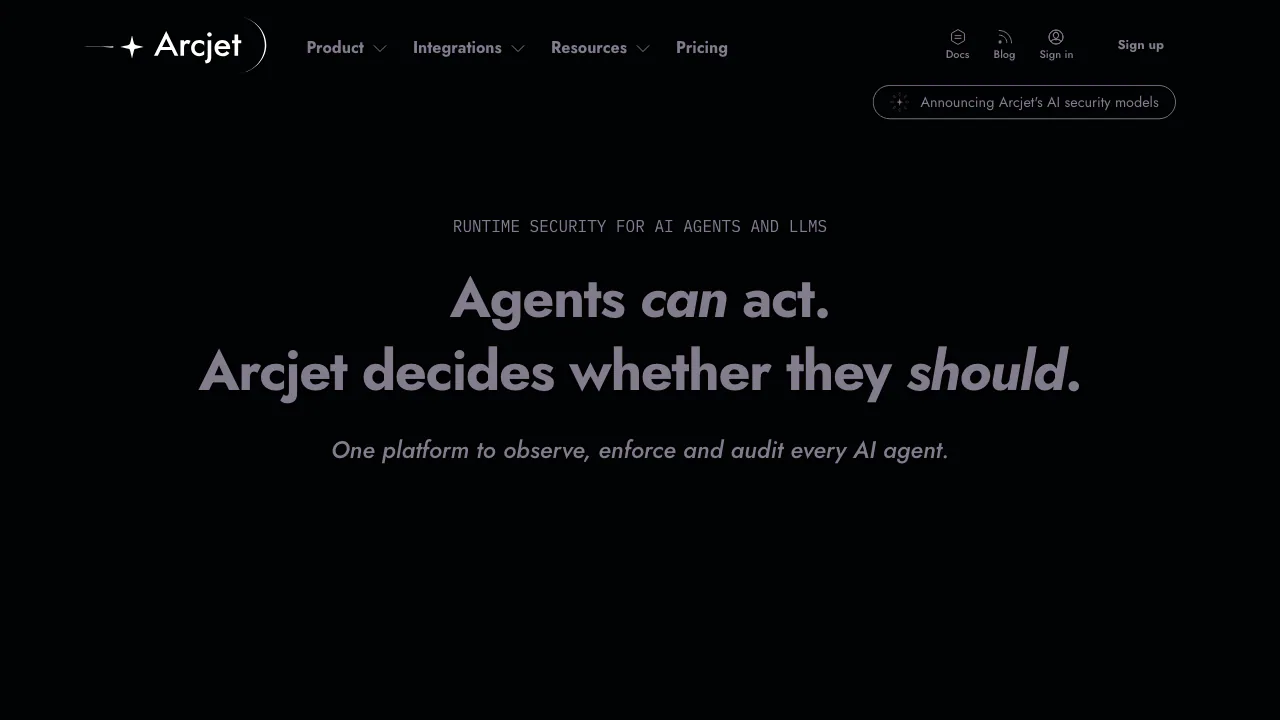
Check agent actions before they run, with policies, threat detection and decision records.
Updated November 17, 2026
Key facts
- What it is
- Check agent actions before they run, with policies, threat detection and decision records.
- Pricing
- Freemium
- Category
- AI Agent Security Tools
- Website
- arcjet.com
What does Arcjet do, in plain language?
Arcjet is an AI agent security platform for developers and security teams. Think of it as a checkpoint between an agent deciding to do something and the application actually doing it. An agent may read a customer record, but sending that record outside the company can require a separate check of the recipient, message and user permissions. Arcjet returns a security decision and records why it was made.
It is useful when AI connects to consequential tools such as email, refunds, databases or MCP servers. The application still supplies authenticated identity and implements the decision.
Separate hostile text from unauthorized actions
Prompt injection detection screens text before it reaches a model. Agent Guards instead evaluate an action’s actual context, such as its recipient, amount or tenant, against published policies and return ALLOW or DENY. Combining the two lets you check both what an agent reads and what it may do.
Policies can be written with the visual builder or restricted Rego and changed without redeploying the application. Dry run records what a rule would deny without blocking it. Guard documentation explains policy inputs, labels and enforcement.
Protect one email tool from end to end
- Create a policy for the email action, declare its label and typed inputs, and specify allowed recipients and sensitive-data checks.
- Install the supported SDK or framework adapter. Agent guards are available through JavaScript/TypeScript, Python and Go integrations; choose the adapter for your actual framework.
- Configure the Actor key on the server, then place the guard before the mail provider is called. Pass real arguments and identity derived from your authenticated session.
- Handle DENY and failures explicitly. Test an allowed recipient, an external recipient and a message containing prohibited data.
- Inspect the decisions in Console. Evaluate false positives in dry run, then enable live rules and verify that denied emails never execute.
Follow the official guarded-tool quick start. A mismatched label or missing context can undermine the intended policy. Direct guard calls can fail open; framework adapters fail closed by default, so test the integration’s error path.
Protect public AI endpoints from abuse
For HTTP routes, Arcjet also supplies bot detection, rate limiting, Shield WAF, email validation and signup protection. These can reduce automated abuse and excessive calls to costly AI endpoints. Use request protection at the route boundary and action guards inside tool handlers or background work. Volumetric network DDoS protection remains a hosting-layer concern.
Control coding agents and discover unmanaged AI
Supported coding-agent hooks cover Claude Code, Cursor, GitHub Copilot, Codex and Muse Code. Enforcement differs by agent and event; for example, Copilot prompt denials are recorded rather than enforced. Discovery separately inventories AI services and applications on managed macOS and Windows devices. Inventory shows usage; hook policies provide action controls.
Review cloud processing before connecting sensitive data
LOCAL policy inputs stay in your application, while prompt injection and content moderation text are processed in Arcjet’s cloud. Prompt injection text is stored with decisions by default. Console log visibility and underlying storage periods are different. Review the processing and retention documentation; contact support about eligibility for zero data retention rather than assuming it is enabled.
Subscription and request costs
After the 15-day trial, the account continues on a free plan with 10,000 requests per month. This is a hard cap, with no metered overage; configure billing and choose a paid plan to lift it. Checked 2026-11-12: public USD monthly prices are $25 for Individual and $299 for Startup; Enterprise is quoted separately. The first two advertise a 15-day trial. Published usage rates are $5 per million Web Requests and $50 per million Agent Requests. Assess subscription and usage together and check the current pricing conditions. These are public USD figures, not a local-currency or tax-inclusive quote.
Frequently asked questions
How does Arcjet help with prompt injection?
It checks text before the model call and can deny detected hostile instructions. Treat detection as one layer alongside authorization and restricted credentials. The documented input limit is 128 KiB per check; split larger text and verify the relevant error behavior.
When should I use guard() or protect()?
Use guard() before internal actions, tool handlers and jobs, including work without an HTTP request. Use protect() for incoming HTTP requests. Applications can need both at different boundaries.
Does Arcjet keep all data in my application?
No. LOCAL inputs have a local path, but cloud detectors receive the text passed to them, and server inputs and agent activity may also leave the application. Check the selected configuration and retention policy.
Official resources and developer community
- Official documentation: Choose an integration and protection boundary.
- Support: Find SDK support policies and technical help.
- Discord community: Discuss integration questions.
- JavaScript SDK source: Inspect the Apache-2.0 SDK; this does not establish self-hosting of the hosted platform.
- Official X account: Follow product announcements.
Alternatives to Arcjet

Dex
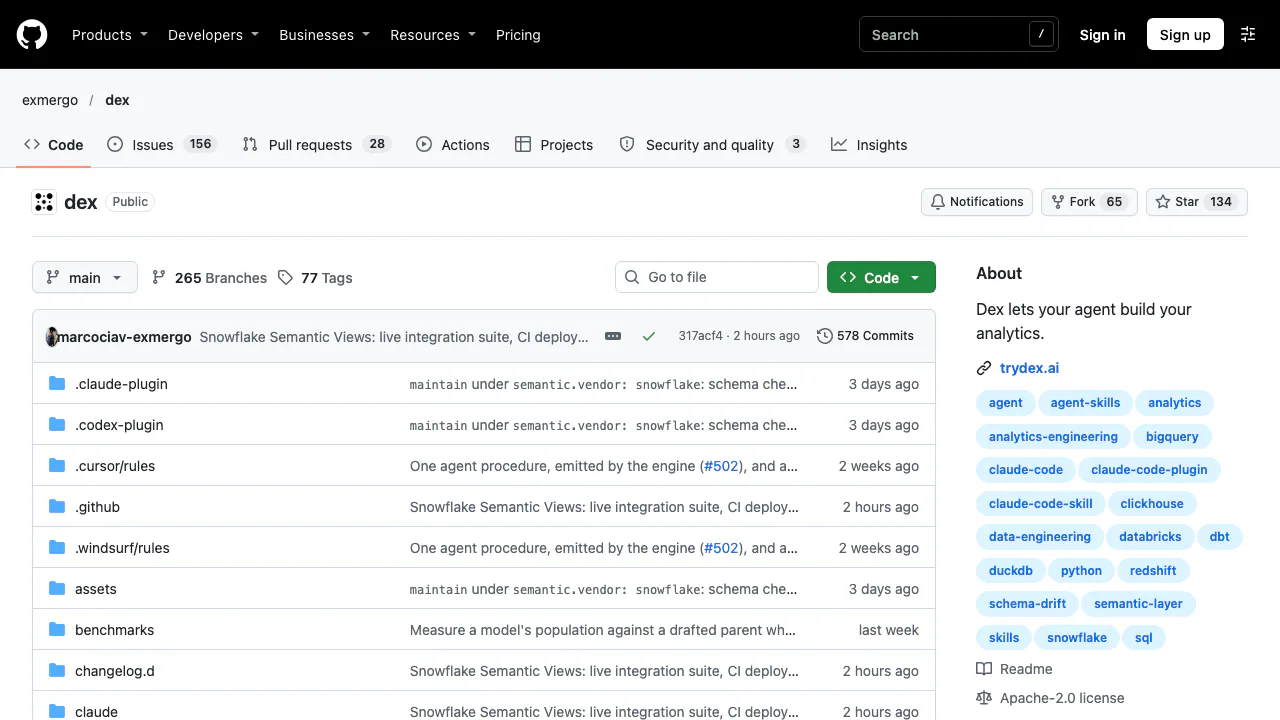
NEWGive your coding agent a repeatable way to explore data, build dbt models and maintain metrics.
AI Coding & Developer ToolsFree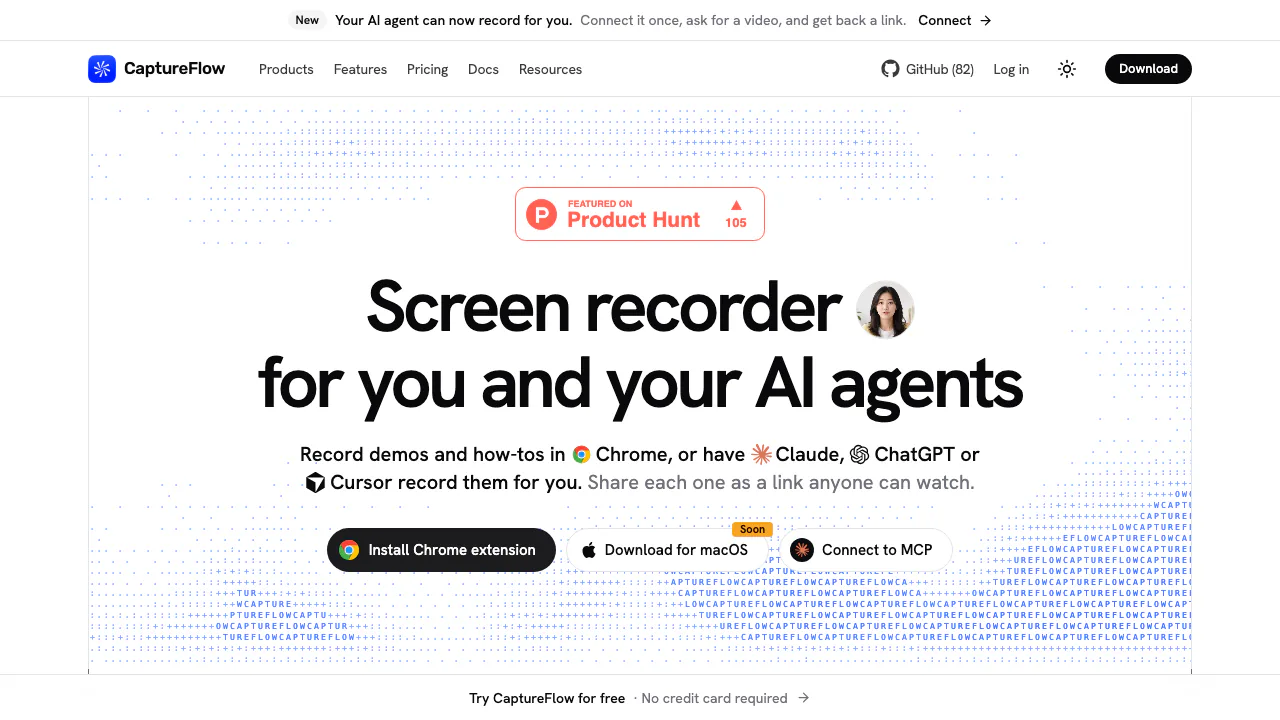

CaptureFlow
NEWRecord a demo, edit its transcript and share a watchable link.
Screen Recording ToolsFreemium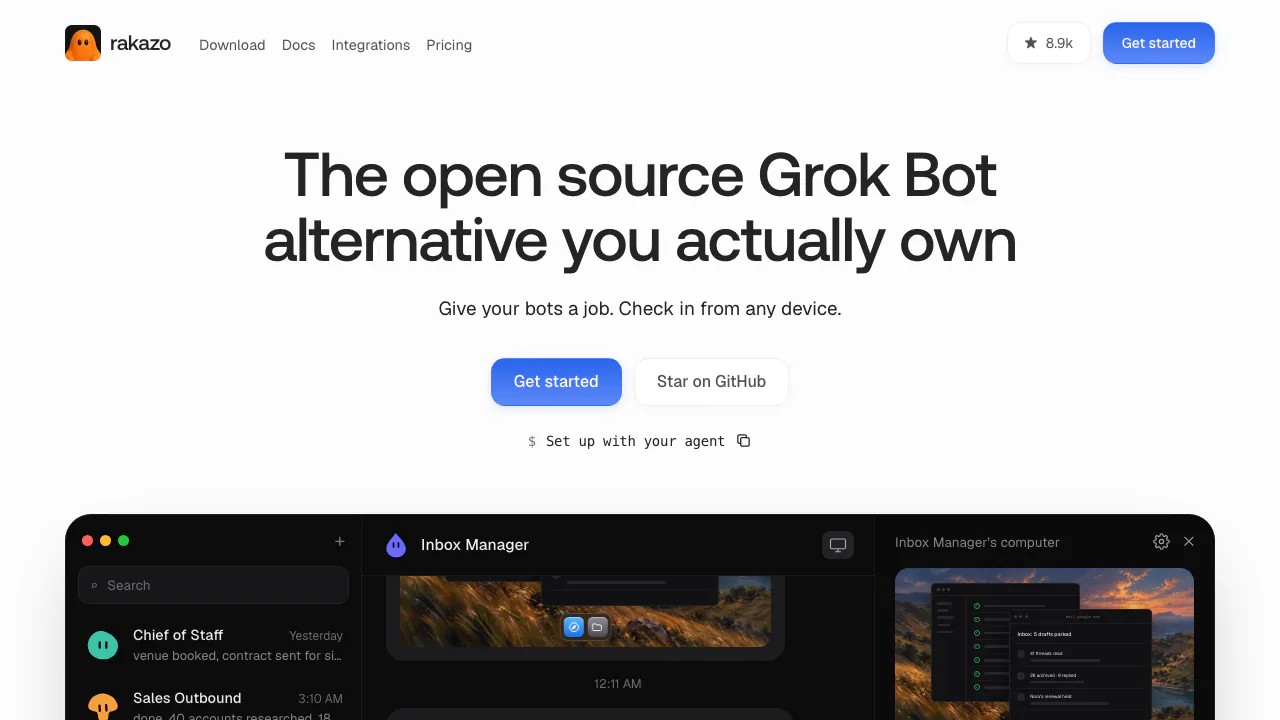

Rakazo
NEWPersistent AI bots with app connections, memory, computers and scheduled routines
AI Automation ToolsFreemium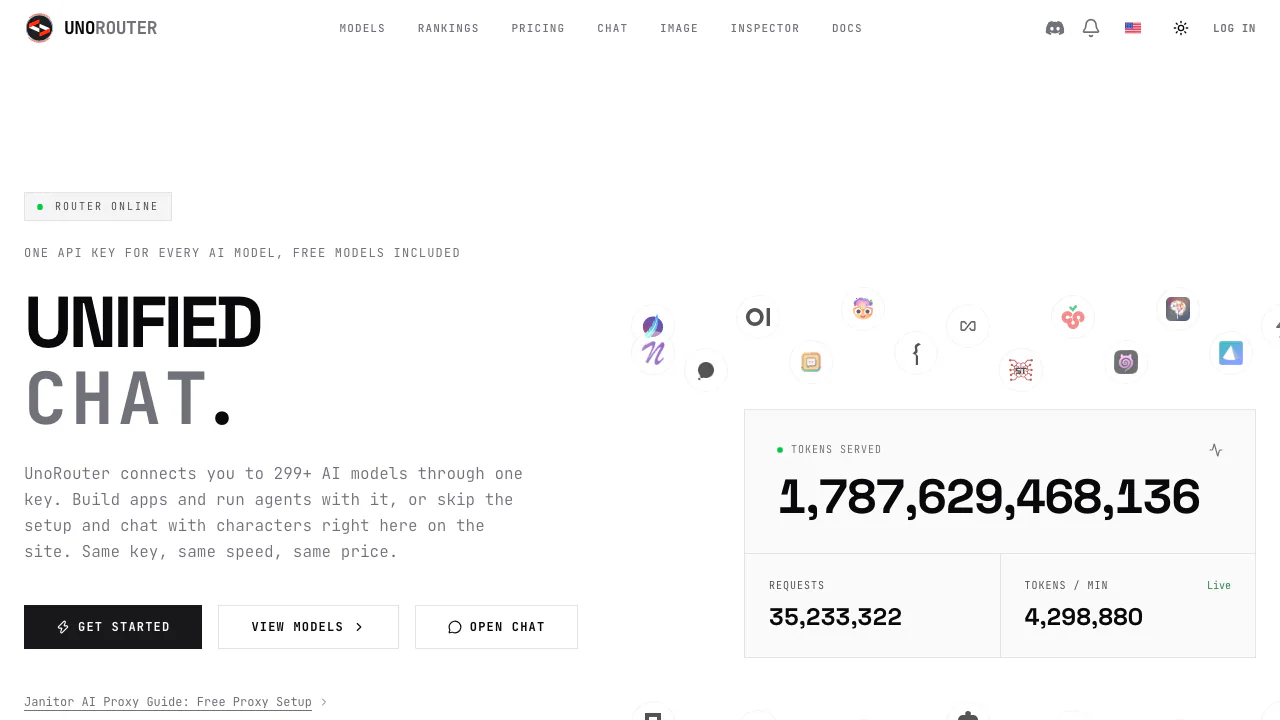

UnoRouter
One key for multiple AI models, with provider routing and browser chat
AI Model APIs & InfrastructureFreemium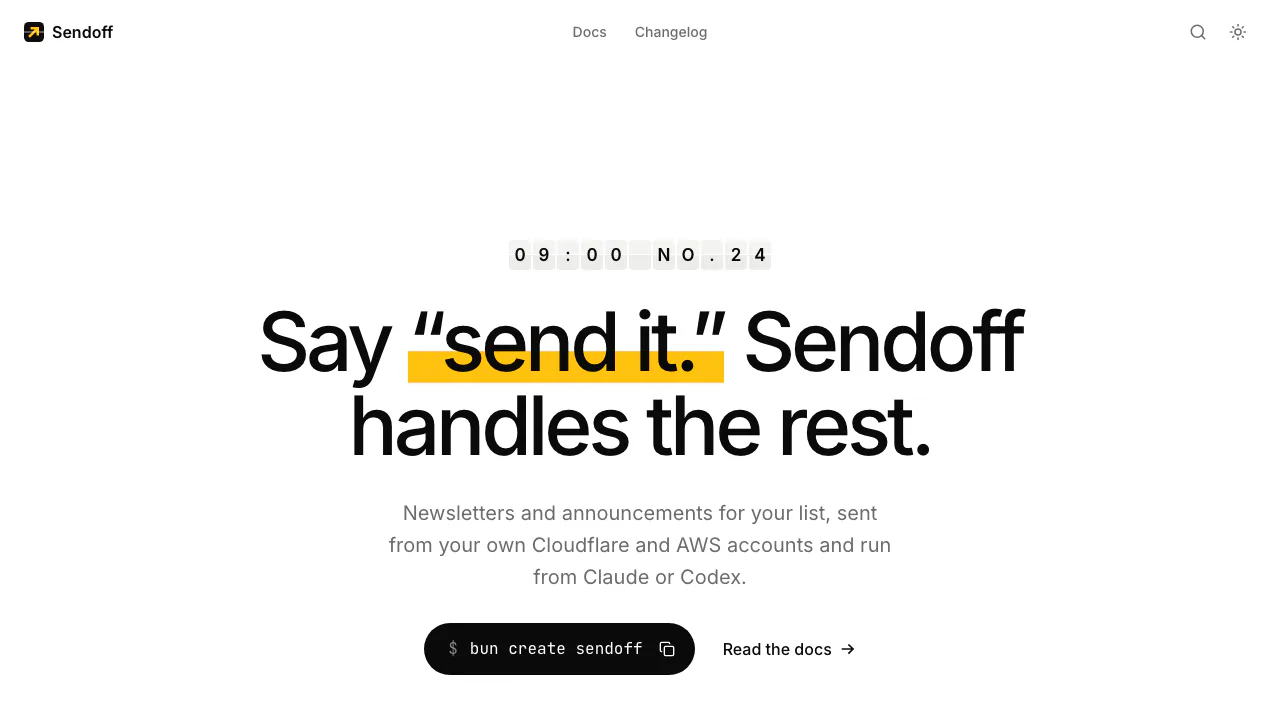

Sendoff
Draft and send newsletters from Claude or Codex on your own cloud accounts.
AI Marketing & Sales ToolsPaid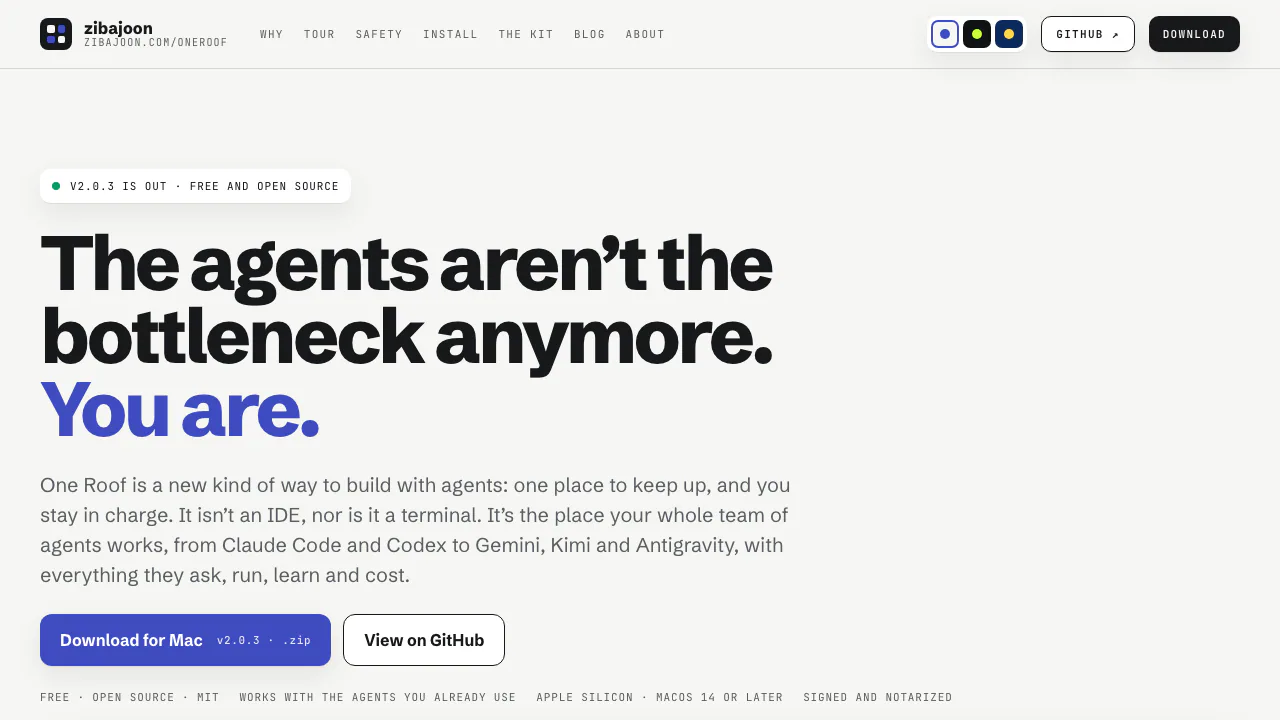

One Roof
Bring coding-agent sessions, approvals and bounded loops into one Mac app.
AI Coding & Developer ToolsFree
- Pricing
- Freemium
- Website
- arcjet.com
- Added
- November 2026
- Updated
- November 17, 2026
More in AI Agent Security Tools

Add the badgeShow you're listed on AITroveX
<a href="https://aitrovex.com/tool/arcjet?ref=badge" target="_blank">
  <img src="https://aitrovex.com/badge-listed-light.svg" alt="Listed on AITroveX" style="height: 54px; width: auto;" />
</a>