
AI Automation Tools
Compare AI automation tools for connecting apps, running multi-step workflows, and adding AI steps like drafting, summarizing, or classifying data. Check app coverage, pricing, and privacy.
28 tools, updated November 2026
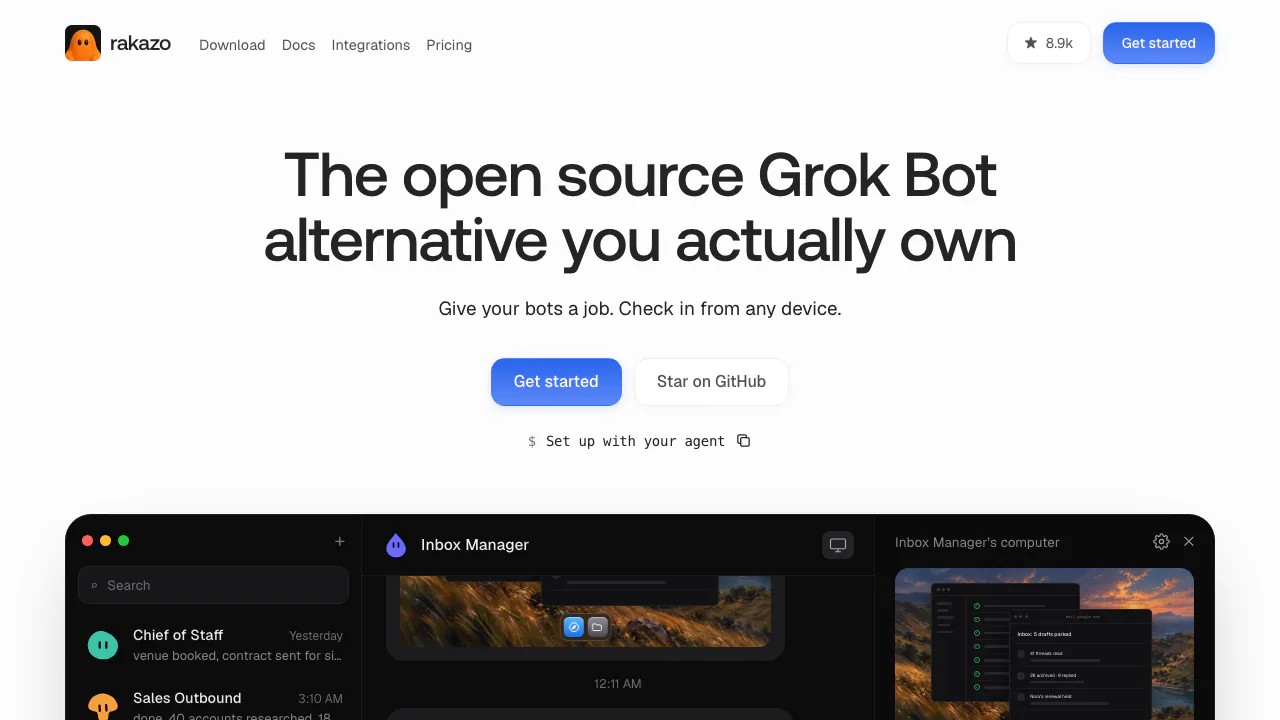

Rakazo
NEWPersistent AI bots with app connections, memory, computers and scheduled routines
Freemium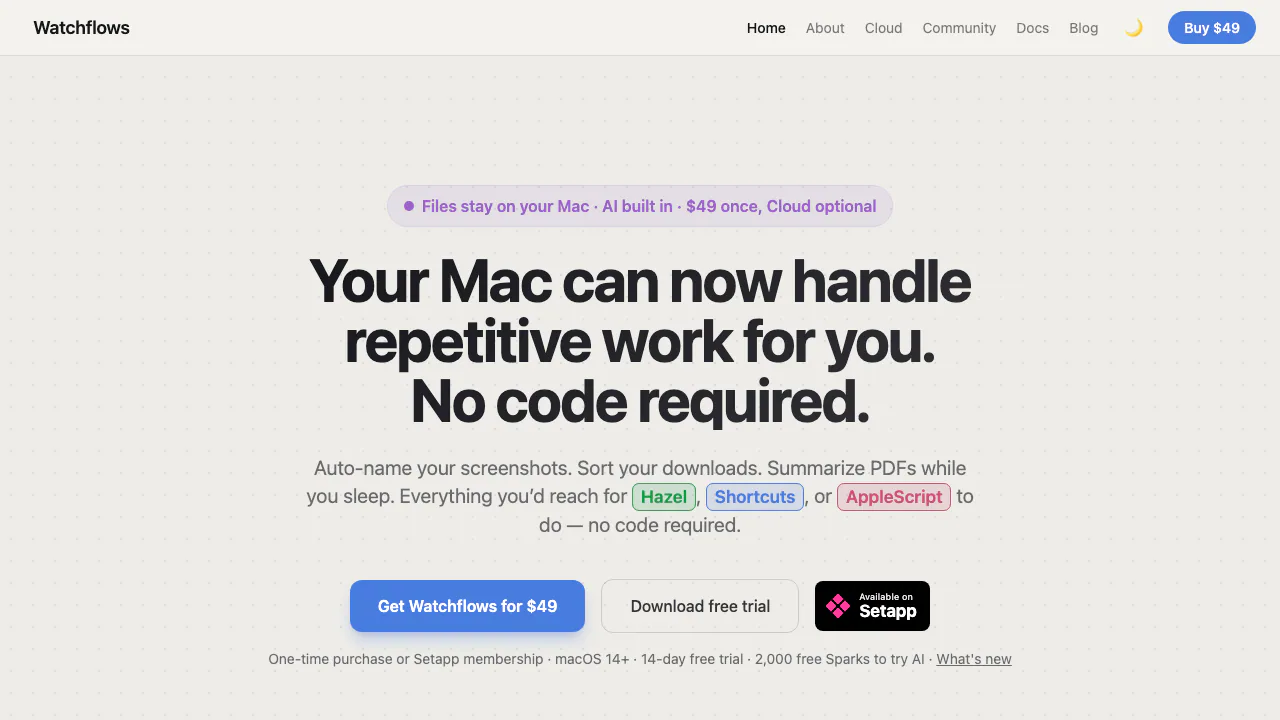

Watchflows
Visual Mac workflows for files, apps and AI, with local execution and editable nodes.
Paid

OpenMail
Dedicated inboxes, threaded email replies, and inbound events for AI agents.
Freemium

MachineMail
Real agent inboxes with MCP, API access and message trust reports.
Freemium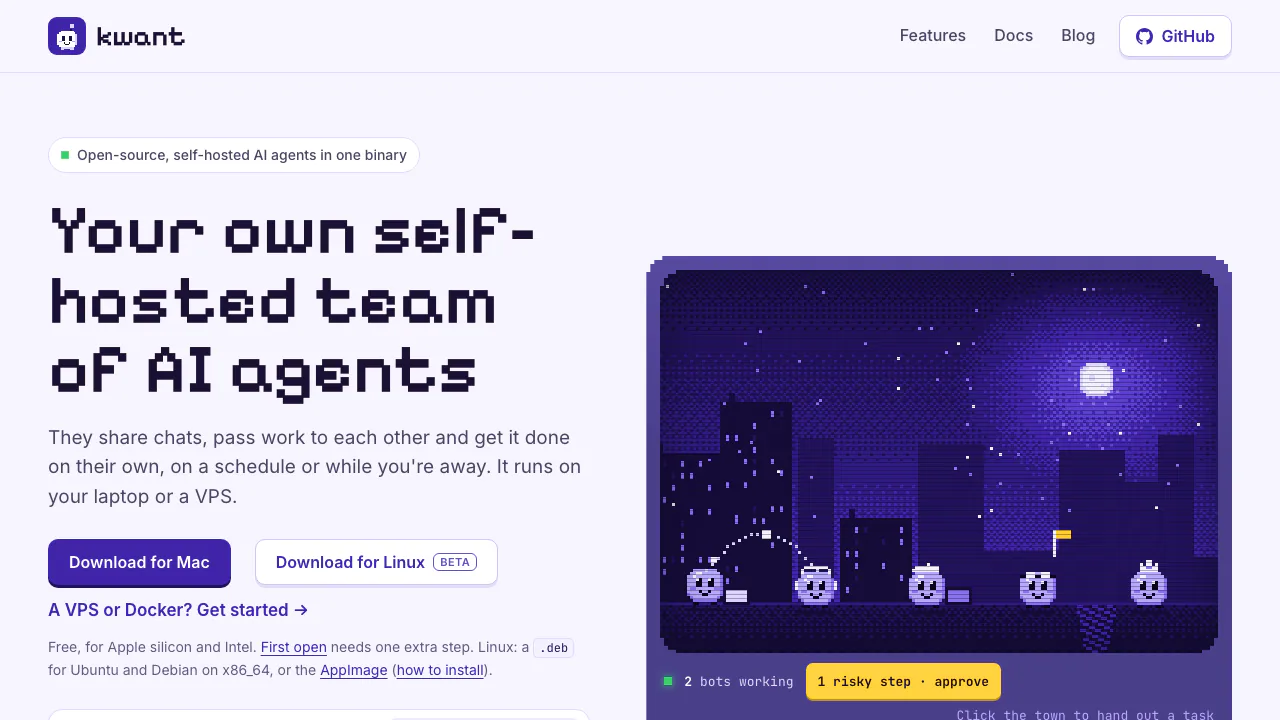

kwant
Run your own AI team with handoffs, schedules and approvals.
Free

Scalekit
Connect agents to user accounts with managed OAuth, scoped tools and attributable execution logs.
Freemium

sideOS
Voice commands, local dictation and tasks in your Mac apps
Paid

Lookout
Watch selected Slack channels and turn matching messages into useful actions.
Free

readywhen
Turn promises in emails, chats and call notes into reviewed follow-up.
Free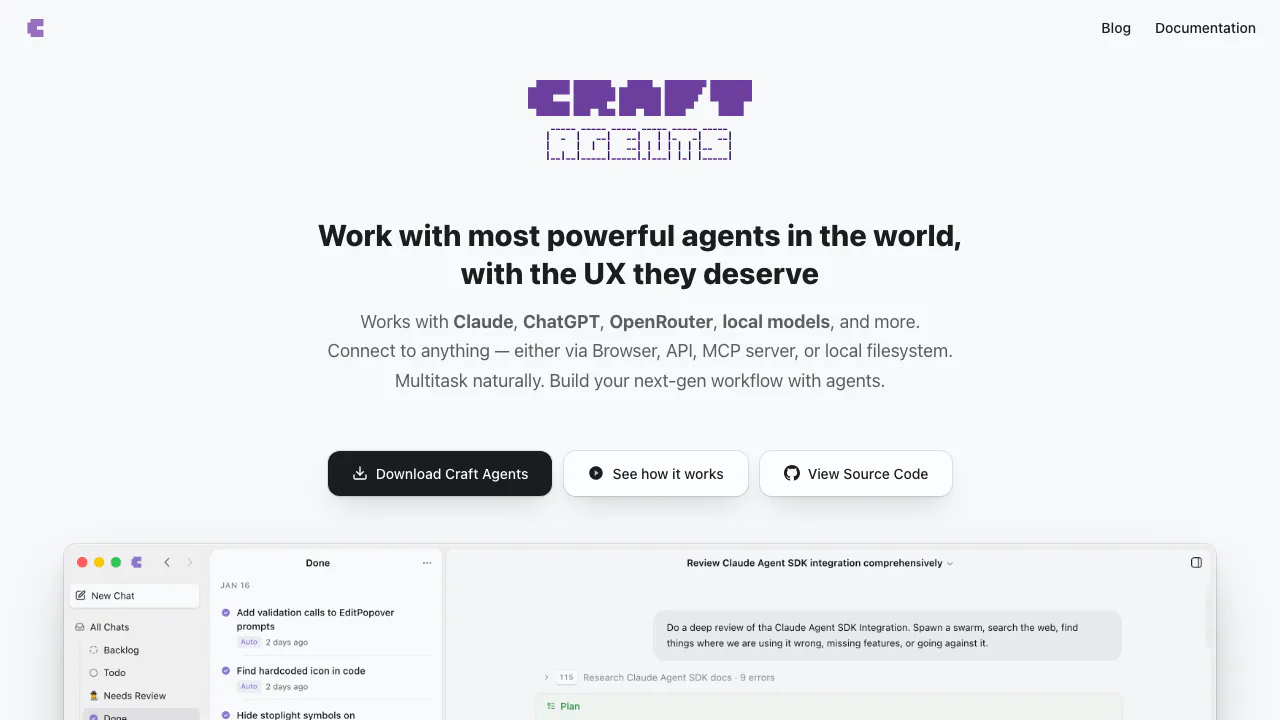

Craft Agents
Connect AI agents to files, APIs, MCP and browser workflows.
Free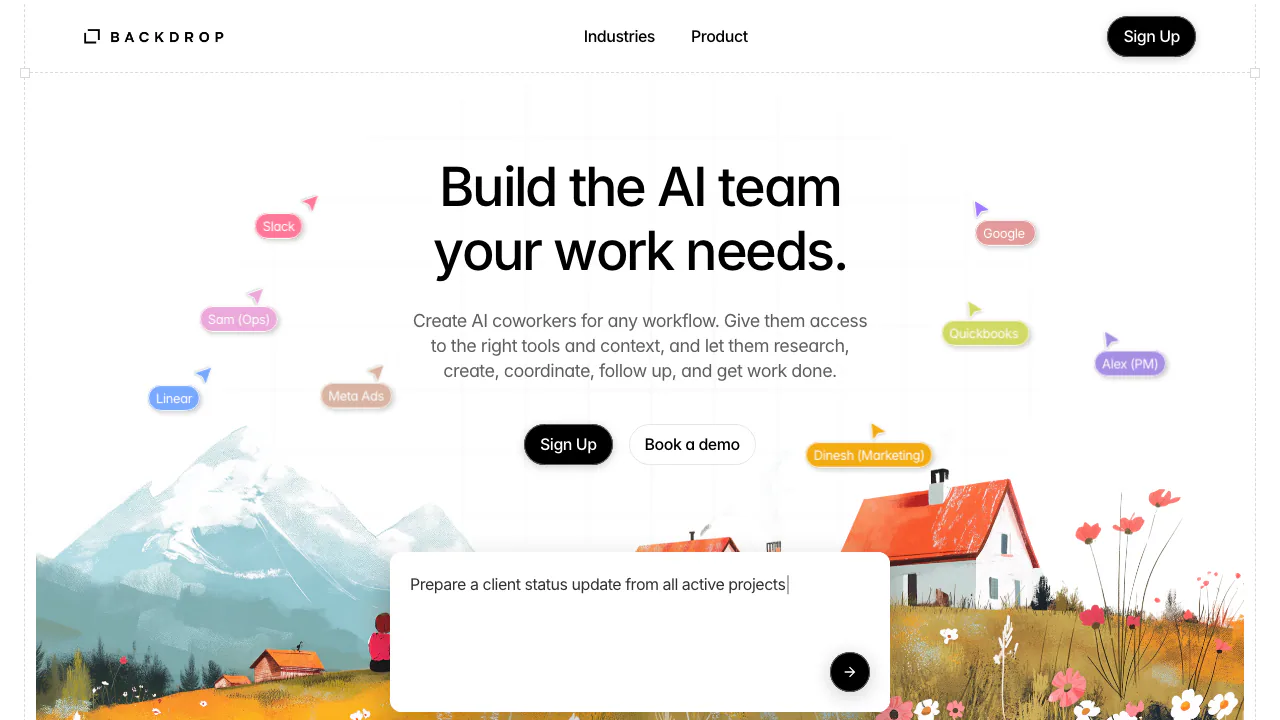

Backdrop
Create AI coworkers that use your tools, carry team context and move work forward.
Freemium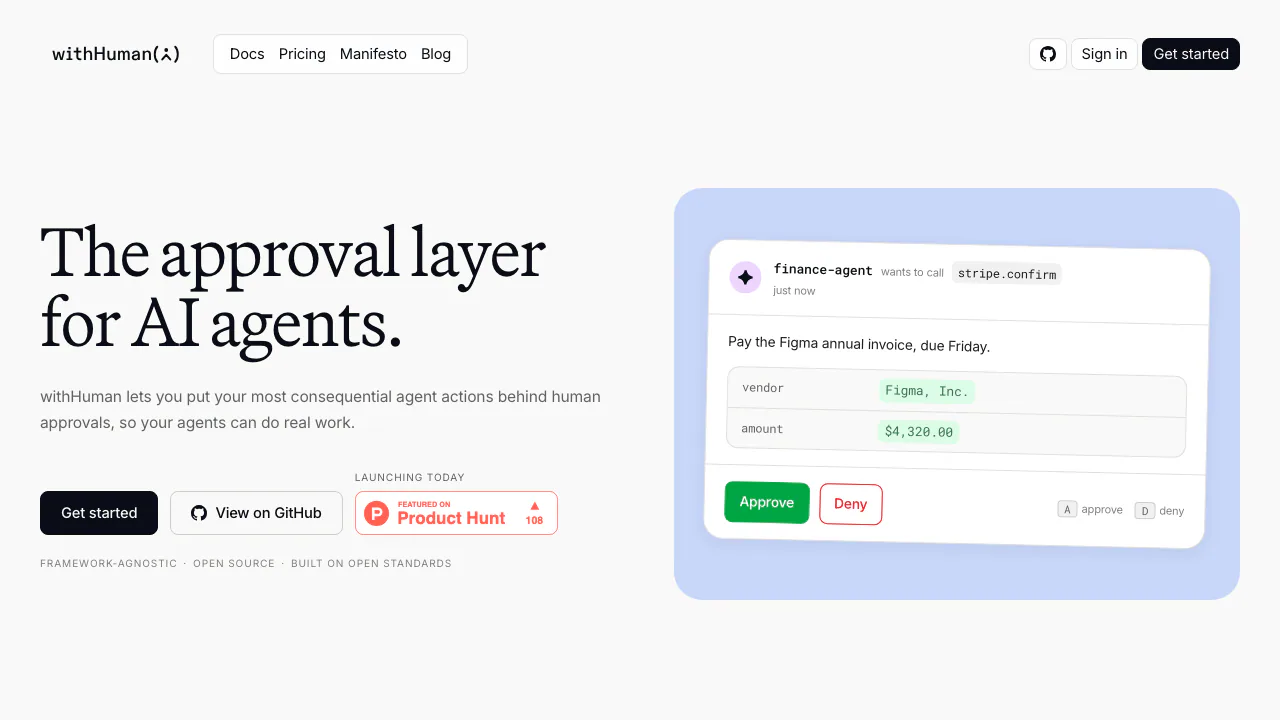

withHuman
Check agent tool calls against policy and route consequential actions to a human before execution.
Freemium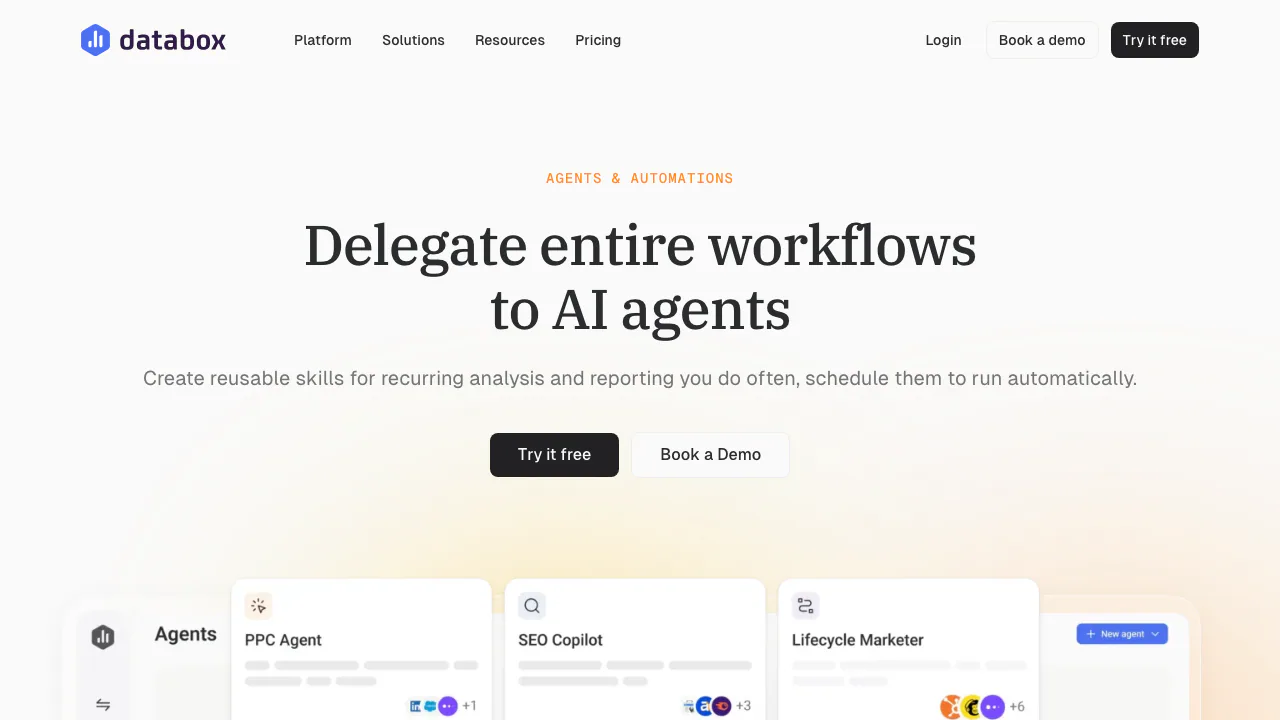

Databox Agents & Automations
Turn repeatable business analysis into scheduled reports with reusable Skills.
Freemium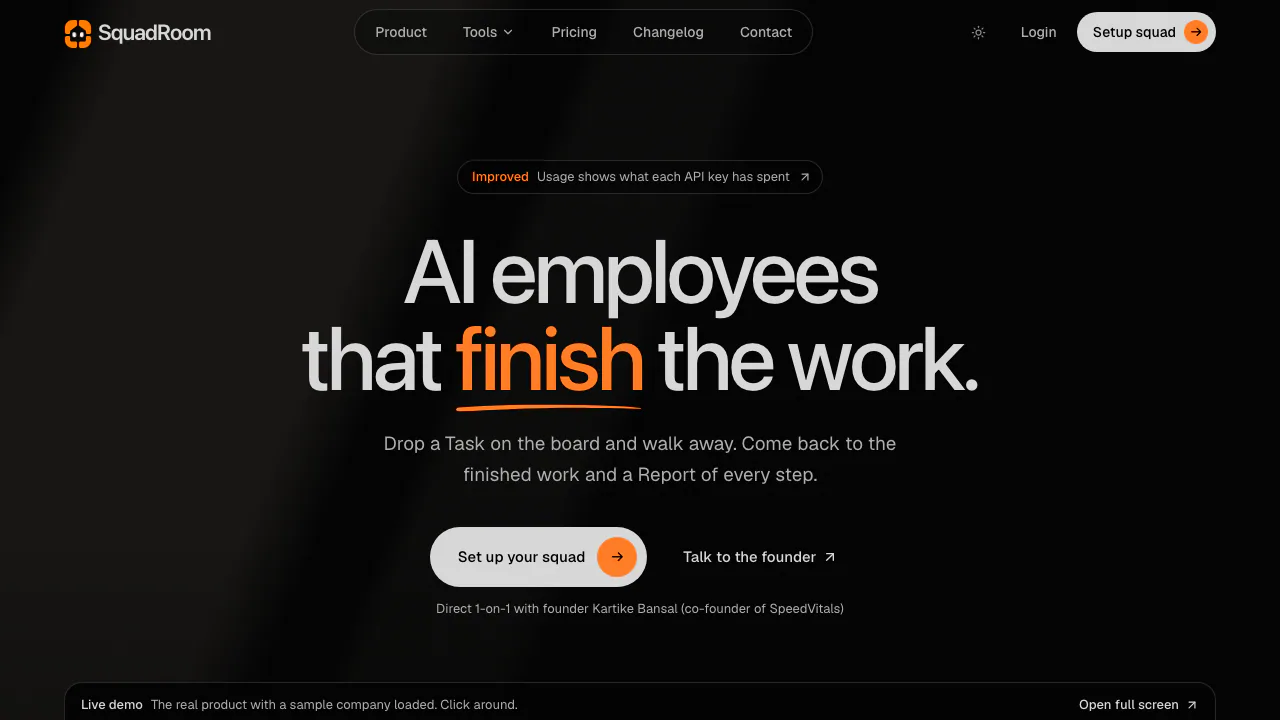

SquadRoom
Give specialist agents a task, then review the work, documents and report.
Paid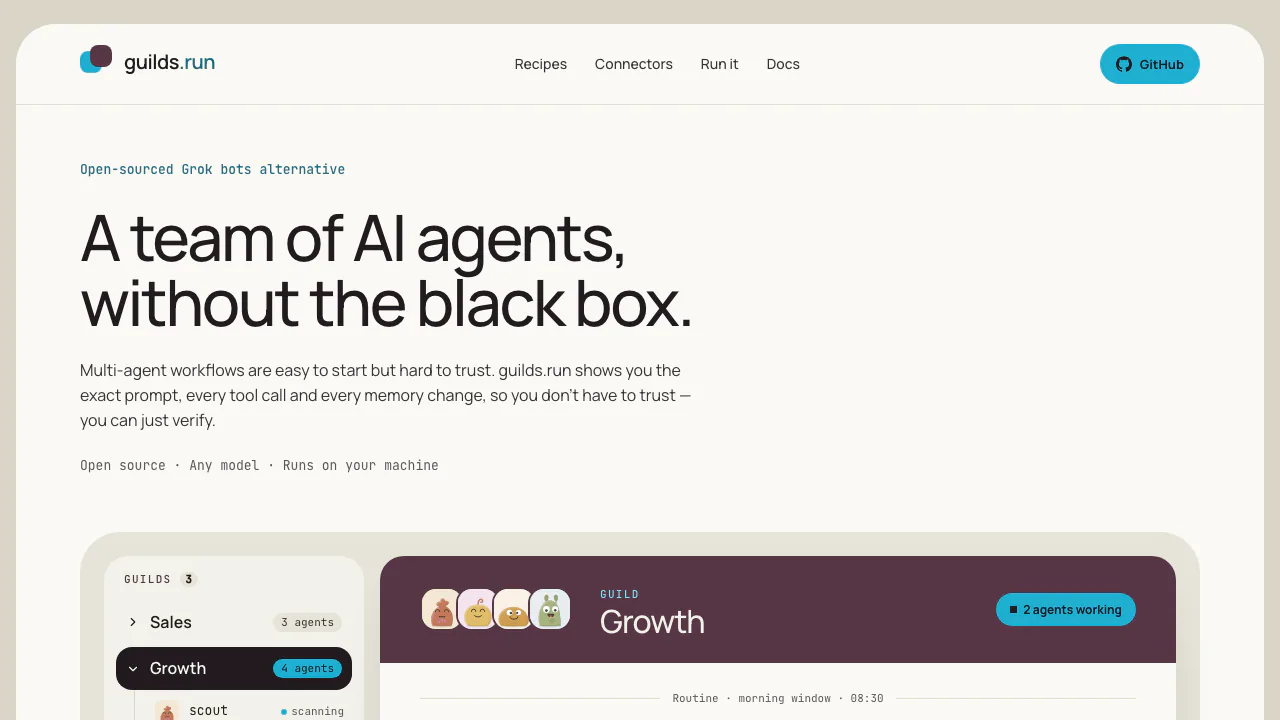

guilds.run
Run agent teams and inspect their prompts, tools and memory.
Free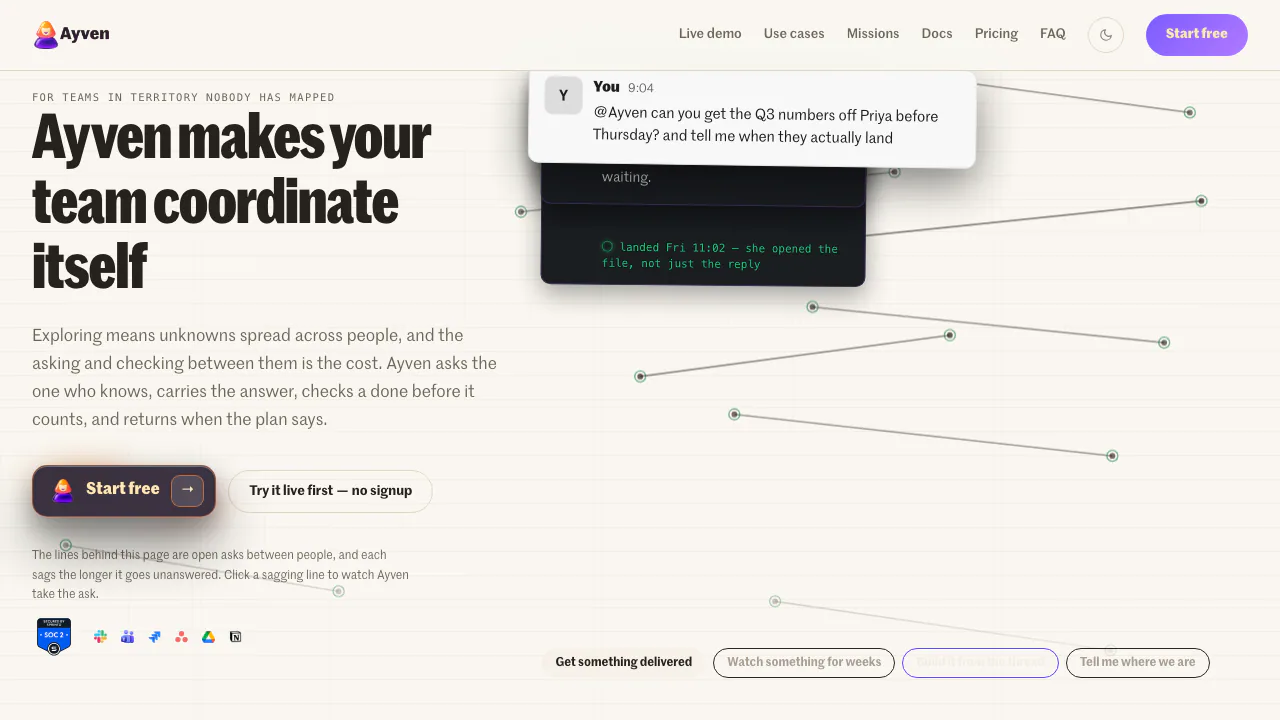

Ayven
An AI coordinator for following up with people, tracking tickets and keeping long-running team work moving.
Freemium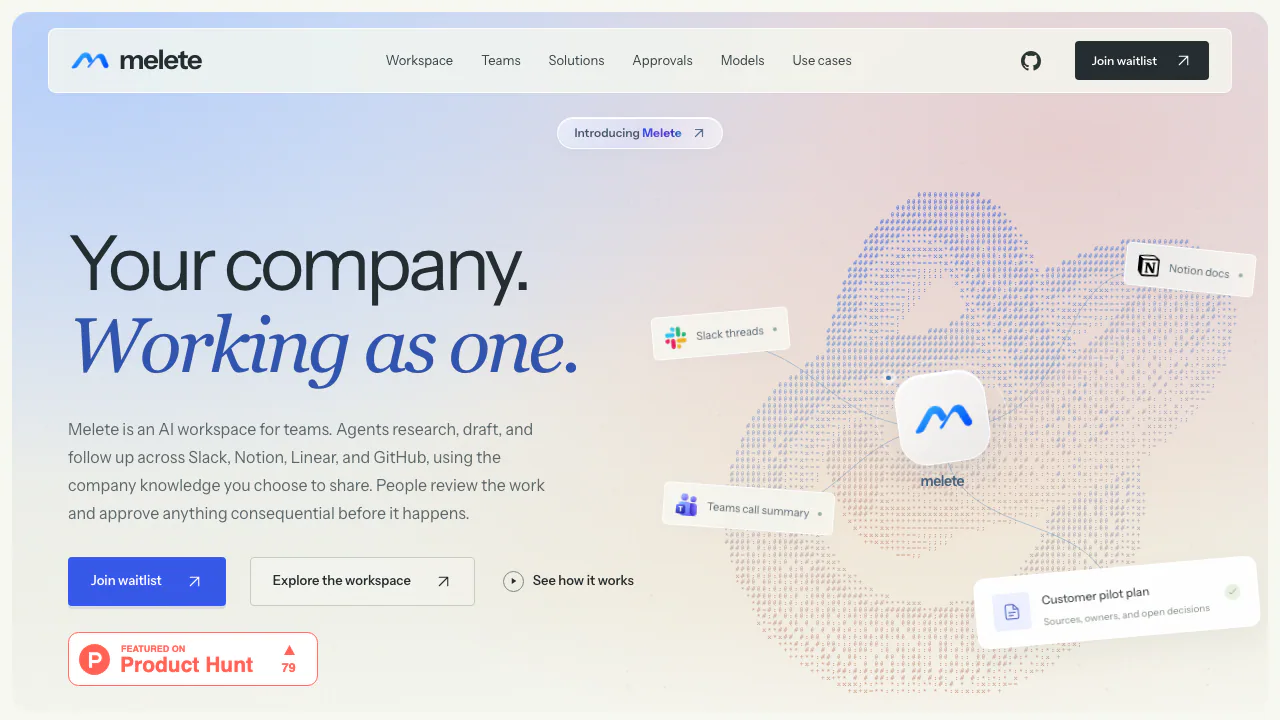

Melete
AI agents that turn connected work into reviewed plans and follow-ups.
Contact for pricing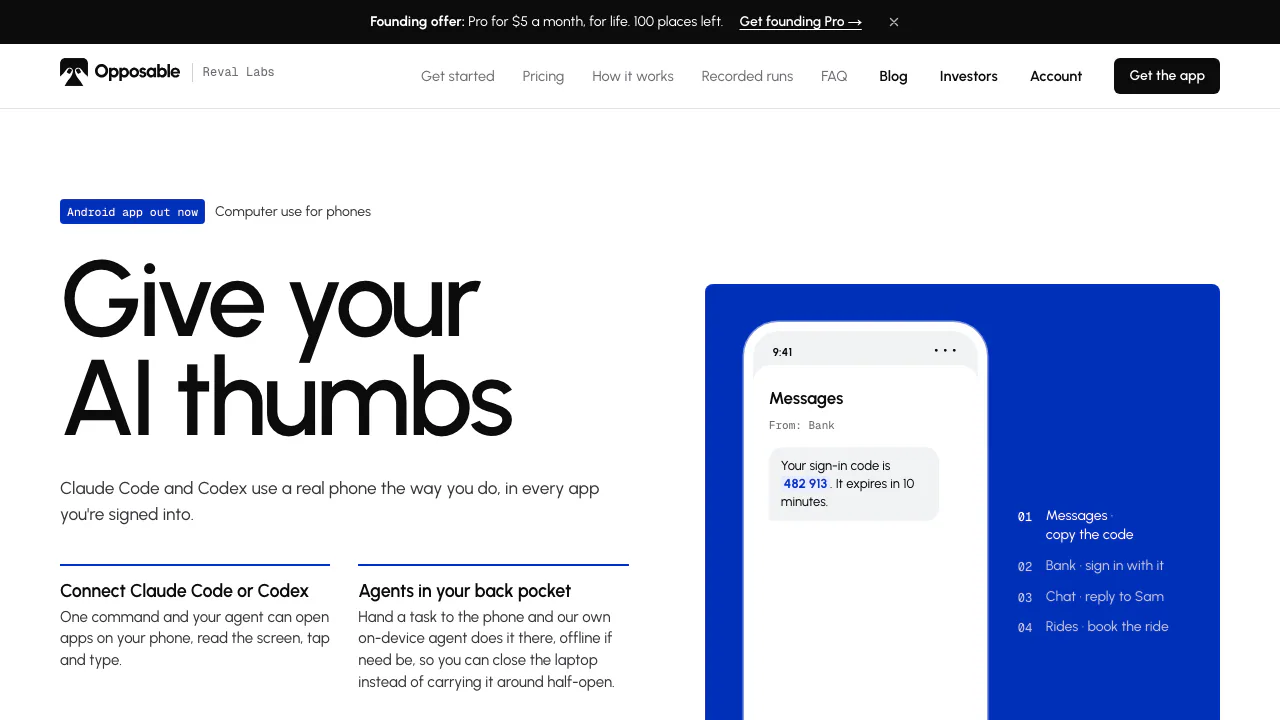

Opposable
Give AI agents the ability to read and operate your phone apps.
Freemium

Incredible
Delegate browser, app and file work by voice or text.
Paid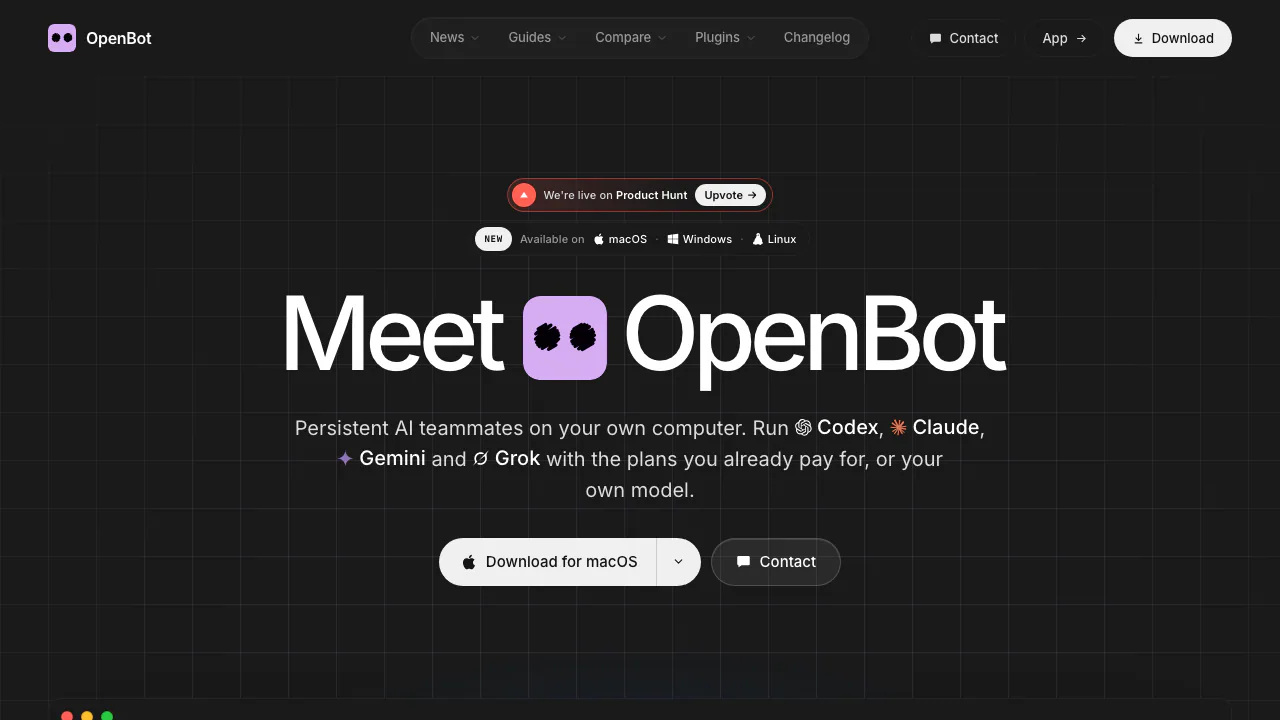

OpenBot
Persistent AI teammates with shared work, local files and your choice of model.
Freemium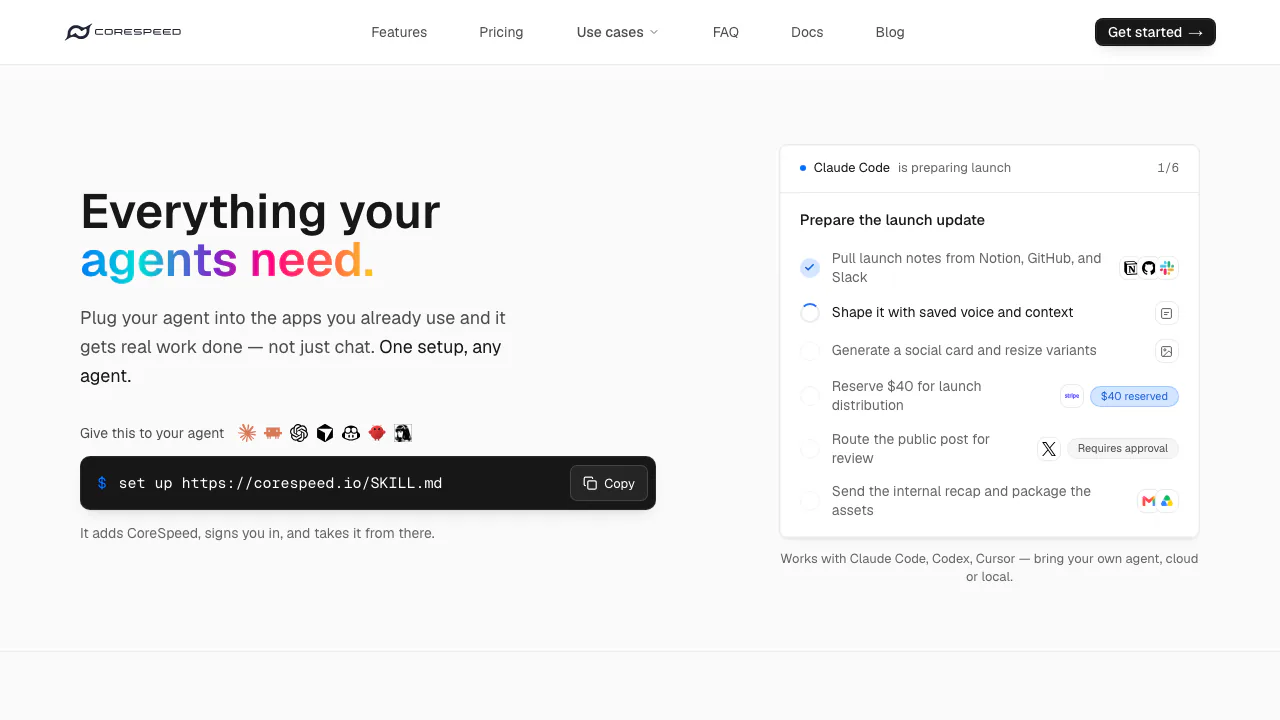

CoreSpeed
Connect your existing agent to business apps, durable memory and metered tools.
Freemium

ZooWork
Turn expertise, operating rules and connected tools into agents that carry out reviewed business tasks.
Paid

Sai
Sai AI Computer Agent for Repeated Tasks
Freemium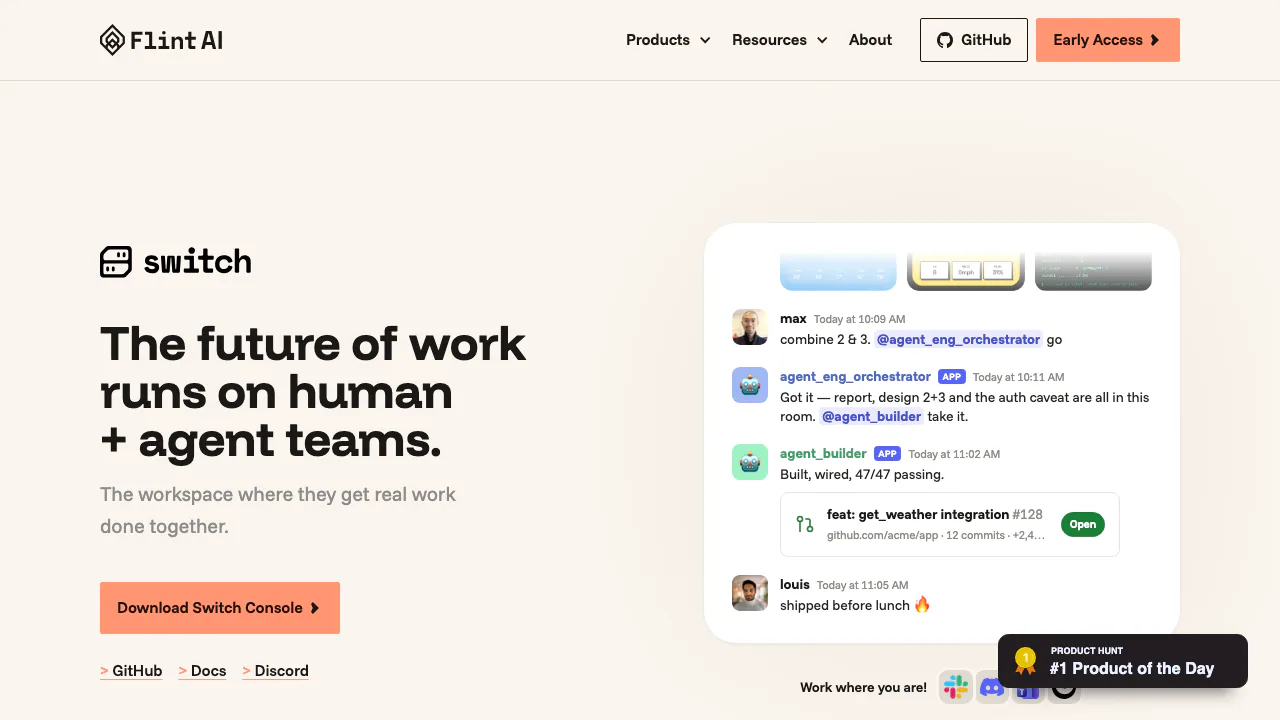

Flint AI Switch
Flint AI Switch connects teams and AI agents in shared rooms. Explore setup, chat integrations, self-hosting, task handoffs and license limits.
Free
Find the right AI automation tool for your workflows
AI automation tools connect apps and services so tasks trigger and run automatically, with AI added for tasks like drafting text, summarizing data, or deciding what action to take next. Most let you build a workflow visually by picking a trigger app, one or more action apps, and any AI steps in between, connecting thousands of tools without writing code.
These tools differ from AI assistants and chatbots, which focus on one conversation at a time, and from AI coding tools, which write and run custom scripts. AI automation tools instead focus on connecting existing apps and repeating multi-step processes reliably in the background.
What to compare in AI automation tools
- App and integration coverage: check whether the tool connects to the specific apps your team already uses, since coverage varies widely between platforms.
- AI step capabilities: compare what AI can do inside a workflow, such as drafting replies, classifying data, or extracting information from unstructured text.
- Autonomous agents vs fixed workflows: some tools now offer AI agents that decide which steps to run, while others stick to fixed trigger-action logic that is easier to predict and debug.
- Free tier limits: free plans typically cap the number of tasks or runs per month, with paid plans unlocking higher limits, faster execution, and premium app connections.
- Error handling and monitoring: look for retry logic, error notifications, and run history, since a silent failure in an automated workflow can go unnoticed for days.
- Data privacy and access scope: review what permissions each connected app grants and whether workflow data is used to train AI models.
Limits and responsible use
Automated workflows can fail silently if a connected app changes its data format or authentication, so review run history regularly rather than assuming a workflow keeps working correctly forever. Grant connected apps only the permissions a workflow actually needs, especially for automations that touch financial data, customer records, or other sensitive systems.
Frequently asked questions
What is an AI automation tool?
It is a tool that connects different apps and services so a trigger in one app automatically causes actions in others, with AI steps added for tasks like text generation, summarization, or decision-making within the workflow.
Is Zapier free to use?
Zapier offers a free plan with a limited number of tasks per month and basic single-step workflows; paid plans add multi-step workflows, premium app connections, and AI-powered steps.
Do I need to know how to code to use an AI automation tool?
Most AI automation tools are built for non-developers with visual, no-code workflow builders, though some platforms also offer code steps for more advanced logic when needed.