
fileAI AI Document Data Extraction and File Checks
Extract document fields to JSON and route suspicious files for review.
Updated November 16, 2026
Key facts
- What it is
- Extract document fields to JSON and route suspicious files for review.
- Pricing
- Paid
- Category
- AI Productivity & Document Tools
- Website
- docs.file.ai
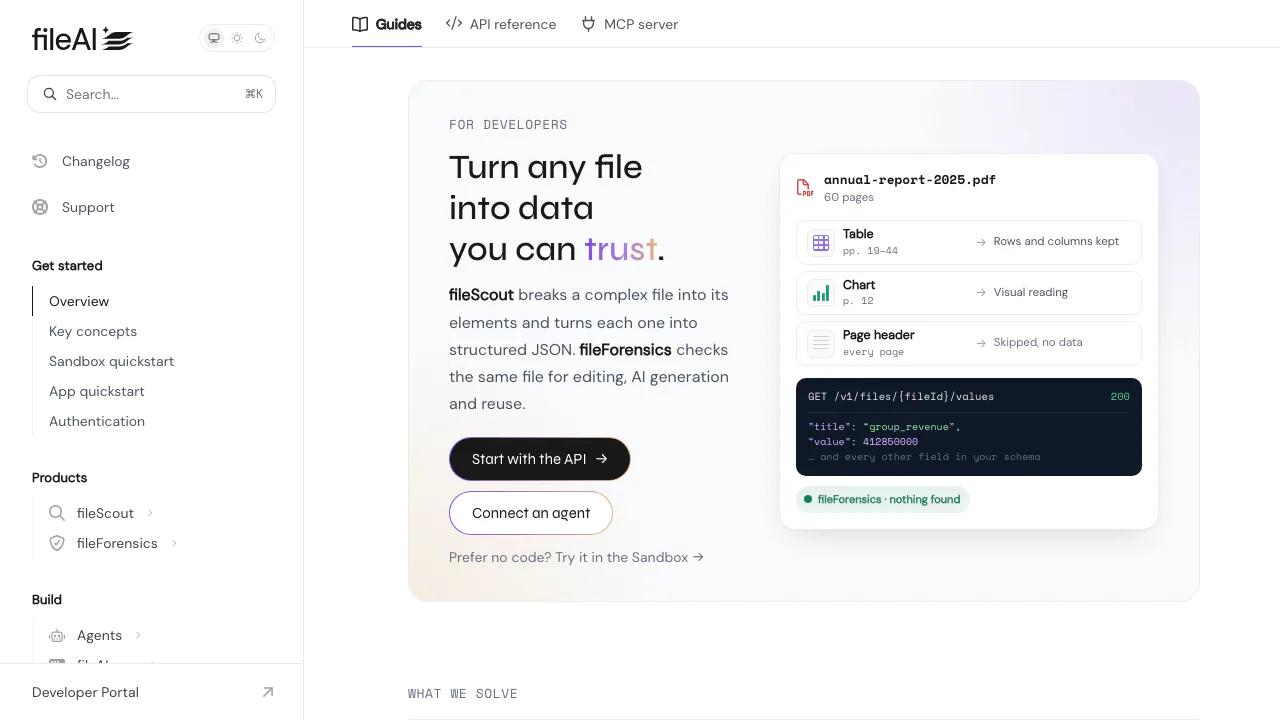
fileAI Docs explains how to use fileScout for AI document data extraction and fileForensics for file integrity checks. Start with a document in the browser Sandbox or follow the REST API guides to send structured results to another system.
What is this website for?
Imagine receiving a PDF invoice and having to type its number, due date, total and line items into your accounting system. fileScout reads the invoice and fills those fields for you. You get JSON, a format your software can read. If the invoice looks suspicious, fileForensics can flag signs of editing or reuse so someone knows what to look at.
The docs show you how to run either product or use both on the same file. They are useful for developers wiring up intake and operations teams deciding what to check before importing a result.
Turn a scanned invoice or PDF table into usable fields
Define an AI Schema around the fields your receiving system expects. Keep the invoice number and currency as individual fields, and define quantities and unit prices as columns in a line-item table. fileScout applies OCR to scans and handles text, tables and charts according to their layout. Its structured JSON values follow your schema, while the page-level OCR view lets you look up what was read from a page.
PDF, JPEG, PNG, DOCX, CSV and XLSX are examples of accepted inputs. For a first test, compare a clean digital PDF and a representative scan. Check dates, decimal places and the number of rows against the source before passing them downstream.
Try one document before wiring up the API
- Sign in to the Developer Portal, choose fileScout or fileForensics under the first-document prompt and upload a sample you are allowed to share. Choose both to compare extraction and checks.
- Open the file in Sandbox once its status is Completed. Review Schema for fields, OCR for page text and Forensics for detector results. Compare the preview with raw JSON. Sandbox quickstart
- To automate it, use a workspace API key on its issuing instance. Request a presigned URL with
POST /v1/files/uploadand PUT the bytes within five minutes. PollGET /v1/uploads/{uploadId}for the processed document's fileId, then callGET /v1/files/{fileId}/values. API upload and extraction quickstart
Put suspicious documents in a review queue
fileForensics looks at the original file for indicators of editing, AI generation, reuse and hidden content. The API reports each check separately. A completed run can contain an issue, and skip means a check did not apply. Send flagged files to a reviewer with the original and the detector result. This is useful in an insurance claim where forms need extraction and evidence photos need inspection.
Before sending customer records, check your authorization and the applicable retention, transfer and deletion terms. Data Processing Agreement
Separate form extraction from photo checks in a claim pack
A claim can contain a form, a repair estimate and several photos. Enable both products on the forms where you need fields and integrity checks. Use fileForensics alone for photos that only need screening. Keep the detector results linked to their source files so a reviewer can find the relevant evidence. Claim pack walkthrough
Frequently asked questions
Can fileAI return JSON from a scanned PDF?
Yes. fileScout reads scanned pages with OCR and returns the fields and table values configured in your schema as JSON. Page text is available separately. Clear scans and an agreed schema make the result easier to verify.
Can fileForensics tell me a document is genuine?
It provides individual indicators for review. Confirm a high-stakes document against its original source even when the run finishes without a flag.
Can I try fileAI for free?
As of November 6, 2026, new Developer Portal accounts receive USD 7 in trial credit. The prepaid portal charges USD 0.015 per completed fileScout page and USD 0.05 per completed fileForensics run started at upload. Using both incurs both charges. The fileAI app has separate plans. Billing and credits
Official developer resources
- API troubleshooting · Diagnose authorization or callback problems.
- Regional service status · Check for an incident before investigating an integration failure.
Alternatives to fileAI
Nuvio
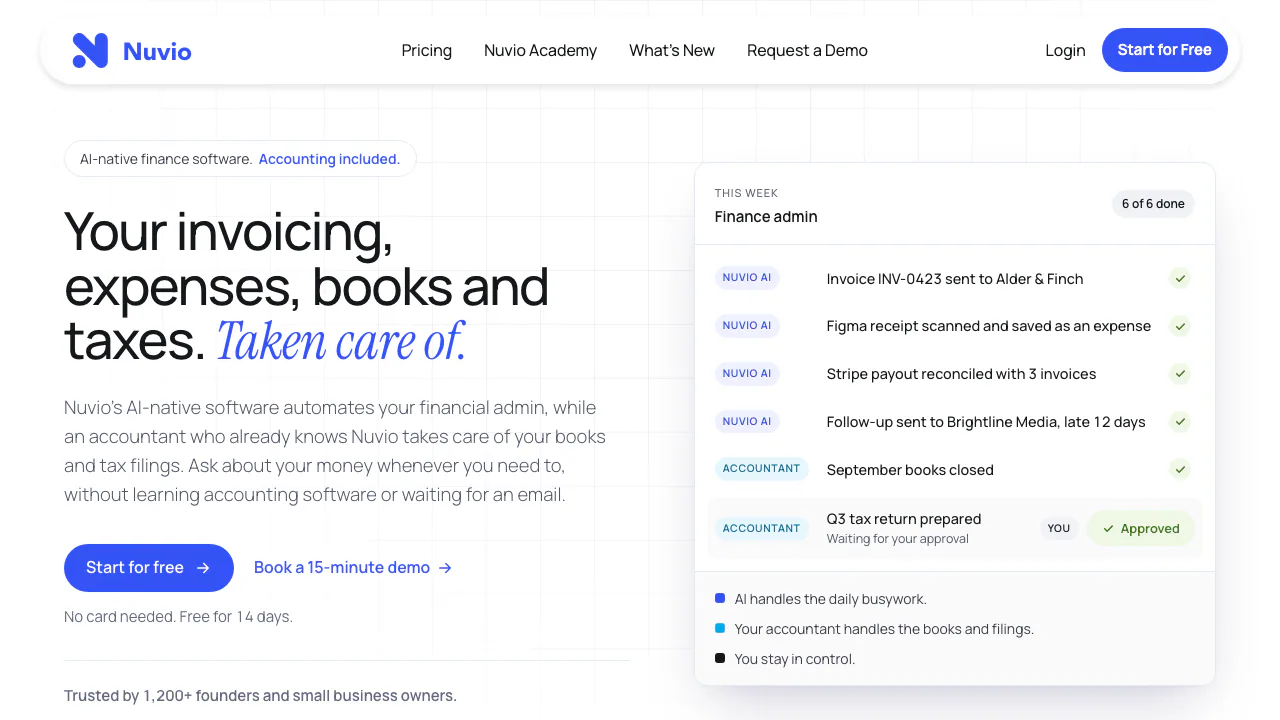
Nuvio AI accounting software for small businesses
AI Accounting & Business Finance ToolsPaid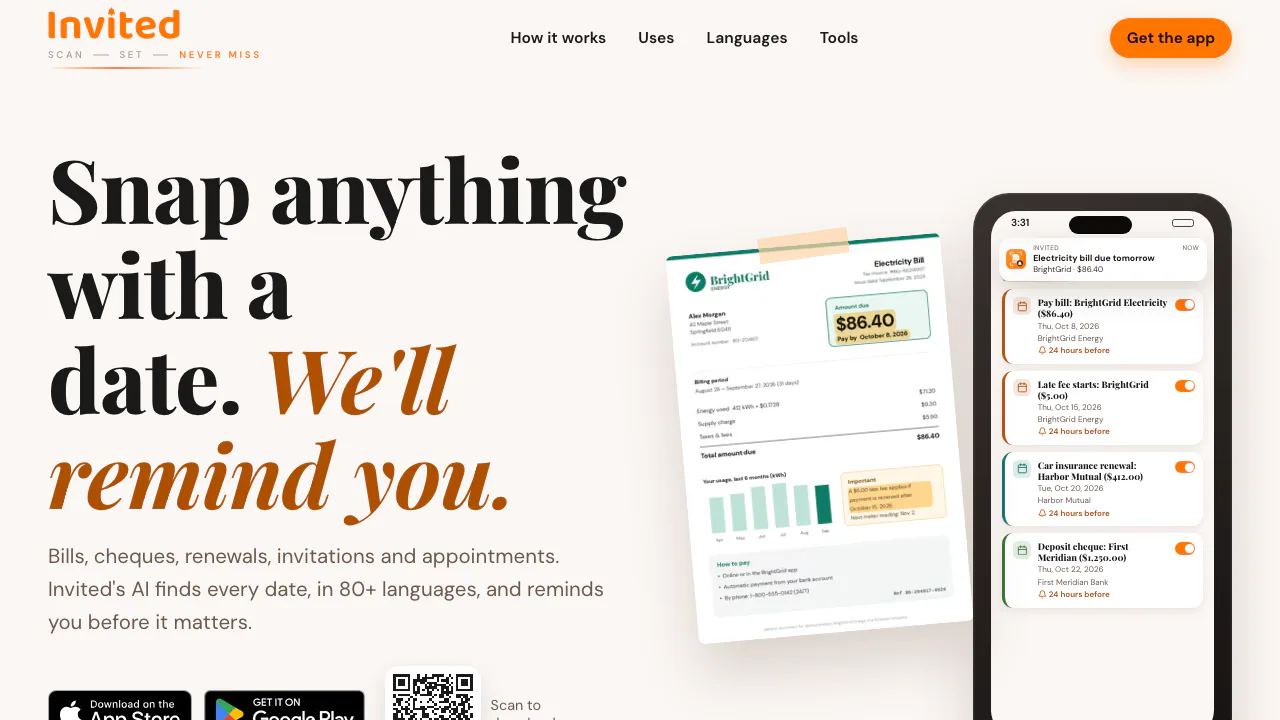

Invited
Turn bills, invitations and tickets into reminders you can review.
AI Productivity & Document ToolsFreemium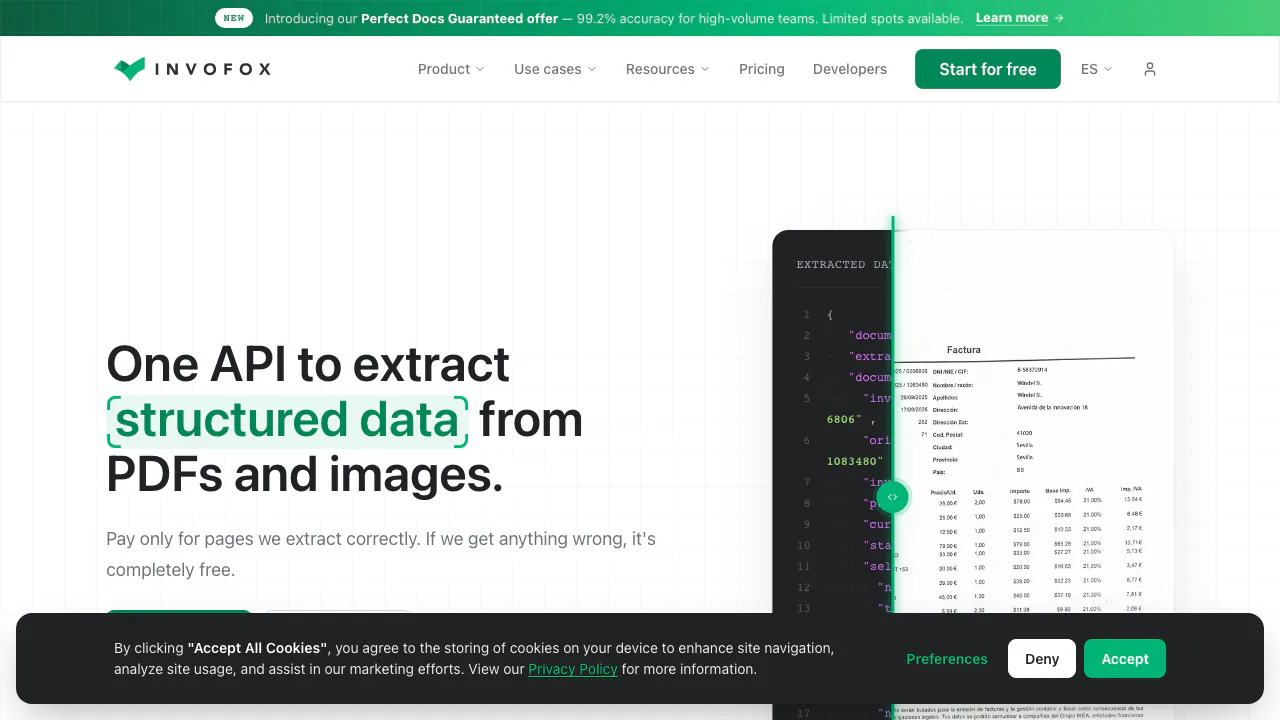

Invofox
Turn invoices, PDFs and scans into structured JSON for your software.
AI Productivity & Document ToolsPaid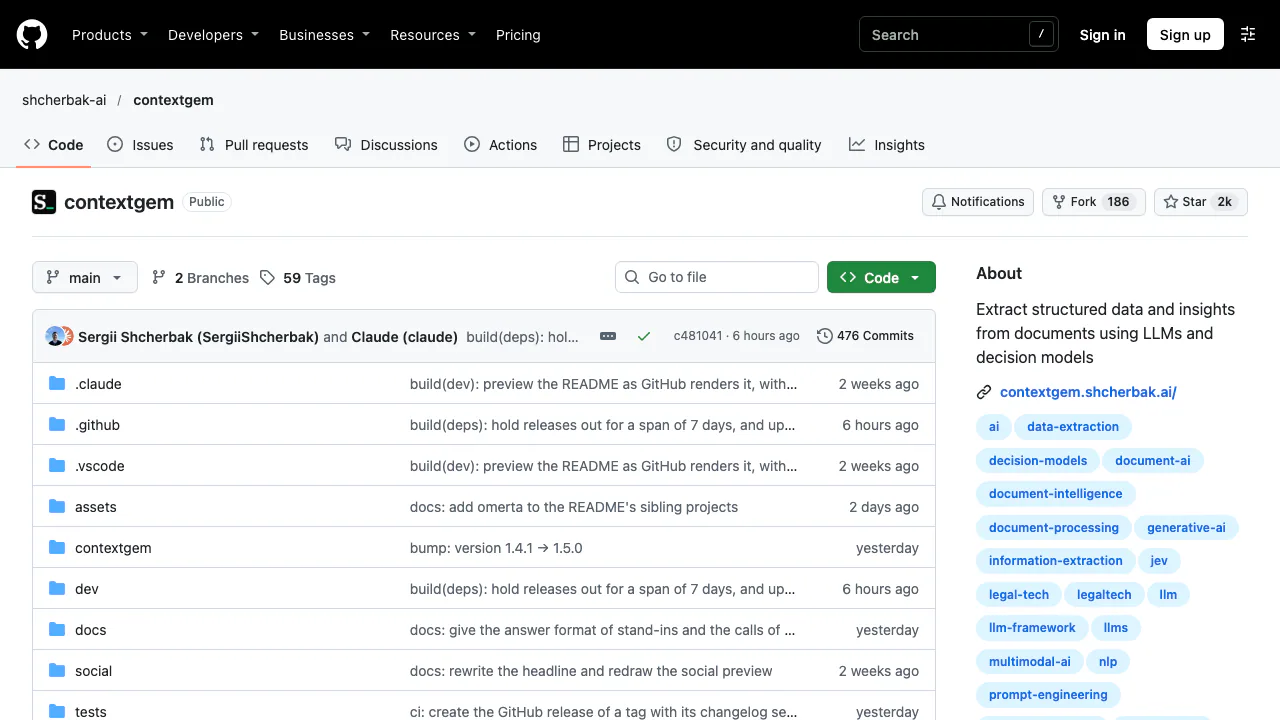

ContextGem
Extract typed document data with source references using Python, LLMs and decision models.
AI Productivity & Document ToolsFree

Papermark
Share confidential files, track readership and review documents with AI.
AI Productivity & Document ToolsFreemium

Novastart
Arrange real app windows, follow AI agents and share a working canvas.
AI Productivity & Document ToolsFreemium
- Pricing
- Paid
- Website
- docs.file.ai
- Added
- November 2026
- Updated
- November 16, 2026
More in AI Productivity & Document Tools
- ContextGemFreeExtract typed document data with source references using Python, LLMs and decision models.
- PapermarkFreemiumShare confidential files, track readership and review documents with AI.
- NovastartFreemiumArrange real app windows, follow AI agents and share a working canvas.
- InvitedFreemiumTurn bills, invitations and tickets into reminders you can review.
Add the badgeShow you're listed on AITroveX
<a href="https://aitrovex.com/tool/fileai?ref=badge" target="_blank">
  <img src="https://aitrovex.com/badge-listed-light.svg" alt="Listed on AITroveX" style="height: 54px; width: auto;" />
</a>