

BevelContact
Enterprise AI agents built in your infrastructure, with Hexis for shared context and tools.
Novastart: an infinite canvas desktop for apps and AI agents
Arrange real app windows, follow AI agents and share a working canvas.
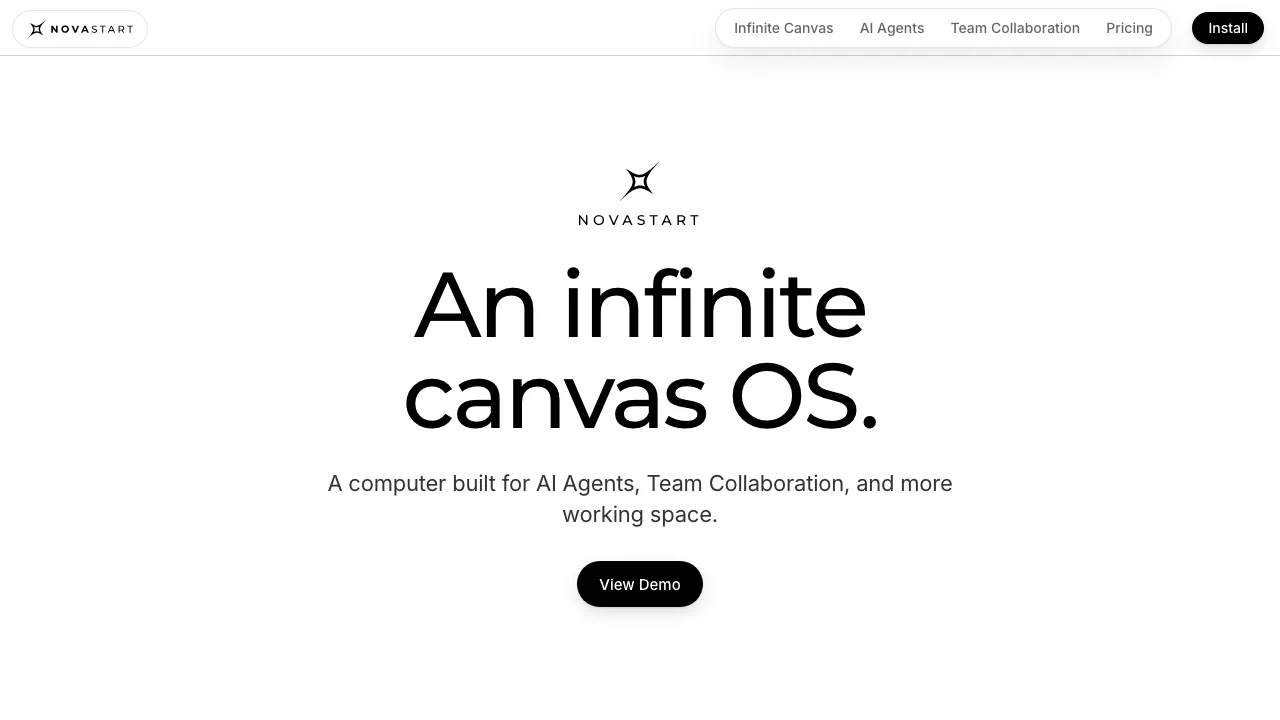
Novastart is an infinite canvas desktop for keeping real application windows, documents and AI agents in one visible workspace. It suits people who compare several sources, return to ongoing projects or want teammates to work in the same live apps. The operator is Marketplace Distributors LLC.
What does Novastart actually do?
Think of a desk that can expand as your project grows. Put a spreadsheet beside a browser page and your notes, zoom out to see the project, then zoom in to use an application. These are running app windows that can receive clicks and typing. Novastart adds agents with their own visible cursors and, on the Team plan, a shared workspace that colleagues can operate from their computers.
The website explains the product and offers an interactive demonstration. The working environment is installed software: you can try the full system inside a window on a compatible computer or dedicate an x86 PC to Novastart OS.
Keep a project together across apps
Bundled Chrome opens websites, while the official pages also list ONLYOFFICE, Linux and X11 applications. Gmail, Excel, WhatsApp and Notion appear as live windows using your app accounts. This does not establish compatibility with every native Windows or macOS application.
For a comparison task, place source pages beside your spreadsheet. Drag windows into position; use box selection or Ctrl-click to move a group, then align them or pack them into a grid. Folders and separate canvases keep unrelated projects apart. Saved positions and Chrome URLs help you resume work, and canvas undo covers up to 100 actions, including closed apps. A workspace can be saved as a .novastart file; that file is a workspace format, rather than a universal document export.
Delegate a task while watching the agent
Give the lead agent a clear goal and review its editable plan. The lead can recruit helpers for separate windows. Agent mode clicks and types; Plan lets you review steps first; Ask answers from a screenshot without clicking; Observe watches a window and suggests work.
You can pause a run, correct the instructions or take a window back. A separate screenshot check assesses the result before completion. Treat that as a review step and still inspect important outputs. The feature page describes up to 16 agents on a canvas and 10 helpers per lead; it does not explain how those maxima interact with every plan's window allowance.
Work with teammates in live windows
Team collaboration lets you share a canvas or folder, invite a colleague by email and assign Owner or Editor access. Participants can interact with windows running on another machine. Only the shared scope is visible; Hide from team replaces a window with a placeholder, and locking prevents its movement. The official page lists mirroring of documents and images up to 100 MB. These features require the Team plan.
Choose an installation route for a first project
- Check the official installation guide. The windowed app supports Windows 10/11 and Intel Macs, with 8 GB RAM, around 32 GB disk space and hardware virtualization enabled.
- Download and open the app, allowing extra time for its first start. This route keeps your existing desktop available, though the site notes some virtualization lag.
- Open the sites and documents for one small task, arrange the windows and check that you can resume the layout or undo a change.
Standalone Novastart OS uses an ISO written to USB, followed by USB boot and the installer. It replaces the system on the target x86 PC. The site also describes an Ubuntu package that preserves the current desktop. Native Apple Silicon and mobile support were not confirmed.
Understand the free limits and separate AI costs
Checked 14 October 2026, the public pricing page lists USD prices: Free allows one folder, two canvases and four windows per canvas; Pro costs $10/month for unlimited folders, canvases and windows; Team costs $20/month and adds collaboration. Every plan opens the same apps.
Agent usage is charged separately at $0.02 per use, with credits bought from $25. The agent page also says you supply your own OpenAI API key. The site does not define a “use” or explain whether credits include model-provider charges. Confirm that relationship with support before estimating a project's total cost. Taxes, regional billing and a per-seat basis are not specified on the public table.
Know when task data leaves the computer
According to the privacy policy, canvas data stays on your machine and shared windows stream to invited machines. Running an AI agent sends the task's screenshots and instructions to OpenAI. Run logs remain local. Keeping the canvas locally therefore does not make AI execution fully offline. Review the actual task windows and shared scope before using sensitive information.
Frequently asked questions
Is Novastart free, including its AI agents?
The limited canvas plan is free. Agent credits are separately charged on all plans, and shared team work requires Team. The API-key requirement needs billing clarification.
Can I use the apps I already work in?
The site supports web apps through bundled Chrome and lists ONLYOFFICE, Linux and X11 apps. Confirm specific native application needs separately.
Can I stop the agent if it does the wrong thing?
Yes. The documented controls let you pause, redirect or reclaim a window. Review important results even after the screenshot check.
Are AI screenshots kept entirely on my device?
No. Task screenshots and instructions go to OpenAI for agent execution; local canvas storage and local logs are separate data flows.
Official resources
- Product support: installation and unresolved billing questions.
- Official GitHub organization: developer updates; no public repository was available at review.
- Official X account: the announcement channel linked by the website.
Related tools
AI Productivity & Document Tools →
guilds.runFree
Run agent teams and inspect their prompts, tools and memory.
SalesRepPaid
Qualify leads, share product quotes and hand conversations to your team from one inbox.
AyvenFreemium
An AI coordinator for following up with people, tracking tickets and keeping long-running team work moving.
MeleteContact
AI agents that turn connected work into reviewed plans and follow-ups.
HeyPiFreemium
An AI meeting workspace for turning live discussion into work.