

Off Grid AIFreemium
Local AI chat, documents and optional work memory on your own devices
Papermark: secure document sharing and AI data rooms
Share confidential files, track readership and review documents with AI.
What does Papermark actually do?
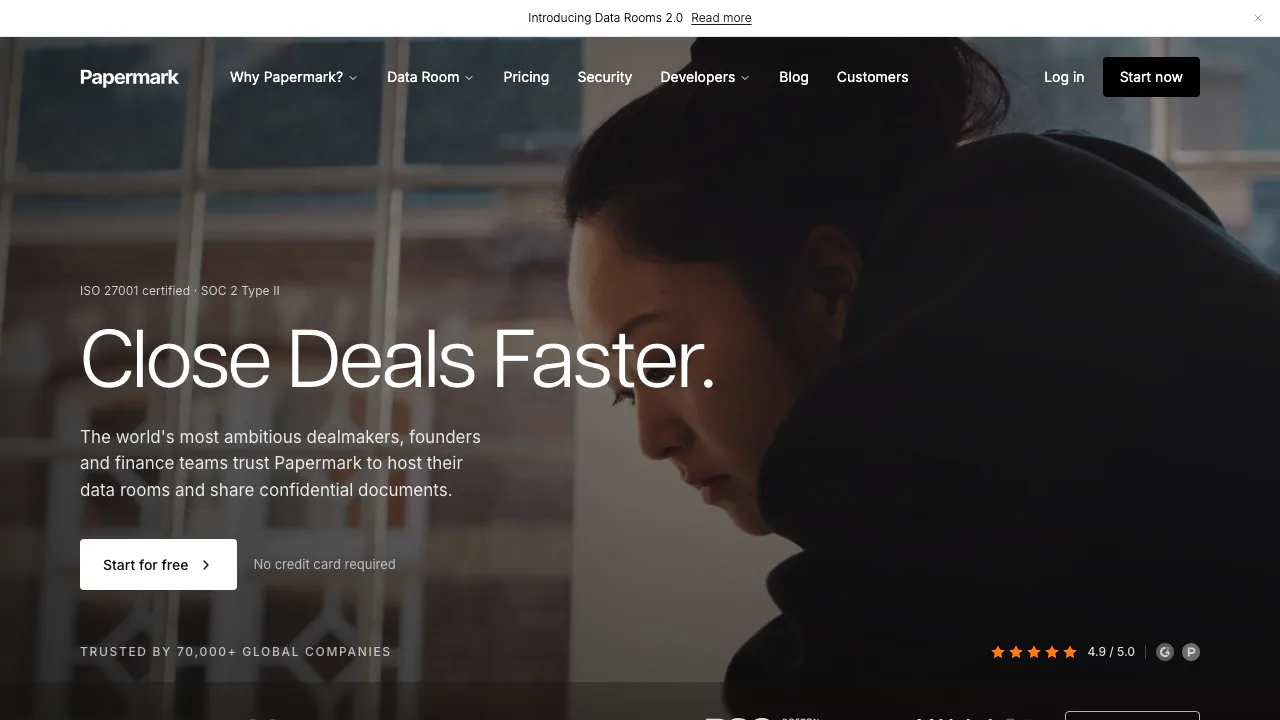
Papermark is a secure document sharing platform and virtual data room for founders, investors, deal teams and professionals sending confidential client files. Think of it as an online filing cabinet with a controlled front door: you upload existing documents, decide who can open them and see how they are read. The output is a shareable link, with access settings and readership information, rather than another email attachment.
Its AI tools add document questions, summaries and sensitive-information redaction to that workflow. It is especially useful when several outside parties need different levels of access to a fundraising deck, financial files or due-diligence material.
Share a pitch deck and see what gets read
Start with a finished PDF, presentation or other supported file:
- Create an account and upload the document from the dashboard.
- Use the generated link or create separate links for different audiences.
- Configure email collection, expiry and download permission; check which additional protections your plan includes.
- Open the link as a recipient to check the viewing experience, then send it.
- Review visits, completion and time spent on individual pages.
Separate links help distinguish audiences. A later document version can keep the same shared link. Page attention can guide a follow-up conversation, but a long viewing session does not establish buying intent.
Build a data room for fundraising or due diligence
A virtual data room brings multiple files into a structured space. Create an empty room, start from a template or ask AI to suggest a folder structure, then upload the actual materials. For a fundraise, useful folders might cover financials, legal documents and the team; these are organizational examples, not automatically supplied evidence.
Assign groups and file or folder permissions before inviting outsiders. Depending on the plan, NDA gating and viewer-specific watermarks add controls around access. Check the recipient’s permissions after changing the room, especially when adding sensitive new documents.
Use AI to review files and remove sensitive information
For content review, enable Papermark AI in workspace settings, open a document or room and use the AI sidebar. Ask a focused question, request a summary or create a first investment memo, then check the cited source pages. Room-level questions can span multiple files; they do not remove the need to verify important conclusions.
AI redaction serves a different task. It scans for personal information and custom terms, queues suggested regions for human review and applies accepted redactions to a new document version. The original remains in version history. Inspect the final copy and access to older versions. The redaction feature page names Premium and Unlimited plans, while the general pricing page uses different room labels; confirm the applicable entitlement.
Choose between free sharing and paid data rooms
Checked on 27 October 2026, the Free card lists one team member, 50 documents, 50 links, unlimited visitors and page-by-page analytics. Paid plans distinguish branding, team and multi-file workflows, advanced room controls and developer access. The full data-room workflow offers a seven-day trial.
Free document sharing should not be treated as unrestricted access to every room or AI feature. Use the current plan comparison to confirm the currency, monthly or annual billing, included seats and AI access. Those conditions affect the actual bill, so a single paid monthly price would be misleading here.
Data privacy, integrations and self-hosting
The security documentation states that cloud hosting defaults to the EU and describes encryption in storage and transit. Before uploading a sensitive deal, review the privacy policy, hosting arrangement and AI processing conditions for your organization.
Papermark also offers REST API, CLI and MCP access with scoped credentials; current pricing places developer access in Business and Data Rooms. Give connected automation only the permissions it needs. The public core can be inspected on GitHub, but self-hosting terms distinguish personal noncommercial use from company deployments requiring a commercial license. Personal self-hosting excludes full rooms and advanced security.
Frequently asked questions
Is Papermark free?
Yes. The hosted Free plan has the limits listed above. A room trial and a free sharing account are different offers; check AI and room entitlements before committing.
Which files can I share?
The official list includes PDF, Word, presentations, spreadsheets, images, video, audio and Notion links. CAD, ZIP and geographic files are listed as download-only. Format and plan affect the viewing experience.
Can I see who read each page?
Papermark reports viewer activity and page-level reading time. Reliable identification depends on the link’s email and verification settings; an unrestricted link provides a different level of assurance.
Can I self-host Papermark for my business?
Company or commercial self-hosting requires a license under the current official guidance. Public source code does not mean all enterprise features or production use are free.
Official resources and developer community
Related tools
AI Productivity & Document Tools →
sideOSPaid
Voice commands, local dictation and tasks in your Mac apps
QuelloFree
Ask across your documents and tools, verify the sources, and write with workspace context.
MyLens AIFreemium
Turn documents, links and ideas into narrated visuals and individual presentations that viewers can question.
ContextGemFree
Extract typed document data with source references using Python, LLMs and decision models.
NovastartFreemium
Arrange real app windows, follow AI agents and share a working canvas.