

QualityLayerPaid
An approval and review workflow for the coding agents you already use.
One Roof: manage AI coding agents on your Mac
Bring coding-agent sessions, approvals and bounded loops into one Mac app.
What does One Roof actually do?
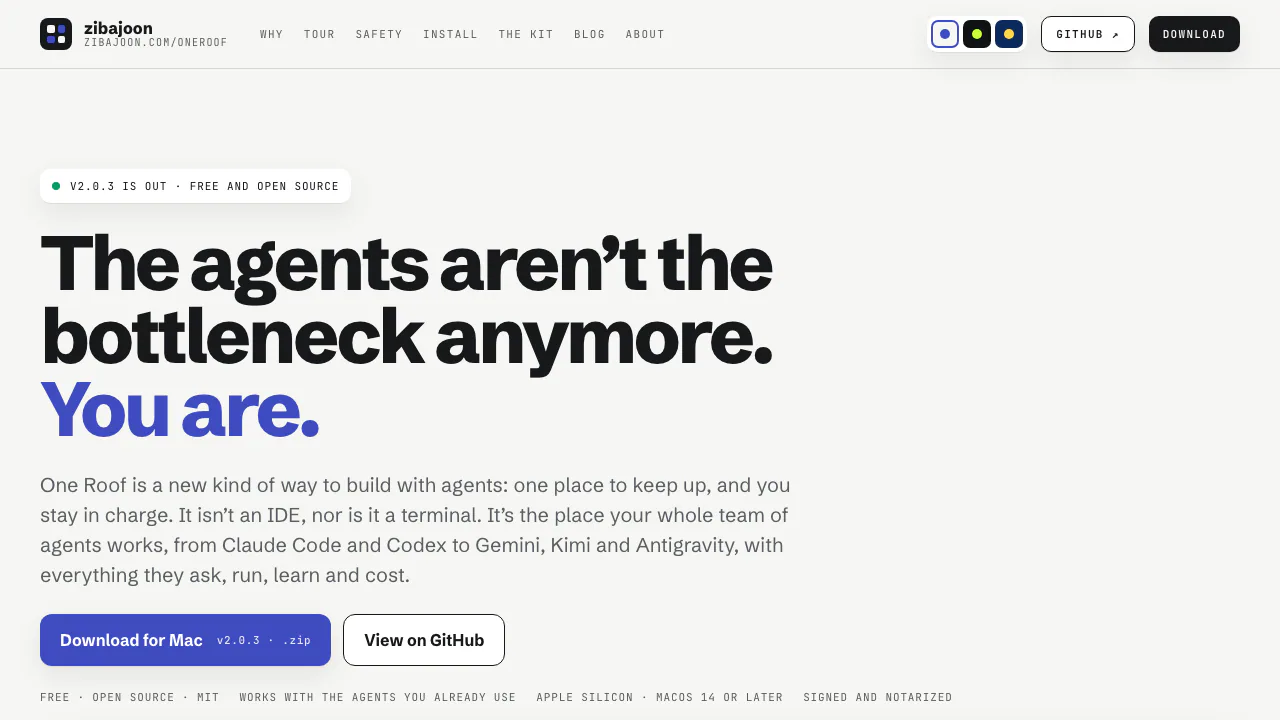
One Roof is a free, open-source Mac app for keeping up with AI coding agents. It brings your existing Claude Code, Codex, Gemini CLI, Kimi and Antigravity sessions into one place, alongside ordinary shells. Think of it as a control room: the agents still run their own command-line tools, while you see what is working, what needs a decision and what happened overnight.
The website provides the download and product tour. You install the application locally. It is useful for developers splitting planning, implementation and review across agents, or running several repositories without losing track of waiting sessions.
Answer requests without hunting through terminals
The Inbox collects requests from sessions and moves blocked work to the top. It shows the agent's own choices, so you can approve, reject or reply there; typing directly in the terminal remains possible. A unified queue makes the next human decision visible instead of leaving it buried in an unattended tab.
Sessions display their agent, account, folder and state. The background service, roofd, keeps running sessions alive when you close the app. Home summarises overnight failures and next steps. History records important moments and your decisions, is searchable and keeps 30 days of events.
Run a check, improve the result, then review it
Loops handle repeatable jobs such as fixing a repository until a test command passes. Open Loops, create a loop and specify the repository, agent, goal, check command and limits. Test the check and inspect the first-run preview before saving.
One Roof checks first. If the check already passes, it does not start an agent. Otherwise the agent works in a separate Git worktree; the check runs again after each round. Success or a configured round, time or repeated-failure limit ends the run. Results wait for your decision, and loops never independently push, merge or deploy.
Built-in loops start disabled. Running schedules while the app is closed requires enabling scheduled runs and leaving the Mac awake. See the official loop guide for setup and approval gates.
Install and complete a first session
You need an Apple silicon Mac with macOS 14 or later, Git and at least one installed agent CLI with its authentication configured.
- Download the release ZIP, unzip it and move One Roof to Applications.
- Complete setup, allow roofd and select the folder containing your code repositories.
- Press ⌘N, describe a concrete task, choose the agent and repository, then launch with ⌘Return.
- Open the Inbox with ⌘I when the agent needs you. Review its output and changes before accepting the result.
Find resource pressure without misreading the guard
Resources shows memory and CPU for sessions and their process trees, with 10-minute charts. The default memory guard warns at 1 GB and ends a session at 2 GB for its holder process. Those thresholds do not cap the total memory of every child process; configured environment limits can also differ.
Understand cost, permissions and data access
Verified on November 5, 2026: the app is free under the MIT licence. Your existing agent subscriptions and API charges remain separate. Loop rounds, optional reviews and evaluations can consume those accounts.
Agents start in Manual mode on a new installation. Other permission modes vary by CLI, and custom flags can override settings. Choose a dedicated code folder: agents can read below it. A local interface does not establish that every connected model works offline or follows one common data policy.
Optional connections and current boundaries
Linear projects require your own Linear API key. OpenCode and Goose can use hosted models through your credentials and reservation ceilings. The optional on-device model helps with captions and reasons; it does not make all coding local. The roof kit supports shared rules and workspace setup, with roof install --dry-run for a preview and roof doctor for checks. Evals is explicitly a draft.
Frequently asked questions
Is One Roof free, including the AI usage?
The application is free. It does not include unlimited access to the connected agents or hosted models.
Which Macs can run One Roof?
The published requirement is Apple silicon with macOS 14+. A Windows/Linux GUI or Intel Mac build was not verified.
Which coding agents does it support?
Claude Code, Codex, Gemini CLI, Kimi and Antigravity, plus plain shells. Optional OpenCode and Goose hosted sessions need additional setup.
Official resources
- Source and releases: inspect the project and download the app.
- Getting started: follow the first-session instructions.
- Issue tracker: report problems or suggest improvements.
Related tools
AI Coding & Developer Tools →
DessnFreemium
Design and review changes against the frontend your product already uses.
HexmosFreemium
Review Git changes where they happen, from your terminal to your team's pull requests.
Navier AIPaid
An engineering agent for CAD, simulation, code and reports
WavefunctionFree
Parallel coding tasks with your own cloud or local models.
NanaFree
Run coding agents side by side with worktrees and persistent terminals.