

teai.ioFreemium
Connect multiple AI models through one API and a shared credit balance.
FastRouter: an LLM gateway for multi-provider AI apps
One API for model access, routing and spending visibility
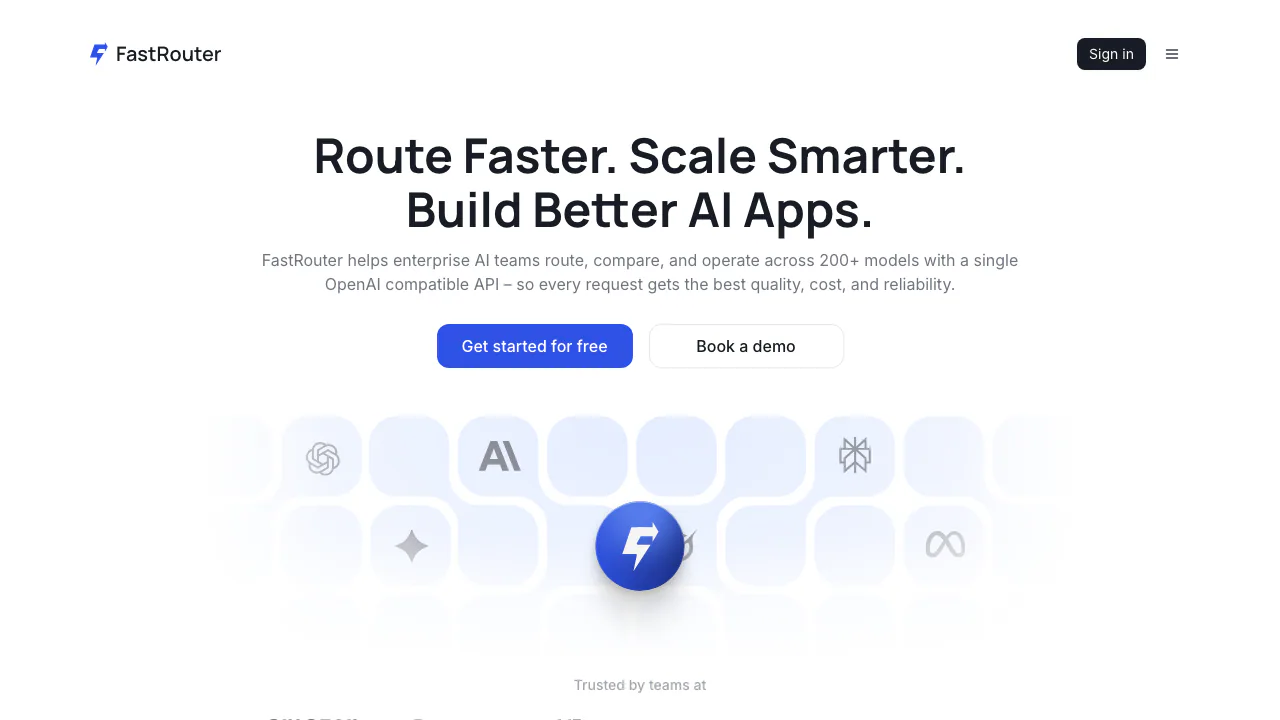
FastRouter is an LLM gateway for developers and teams that need to connect several model providers, control requests and understand their AI spending. It combines an OpenAI-compatible API with routing, fallback models, project controls and a web dashboard.
What does FastRouter actually do?
Think of it as a reception desk between your application and the companies running AI models. Your app sends a request to FastRouter; the gateway forwards it to an eligible model and returns the answer. Your team can manage that traffic in one place instead of maintaining a separate integration for every provider.
Operated by AI.tech Ltd, FastRouter is useful for AI applications, agent workflows and teams testing models before deployment. Its APIs also cover images, video, audio and embeddings, but capabilities depend on the chosen model and endpoint. Check the current catalogue rather than assuming every model accepts every input.
Choose a model, a provider or a backup route
These controls solve different problems:
- Set
modeltofastrouter/autoto delegate model selection using the request's complexity, subject and cost considerations. - Use provider routing when you already know the model but want a provider selected by price, latency or throughput.
- Set a primary
modeland amodelsbackup list to try alternatives in order when a request fails. - Use a virtual model alias to keep one stable name in application code while changing its underlying model choices.
Fallbacks improve resilience, but a request still fails when every eligible option fails. Before changing production routing, compare results on representative prompts; a cheaper answer is only useful if it meets the application's requirements.
Make a first API call and verify the result
- Create an account and a project API key. Store the key when it is displayed: the full token is shown only once.
- Set a spending budget and check the key's permitted models and rate limits.
- In your OpenAI-compatible client, use
https://api.fastrouter.ai/api/v1as the base URL and your FastRouter key for authentication. - Send a Chat Completions request with a valid
modeland amessagesarray. Start with a short, non-sensitive test prompt. - Check the answer, the returned model and
usage.provider, then inspect token usage and cost in the dashboard. Add routing rules after that basic path works.
The official integration introduction provides a working SDK example. Structured outputs, tools and multimodal inputs require compatible models; an API-compatible client does not make every provider feature interchangeable.
Understand costs and improve real workloads
The dashboard exposes requests, tokens, errors, latency and costs. Key budgets, project access and model permissions let teams attribute usage and limit who can spend it. BYOK connects your own provider accounts, with their own charges and rate limits.
Playground, Model Council and evaluations help compare responses. Insights analyses the previous seven days and proposes changes weekly; it does not apply them automatically or guarantee savings. Caching and Flex recommendations use existing usage data without a generation charge. Opting into Model Switch recommendations runs billable model replays and judging. Prompt management and the MCP Gateway add operational options; MCP tool definitions and results also increase context usage.
Platform pricing and the limits of free access
Checked on 7 October 2026, the public USD monthly list shows Starter at $0, Pro at $199 and Business at $799; Enterprise is quoted separately. These are platform prices. Model usage is separate, with the pricing page stating zero markup on model costs. Consult current plans for annual billing and exact inclusions.
Starter includes one BYOK key and one million BYOK requests per month. Response caching, tracing and guardrails start at Pro; self-hosting requires Enterprise. These allowances do not mean a million free model generations.
The separate free model service requires a paid credit balance above $1. Eligible requests cost no credits; the documented default is ten requests per organization per model per day, resetting at midnight UTC. Eligibility and quotas can change.
Check the whole data path
Prompts are sent to upstream providers. FastRouter offers per-key content-logging controls, while :zdr restricts upstream selection to qualifying zero-retention providers. If none can serve the request, it fails. That suffix does not disable platform caching, plugins, stored conversation state or content logging.
The privacy policy and plan table describe different log-retention periods. Confirm the rules for your deployment with support instead of assuming one universal deletion deadline. Provider terms also apply; commercial deployment does not imply unrestricted resale of API keys or services.
Frequently asked questions
Is FastRouter free to use?
The Starter platform plan is free, while ordinary model inference is charged. Free-model calls have separate eligibility and daily limits, including the paid-balance requirement above.
Can I keep my own provider API keys?
Yes. An Organization Owner can add supported credentials under Setup → External Keys → New Integration, select projects and enable models. See the BYOK setup guide.
Does zero data retention mean nothing is stored?
No. It concerns eligible upstream providers. Review the ZDR scope and exclusions, disable content logging where appropriate and account for caching, plugins and stateful features separately.
Official resources and developer community
- API documentation: request formats, routing and feature conditions.
- FastRouter contact form: account, deployment and enterprise questions.
- Official Discord community: developer discussion and community help.
Related tools
AI Model APIs & Infrastructure →
Experiential LabsFreemium
One model API with provider routing, spend controls and an open-source gateway.
TrustedRouterPaid
A privacy-first, OpenAI-compatible gateway for routing AI requests across models and providers.
Cloudflare DevelopersFreemium
Official guides for serverless apps, AI inference, agents and cloud infrastructure.
eu/jevFreemium
Turn context into categories, probabilities and scores through an independent hosted API.
TypeSafe AIPaid
A decision model API that returns typed answers and probabilities for software workflows.