

PopcraftFreemium
Create AI videos, images, audio and product ads in one workspace
SurgePix: AI image generation with editable layers
Generate images, posters and decks, then refine individual layers.
What does SurgePix do?
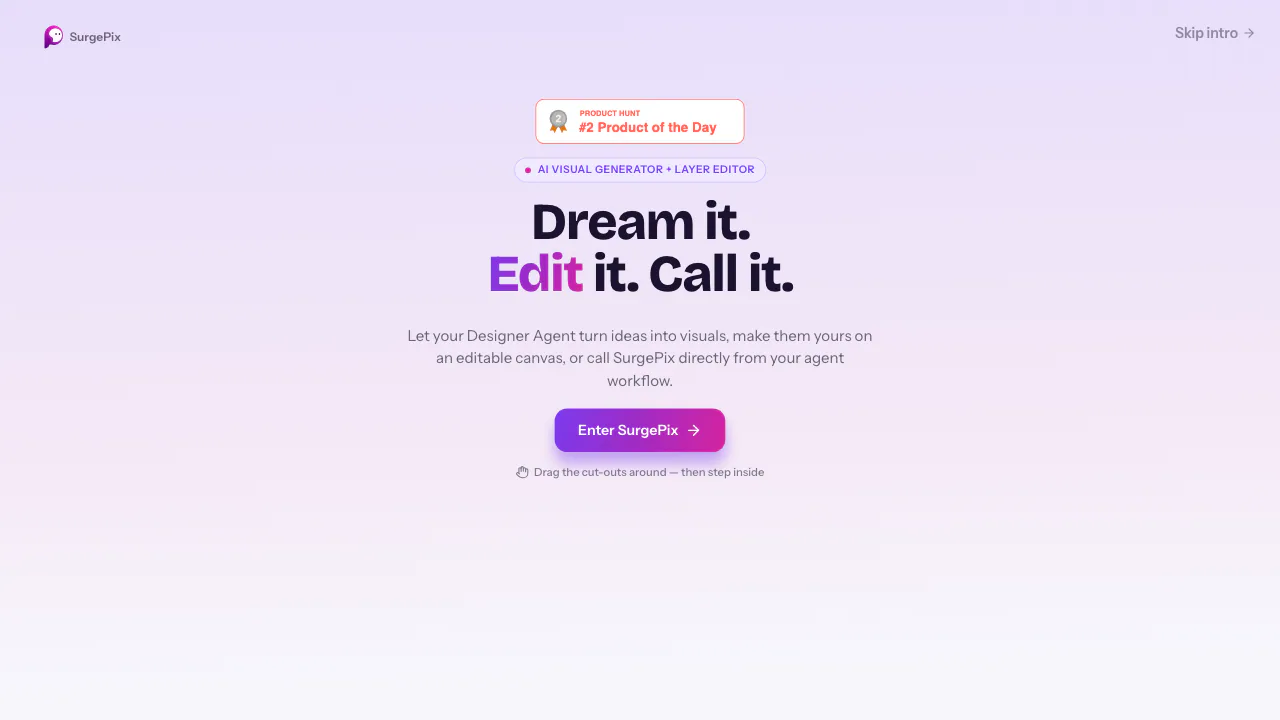
SurgePix is an AI image generator and visual editing workspace for people who want to keep improving a design after its first draft. Describe an idea or provide reference images, generate a visual, then work on its text, subject and background as separate layers. The same platform also makes posters, social carousels and presentations.
In everyday terms, you can ask for a promotional graphic, then change its headline, replace a background or adjust one detail instead of starting the entire design again. This makes it relevant to creators, marketers and presentation authors who need both a starting point and a way to finish it.
Create a visual, then fix the details
The homepage combines text-to-image and reference-guided creation with a Planner Agent, a Design Agent and an editable canvas. Layer separation makes individual elements available for further work; conversational editing lets you describe changes to the selected content. Brand kits can be attached to chats and projects to guide a consistent visual direction.
For a small correction inside a photo, use brush-based inpainting. This selects a region within an image; it is a different operation from selecting a whole canvas layer.
- Open a generated image or upload an existing one. The image editor lists JPG, JPEG, PNG and WebP inputs.
- Brush over the part you want to change, including a little surrounding space for blending.
- Give a concrete instruction, such as changing a jacket to dark blue or removing an unwanted object.
- Generate the edit and inspect the boundary, nearby text and details you wanted to preserve.
- Continue refining the result as a canvas layer before exporting.
The official guide recommends specific descriptions and one change per pass. Treat the output as something to review, especially around product details, lettering and small objects.
For image work, the official editing guide lists PNG and SVG exports; check the formats available for the task you are using.
Build an editable presentation from an outline
For a deck, start with a template through Use Prompt or Remix, or upload your own outline with a short brief. Include the intended audience, structure and style. Use Edit All after generation to open page-by-page editing; select an image or text element before asking the assistant to change it.
The canvas export menu supports PPTX and PDF with a page-range choice. The presentation creator describes its PPTX as editable, so you can continue work in presentation software. Reopen the downloaded file and check layout, numbers and text before delivery. A browser preview link and publication to the SurgePix community are separate sharing options. The official presentation walkthrough explains the actual controls.
Credits, free access and paid plans
Checked on October 28, 2026, the public monthly USD offer shows a Free plan with 25 daily refresh credits, one brand kit, watermark-free downloads and unlimited projects. Unlimited project count does not mean unlimited AI generation; an account is required for creation.
Basic lists 2,000 credits a month, at a promotional $0.99 per month for three months, then $9.90 per month. Pro lists 11,500 credits a month, at $4.99 per month for three months, then $24.90 per month. Verify eligibility, taxes, billing cycle and current allowances in official pricing before subscribing. These are the observed USD prices, not a promise of identical regional checkout terms.
Uploads, sharing and commercial use
The privacy policy describes account, device and usage-log collection, plus routes for deletion and account-cancellation requests. It does not establish a verified blanket promise that uploaded creative files are never used for training or deleted after a fixed time. API upload documentation also describes publicly accessible file URLs, so check that workflow before sending confidential assets.
The service agreement includes commercial-use permission requirements. Marketing examples and watermark-free downloads should not be treated as an unrestricted output license. Confirm the relevant permission before client or commercial work.
Use SurgePix from an AI agent
Optional Agent Skills expose tasks such as slide generation, posters, illustrations, background removal and image translation. Setup requires a compatible agent, Node.js, a SurgePix API key and network access. This is an alternative entry into the creation workflow; using the browser does not require installing those skills.
Frequently asked questions
Is SurgePix free to use?
Yes, a free plan is offered with daily refresh credits. Login and the current credit allowance still apply; free access is not unlimited generation.
Can I edit a photo I already have?
Yes. Upload a supported image and select a region with the inpainting brush, then describe the change. The result remains available for further canvas editing.
Can I use the results commercially?
Do not assume unrestricted permission. Read the commercial-use clauses and ask the official team to clarify the rights for your intended use.
Official guides and community
- SurgePix Skills Library: browse supported creative tasks.
- Agent Skills on GitHub: inspect the official integration and report issues.
- Discord community: ask product questions and exchange work.
- SurgePix on X: follow official announcements.
Related tools
AI Image & Video Generators →Kente LabsFreemium
AI tools for family memories, voice journals and jewellery ideas.
FavorePaid
Create an image, refine it, then turn it into motion in one workspace.
Genjutsu AIPaid
Recast a short video or replace a selected subject using reference images.
Bulin 47 AIPaid
Turn an authorized adult portrait into a 23-second freestyle remix with the original sound.
ngramFreemium
Turn briefs, documents and screen recordings into editable videos.