
 NEW
Text Photo AI
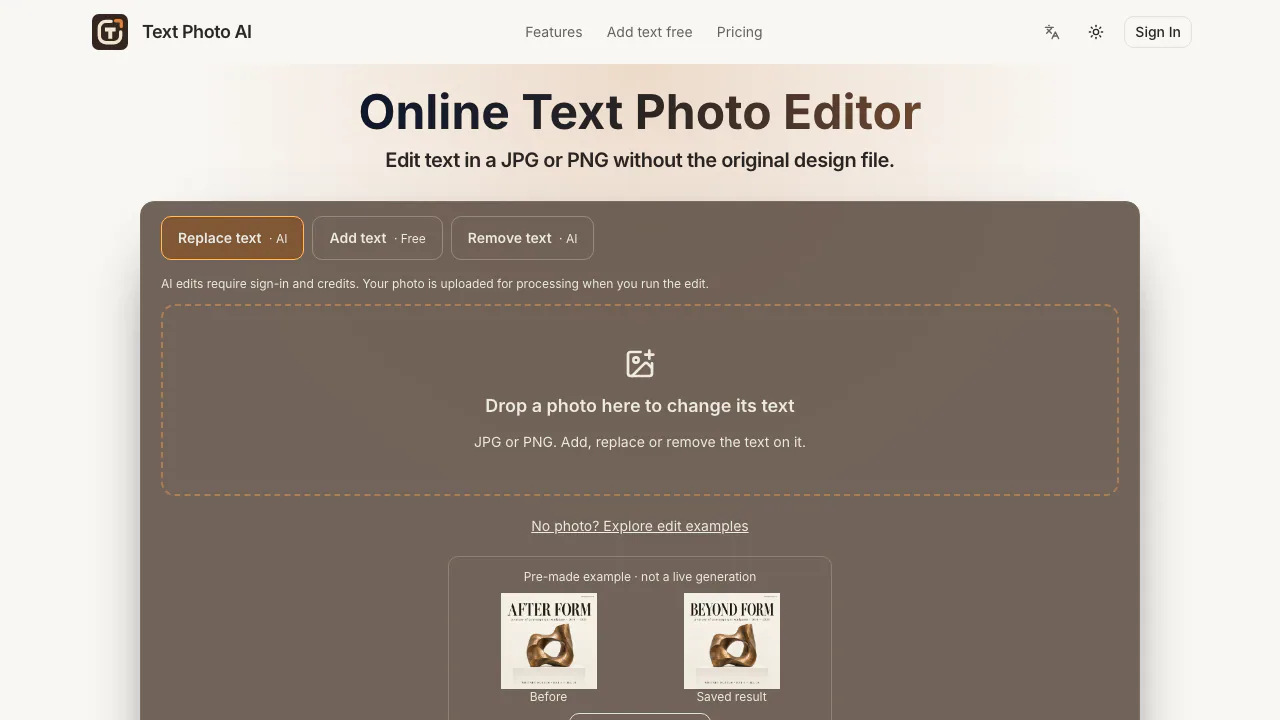
Browser AI editor for adding, replacing, and removing text in JPG and PNG images
Updated November 24, 2026
Best for
- Updating typos, prices, or dates on exported JPG and PNG posters without source files
- Adding quick captions to local photos in a browser with no sign-up or file upload
- Occasional image text fixes where non-expiring credit packs beat monthly subscriptions
Not for
- Automated or bulk pipelines: there is no public API, desktop app, or batch workflow
- Editable layered files: outputs are flattened images rather than PSD or vector layers
- Sensitive documents: AI edits upload photos to third-party model and moderation APIs
Key facts
- What it is
- Browser AI editor for adding, replacing, and removing text in JPG and PNG images
- Pricing
- Freemium
- Category
- AI Image & Video Generators
- Website
- textphotoai.com
- Free plan
- Free local caption overlay and PNG export in the browser without sign-in; eligible new accounts get 4 trial credits (1 standard AI edit) valid for 7 days (Trial credits require sign-in and are for personal evaluation, not commercial use; no recurring free AI credits) source
- Starting price
- $4.99 one-time (Mini Pack: 40 non-expiring credits (up to 10 standard homepage AI edits at 4 credits each); subscriptions start at $19.90/mo or $119.40/yr) source
- Platforms
- Web (Runs in desktop and mobile browsers (JPG/PNG up to 10 MB); no native iOS, Android, Windows, or macOS app) source
- API
- No (Browser web editor only; Terms §10 prohibit automated access or private API reverse engineering without written agreement) source
- Open source
- No (Proprietary hosted web service; integrates third-party models (Ideogram 4.5, Seedream, Nano Banana)) source
- Commercial use
- Paid packs and subscriptions: yes; 7-day AI trial: personal evaluation only (Terms §4 & §9; outputs are owned by you subject to provider rules, and you must clear third-party copyrights and likeness rights) source
- AI training on your data
- Not used by Text Photo AI to train models without explicit consent; third-party AI/moderation APIs process uploads (Terms §9 & Privacy §5; free browser captions stay local, while AI edits upload images to Replicate/APIMart and retain history up to 12 months post-deletion) source
- Company
- LI ZHENG (sole trader, Dali, Yunnan, China) (Independent product; not affiliated with Ideogram, Replicate, Google, Seedream, ByteDance, or APIMart) source
Text Photo AI is a browser-based AI image editor that adds, replaces, and removes text inside JPG and PNG images for marketers, shop owners, and teams updating finished graphics without original design files. Free caption overlays run locally in the browser with no sign-in and export as PNG, while AI text replacement and removal require an account and credits—starting with a $4.99 USD one-time Mini Pack for 40 non-expiring credits, or recurring subscriptions for regular volume (as of November 2026; see the Text Photo AI pricing page).
What you can do with Text Photo AI
Text Photo AI splits image lettering tasks into three focused browser modes for JPG and PNG files up to 10 MB:
- Add captions for free: Drag new text onto a photo, adjust font, size, and color, and download a PNG without creating an account. The local file stays in your browser instead of uploading to a server.
- Replace existing words with AI: Fix typos on menus, update price lines on posters, change screenshot labels, or translate a storefront sign while asking the model to approximate the original lettering style, weight, and alignment.
- Remove unwanted text with AI: Select outdated promotional copy or labels and let the model reconstruct the background behind the removed letters.
A typical AI edit takes four steps: upload a JPG or PNG, select Replace or Remove text, specify the wording change, and inspect the generated preview before downloading. Downloading an existing result uses no extra credits. Full model-specific credit rates (covering Ideogram 4.5, Seedream, and Nano Banana) are documented in the Text Photo AI Terms of Service.
How Text Photo AI compares
- Compared with LayerSplit: Both tools solve editing flat graphics when source files are missing and both sell non-expiring credit packs, with Text Photo AI offering a lower entry pack than LayerSplit's $9.90 USD Starter pack (as of November 2026). Pick LayerSplit when you need an image separated into movable PNG or layered PSD files to refine typography manually in Photoshop or Figma; pick Text Photo AI when you want to change or erase wording directly in the browser or add a free local caption.
- Compared with Ideogram: Text Photo AI uses Ideogram 4.5 among its underlying models inside a narrow single-task interface. Pick Ideogram directly if you want a full image-generation studio with a recurring free allowance (30 weekly credits for Google or Apple sign-ups, public outputs, as of November 2026), an iOS app, and developer API/CLI access—its Plus plan starts at $20/month billed monthly or $15/month billed annually.
- Compared with Pixelcut: Pixelcut covers broader ecommerce workflows—background removal, product scenes, batch exports, mobile apps, and a REST API—with watermark-free free cutouts and Pro starting at $8/month billed annually ($10/month monthly, as of November 2026). Choose Pixelcut for catalog production; choose Text Photo AI for occasional lettering edits without a monthly subscription.
Limits to know
- Unsatisfactory retries still spend credits: Each standard homepage AI edit costs 4 credits. Clearly failed or canceled tasks return credits once, but a completed image with a misspelled word, shifted font, or altered background does not automatically refund credits—running another attempt charges credits again.
- Commercial rights exclude the free AI trial: Paid one-time packs and subscriptions allow commercial projects subject to platform and model-provider rules, whereas the 4-credit trial for new accounts expires after 7 days and is limited to personal evaluation.
- Uploads pass through third-party AI and moderation APIs: While local captions never leave your browser, AI edits send your uploaded image and prompt to third-party model and safety-review providers (such as Replicate and APIMart). Text Photo AI states it does not use inputs to train AI models without explicit consent, and its Privacy Policy notes stored uploads and task history can be retained for up to 12 months after account deletion.
- Browser-only flat output: Text Photo AI has no native mobile or desktop app, no public API, and does not export editable PSD or vector text layers.
FAQ
Is Text Photo AI free without sign-in?
Yes, for adding new captions. You can upload a local JPG or PNG (up to 10 MB), place styled text over it, and download a PNG in your browser with no account required. Replacing or removing existing text with AI requires signing in and spending credits, though eligible new accounts receive 4 trial credits valid for 7 days (enough for one standard homepage AI edit, as of November 2026).
How much does AI text editing cost on Text Photo AI?
One-time credit packs start at $4.99 USD for the Mini Pack (40 non-expiring credits, covering up to 10 standard homepage AI edits at 4 credits per attempt, as of November 2026). Larger one-time packs and monthly or annual subscriptions (whose credits reset monthly) are also listed on the pricing page.
Can I use Text Photo AI images for commercial projects?
Yes, if you use a paid one-time credit pack or a paid subscription. Under Section 4 and Section 9 of the Terms of Service, you own your AI-generated outputs subject to provider restrictions and third-party rights, while the 7-day free AI trial is restricted to personal evaluation only.
Does Text Photo AI train AI models on uploaded photos?
Text Photo AI states in Section 9 of its Terms of Service that it does not use your inputs to train AI models without explicit consent. For free browser captions, photos are not uploaded at all; for AI edits, images are sent to third-party providers (including Replicate and APIMart) for generation and safety moderation, so avoid uploading confidential or sensitive documents.
What we checked
On November 24, 2026 we checked 8 facts in Key facts against Text Photo AI’s own pages:
Not tested: we did not sign up, pay or run Text Photo AI ourselves. Prices and plans change; confirm them on textphotoai.com before you buy.
Alternatives to Text Photo AI
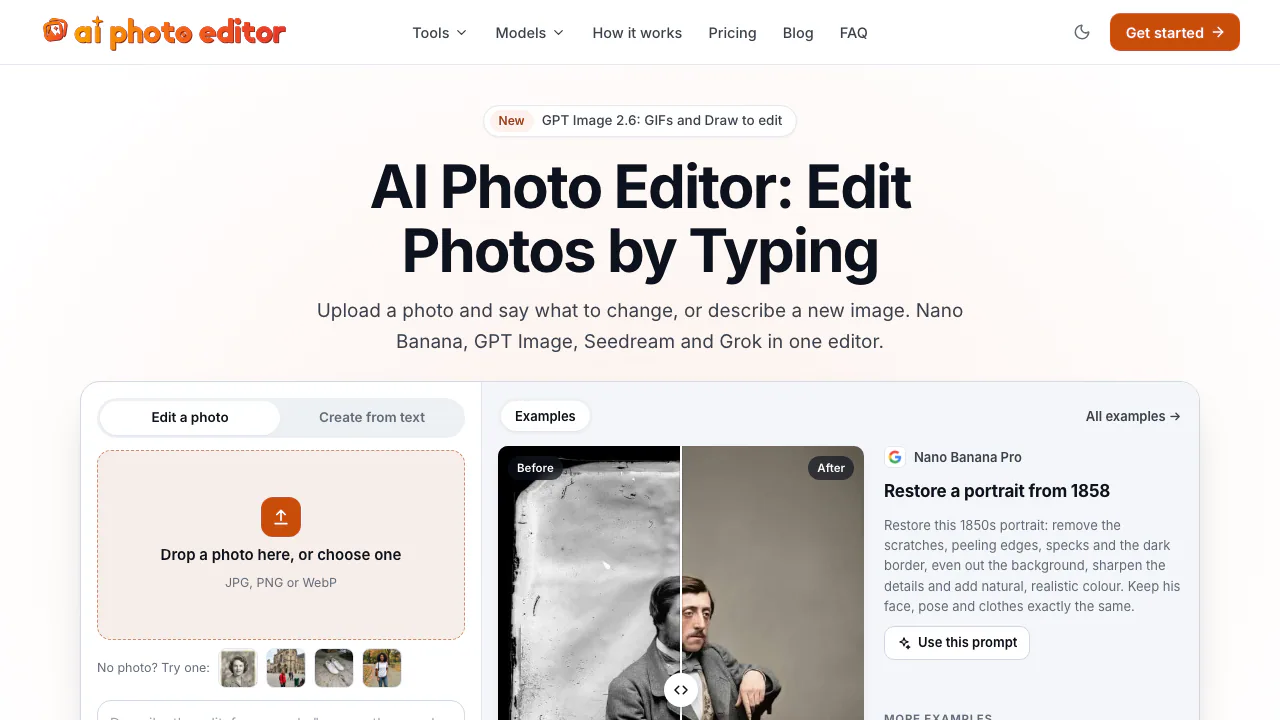

AI Photo Editor
NEWEdit photos by typing with Nano Banana, GPT Image, and Seedream on pay-as-you-go credits
AI Image & Video GeneratorsFreemium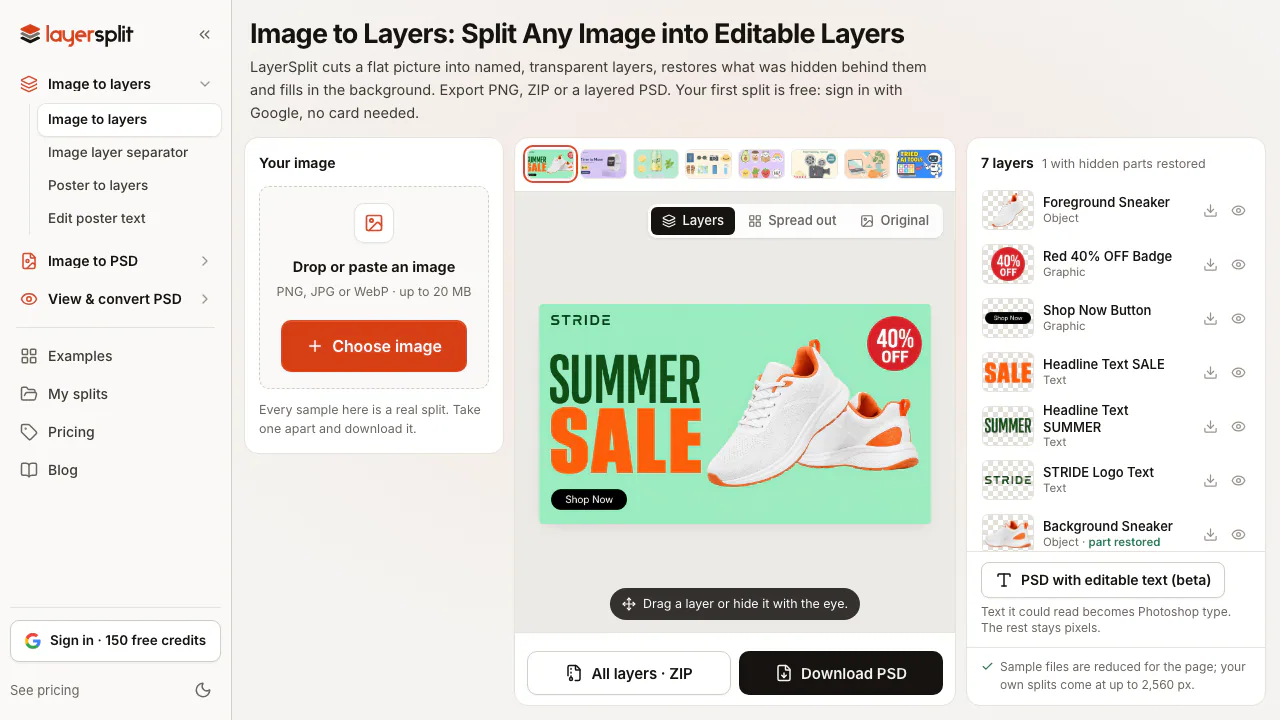

LayerSplit
NEWSplit flat images into named PNG or PSD layers with AI-restored backgrounds
AI Image & Video GeneratorsFreemium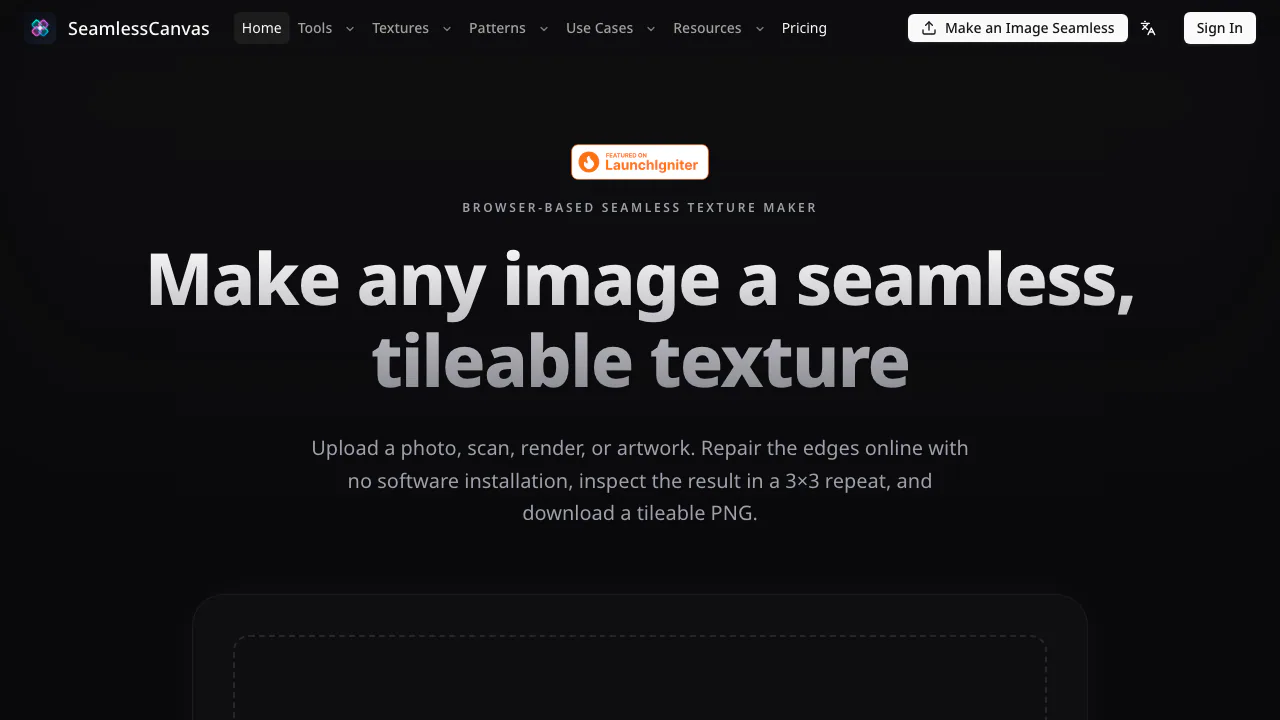

SeamlessCanvas
Repair image seams and generate repeatable textures and patterns.
AI Image & Video GeneratorsFreemium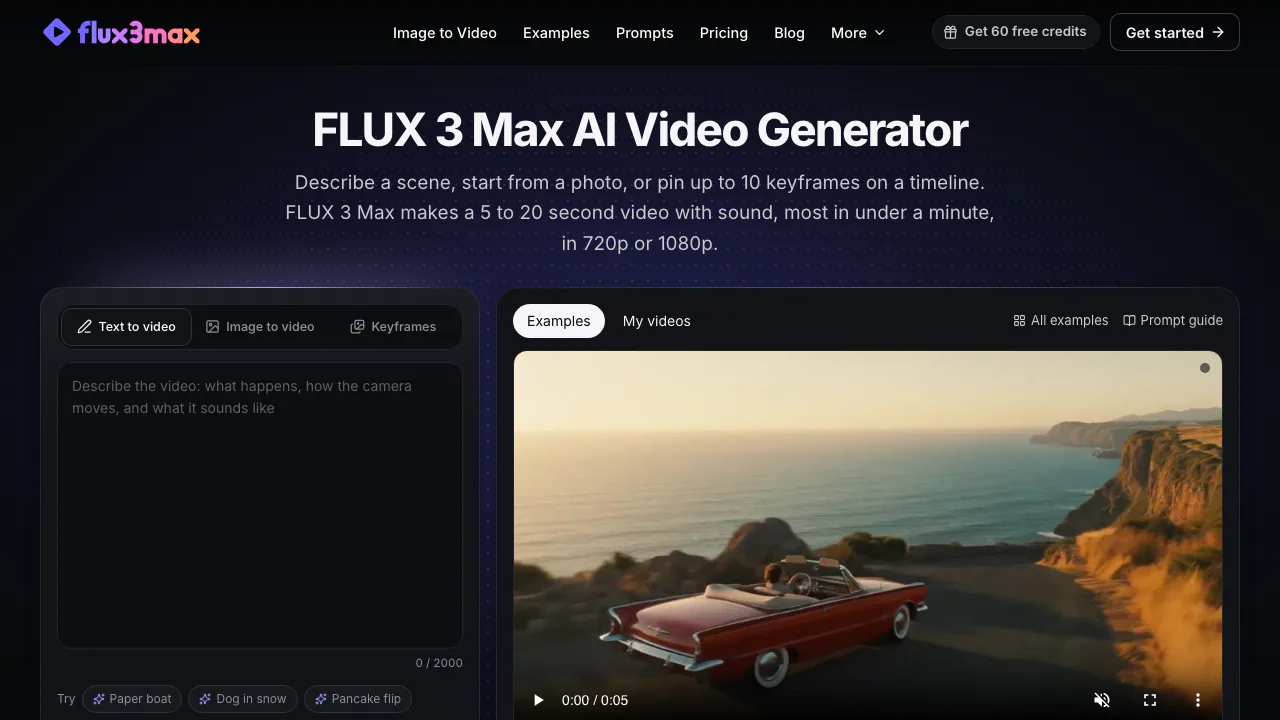

Flux3Max.io
NEWWeb studio for 5–20s FLUX 3 Max AI videos with sound and non-expiring packs
AI Image & Video GeneratorsFreemium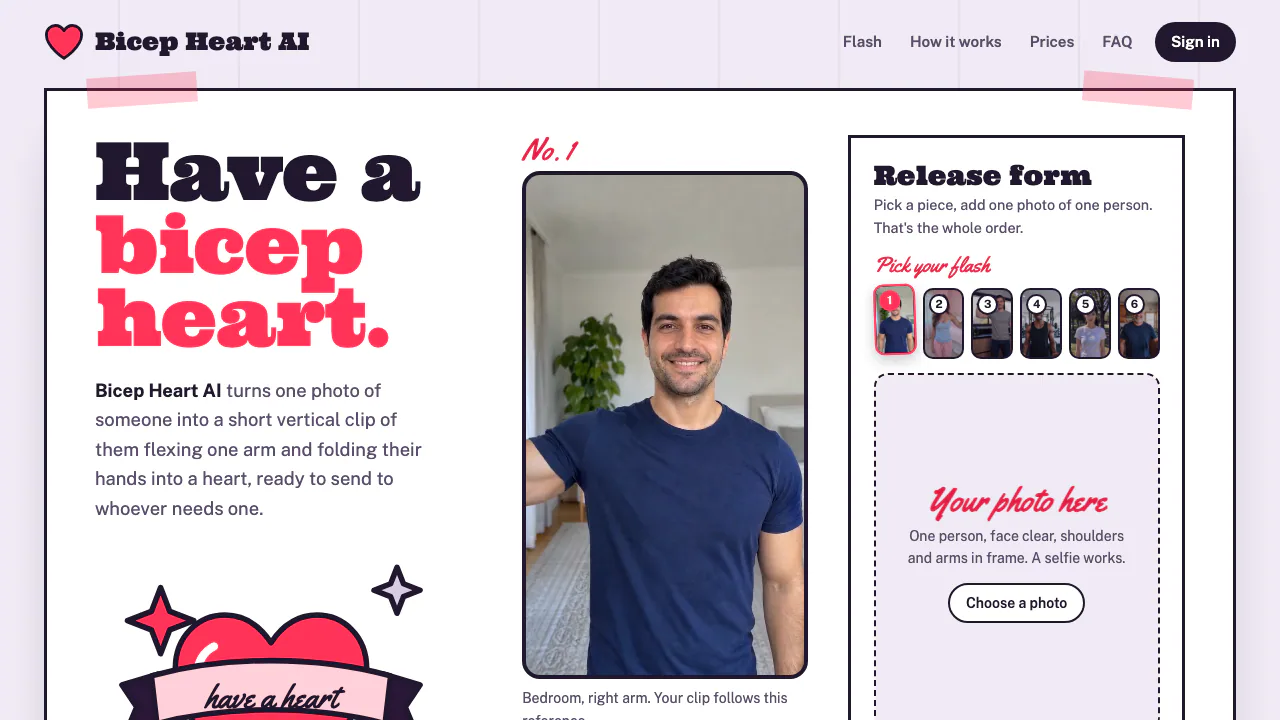

Bicep Heart AI
Make a short, silent arm-heart video from one consenting adult’s photo.
AI Image & Video GeneratorsPaid

SurgePix
Generate images, posters and decks, then refine individual layers.
AI Image & Video GeneratorsFreemium
- Pricing
- Freemium
- Website
- textphotoai.com
- Added
- November 2026
- Updated
- November 24, 2026
- Checked
- November 24, 2026
More in AI Image & Video Generators
- Flux3Max.ioFreemiumWeb studio for 5–20s FLUX 3 Max AI videos with sound and non-expiring packs
- AI Photo EditorFreemiumEdit photos by typing with Nano Banana, GPT Image, and Seedream on pay-as-you-go credits
- LayerSplitFreemiumSplit flat images into named PNG or PSD layers with AI-restored backgrounds
- Bicep Heart AIPaidMake a short, silent arm-heart video from one consenting adult’s photo.
Add the badgeShow you're listed on AITroveX
<a href="https://aitrovex.com/tool/text-photo-ai?ref=badge" target="_blank">
  <img src="https://aitrovex.com/badge-listed-light.svg" alt="Listed on AITroveX" style="height: 54px; width: auto;" />
</a>