

Daddy IssuesFree
An AI weekly briefing that helps dads prepare for family responsibilities.
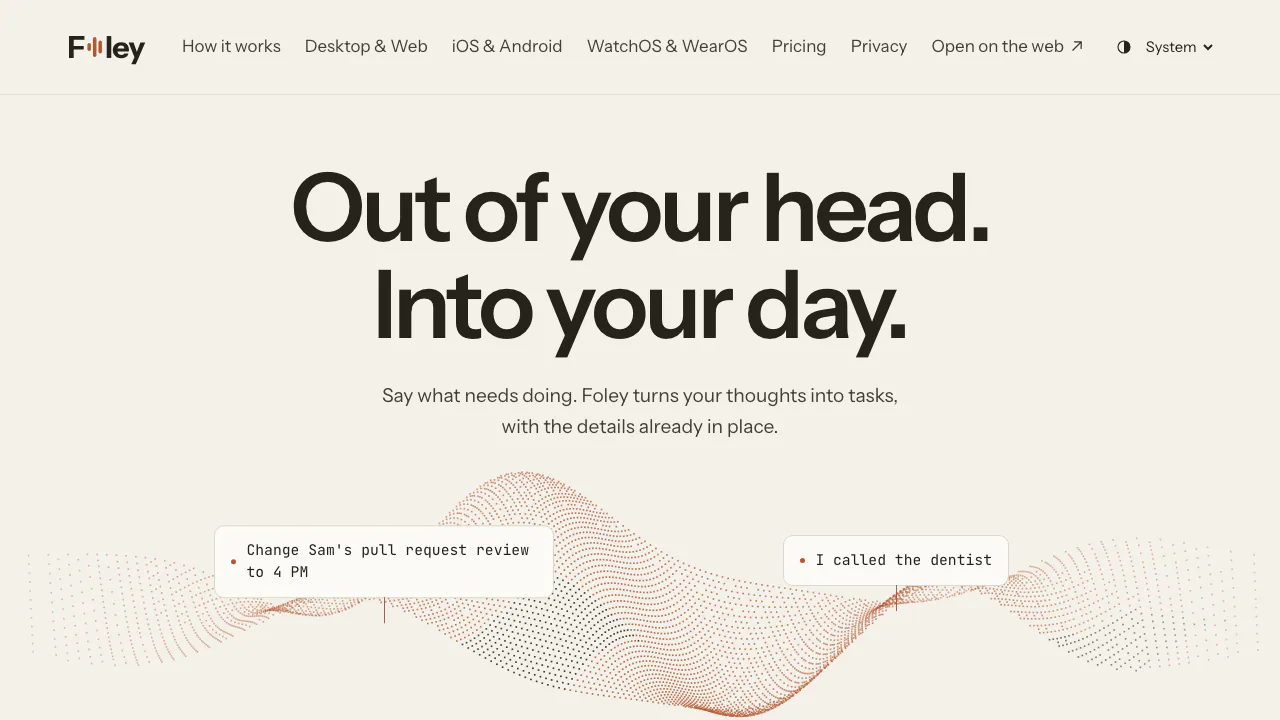
Foley: an AI voice to-do list for your day
Say your tasks, review the details and plan your day.
What is Foley, in plain English?
Foley is a to-do list you can talk to. Tell it what needs doing and it turns your words into task records, with details such as the project, date and reminder. You can then ask it to change a time, mark work complete or help plan the day from the tasks already on your list.
Made by Hanamori Labs, LLC, it suits people juggling work projects, errands and shared responsibilities who want less manual filing. The useful result is an organised task you can act on. Understanding a sentence is still fallible, so checking what was saved is part of using it.
Capture several tasks and check what landed
- Download a native app or open the web version. Desktop capture can be opened with a configurable shortcut; on the phone, tap the capture mark.
- Say the actions and any dates or project context. The official demonstration includes creating two tasks in one capture.
- Answer a follow-up if Foley needs to distinguish between tasks or resolve missing information.
- Review the saved titles, project, dates and reminders. Correct anything that does not match your intention.
- Return to capture history to compare your original words with the changes. A capture can be undone, although the terms promise reversibility for most actions, not every possible action.
Saved capture rules can guide how items are organised. Review, pause or change those rules in Settings. The homepage demonstrations use prepared example results; they are not a live accuracy test.
Turn the list into a workable day
Daily desk brings tasks from different projects together. The calendar lets you inspect timed work and change its time; Plan responds to questions about what to do first using your actual list. When plans change, a spoken instruction can move a task rather than leave a duplicate reminder behind.
Folders group projects, while notes, attachments and dependencies keep context with the work. Simple checklists handle shopping or packing. Shared projects keep tasks and comments together for collaborators. If you explicitly request research, Foley can add web findings to a task's details; this Pro feature has a separate limit of 50 searches per month.
Choose a device and connect the tools you need
The official downloads cover Mac, 64-bit Windows, iPhone and iPad, and Android. The browser also serves Linux and Chromebooks. Apple Watch needs watchOS 10 or later; Wear OS watches need Wear OS 3 or later. Watch use focuses on capture, follow-up answers and a view of your day.
Optional connections include Google Calendar, Slack and coding agents. Calendar and Slack setup is handled in the Mac app. Foley also documents a cloud ChatGPT connection that works with a free Foley account and does not require the Mac to stay open. Available permissions and access to that external service still apply. A complete speech-language support list was not verified, so try your normal language before relying on it.
Free desktop use, personal AI keys and Foley Pro
Checked on 13 October 2026: desktop task management is free without signing in. The service terms describe seven days of subscriber AI from first launch, followed by 50 monthly voice captures on a lighter model in the free plan.
Pro's regular website price is USD 8 per month or USD 72 per year, covering hosted AI, sync and project sharing. Applicable tax and app-store prices can differ. Hosted AI has a finite monthly allowance measured by cost; Settings shows usage, and AI pauses at the ceiling. It is not an unlimited subscription.
You can instead supply an OpenRouter key. Foley does not impose its hosted allowance on that usage, but your provider's charges still apply. Check current pricing for checkout offers and billing conditions.
Local storage does not mean all AI stays on the device
Foley keeps a local database, and signed-in account data also syncs. Hosted voice processing sends audio, transcripts and selected task context through Foley to OpenRouter and model providers. Personal-key requests from native apps go directly to OpenRouter, while signed-in history can still sync.
The privacy policy also identifies TypeSafe for request classification and ElevenLabs for hosted spoken replies. Browser speech recognition uses the browser's speech service. Desktop recordings are retained locally by default until you disable retention or delete them; the phone does not keep recordings after capture.
You can exclude projects from AI context. Foley says it does not train models on what you say, but other providers' terms remain relevant. Synced content is not end-to-end encrypted, and local databases have no separate Foley content-encryption layer.
Questions before trying Foley
Is Foley free?
Local desktop task management is free. Free hosted voice has the trial and monthly limits above; Pro services and personal-key provider usage have separate costs.
Can one recording create several tasks?
Yes. Foley supports multiple actions in a capture. Check the resulting tasks and answer any clarification before relying on the dates or project assignment.
Does it work entirely offline?
Local task storage is available, but AI interpretation and cloud sync involve online services. A locally stored task is not evidence of on-device AI.
Can I use the same tasks on a phone and computer?
Foley offers account-based sync through its Pro service. Its native and web apps have different capture paths; the watch provides a smaller capture-and-day interface.
Official help and release information
- Foley support: troubleshooting, billing and connection guidance.
- Changelog: recent fixes and platform updates.
Related tools
AI Scheduling & Daily Planning →
ReassignPaid
Turn tasks and meetings into a visual day you can reshape with AI.
FramefieldsFree
Create, inspect and render video compositions with TypeScript and a coding agent.
LookoutFree
Watch selected Slack channels and turn matching messages into useful actions.
ToriFreemium
Product answers from your docs, with your team ready to step in.
readywhenFree
Turn promises in emails, chats and call notes into reviewed follow-up.