

UdioFreemium
AI music generator for songs, lyrics, extensions, remixes, audio uploads and timeline editing.
ACE-Step: Open-Source AI Music Generator
Generate and refine music from descriptions or your own lyrics with an open-source model.
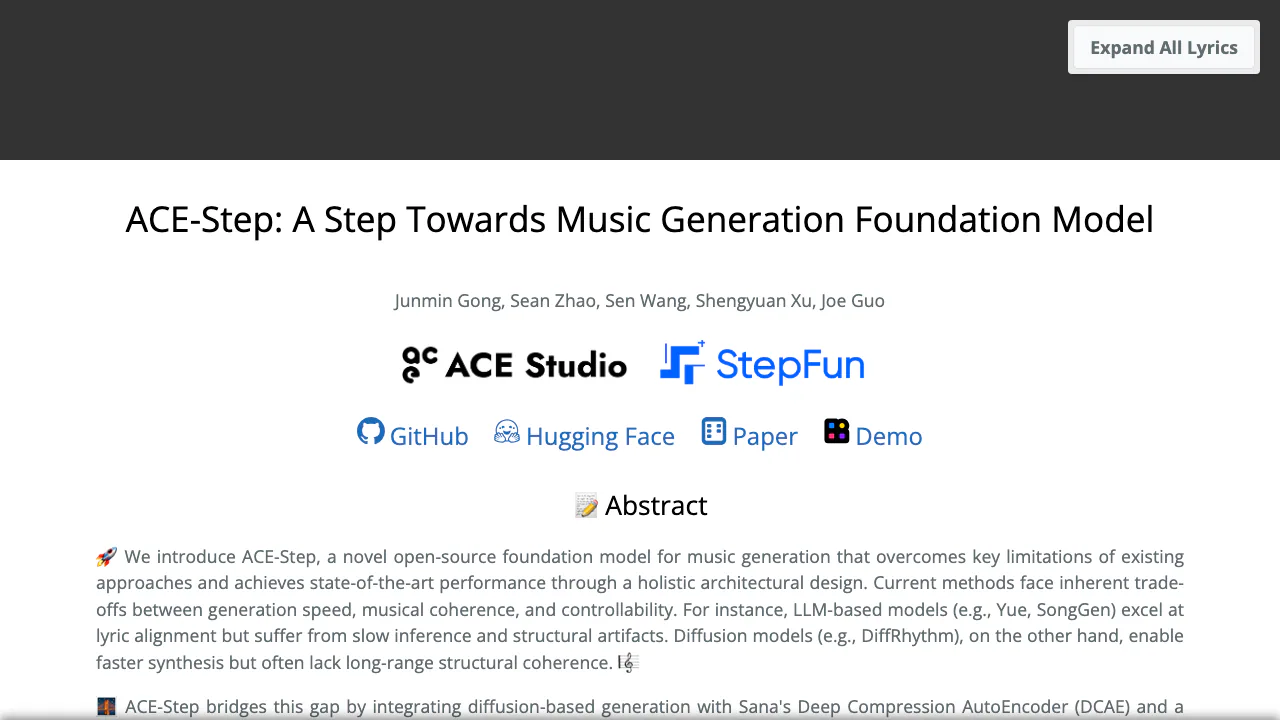
What does the ACE-Step website actually do?
ACE-Step is an open-source AI music generator for turning descriptions or lyrics into songs and instrumentals. Its official project website presents listening examples, research and links to code, model downloads and demos. Songwriters can sketch a song, video creators can explore background-music ideas, and developers can build their own generation workflow. The original project was co-led by ACE Studio and StepFun. The project page showcases the original model; the practical instructions below refer to the separate ACE-Step 1.5 release.
Turn an idea or your own lyrics into a first track
In the 1.5 Gradio interface, initialize the service and choose Simple. Describe the style, instruments and mood, select Instrumental if appropriate, then use Create Sample. Review the proposed caption, lyrics and metadata before choosing Generate Music. For example, “a gentle acoustic guitar instrumental for a quiet travel video” is a starting prompt, not a promised result.
Choose Custom when you already have lyrics: fill Caption and Lyrics, add verse/chorus markers and set duration or BPM where useful. Reference Audio can guide style. Listen for pronunciation, arrangement and transitions, then download audio such as WAV, FLAC or MP3. Save the settings of a useful take before experimenting.
Refine a passage instead of replacing the whole song
Remix accepts source audio and a description of the target style. Repaint uses start and end times to regenerate a weak passage. Both support iterative songwriting, but transitions still need listening checks. Extract, Lego and Complete require a Base model; they are unavailable in Turbo or SFT modes. The training interface also supports dataset preparation and LoRA adapter export for personalization.
Run the current release on your own computer
Follow the installation guide for your operating system. The documented 1.5 quick start uses Python 3.11–3.12 and uv: clone the official ACE-Step-1.5 repository, enter its directory, run uv sync, then uv run acestep. Models download on first launch; open local Gradio on port 7860. Windows, Linux and macOS have device-specific setup paths. Developers can start the self-hosted REST service with uv run acestep-api; it uses port 8001 and asynchronous generation tasks.
Match the model to available memory
Check the GPU compatibility table. Low-memory configurations use offloading and quantization; the language-model component is disabled on devices with 6GB VRAM or less. XL is heavier: its README specifies at least 12GB with offloading and quantization, or 20GB without offloading. Duration and batch limits depend on the memory tier. A headline minimum does not mean every model and feature fits.
Free software, versioned licenses and data handling
Checked on 2026-10-25: local open-source use has no software subscription fee, while hardware, electricity or rented compute remain your responsibility. External demos and hosts have their own access conditions; no universal unlimited free quota is established here.
The official 1.5 model card states that generated music can be used commercially.
ACE-Step 1.5 uses the MIT license; the original project uses Apache 2.0. Software permissions do not guarantee rights in every generated track. The repository asks users to verify originality and obtain permissions for protected material. Local deployment lets you manage the environment, but does not establish a retention or no-training promise for an external demo. Check the host before uploading unreleased recordings.
Frequently asked questions
Is ACE-Step free?
The local open-source software is free under its applicable license. You supply computing resources; an external host may charge separately.
Can I generate vocals or use my own lyrics?
Yes. Custom accepts lyrics and a music caption; Instrumental selects music without vocals. Audition pronunciation and phrasing before using the result.
Does the official website generate music directly?
The project page primarily provides examples and resources. Follow a linked demo or install locally, checking the model and GPU tier before a longer generation.
Official resources and developer community
- ACE-Step 1.5 repository — code and setup
- Official demo — try with the host’s current conditions
- Model downloads — release files
- ACE-Step Discord — community troubleshooting
Related tools
AI Audio & Voice Generators →
MakeBPMFreemium
AI music studio for generating songs, beats, and soundtracks from prompts or lyrics
Scrap Brain AudioFreemium
Generate playable samples with 2G, reshape rhythms with WHORL and explore WX synth patches.
ThunderPhonePaid
Full-stack AI phone agents for inbound, outbound, and integrated business calls
Notify SoundFree
Make short notification sounds by editing synth layers or asking a connected AI assistant to design them.
LisenFreemium
Listen to articles in Chrome with your own Cartesia voices.