

TypeSafe AIPaid
A decision model API that returns typed answers and probabilities for software workflows.
Sai AI Computer Agent for Repeated Tasks
Sai AI Computer Agent for Repeated Tasks
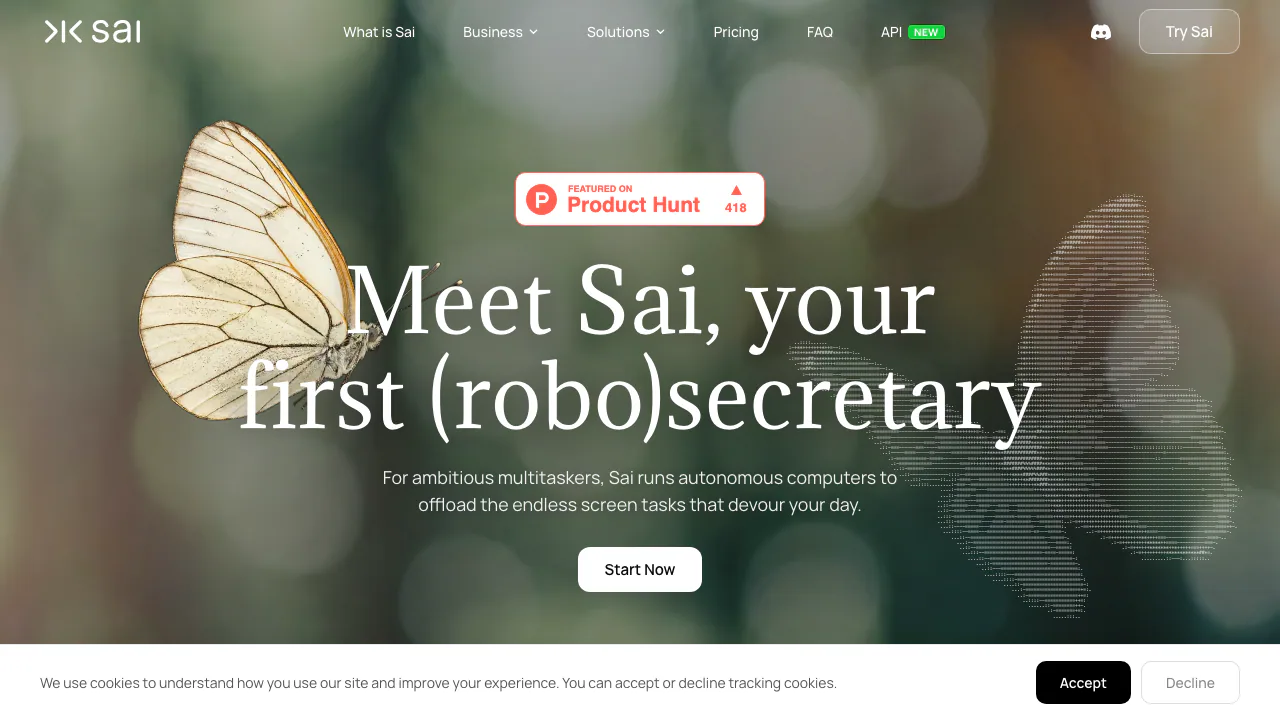
Sai is a computer-use AI agent for people who repeat work across websites and desktop apps. It can run a task on a cloud computer or a supported personal device, show what it is doing, and ask for approval at important steps. The strongest use case is a workflow you need again, such as a weekly report or routine file organisation.
What is Sai in plain language?
Think of Sai as an assistant with its own working computer. You describe the result in everyday language; it looks at on-screen controls, clicks, types and moves through apps to do the work. Unlike a chat assistant that only suggests steps, Sai acts in a real graphical interface. Its maker is Simular Inc. The service can use a private cloud virtual machine, or your own Mac or Windows device where supported. The cloud setup can keep running after your laptop closes.
Which computer tasks fit Sai?
Sai's official examples include research, finding leads, drafting follow-ups, organising files, updating spreadsheets, handling documents and recurring reports. It is especially relevant when a process crosses apps that have no shared API. For example, you could ask it to gather information, update a spreadsheet and prepare a draft message, then inspect each result. A clear goal, allowed sources and a checkable final output make the task easier to review. Do not assume every website or sensitive action can run without your involvement.
How do you start and check a run?
Open Sai's official app and sign in. Describe one concrete outcome in plain English, or choose a workflow. Say which files or sites it may use and what finished work should look like. Watch the live computer view while it works; Sai says important actions can require your approval. Check the spreadsheet, document or draft against your original request before treating the run as complete. Once a workflow works, Sai can repeat it on a schedule. Its workspace remembers setup and context, but a repeat should still be checked when source data or interfaces change.
Cloud computer, own device and cost
The cloud option runs in a persistent virtual workspace. The official pricing page lists a free Explore plan with credits refreshed daily and limited access to a Windows cloud computer. Paid options add monthly credits or an unlimited plan subject to fair-use rules; the pay-as-you-go plan bills cloud computer time while it runs. On a supported own Mac or Windows device, the paid plan says computer time is not charged, while AI usage still counts. Plan details and local checkout terms can change, so confirm the current conditions on the official pricing page before paying.
Official plan and billing details. Prices shown in USD; verified 2026-09-23.
Data and control considerations
Sai can see and act on information in the workspace you give it. Review account permissions and avoid handing it more access than a task requires. Simular's privacy policy says ordinary inputs and outputs may be used to improve models unless you opt out, with stated safety exceptions. It separately says Google API user data is not used to train its models. Read the policy before connecting sensitive accounts or data; approval controls are useful, but they do not replace your own review of actions and results.
Official privacy policy and opt-out.
Frequently asked questions
Can Sai use desktop apps, or only a browser?
It can work across browsers, desktop apps, files and terminals through the graphical interface, according to its official site. Exact access depends on the machine and permissions you choose.
Is Sai free to try?
The Explore plan is free and provides daily credits with limited Windows cloud-computer access. Repeated or heavier use may require a paid plan. Check the official pricing page for current allowances.
Can it run while my laptop is closed?
A Sai cloud computer can keep working independently of your laptop. Using your own device is a separate setup and depends on that device being available.
Are my inputs never used for training?
No such blanket promise appears in the privacy policy. It describes possible use of ordinary inputs and outputs for model improvement, an opt-out route and exceptions; Google API user data has a separate no-training statement.
Official resources
The official pricing page explains current plan limits. The privacy policy explains data handling and opt-out. Sai's API documentation is for developers who need to integrate agent work into their own systems, while its homepage links to a Discord community for product discussions.
Related tools
AI Automation Tools →
NOANFreemium
Approved company facts for agents, apps and teams.
IntellAgentsPaid
AI agents for customer calls, messages, and handoffs.
Mastra FactoryFreemium
A shared software factory for coding agents and human reviewers.
PostizPaid
Plan, adapt and publish social content from one calendar, with AI assistance and a self-hosted option.
Flint AI SwitchFree
Flint AI Switch connects teams and AI agents in shared rooms. Explore setup, chat integrations, self-hosting, task handoffs and license limits.