

IntellAgentsPaid
AI agents for customer calls, messages, and handoffs.
NOAN — a verified business knowledge base for AI agents
Approved company facts for agents, apps and teams.
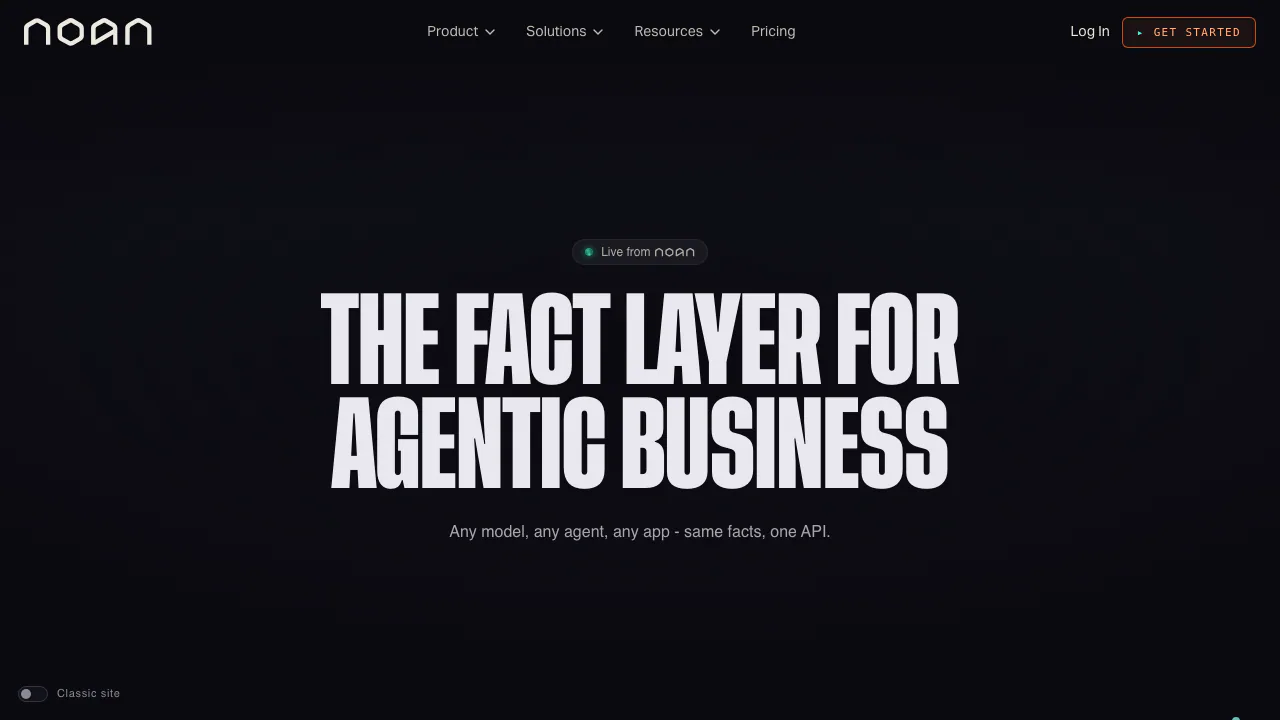
NOAN helps a company keep its approved business facts in one place and make those facts available to its AI agents, applications and people. It is useful when a team needs a current answer about products, policies or pricing across several tools, with a record of who approved a change.
What does NOAN do, in plain English?
Think of NOAN as a controlled reference book for your business. A fact is a specific statement that someone owns and approves, such as the current rule for a plan or a customer-facing policy. NOAN stores its current value and history, then lets connected software read that approved value. Its company graph links facts with contacts, tasks and assets. This is more deliberate than asking an AI assistant to remember a conversation: a proposed fact does not enter the approved base until a person verifies it.
Keep one version of company knowledge
Facts live in stacks and blocks, with an owner, approval and version history. When a fact changes, API and MCP readers can request its current form instead of relying on copied text in an old prompt. The history and Time Travel view help a team inspect what was considered true on an earlier date. That is valuable for changing terms, offers and messaging, but it still depends on people entering and reviewing accurate facts.
Connect an app or AI agent to the fact layer
Start with a NOAN workspace and write down one business fact that matters to a real task. Have it verified, then test retrieval before expanding the base. For a custom app, create a personal key under Settings > API > New key and use the official API guide to read facts as JSON. Keys inherit their creator's roles and fact permissions, so use an account with only the access the integration needs. For compatible assistants, the MCP connection guide gives the endpoint and sign-in options. Check that the returned fact and version match the approved record before using it in a customer-facing answer.
Give agents work with a visible approval step
NOAN also has a shared Tasks board. A task tag routes work to an agent; assigning it gives permission to act. The agent can claim the task, read the relevant facts and linked contact, then report progress and results on the card. This is a practical fit for teams that want an agent to draft or prepare work while people can see what happened. Review permissions and outgoing actions before giving an agent access to customers or sensitive records.
Free plan, paid tiers and important limits
As checked on 25 September 2026, the US-dollar pricing page lists a Free plan at $0/month with one project, 40 facts, 150 contacts, one API key and one seat. Starter, Team and Enterprise raise the available capacity or collaboration controls; current prices and any regional billing details should be checked on that page. Its trial buttons and trial table disagree, so do not assume a free trial length. The Free plan is a sensible way to test the fact model before planning a larger agent workflow.
Permissions, data and commercial use
Personal API keys inherit the user's access. Before adding confidential company or customer information, read NOAN's privacy policy and terms, decide who may verify facts, and test access with a narrowly scoped key. The terms discuss input rights, use of output for commercial purposes and data use for service improvement; the privacy policy displays a 2024 revision date, so request clarification for requirements that depend on a current policy. AI output should still be checked by a person for important decisions.
Common questions
Is NOAN an AI chatbot?
Its main role is a verified source of business facts that assistants and apps can read. It also includes agent and task features, but the value of the fact layer is having approved, versioned information available across different tools.
Can I use NOAN with my own agent?
Yes. A custom agent can use the REST API, while a compatible MCP client can connect to the MCP endpoint. Set up a key or OAuth sign-in, then confirm that the client can read only the facts its permissions allow.
Who decides whether a new fact is true?
Agents may propose changes, but a person verifies a fact before it becomes part of the approved base. Keep an owner for each important fact and review the version history when business rules change.
Official resources
- API documentation — key creation and REST examples.
- MCP setup — connect supported AI clients.
- Current plans and limits — verify pricing before subscribing.
- Service status — check operational incidents.
- NOAN support — ask product or account questions.
Related tools
AI Databases & Context Infrastructure →
EclatiraFreemium
Build voice and video AI agents for web and phone.
Superhuman GoFreemium
AI help for writing, email and connected work
TypeSafe AIPaid
A decision model API that returns typed answers and probabilities for software workflows.
SaiFreemium
Sai AI Computer Agent for Repeated Tasks
Mastra FactoryFreemium
A shared software factory for coding agents and human reviewers.