

Navier AIPaid
An engineering agent for CAD, simulation, code and reports
MachineMail email API for AI agents
Real agent inboxes with MCP, API access and message trust reports.
What is MachineMail, in plain English?
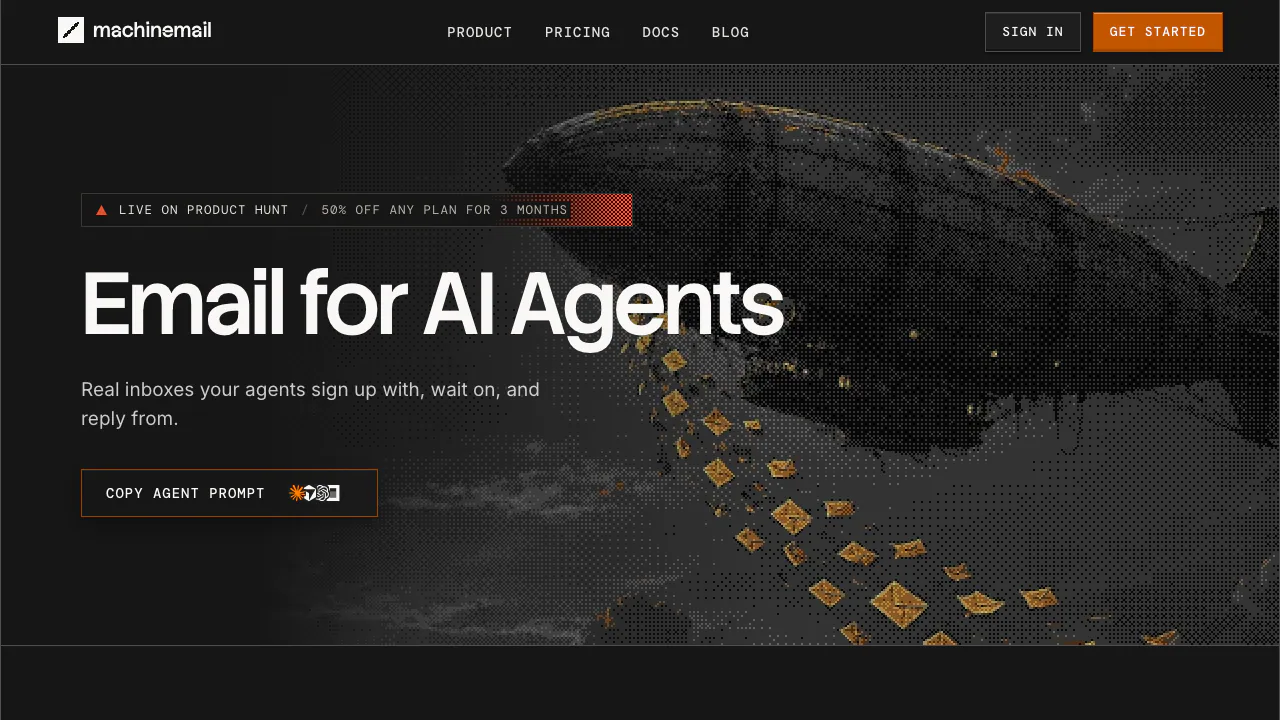
MachineMail gives an AI agent its own email address. The agent can receive a sign-up code, read a reply and continue a task through an API or MCP connection. You keep a dashboard for inspecting the mail and controlling access. Think of it as a mailbox for software that needs to communicate with people and websites.
It is useful for developers building assistants, email-driven workflows or authorized account-verification tasks. The mailbox is infrastructure: the AI client supplies the reasoning and the operator decides which actions it may perform. This makes a dedicated address useful when you want to keep an agent’s correspondence separate from your personal inbox.
Connect an agent and complete the first mail loop
The official quickstart gives two practical starting points:
- Create an account using an external email address and its sign-in link. Save the initial API key securely; the full value is shown once. Give production agents narrower inbox or pod permissions.
- Connect a supported MCP client to
https://mcp.machinemail.dev/mcp, using OAuth for interactive sign-in or an API key for a headless process. REST clients usehttps://api.machinemail.dev/v0. - Create an inbox, send a test message to an address you control, reply from that address and inspect the returned message and trust report. Check that replies remain in the same thread.
- For a verification task, trigger the intended service’s email, then use
wait_for_message. It waits up to 60 seconds. Check the sender’s domain and aknownorverifiedlevel before extracting the code from cleaned text.
Alternatively, an agent can follow the self-registration protocol to obtain a sandbox inbox and present a six-digit claim code. Enter that code on MachineMail’s claim page within the claim window. An unclaimed inbox lasts 24 hours and has separate sending caps; it is not equivalent to an unrestricted Free account.
Use trust reports to decide what the agent may do
Each incoming message includes one of five levels: verified, known, unknown, suspicious or quarantined. Authentication checks, sender history, content, links, attachments and classification contribute to the report. Read trust.content.text instead of raw HTML: it excludes hidden text, invisible characters, signatures and quoted history.
Cleaning does not remove every malicious instruction visible in the message. Use the level to gate tools in your application, and route suspicious mail to a person. Prefer drafts without a scheduled send time when human review is required. The agent trust guide explicitly says MCP tool descriptions advise the model; they do not enforce your sending policy.
Build event-driven and temporary-inbox workflows
Signed webhooks can push arrival events to your application, with retries for five days and dashboard replay. SSE and WebSocket streams provide other ways to receive events. On a verified custom domain, catch-all can create a new inbox when its first message arrives, useful for task-specific addresses.
Ephemeral inboxes clean up after expiry, including their messages and attachments; new mail extends their deadline. Export anything that must survive the task. Inboxes have no individual fee, but the shared machinemail.dev domain has a limit of 1,000 inboxes per organization. Your own verified domains have no inbox-count cap; message and storage allowances still apply.
Free allowance, paid plans and usage charges
Public list prices checked on November 5, 2026 are in USD per month, before applicable taxes:
- Free: 3,000 incoming and outgoing messages combined per month, at most 100 per day; 1 GB, one custom domain and one seat.
- Pro: $9; 7,500 inbound and 2,500 outbound messages, 10 GB and 10 custom domains.
- Team: $49; 45,000 inbound and 15,000 outbound, 30 GB and 50 domains.
- Scale: $199; 200,000 inbound and 65,000 outbound, 150 GB and 250 domains, with dedicated Slack support.
Paid overage costs $1 per 1,000 inbound messages, $0.50 per 1,000 outbound recipients, $0.25 per extra GB/month and $1 per extra domain/month. An outgoing message is metered per recipient. Spam and quarantined mail are not billed. On Free, exceeding an allowance holds incoming mail and pauses sending until reset or upgrade. Review current pricing before choosing; paid subscriptions renew monthly.
Understand cloud processing and retention
MachineMail states that it does not use mail to train machine-learning models. Its trust layer still processes message content, including hosted classification. Core hosting and mail infrastructure are in the United States, while classification and object-storage processing can involve other regions. The AI client that reads your mail has its own policy.
Permanent inbox contents remain until deletion. Temporary inboxes expire and delete their data; backups can retain deleted data until their retention period ends. Export formats include mbox and JSON Lines. Review the privacy policy before using sensitive mail, and scope or revoke access through the dashboard.
Frequently asked questions
Is MachineMail free?
Yes. The Free plan has monthly and daily message limits, storage and domain allowances. Free inbox creation does not mean unlimited free traffic.
Do I need to give it access to my Gmail or Outlook inbox?
The main workflow creates a separate MachineMail inbox for the agent. Your external mailbox is used for account sign-in; it does not have to become the agent’s working inbox.
What limits apply before I claim an agent?
The anonymous sandbox has one inbox for 24 hours, up to 10 sends to 10 distinct recipients per rolling 24 hours and at most five recipients in one message. Claim it to retain the address and move to your organization’s permissions and plan.
Does the trust layer guarantee safe email?
No. Detection can miss attacks or flag legitimate mail. Keep important actions behind your own permission checks and human review. A no-training statement also does not mean mail avoids cloud processing.
Official resources and developer channels
Related tools
AI Automation Tools →
One RoofFree
Bring coding-agent sessions, approvals and bounded loops into one Mac app.
Orphex MCPFreemium
Connect ad accounts to Claude and other AI assistants for reporting and reviewed campaign changes.
kwantFree
Run your own AI team with handoffs, schedules and approvals.
SynterFreemium
Connect your AI assistant to ad reporting, campaign drafts and governed execution.
Teamily AIFreemium
People and AI agents work together in one messenger