
 NEW
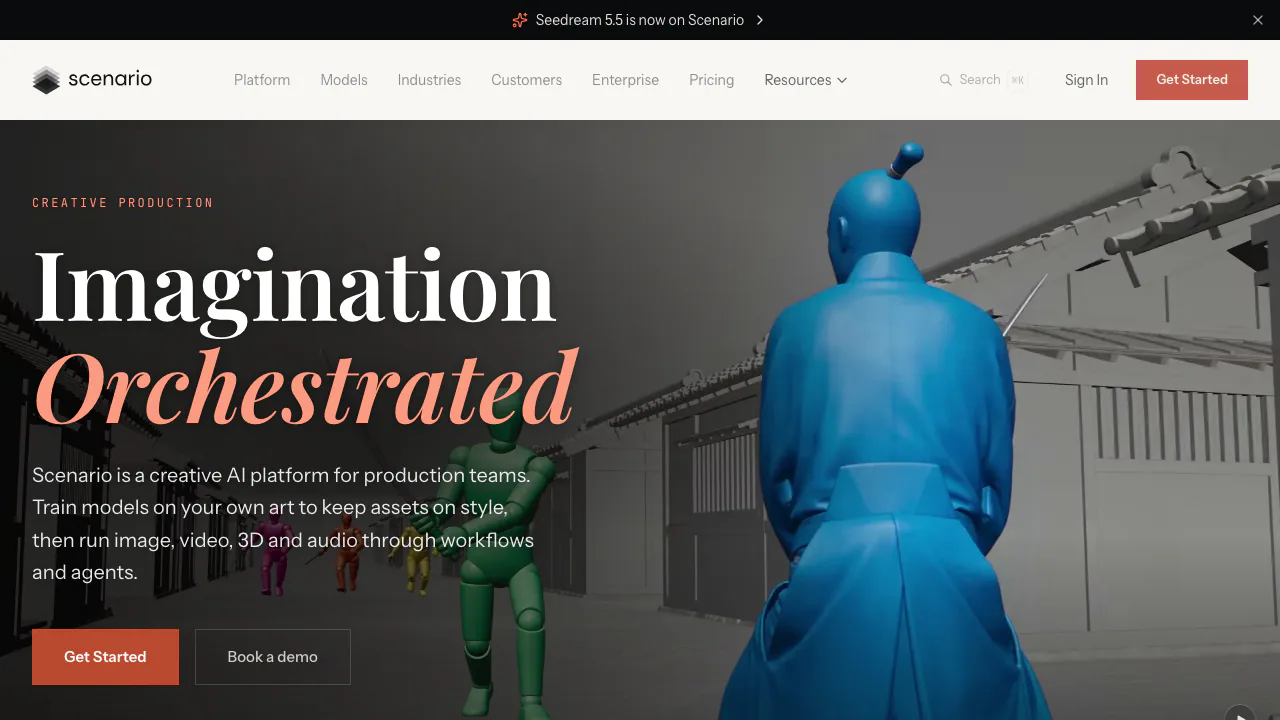
Scenario — AI Creative Production Platform
Multi-model AI platform for style-consistent game and creative production assets
- AI 3D Model Generators
- AI Image Editors
- AI Image Generators
- AI Video Generators
- AI Workflow Automation Tools
Updated November 25, 2026
Best for
- Game and creative teams needing style-consistent assets trained on their own art
- Studios chaining image, video, 3D, and audio models into repeatable node workflows
- Developers automating asset pipelines via REST API, Blender, or AI coding agents
Not for
- Free commercial projects: commercial rights and API access require a paid plan
- Self-serve teams needing a contractual no-training guarantee without Enterprise
- Users who want to download and host their trained model weights locally
Key facts
- What it is
- Multi-model AI platform for style-consistent game and creative production assets
- Pricing
- Freemium
- Category
- AI Image & Video Generators
- Website
- scenario.com
- Free plan
- 50 free daily credits, no card required; personal/evaluation use only, no API access source
- Starting price
- $10/month, billed annually (Starter plan (1,500 monthly credits); $15/mo billed monthly. Custom model training starts on Pro ($30/mo annual or $45/mo monthly)) source
- Platforms
- Web, API, Blender Plugin, Mcp (Browser workspace, REST API with TypeScript/Python SDKs, Blender 5.0+ extension, and remote MCP server) source
- API
- Yes (REST API and MCP server on all paid plans (Starter and up), sharing your plan credit pool; Free plan has no API access) source
- Open source
- No (Proprietary cloud platform; its official Blender extension (scenario-labs/blender-plugin) is open source under GPL-3.0) source
- Commercial use
- Paid plans only; Free plan outputs are personal and evaluation use only (Paid subscribers own generated assets for games, products, and client work with no royalties) source
- AI training on your data
- Self-serve: may use content to improve Services/AI; Enterprise (MSA/DPA): no training without consent (Content is never sold or shared with other customers; Enterprise defaults to Enterprise-Ready models (Terms §4.6)) source
- Company
- Scenario Inc. (US) (Delaware corporation based in Covina, CA, USA; SOC 2 Type II audited) source
Scenario is a creative AI production platform that helps game studios, brands, and design teams generate style-consistent images, video, 3D meshes, and audio through custom-trained models, visual node workflows, and AI agents. Scenario offers 50 free daily credits for evaluation, with paid plans starting at $10 per month billed annually ($15 per month billed monthly) as of November 2026.
What you can do with Scenario
Scenario brings 800+ models from 50+ providers—including Flux, GPT Image, Seedream, Ideogram, Seedance, Kling, Runway, Tripo, Hunyuan 3D, and ElevenLabs—into one browser workspace. Instead of switching apps between concepting, editing, and 3D export, teams run multi-modal asset production in one place and export standard formats: PNG, JPEG, WebP, and SVG for images; MP4, MOV, WebM, and GIF for video; WAV and MP3 for audio; and GLB, OBJ, FBX, STL, and VOX meshes with PBR textures for Unity or Unreal.
Custom model training is Scenario's core differentiator for art direction. On Pro plans and above, teams upload 10 to 30 reference images to train a style model—or 5 to 15 images for a specific character or object—and combine multiple trained styles with Multi-LoRA composition. Training runs inside Scenario and typically completes in 30 minutes to a few hours.
For repeatable production, Scenario provides a drag-and-drop node graph where technical artists chain generation, upscaling, background removal, and 3D steps once, then publish the chain as a simple form app for the rest of the team. Two built-in agents—Genie and the Node Agent—can pick models and assemble node graphs from a text brief. Developers can trigger the same models and saved workflows from code via the Scenario API (with TypeScript and Python SDKs), drive their workspace from Claude Code, Codex, or Cursor through the Scenario MCP server, or generate textures, props, and scenes inside Blender 5.0+ using the open-source Scenario for Blender extension.
How Scenario compares
- Versus Krea: Both platforms unify multi-model image, video, and 3D generation with node-based workflows and custom LoRA training. As of November 2026, Krea offers 100 free daily compute units and broader creative-suite plugins across Photoshop, After Effects, Illustrator, Premiere Pro, DaVinci Resolve, Blender, and Rhino. Scenario is geared more toward game-asset production and enterprise governance, adding optional pre-generation IP Detection, Quality Gate filters, per-project spend caps, and a Blender 5.0+ extension with local MCP support.
- Versus Recraft: Recraft focuses on vector graphics, icons, and brand illustration, with a regular Basic plan at $10 per month billed annually for 1,000 monthly credits (as of November 2026); Recraft's Free plan outputs are public and owned by Recraft, and its API Units are purchased separately from subscription credits. Scenario keeps paid generations private by default, shares one credit pool across the web app and API, and adds video, audio, and textured 3D meshes.
- Versus Tripo AI: Dedicated 3D generators like Tripo AI are simpler when your only goal is turning prompts or images into 3D meshes. Scenario actually hosts Tripo 3.1 alongside Hunyuan 3D and Rodin inside the same workspace as 2D custom style models, video, and audio—better suited to teams that need 3D generation wired into a broader art pipeline.
Limits to know
- Key features sit behind higher tiers: Custom model training is not included on Starter; it begins on the Pro plan ($30 per month billed annually or $45 monthly as of November 2026). Multi-user workspaces (up to 25 seats) and custom editing model training require Max, while SSO/SAML, audit trails, spend caps, and IP Detection are Enterprise features. See the Scenario pricing page for current credit tiers.
- Credits do not roll over and vary by model: Every generation, 3D mesh, video, or training job spends Compute Units based on model and resolution, and unused monthly credits expire at reset. You can preview exact costs in the generator, in the Compute Planner, or by adding
?dryRun=trueto API requests. - No local weight export: Under Scenario's Terms and Conditions (§4.4), you own your Custom Models within the platform, but you may not download or extract the underlying model weights to self-host elsewhere.
- Data-training boundary depends on your contract: Self-serve and Enterprise tiers carry different data-use terms (Terms §4.6). On self-serve plans, Scenario never sells or shares your content with other customers, but may use your content and de-identified usage data to operate and improve its services and AI models. A contractual guarantee that neither Scenario nor third-party providers train on your data requires an Enterprise MSA and DPA using Enterprise-Ready models.
FAQ
Is Scenario free to use, and can I use free outputs commercially?
Scenario includes a free tier with 50 daily credits and no credit card required (as of November 2026), but free-tier outputs are restricted to personal and evaluation use only. Commercial rights—including shipping assets in games or delivering client work—require a paid plan, and the Free plan cannot access the API.
How much does Scenario cost, and which plan unlocks custom model training?
As of November 2026, paid plans start at $10 per month billed annually ($15 monthly) for Starter with 1,500 monthly credits, while Pro starts at $30 per month billed annually ($45 monthly) for 5,000 monthly credits and is the lowest tier that includes custom model training. Max adds team workspaces for up to 25 users, and Enterprise offers custom annual contracts with consumption-based pricing.
Does Scenario offer an API, MCP server, or game-engine integration?
Yes. Every paid plan from Starter upward includes REST API access (documented at docs.scenario.com), TypeScript and Python SDKs, and the remote MCP server for agents like Claude Code, Codex, and Cursor, all drawing from your plan's shared credit balance. Scenario exports PBR-textured 3D meshes (GLB, OBJ, FBX, STL, VOX) for Unity and Unreal and maintains an open-source Blender 5.0+ extension.
Does Scenario use my uploaded art or generated assets to train AI models?
On self-serve plans, Scenario states in its Terms and Conditions (§4.6) that you own your content and it is never sold or shared with other customers, but Scenario may use your content and aggregated, de-identified usage data to improve its services and AI models. Organizations that sign an Enterprise MSA and DPA receive a contractual commitment that their content, prompts, generated assets, and custom models are not used to train Scenario or Enterprise-Ready third-party models without prior written consent.
What we checked
On November 25, 2026 we checked 8 facts in Key facts against Scenario’s own pages:
- scenario.com/pricing
- scenario.com
- help.scenario.com/articles/7934059476-api-usage-and-credits-compute-units
- scenario.com/terms-and-conditions
Not tested: we did not sign up, pay or run Scenario ourselves. Prices and plans change; confirm them on scenario.com before you buy.
Alternatives to Scenario
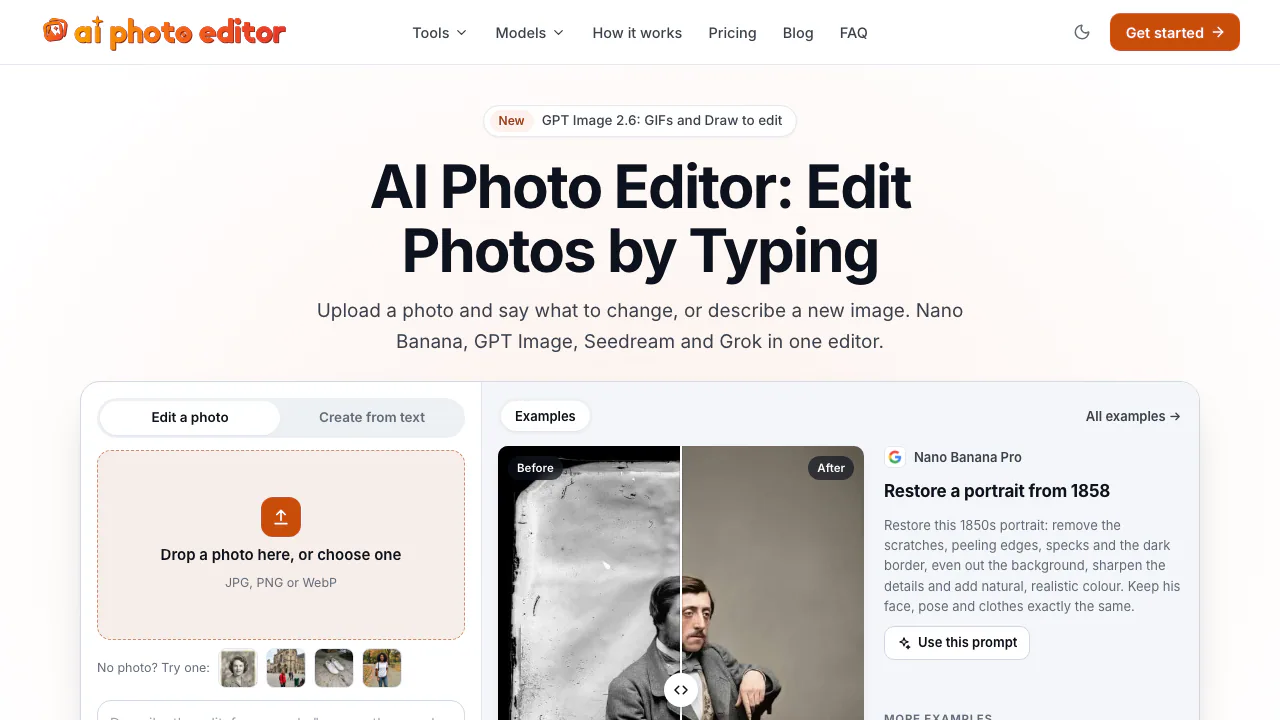

AI Photo Editor
NEWEdit photos by typing with Nano Banana, GPT Image, and Seedream on pay-as-you-go credits
AI Image & Video GeneratorsFreemium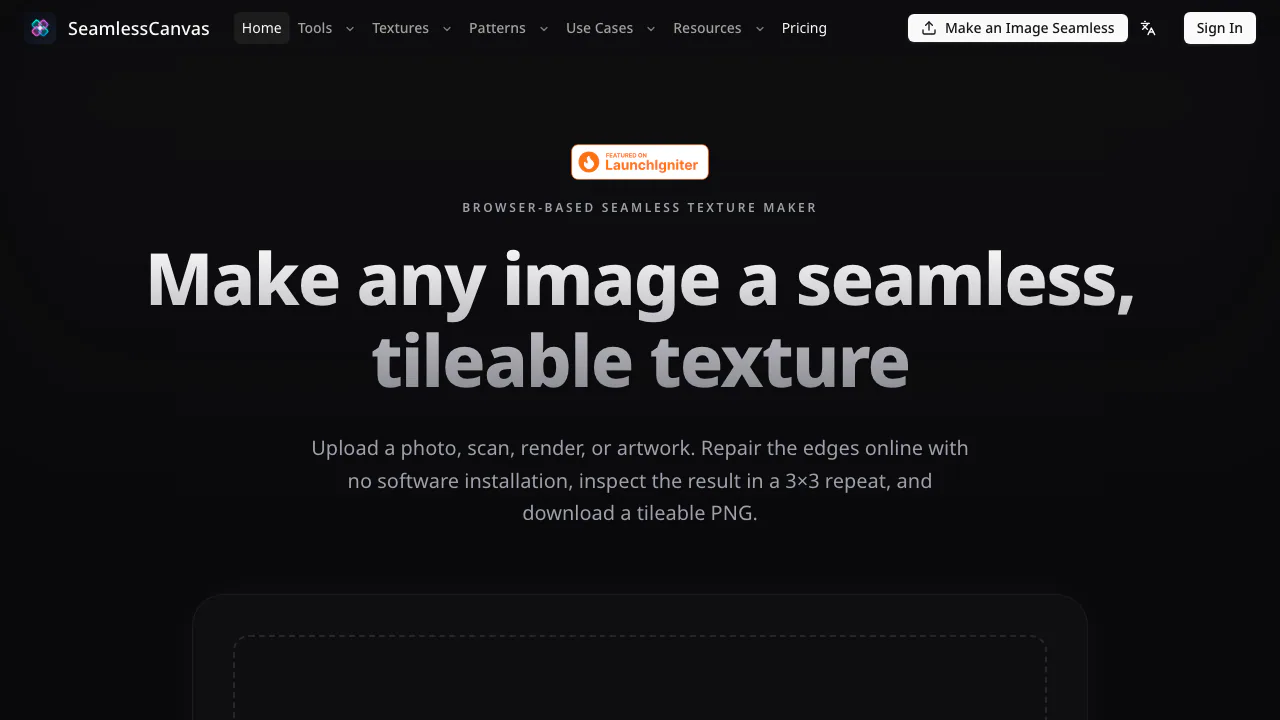

SeamlessCanvas
Repair image seams and generate repeatable textures and patterns.
AI Image & Video GeneratorsFreemium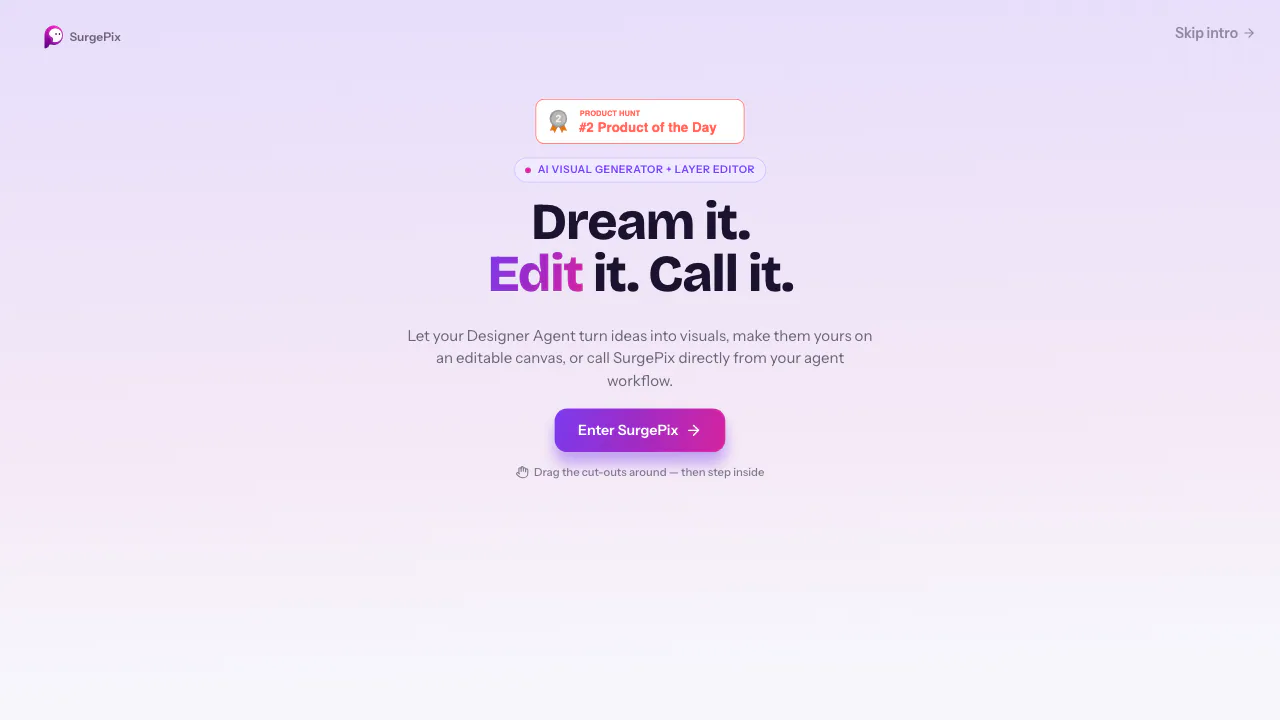

SurgePix
Generate images, posters and decks, then refine individual layers.
AI Image & Video GeneratorsFreemium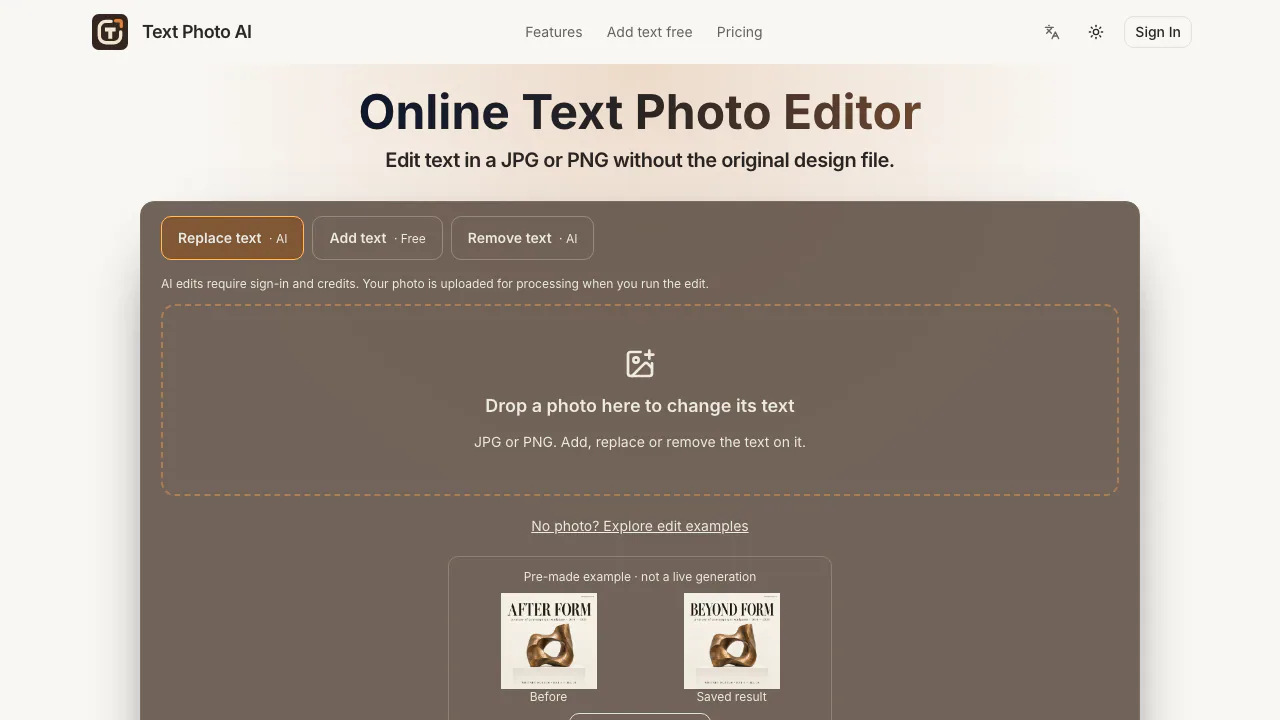

Text Photo AI
NEWBrowser AI editor for adding, replacing, and removing text in JPG and PNG images
AI Image & Video GeneratorsFreemium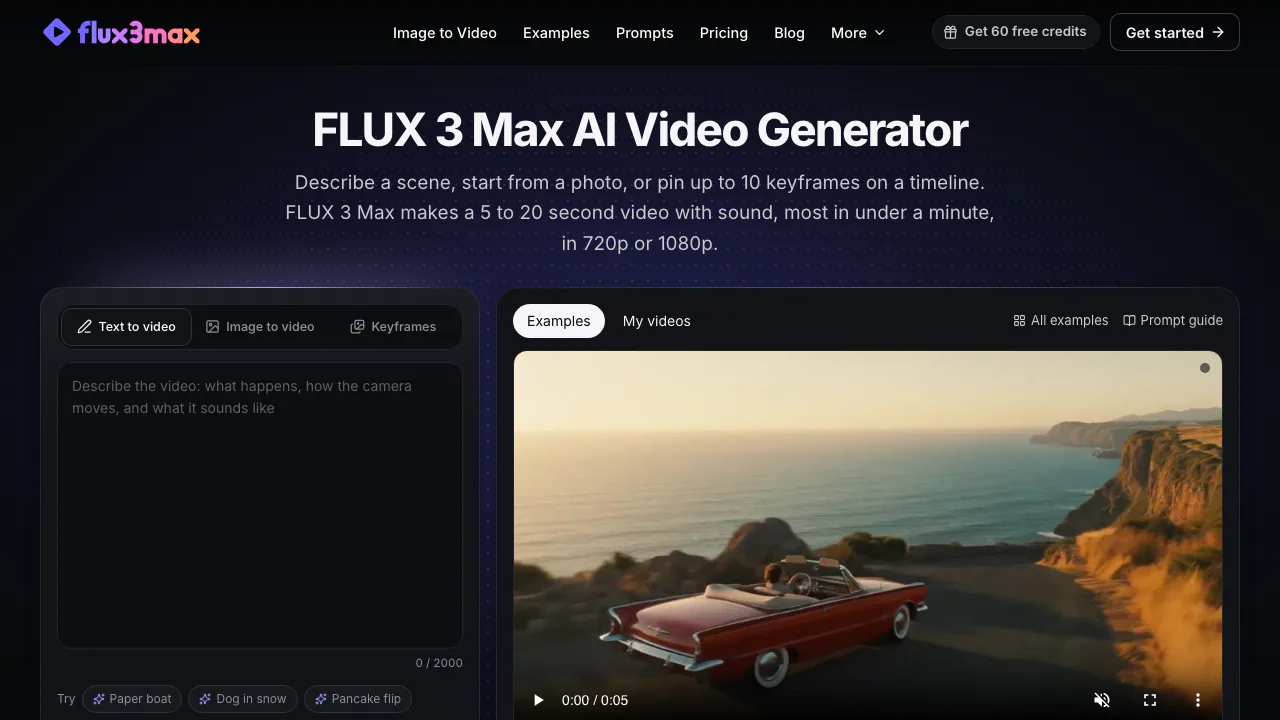

Flux3Max.io
NEWWeb studio for 5–20s FLUX 3 Max AI videos with sound and non-expiring packs
AI Image & Video GeneratorsFreemium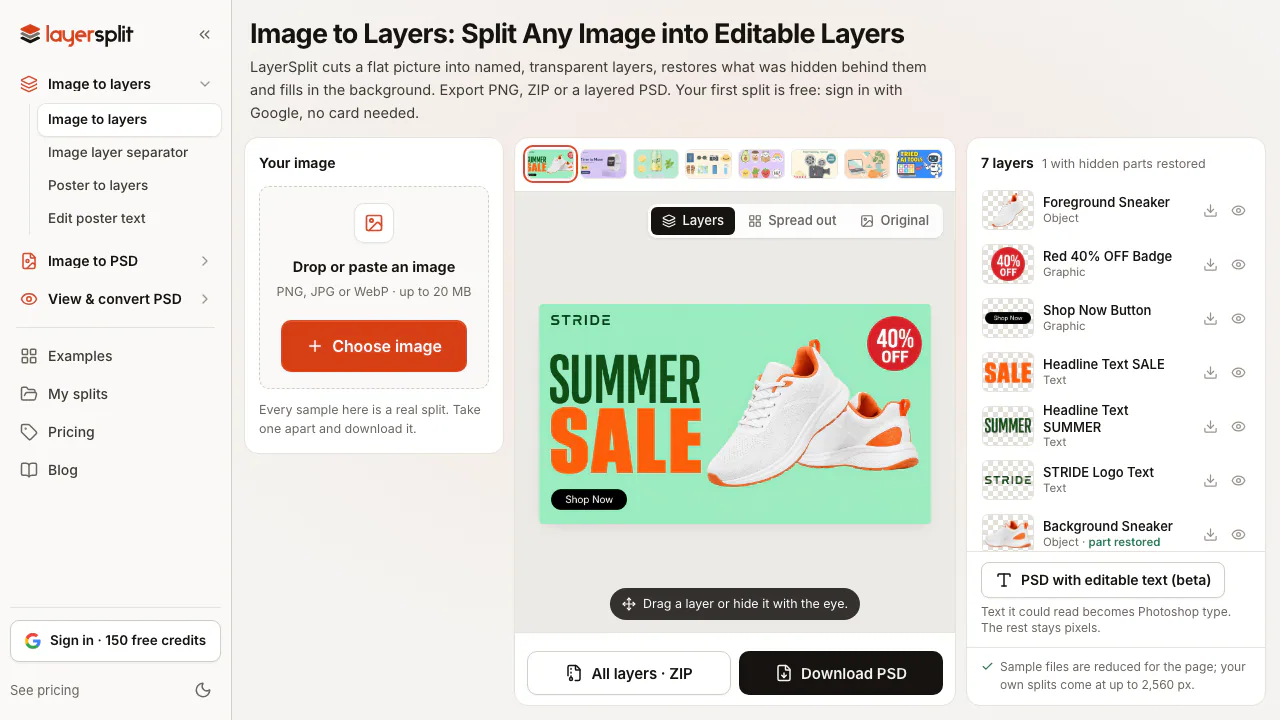

LayerSplit
NEWSplit flat images into named PNG or PSD layers with AI-restored backgrounds
AI Image & Video GeneratorsFreemium
- Pricing
- Freemium
- Website
- scenario.com
- Added
- November 2026
- Updated
- November 25, 2026
- Checked
- November 25, 2026
More in AI Image & Video Generators
- Text Photo AIFreemiumBrowser AI editor for adding, replacing, and removing text in JPG and PNG images
- Flux3Max.ioFreemiumWeb studio for 5–20s FLUX 3 Max AI videos with sound and non-expiring packs
- AI Photo EditorFreemiumEdit photos by typing with Nano Banana, GPT Image, and Seedream on pay-as-you-go credits
- LayerSplitFreemiumSplit flat images into named PNG or PSD layers with AI-restored backgrounds
Add the badgeShow you're listed on AITroveX
<a href="https://aitrovex.com/tool/scenario?ref=badge" target="_blank">
  <img src="https://aitrovex.com/badge-listed-light.svg" alt="Listed on AITroveX" style="height: 54px; width: auto;" />
</a>