
Explore tattoo ideas before your artist consultation.
Krea AI Creative Suite Review
Generate, edit and enhance images, video and 3D assets across many AI models
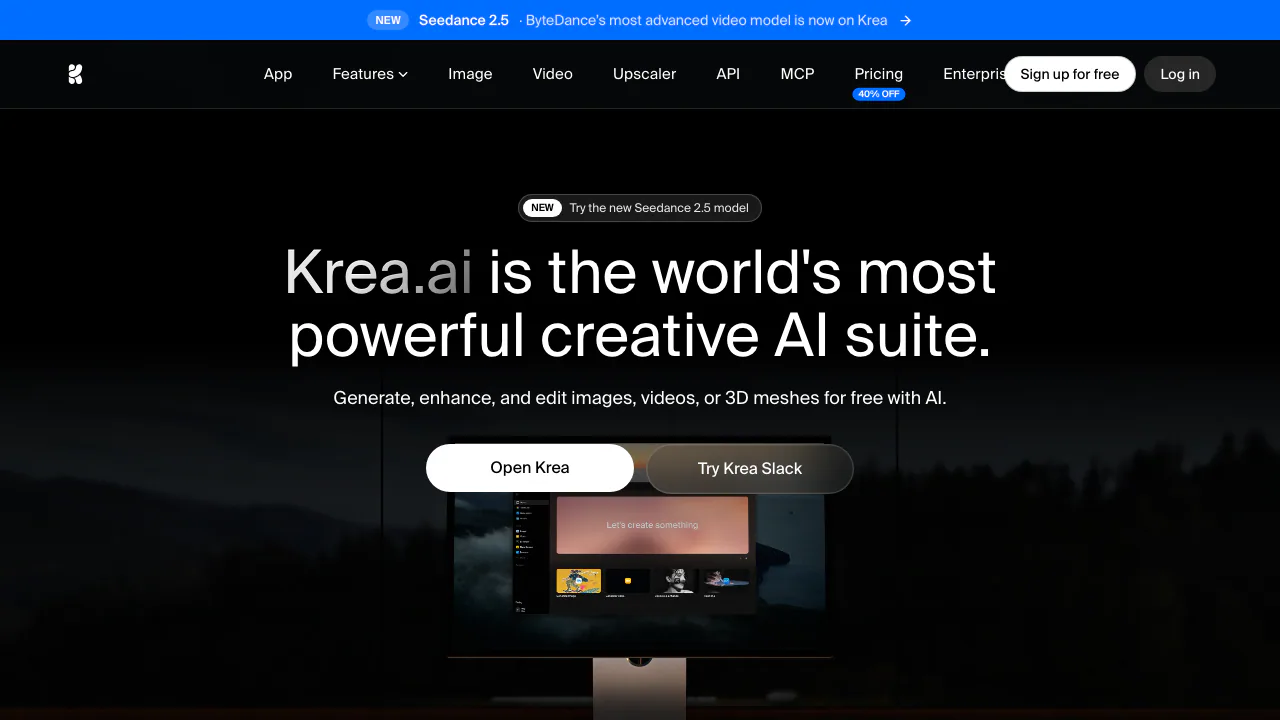
Krea is a browser-based creative suite that brings image, video and 3D generation, realtime canvases, generative editing, background removal, enhancement and upscaling into one workspace. It includes Krea models and models from other providers. That makes it useful for exploring several visual directions without rebuilding a workflow in separate apps, but model quality, controls, generation time and compute-unit cost can differ substantially.
Run one controlled production test
Start with a short brief: audience, placement, aspect ratio, required objects, exact text, visual references and forbidden changes. Pick one model and save its name, prompt, seed or reference settings where available. Generate a small comparison set before spending units on high resolution or video. Judge every candidate at its final display size for spelling, anatomy, edges, product proportions, brand colors, safe margins and unwanted logos.
Use the image editor for local changes and keep versions so an edit that fixes one region does not silently damage another. The official editor page covers masks, object removal, background changes, outpainting and references. Upscaling can reconstruct texture rather than recover factual detail, so compare faces, labels, architecture and products with the original. For video, watch the whole clip for identity drift, warped hands, changing text, cuts and final-frame glitches. For 3D, inspect silhouette, topology, UVs and scale in the downstream application before calling the mesh production-ready.
Krea's realtime tools are strongest during composition and mood exploration: rough shapes or a live input can change the result immediately. Realtime feedback is not the same as repeatable accuracy, so freeze the chosen direction and reproduce it through a documented final workflow.
Plans, visibility and rights
The Free plan provides daily compute units and limited access; paid plans add larger allowances and capabilities. The live pricing table currently lists commercial licensing as a paid-plan benefit, so do not assume a Free generation is cleared for client work. Different models and actions consume different units, and video can exhaust a test budget quickly.
Krea's Terms of Use make commercial use dependent on the subscription tier and place responsibility for third-party rights on the user. They also require users to manage submission visibility and grant Krea broad rights needed to use submitted material in connection with the service. Review the privacy policy and account controls before uploading confidential campaigns, faces, client assets or proprietary training sets. A paid commercial license does not clear trademarks, likenesses, copyrights or rights in an uploaded source image. The downloadable Krea 2 model has a separate community license; do not apply hosted-app terms to local model deployment automatically.
Is Krea free?
Yes, a limited Free plan has daily compute units. Paid plans expand access and add the commercial-license benefit shown on the current plan table.
Which Krea model should I use?
Test the same brief on a small set and compare fidelity, controls, speed and unit cost. The newest or most expensive model is not always the best fit.
Related tools
AI Image & Video Generators →
FavorePaid
Create an image, refine it, then turn it into motion in one workspace.Kente LabsFreemium
AI tools for family memories, voice journals and jewellery ideas.
RecraftFreemium
Generate and edit raster, vector and product visuals in one design workspace
GrokFreemium
Real-time AI chat, research, code, images, video and voice from xAI.
Graffiti GeneratorFreemium
Free online graffiti generator and AI street art maker