

PancakePaid
Turn your website and buying signals into reviewed prospects and personal outreach.
Bearconnect: LinkedIn automation for outreach and AI posts
Combine LinkedIn prospecting, reply management and AI post scheduling in one cloud workspace.
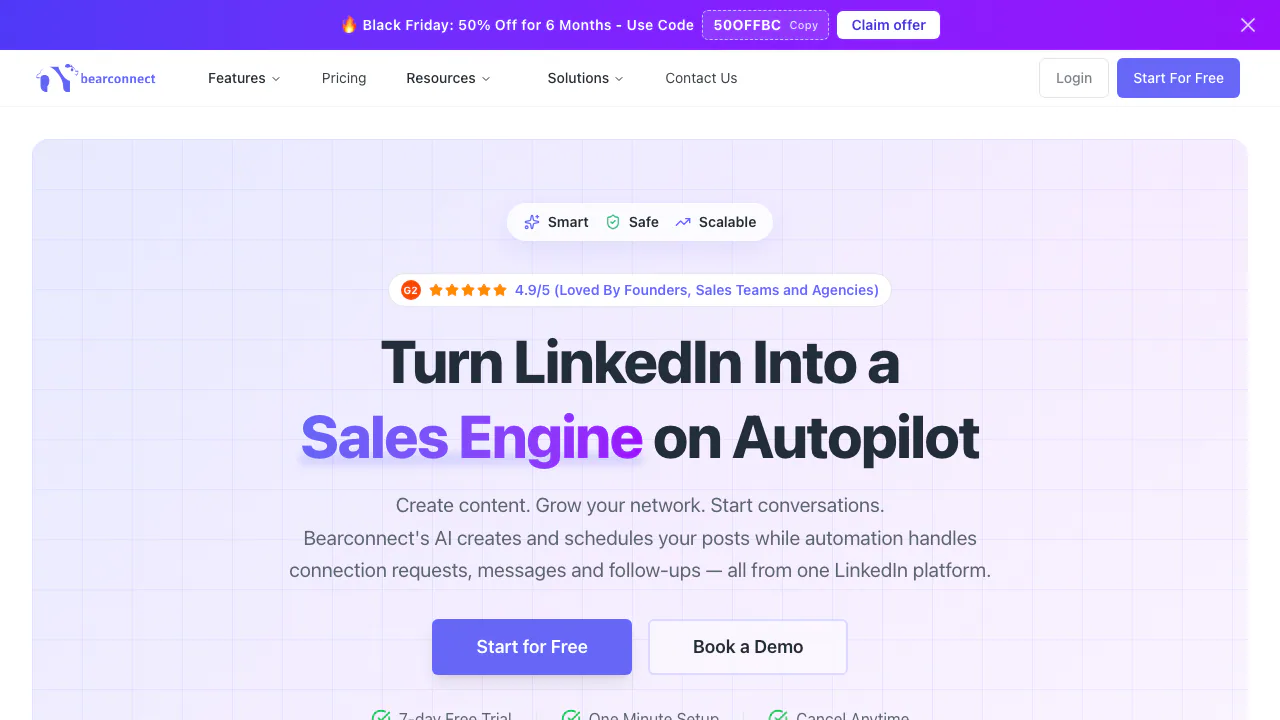
What does Bearconnect do, in plain English?
Bearconnect is a web platform from Bearconnect LLC for running LinkedIn outreach and publishing AI-assisted content. Think of it as a workspace for two connected jobs: sharing posts that attract relevant people, and following up with prospects through connection requests and messages.
It suits founders, B2B sales teams, consultants and agencies managing client accounts. You supply the audience, message and editorial judgment; the software handles repeatable steps. The useful outcome is an organized pipeline of conversations, rather than a promise that automation will produce sales.
Build a prospect list and launch a measured outreach sequence
Prospects can come from LinkedIn search URLs, Sales Navigator, CSV files, first-degree connections, post engagement or LinkedIn groups. Sales Navigator is optional: the service also works with a regular LinkedIn account.
The official campaign guide documents this practical path:
- Open Campaigns, choose the sending account, name the campaign and select a lead source. Paste a filtered LinkedIn search URL, or upload a CSV and map its columns.
- Review import exclusions, including people already in another campaign. The guide lists a maximum of 1,000 people per search and recommends starting with 250.
- Choose a flow such as Standard Outreach, then edit the connection request, waits, messages and follow-ups.
- Set the audience's timezone, working hours and daily allowance. Review message variables and the required fallback text for missing profile details. CSV custom columns can supply individual opening lines.
- Launch, then inspect sent requests, acceptances, messages and replies. Standard Outreach stops when a prospect replies, so you can continue the conversation from the Unified Inbox.
As checked on October 15, 2026, the guide lists up to 25 connection requests and 50 messages per account each day, shared across campaigns. These are documented product settings, not a guarantee of LinkedIn permission or identical allowances for every account. Campaigns run in the cloud during configured hours, including when your computer is off.
Turn a writing style into scheduled posts and keyword replies
Brand Voice stores tone, formality, point of view, vocabulary, formatting and custom writing instructions. You can provide up to five writing samples, generate a draft in a selected voice, edit it and schedule publication. Review factual claims and client-specific language before publishing.
Post Magnet connects a post's comment keyword to a predefined public reply or direct message. In Write Post, enable the feature, enter the keyword, choose the response mode, write the reply and set a reply cap and expiry before publishing or scheduling. A resource giveaway is a concrete example: someone comments the requested word and receives your prepared resource link.
The Post Magnet guide lists defaults of 100 replies and 14 days. Replies stop at the configured cap. Configure it while creating the post rather than assuming it can process any previously published post.
Keep client accounts and sales systems organized
The shared inbox brings together conversations across LinkedIn accounts, with labels and notes. Workspaces separate clients or teams, while roles control access; a Viewer can inspect results without editing campaigns.
Official integrations cover HubSpot, Pipedrive, Zapier, Make, n8n and custom webhooks. Webhooks send JSON events to HTTPS endpoints and offer HMAC signatures. They must also be mapped to the relevant campaign. This can move outreach progress into an existing CRM or workflow; it does not establish that a general-purpose public REST API exists.
Understand the subscription and data conditions
Public USD monthly pricing checked on October 15, 2026 lists Starter at $67 per LinkedIn account for one to four accounts. Growth starts at $285 monthly for five accounts, with additional accounts at $57 each per month. Both include the inbound and outbound features, AI and integrations; Growth adds services such as priority support. Annual billing is also offered. Confirm the billing period, taxes and final total on the official pricing page.
The full-feature trial lasts seven days and requires a credit card. Cancel during the trial to avoid a charge. The terms of use describe automatic renewal and generally nonrefundable fees, subject to legal exceptions.
The privacy policy says Customer Data remains yours and is processed to provide, maintain and improve the service. It says personal information is not sold, but data may be transferred to the United States or other jurisdictions. A fixed retention period and a blanket no-AI-training promise are not established by that policy. Check your authority to upload and contact people before importing a client list.
Frequently asked questions
Does Bearconnect only send outreach messages?
No. It combines prospect importing and outreach sequences with AI post writing, scheduling, keyword-triggered replies and multi-account inbox management.
Is Bearconnect free?
The verified offer is a seven-day trial requiring a credit card, followed by a paid per-account subscription. A permanent free plan was not verified.
Can its safety features guarantee an unrestricted account?
No such guarantee should be assumed. The vendor describes dedicated IPs, warm-up and activity limits, but its terms state that Bearconnect is not affiliated with or endorsed by LinkedIn and require compliance with platform rules.
Official resources
- Documentation: set up CRM connections and event-based integrations.
- Contact and support: ask about account or service conditions.
- LinkedIn company page: see official demonstrations and updates.
Related tools
AI Marketing & Sales Tools →
Manifold MCPFreemium
Give your existing AI assistant SEO, AI visibility, social and prospect research data.
KodloPaid
Find suitable prospects, check the evidence and prepare outreach in one sales workspace.
AgentSDRFree
Self-hosted sales outreach, enriched leads and AI reply drafts in one workspace.
SaybleFreemium
Live conversation prompts and practical follow-up for important calls.
SalesRepPaid
Qualify leads, share product quotes and hand conversations to your team from one inbox.