

ExtrovertPaid
Find prospects, draft relevant comments and keep LinkedIn conversations moving.
AgentSDR: Open-Source AI SDR for Sales Outreach
Self-hosted sales outreach, enriched leads and AI reply drafts in one workspace.
What does AgentSDR actually do?
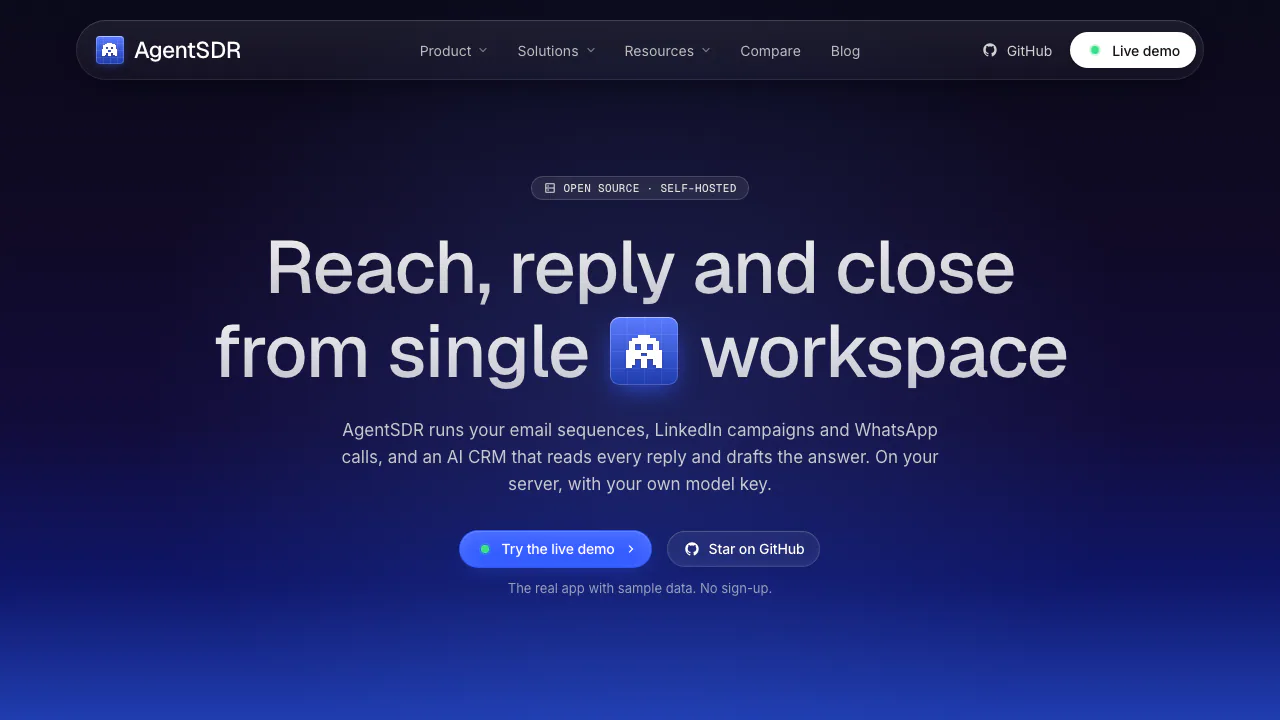
AgentSDR is an open-source AI SDR that helps a sales team contact prospects and manage the conversations that follow. Think of it as a shared workbench: bring in a contact list, prepare outreach, collect replies and review the next response. SDR means sales development representative, the role focused on starting and qualifying sales conversations.
The project is led by Kandid. It combines outreach and an AI CRM on infrastructure you operate, using your own channel accounts and model credentials. It suits founders doing their own prospecting, sales teams and agencies that can maintain a deployment. Multiple organizations and owner, admin and member roles help separate client workspaces.
From a prospect list to a reviewed reply
The official quickstart provides a practical first run:
- Deploy the app, create the first administrator account and name your organization.
- In Settings, connect OpenRouter, select allowed providers and models, choose a default model and confirm that shared-capacity fallback is disabled.
- Connect Google Workspace and add a sending mailbox. LinkedIn and WhatsApp instead require your own Unipile connection.
- Import prospects from CSV, XLS or XLSX. The People importer reads the first sheet and needs an email address or LinkedIn URL per row. Review created, updated and failed rows; the documented file limit is 5,000 rows.
- Create an email campaign, add leads, write the sequence and preview messages against several records. Use the campaign importer if extra spreadsheet columns need to become message variables; the general People importer ignores unrecognized columns.
- Launch only after checking the mailbox, complete sequence and lead count. When replies arrive, open Action required, read the original message, verify the classification, edit the draft and approve sending.
Missing merge-field values become empty text, so previewing matters. A lead's reply, bounce, unsubscribe or Do Not Contact status stops further campaign messages for that lead. Configured campaigns can send on schedule; that is different from AI reply drafts waiting for approval.
Email, LinkedIn and WhatsApp have different requirements
Email sending uses Google Workspace; the official README says Microsoft 365 is not yet supported. LinkedIn and WhatsApp connect through Unipile, with account pacing and sending controls. These controls do not guarantee that an account will avoid restrictions.
WhatsApp calls can be recorded with the Call Recorder extension in Chrome 116 or newer. This requires a linked number, your own Cloudflare R2 storage and WhatsApp Web in English. Transcription additionally needs an audio-capable model configured in AgentSDR. It is a browser-assisted calling workflow, not evidence of an autonomous voice salesperson.
Enrich records and keep the pipeline usable
Tables combine enrichment providers, AI columns, HTTP requests and formulas. They help turn incomplete records into inputs for more relevant outreach. Map required inputs, choose output fields and test with “Save & run 10 rows” before processing a full table. Provider credits are charged to your account, including additional runs.
The CRM classifies incoming replies and prepares drafts. Low-confidence or protected stage changes are held for review. Analytics brings together replies, positive responses, meetings and customers by channel, helping teams inspect their own results. Numbers shown in the demo are not promised outcomes.
Free software still has operating costs
As checked on 10 October 2026, AgentSDR has no software seat, contact or mailbox fees. Its MIT licence permits commercial use and modification subject to the licence notice requirements. You still fund hosting, database operations, Google Workspace, Unipile, model usage, enrichment and any recording storage you use. There is no verified single all-inclusive price to quote across markets.
Follow the current Docker deployment guide, use production HTTPS and secure secrets, and plan backups. An external PostgreSQL database must be version 16 or newer. The documented sender requires one app replica; running two can cause duplicate sending. A team wanting a maintained, ready-to-use hosted service should account for this operational work.
Data ownership and external processing
Contacts, conversations and settings live in your PostgreSQL database; recordings live in your R2 bucket. Saved integration credentials are encrypted. AI requests still pass through OpenRouter to the provider you enable: self-hosting does not mean offline processing. Review the AI provider configuration and connected services' policies before importing sensitive records.
You manage permissions, retention, backups and outreach choices. The responsible-use guide explains platform restrictions, opt-outs and recording consent. Rate controls do not provide a blanket compliance guarantee.
Common questions
Is AgentSDR completely free to run?
The software is free and MIT licensed. Infrastructure and connected providers can still charge you; calculate those separately from software licensing.
Will the AI send replies without a salesperson?
AI-generated reply and CRM follow-up drafts wait for a person. Initial outreach campaigns can send their configured sequences automatically once launched.
Does self-hosting keep customer data entirely offline?
No. You control storage, but enabled messaging, enrichment and AI services process the data needed for their tasks. Check which providers you connect.
Can I start with an ordinary contact spreadsheet?
Yes. CSV, XLS and XLSX imports are supported, with a 5,000-row file limit in the documented importer. Required identifiers and column handling depend on the import route.
Official resources and community
- Source code and licence: inspect the app and its terms.
- GitHub Discussions: usage questions and implementation ideas.
- Issue tracker: reproducible bugs and feature requests.
Related tools
AI Marketing & Sales Tools →
Fuse AIFreemium
Find suitable prospects, enrich contact data and review AI-written outreach in one sales workflow.
Client GénieFreemium
Describe your business, find suitable prospects and start more relevant sales conversations.
OkaraFreemium
Coordinated AI marketing agents, with human review
Gojiberry AIPaid
Find relevant B2B prospects and prepare personalized LinkedIn and email outreach.
RelaticleFreemium
An open source CRM for customer records, sales pipelines and AI-assisted work.