

Navier AIPaid
An engineering agent for CAD, simulation, code and reports
Wavefunction: an open-source AI coding assistant for Mac
Parallel coding tasks with your own cloud or local models.
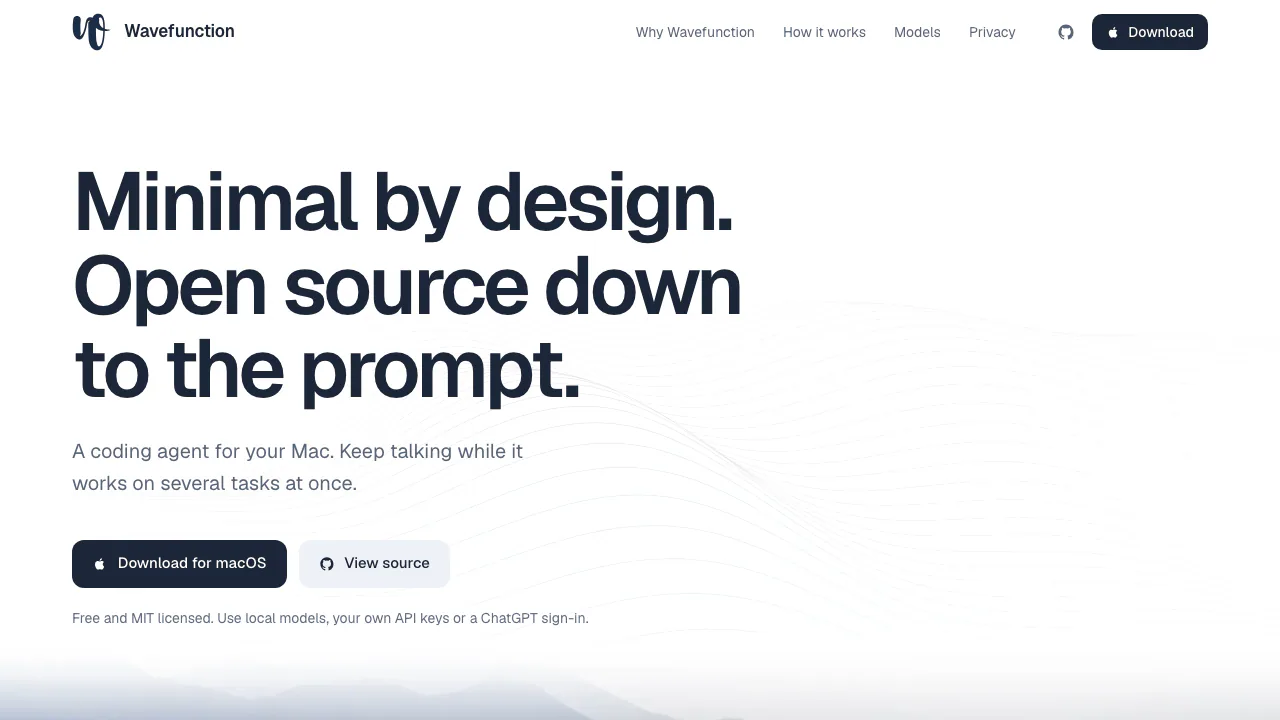
Wavefunction is an open-source AI coding assistant for developers on a Mac. It combines project-aware conversations, code changes, parallel helpers and a choice of model providers in a focused desktop app. You can keep giving direction while work is running, then review what changed and how it was checked.
What is Wavefunction, in plain English?
The website is the download and source-code entry point for a Mac coding application. Give the app a project folder and a concrete request, such as adding a filter to an existing billing page. Its agent can work with the project, edit code and run development commands. You remain responsible for reviewing the result.
It suits developers who want a conversational way to move real repository tasks forward without giving up their own model choices. It requires desktop installation and model setup, so consider those prerequisites when choosing a tool for a quick browser-only question.
Keep several coding tasks moving
Each chat has its own model, folder and history. In a Git repository, a new chat defaults to a separate branch and checkout. For larger jobs, the agent can start helpers and bring their work back together. Helpers may share the parent's checkout; isolated worktrees are another option, rather than a promise that every helper is always isolated.
Messages sent during execution steer the current task. Use Queue follow-up when the request should wait. You can inspect, redirect or stop helpers, fork a chat from a message, or rewind code and conversation to a saved message state. Rewind does not preserve every intermediate version. Scheduled routines require the app to remain open.
A practical first project
- Get the DMG from the official download and drag Wavefunction into Applications. The documented requirements are Apple Silicon and macOS 11 or later.
- Follow setup to connect a provider or local model service, choose models and create a project.
- Open the project folder. Keep New worktree enabled for a separate Git checkout, or deliberately turn it off to use the project directory.
- State the change, constraints and acceptance checks. A useful example is: “Add a month filter, keep the API response unchanged, add tests and report their results.”
- Review the diff and execution output before accepting the work. Completion messages alone do not establish correctness.
Bring your own cloud or local model
The official site lists ChatGPT Plus/Pro sign-in, API keys for Anthropic, Google Gemini, OpenAI, OpenRouter and Vercel AI Gateway, plus Ollama and OpenAI-compatible services such as LM Studio. Select a model per chat and switch when appropriate. Connecting an account does not include a new subscription, API balance or universal usage allowance.
Computer use on a separate desktop
When a task needs a graphical environment, computer use runs in a local Docker container with its own desktop. According to the documentation, it does not move your Mac's pointer, type on its keyboard or record its screen. You can watch or take over. Private website sign-in pauses the agent, and files move through explicitly added inputs or allowed delivery folders.
This feature needs Docker Desktop and a model that can read images. Its separate desktop is distinct from ordinary project-command execution and does not prevent data sent to websites or cloud models from leaving your machine.
Reuse MCP tools and project instructions
The site currently describes 70+ ready-made MCP connectors and support for additional MCP servers. Actual access depends on each service's permissions. Wavefunction follows AGENTS.md and loads SKILL.md skills, letting you reuse project conventions. Instructions guide behavior; they do not replace permission boundaries or code review.
Understand the data boundary
Conversations, skills and settings stay on the Mac, but hosted providers and connectors receive inputs sent to them. Provider and connector keys are user-restricted local files, explicitly described as unencrypted.
Require zero data retention in Settings → Models has a specific effect for OpenRouter and Vercel AI Gateway routes. Other providers require account-side configuration. Commands normally use the macOS sandbox; outside-project access needs grants, and full access changes some approvals. The security policy explains these boundaries and the limits of irreversible-command checks.
Free application, separate model costs
Verified November 5, 2026: the software is free under the MIT license. Model services charge under their own terms, which may vary by account and market. Do not treat free software as bundled unlimited inference.
Settings → Analytics tracks provider-reported tokens, cache use, runs, working time and reported USD costs, with per-model totals and a 14-day history. Missing cost reports are identified rather than counted as zero; the provider's bill remains the reference for charges.
Common questions
Is there a shared free model allowance?
No universal allowance is specified by the product materials. The app is free; your chosen provider determines model access, quotas and charges.
Can I use Ollama or my own API?
Yes. Ollama and OpenAI-compatible endpoints are documented alongside the listed cloud services. Model capabilities and endpoint configuration still determine which tasks work.
Does installing it locally keep all code private?
Local storage does not stop inputs sent to cloud models or connectors. Review those services and permissions, and account for the unencrypted local credential files.
What hardware does it need?
The documented app targets Apple Silicon Macs on macOS 11+. Computer use additionally needs Docker Desktop and an image-capable model; Windows or Linux packages are not established by these instructions.
Official resources
- Official repository and README: setup, architecture and contribution guidance.
- GitHub Issues: ordinary bugs; use the security policy's private reporting route for vulnerabilities.
Related tools
AI Coding & Developer Tools →
One RoofFree
Bring coding-agent sessions, approvals and bounded loops into one Mac app.
QualityLayerPaid
An approval and review workflow for the coding agents you already use.
NanaFree
Run coding agents side by side with worktrees and persistent terminals.
FlockbayFreemium
Build and playtest editable Godot games with AI
AgentMashFreemium
A shared workspace that tells coding agents what teammates are changing before their work overlaps.