

RecraftFreemium
Generate and edit raster, vector and product visuals in one design workspace
remove.bg AI Background Remover
Automatic AI background removal for photos in seconds
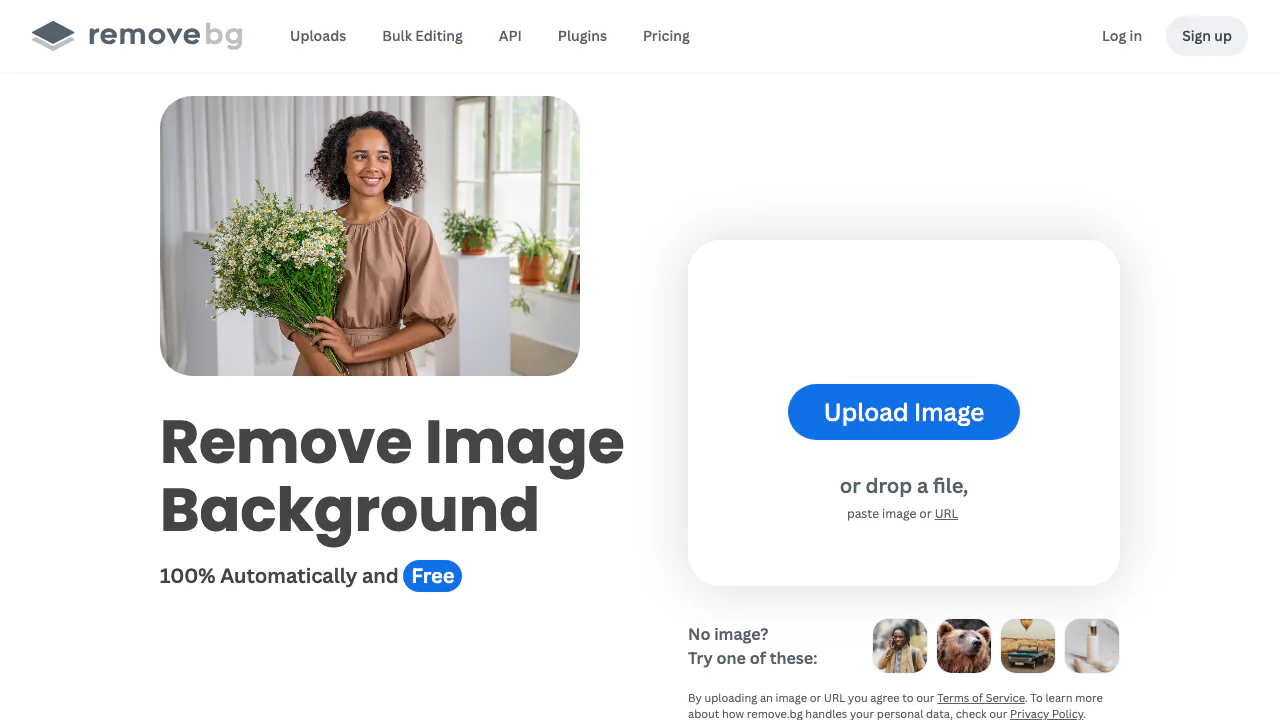
remove.bg is an online AI background remover for turning a photo into a transparent cutout without drawing a selection by hand. It is most useful when you need a quick product image, portrait, logo, presentation asset, car listing, or social graphic. The important part is not only getting an automatic result, but checking the edges, choosing the right output, and understanding when the free preview is enough.
How to remove a background with remove.bg
- Open remove.bg and upload a JPG, PNG, or WebP image. You can also paste an image or image URL where the interface offers that option.
- Wait for the service to detect the main foreground and remove the surrounding background.
- Inspect hair, fur, transparent objects, shadows, gaps between limbs, and places where foreground and background have similar colors.
- Open Edit or Cutout when the automatic mask removed something you wanted to keep or left part of the background behind.
- Use erase and restore, or the AI-assisted Magic Brush, to correct the selection. A rough brush stroke is usually enough for Magic Brush to decide what to remove or bring back.
- Leave the result transparent, add a solid color such as white, or insert another image before downloading.
This workflow is fast, but automatic removal should be treated as a first pass. Zoom in before using the image in a store, print layout, ad, or client deliverable.
Transparent PNG, white background, and cleaner edges
Choose a transparent PNG when the cutout will be placed in a design tool, slide, thumbnail, or another composition. Choose a white or colored background when the destination requires a finished rectangular image, such as a marketplace listing. JPG is smaller but cannot preserve transparency; PNG and WebP can.
remove.bg accepts JPG, PNG, and WebP uploads up to 22 MB and supports input images up to 50 megapixels. For the API, transparent PNG output is limited to 10 megapixels, while WebP or ZIP can keep transparency at up to 50 megapixels; JPG can also reach 50 megapixels but has no alpha transparency. See the current API output format table before designing an automated export pipeline.
For a cleaner cutout, start with a sharp, correctly oriented photo in good light. A clear difference between subject and background is more helpful than a particular background color. Blurred or simple backgrounds are easier than detailed scenes. Fine hair, fur, glass, reflections, hard shadows, and overlapping objects may need Magic Brush or manual erase/restore. The official image guidance is useful when planning a product shoot.
What is free, and when do you need credits?
The website offers free low-resolution previews up to 0.25 megapixels for personal use. A free account also includes 50 preview calls per month for the API or apps. That is enough to test the cutout, prepare a small personal graphic, or evaluate whether the model handles a difficult image.
Full-resolution downloads and larger recurring workloads use paid credits. There is also an important licensing boundary: remove.bg says free and no-account use is non-commercial, while commercial use is permitted with subscription plans or pay-as-you-go full-resolution images. A product image for an online shop is commercial use even if the background-removal step is simple. Check the current free-plan explanation and commercial-use rule before choosing a plan.
Web editor, batch desktop app, or API?
Use the website for a few images and when you want to inspect each cutout. Use the desktop app for Windows, macOS, or Linux when a folder of product photos needs the same treatment; it supports batch work and uses an API key. Developers can send a file, base64 image, or image URL to the API and request PNG, JPG, WebP, or ZIP output. The API is a better fit for catalog ingestion, marketplace uploads, profile-photo flows, and repeatable media pipelines.
Batch automation saves clicks but does not remove the need for quality control. Sample difficult image types first, define the required background and format, and route uncertain results to manual review.
Privacy and who should use remove.bg
remove.bg uploads images to its service for processing. Its current privacy policy says files are uploaded securely, returned for download, and deleted shortly after. The same policy also describes possible analysis of account activity, content, and media to provide, customize, improve, and train services. If a photo contains a client, employee, child, confidential product, identity document, or another person's personal data, confirm that you have the necessary permission and review the current policy before uploading.
remove.bg is a strong fit for fast still-image cutouts and repeatable cloud workflows. It is less suitable when images cannot leave the device, when every edge needs pixel-level art direction, or when the task is video. remove.bg documents still-image processing; its help center points video users to the company's separate Unscreen service.
AI backgrounds, apps, and integrations
Background removal is only the first step in the current editor. You can generate a replacement background without writing a prompt, choose a solid or uploaded background, and use erase/restore or Magic Brush when the automatic mask gets an object wrong. For repeated work, remove.bg offers an official desktop app for Windows, macOS, and Linux, an Android app, a Photoshop extension, an API, and integrations such as Figma and Zapier. The company warns that it does not currently offer an official iOS app, so check the publisher and URL before entering account or payment details.
The right route depends on volume. Use the web editor when you need to inspect a few product photos or portraits. Use desktop batch editing when the same background and output settings apply to a folder. Use the API when removal belongs inside an upload form, catalog pipeline, marketplace workflow, or internal media service. The API rate limit is measured by image megapixels: the documented ceiling is up to 500 one-megapixel images per minute, with lower throughput for larger inputs.
Pricing snapshot verified on August 31, 2026
remove.bg is freemium. The free website preview is limited to 0.25 MP and personal use; a free account includes one trial credit and 50 monthly preview calls for apps or the API. A high-resolution cutout generally costs one image credit.
On the official pricing page, the USD annual-billing view showed Lite at 40 credits per month for $8.10/month ($97.20 billed yearly), Pro at 200 credits for $35.10/month ($421.20 yearly), and a Volume+ example of 500 credits for $80.10/month ($961.20 yearly). A pay-as-you-go example showed 3 credits for $3. Prices, taxes, currency, billing period, and available volumes can change by market, so treat these numbers as a dated comparison and check the live pricing page before buying.
Pro adds bulk editing; Volume+ adds custom API controls for cropping, scaling, and positioning. Enterprise starts at 100,000 images per year and is quote-based. The refund policy offers a conditional 14-day guarantee for a first subscription, including a requirement that fewer than 50 images have been processed, so read all conditions before relying on it.
Official company and support channels
remove.bg is a Canva Austria GmbH brand. For ordinary problems, start with the Help Center; the site states that remove.bg support is currently available in English. Use the support page for account, billing, technical, or high-volume sales questions, and check the platform status page before troubleshooting an apparent outage.
The footer also verifies the official YouTube channel, which is the most useful social link for demonstrations. For privacy or data-rights questions, use the contact details in the current privacy policy. These channels are safer than similarly named apps and websites that are not operated by remove.bg.
Frequently asked questions
Is remove.bg completely free?
Free use covers low-resolution website previews for personal use, plus a limited number of preview calls for free accounts. High-resolution downloads, larger volumes, and commercial use require an eligible paid option.
What files and sizes can I upload?
The supported inputs are JPG, PNG, and WebP up to 22 MB, with images up to 50 megapixels. Output limits depend on format and whether you request preview or full resolution.
Can remove.bg make a transparent PNG?
Yes. Leave the replacement background unset and download a transparent result. For very large transparent API output, WebP or ZIP supports a higher limit than PNG.
Can remove.bg remove a video background?
Not through the documented remove.bg image workflow. For video background removal, use a product designed for video, such as the Unscreen link provided in the remove.bg help center.
Related tools
AI Image & Video Generators →
KreaFreemium
Generate, edit and enhance images, video and 3D assets across many AI models
Image to Image GeneratorFreemium
Multi-model AI studio for image-to-image creation and prompt editing
Zzo.aiFreemium
Create and edit images, then turn text or stills into video with multiple AI models.
IdeogramFreemium
Generate design-ready images with strong typography, Canvas editing, and prompt-guided visual control.
MiniMax H3 MaxFreemium
Turn a written shot into a short video with synchronized audio.