

EdgeeFreemium
Route coding agents, compress tokens and track model costs.
Navige: AI agent cost optimization through an LLM gateway
Measure agent spending, then enable controls for the calls you route through Navige.
What does Navige actually do?
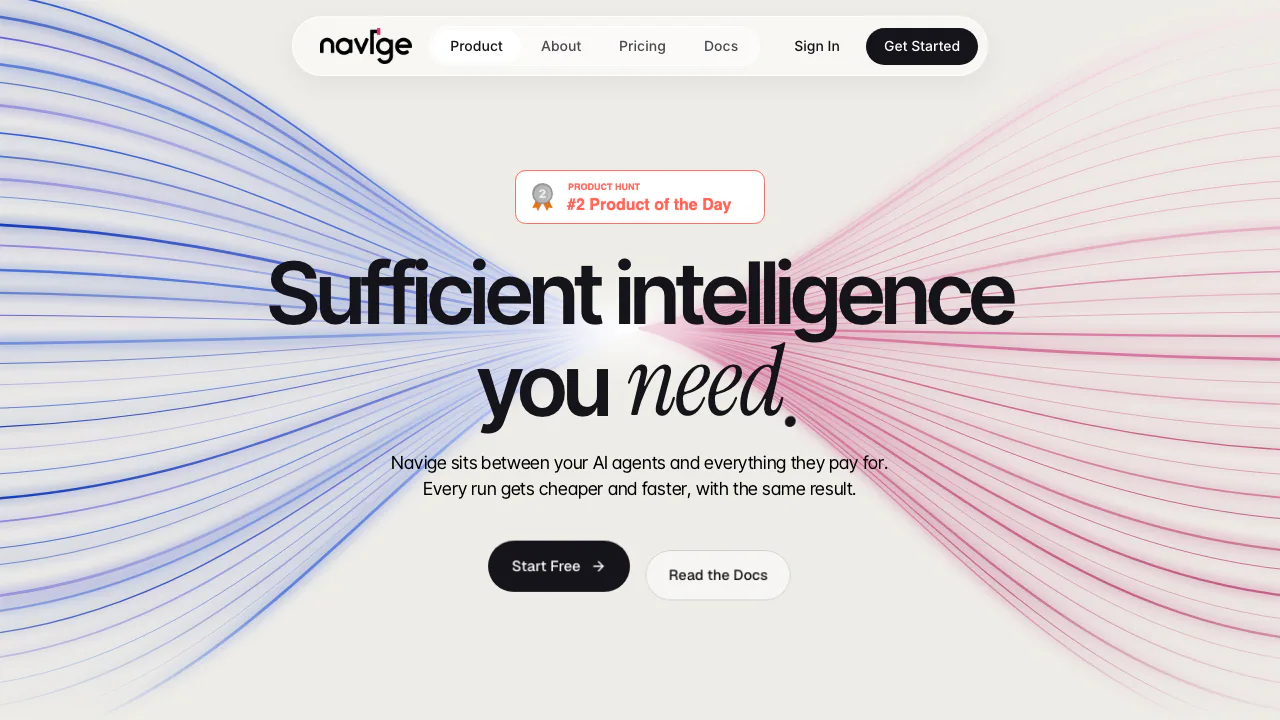
Navige is an AI agent cost optimization and governance service from Navige Ltd. Think of it as a checkpoint between your software and the models or tools it calls: it records spending and, when configured, can change or stop a call before more money is spent. You keep your agents, model-provider accounts and application logic.
It suits developers and platform teams running API workloads, especially jobs with repeated tool reads, long conversations or several model calls. It is not a ready-made consumer chatbot, and connecting a hosted assistant's tools does not make its subscription-model usage visible.
Find the cost of a completed job
Navige records model usage, tokens, latency and calculated cost. A workflow label identifies the kind of work; a transaction ID connects the calls belonging to one particular run. That lets a team examine the cost of processing an invoice or handling a support case rather than an isolated request.
Keep three figures separate: recorded usage cost, modelled savings that might have happened, and measured savings from controls that actually ran. Missing model prices are unknown, not free. A successful HTTP response also says nothing about whether the business task was completed correctly; review the outcome in Transactions.
Reduce repeated work without hiding the tradeoffs
The available controls include reusing identical read results, limiting oversized tool outputs, withholding unused tool schemas and trimming stale context. Cached reads can be older than fresh data, and trimming context can invalidate prompt caching. Anthropic prompt caching is enabled by default for new organisations where supported.
Model routing can choose a cheaper model within the same provider. Per-call routing can act immediately; evidence mode waits for at least 200 judged jobs on each of two models. Output checks catch some malformed results, but do not guarantee correctness. Optional sampled comparisons create additional provider calls and costs.
Budgets initially report spending. Choose “Refuse further calls” to enforce a threshold; calls already running can still overshoot it. Runaway detection starts disabled and needs roughly 20 measurable jobs before deriving its own spending-rate threshold. Kill switches and hard spend caps are available on the free tier; enforcing governance rules and economic controls require paid activation.
Connect one representative workload first
Follow the guided onboarding instructions:
- Create an account, confirm your email and use Agents → Add agent. Save the displayed
nv_key securely. - Point the existing SDK at the documented provider proxy, such as
https://api.navige.ai/proxy/openai/v1, and addx-navige-key. Keep the provider credential in its normal authentication field. - Send
x-navige-workflowand a distinctx-navige-transactionfor each job. Reuse that transaction ID across the job's calls and retries; a workflow name alone is insufficient. - Run a small test, inspect its steps and usage in Transactions, and judge whether the answer is correct. Review Settings → Cost Control before enabling applicable controls.
The documented providers are OpenAI, Anthropic, Google Gemini, xAI and AWS Bedrock; Bedrock needs a connected AWS account. For MCP, register your upstream server under Registry → Connected MCP servers before connecting a client. The Decision API supplies an allow/deny/approval decision that your own code must obey; it does not execute the action or report savings from its result.
Route limitations matter. Hosted MCP connections govern routed tools, not the hosted model. Claude Code disables context trimming, output ceilings, model routing and prompt caching. An unreachable gateway requires restored connectivity or a separately tested fallback; a direct fallback bypasses Navige.
Free monitoring and the paid minimum
Checked on 18 October 2026, the public dollar pricing provides ongoing Watchtower monitoring, unlimited agents and weekly opportunity reports without a card. Its projected savings are estimates.
Paid activation costs the greater of US$9 per month or 20% of measured savings. At US$100 saved, the fee is US$20; below US$45 saved, the US$9 minimum applies. Model-provider charges remain separate. Cancellation returns the account to Watchtower and turns enforcing policies back into advisory decisions. Local taxes and currency-specific checkout terms were not verified.
Understand what remains in the logs
The data processing agreement distinguishes proxy prompt/completion text, which is not stored, from usage metadata and redacted tool arguments, which are recorded. Navige states that customer data is not used for model training. Processing records normally remain for the account's lifetime unless deletion is requested; there is no automatic fixed-period deletion schedule. The agreement describes US data transfers through Railway and states that Navige does not currently hold SOC 2 or ISO 27001 certification.
Frequently asked questions
Does free Watchtower include free model tokens?
No. It covers Navige's observation service, while your own provider account continues to supply and bill the model calls.
What if paid controls save nothing?
The US$9 monthly minimum still applies. Use the free reports to evaluate the opportunity before activating paid controls; there is no guaranteed savings percentage.
Does “no training” mean no data retention?
No. Training use and operational retention are different. Metadata and masked tool arguments can remain until account deletion or an accepted deletion request.
Official resources
- Developer documentation: proxy, MCP, authentication and failure behaviour.
- Official support: integration questions and data-deletion requests.
Related tools
AI Model APIs & Infrastructure →
Together AIPaid
Connect AI models to your app, customize them with your data, and scale deployment on cloud GPUs.
Cloudflare DevelopersFreemium
Official guides for serverless apps, AI inference, agents and cloud infrastructure.
ReflectionFree
Build with Beam through an API, Mirror CLI, or your own infrastructure.
shimFreemium
Mask sensitive AI traffic, track spending and inspect coding-agent exposure.
StepFunPaid
Explore StepFun models in AI Studio or integrate coding, multimodal and voice capabilities through an API.