

LisenFreemium
Listen to articles in Chrome with your own Cartesia voices.
StepFun AI models for coding, research and voice applications
Explore StepFun models in AI Studio or integrate coding, multimodal and voice capabilities through an API.
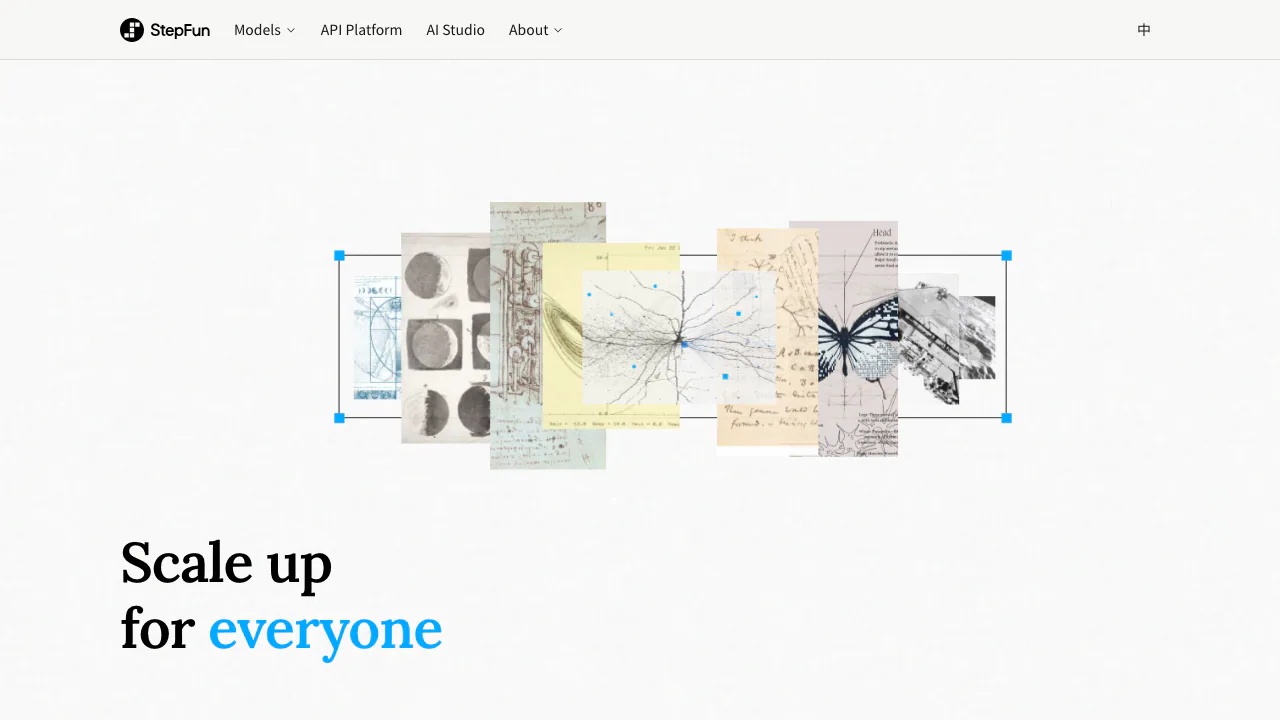
StepFun supplies AI models for software development, document analysis, multimodal understanding and voice applications. Its website connects model information, AI Studio, the API platform and deployment resources. It suits developers evaluating a model provider and users who want to try a task before building an integration.
What does StepFun actually do?
Think of StepFun as a source of AI capabilities: you provide a question, instructions or supported media, and a model produces a response. AI Studio gives you a browser interface for trying those capabilities. The API lets your own application request them programmatically.
For example, you could ask for an explanation of an error log, extract findings from a chart or turn text into spoken audio. These use different models and interfaces. A model does not automatically gain access to your computer: the application must supply any search, code execution or external tools.
Choose a model around the work and the input
Step 5 Preview targets coding, professional knowledge work and longer tasks. Its documentation lists a 1M-token context window, text/image/video input and a maximum text output of 64k tokens. That makes it a candidate for comparing documents, analyzing screenshots or working with a substantial code context.
Step 3.7 Flash also accepts text, images and video. Step 3.5 Flash is text-only. Start with your required input type, then compare representative outputs, latency and cost. Tool calling is useful only when your application actually implements the requested tools.
Image understanding should not be confused with image generation. The official pricing documentation says the older image generation and editing APIs stopped serving requests on October 10, 2026. For Step 5 Preview, the documented limit is 60 images per request; a URL-supplied MP4 must be below 128 MB, with a recommended duration under five minutes. Check the current model documentation for media limits; a large context window does not remove file-size restrictions.
Try a task, then make your first API request
Use AI Studio for an initial browser trial. Describe a concrete result, supply appropriate material and check the answer against the source. A useful pilot is to ask for a summary that separates documented facts from unresolved questions.
For integration:
- Complete the account and verification requirements for your platform region, then create an API key.
- Choose a model ID, such as
step-5-previeworstep-3.7-flash. - Follow the official API quickstart. The international standard API uses
https://api.stepfun.ai/v1; the China platform useshttps://api.stepfun.com/v1. - Send a small text request using cURL or the OpenAI Python SDK. Read the generated answer from
choices[0].message.content, then inspect usage and errors before adding media. - Add secure key storage, timeouts, retries and account rate-limit handling before production use.
The SDK format does not imply that every feature of another provider's API is interchangeable.
Build speech features with the right audio model
StepAudio 3 covers several jobs. ASR converts speech to text; TTS produces spoken audio from text; Realtime supports two-way voice interaction, interruptions and turn management. Gen and Music address audio and music generation.
A transcription workflow is different from a live voice assistant. Realtime uses WebSocket interaction, while TTS has its own synthesis interfaces. Choose the model and billing unit for the actual output you need, and test language and voice suitability with your own sample.
Understand API costs and Step Plan Credits
Checked October 19, 2026: the international standard API lists Step 5 Preview at US$1.00 per million uncached input tokens and US$2.70 per million output tokens. Cached input has a separate rate. Audio, search and storage may use other units or incur additional charges; see the official pricing and limits.
Step Plan supplies a monthly Credit allowance through a separate subscription channel. For OpenAI-compatible calls, its international base URL is https://api.stepfun.ai/step_plan/v1. Using the ordinary API URL does not automatically spend subscription Credits. Monthly Credits do not roll over; current booster and tier conditions are in the Step Plan documentation.
Some StepAudio 3 preview endpoints are temporarily free. That is a limited promotion, not a permanent free tier for all StepFun models. China-platform RMB rates and international USD rates should be treated separately.
Check data handling and model licensing
The international privacy policy describes collection of interaction inputs, US-based servers and cross-border processing. It also describes training and fine-tuning uses for API data shared in certain Startup or early-access programs. Do not assume a blanket no-training or zero-retention commitment.
China-platform services have a separate policy. Check the actual region and agreement before submitting confidential material. Start an evaluation with non-sensitive examples.
Step 5 Preview has published weights under StepFun Model License 1.0, with conditions on redistribution, attribution and certain commercial uses. Review the official repository and license before self-hosting; available weights do not mean unrestricted commercial use or zero infrastructure cost.
Frequently asked questions
Is StepFun free to use?
Some audio preview endpoints are temporarily free. Standard model calls are generally metered, while Step Plan is a paid subscription. Check your account for any current trial offer.
How do I get a StepFun API key?
Use the API-key area of the appropriate official platform after completing its account requirements. Match the key, regional endpoint and intended billing channel.
Can every StepFun model read images?
No. Step 5 Preview and Step 3.7 Flash support visual inputs; Step 3.5 Flash is text-only. This is separate from the retired image-generation APIs.
Official resources and developer community
- International API platform: accounts, keys and usage.
- Platform support: official support and developer-group entry points.
- StepFun Discord: the community linked from the official website.
Related tools
AI Model APIs & Infrastructure →PipioFreemium
Create presenter videos with AI avatars, voices, and dubbing
TavusFreemium
Real-time conversational AI humans, custom replicas and async avatar video through one API
ReflectionFree
Build with Beam through an API, Mirror CLI, or your own infrastructure.
shimFreemium
Mask sensitive AI traffic, track spending and inspect coding-agent exposure.
NavigeFreemium
Measure agent spending, then enable controls for the calls you route through Navige.