

Cloudflare DevelopersFreemium
Official guides for serverless apps, AI inference, agents and cloud infrastructure.
Together AI API for model inference and customization
Connect AI models to your app, customize them with your data, and scale deployment on cloud GPUs.
What is Together AI, in plain English?
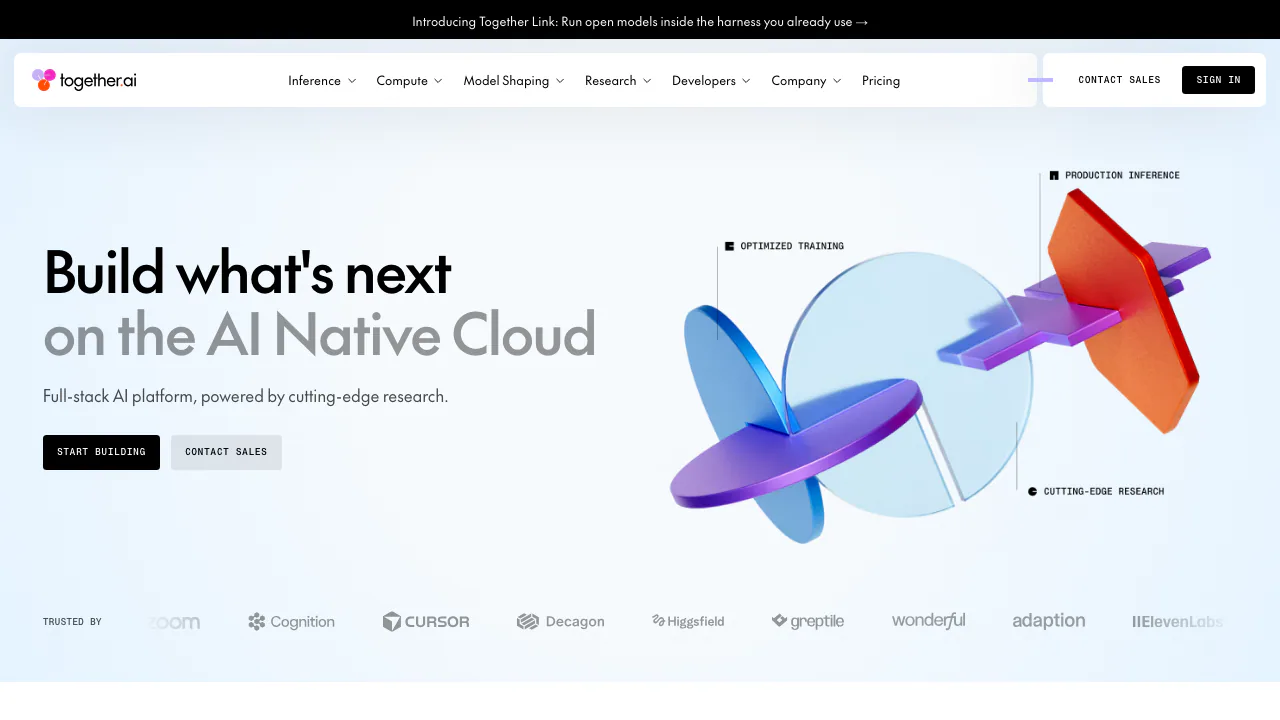
Together AI is a cloud platform that lets developers send requests to AI models and receive results inside their own applications. Think of it as a place to rent access to models and the computers that run them: your application sends a conversation, a prompt or other supported input, and the chosen model returns an answer or generated media. You can begin with a hosted API without buying a GPU or maintaining a model server.
The platform, operated by Together Computer, Inc., also provides model fine-tuning and GPU clusters. It suits software teams building assistants, extraction workflows and other AI features, as well as machine learning teams with their own datasets. A developer still needs to select models, integrate the responses and evaluate the result; the API is an ingredient in a product, rather than a complete business workflow.
From an API key to a useful first response
- Create an account and check the current credit requirements in billing. Open your project's API keys page, create a key and save it securely; the full key is shown once.
- Set the key in the TOGETHER_API_KEY environment variable. Install the official Python or TypeScript SDK, or choose a REST client.
- Pick a current model ID from the catalog. Send a chat completion request containing that model and a messages array with your prompt. Inspect the returned message content to confirm that the request worked.
- Test several representative examples before connecting the response to a user-facing feature. Compare answer quality, latency and token usage, including examples where the model should decline or return an empty result.
The official quickstart provides runnable examples. Applications using supported OpenAI SDK methods can configure a Together API key and the base URL https://api.together.ai/v1; they also need a Together model ID. Review the compatibility reference for the endpoints you actually use.
Choose capabilities by task. Text models can power conversation and extraction; vision and media models handle their supported inputs and outputs. Supported chat models can return schema-based JSON, which helps applications read named fields. Function calling returns proposed function names and arguments: your application must validate and execute the action. Neither API compatibility nor a shared catalog means every model supports every feature.
Choose how requests should run
Serverless is a practical starting point for experimentation and variable traffic: Together operates the serving infrastructure and charges for usage. Performance is best-effort, and high demand can produce 429 or 503 responses. Spread out bursts and use bounded retries with exponential backoff. Serverless does not let you select the serving region.
For work that can finish later, such as classifying a document collection, batch inference accepts a JSONL file of requests. Give each request a unique custom_id, upload the file, create the job, poll its status and download the results. Match outputs by ID and inspect errors before treating the job as complete. The batch tutorial explains the current schema and commands.
Provisioned throughput reserves capacity under agreed performance terms. Dedicated model inference gives you a deployment on dedicated GPU resources. These options address different requirements: compare latency, sustained utilization, regional needs and capacity commitments instead of assuming dedicated hardware will always be cheaper.
Adapt a model or run a larger training workload
Fine-tuning is useful when you have examples of a specific task or preferred behavior. Together supports LoRA and full fine-tuning, with supervised training and preference-based DPO options. Prepare a supported dataset, commonly JSONL or Parquet, upload it, wait for validation, select the base model and estimate the job cost before training.
After the job finishes, compare it with the base model on examples withheld from training. You can deploy the trained model on a dedicated endpoint or download its checkpoint, subject to the relevant model terms. The fine-tuning quickstart covers this lifecycle. Better output is something to measure, not a guaranteed consequence of training.
Teams that need control over a broader training workload can use GPU clusters with Kubernetes or Slurm. This requires more infrastructure expertise than making a serverless API call. Include persistent storage and the compute reservation or running time in the budget.
Understand credits and the full cost of a workload
Checked on October 12, 2026: Together's self-service billing uses prepaid credits, and its billing documentation says it does not offer a general free trial. Official pages disagree about the minimum initial credit purchase, so check the amount shown in your account before paying. A zero-priced model in the catalog does not imply unrestricted free access to the whole platform.
Public prices are in US dollars. Text inference depends on the selected model and input/output token rates; media uses model-specific billing units. Dedicated deployments bill for ready replicas over time, including idle time while they remain ready. Fine-tuning charges for processed training and validation tokens, with model and method conditions, and subsequent hosting is separate. GPU compute and persistent storage also have their own charges.
Use the current price tables and credit rules to estimate your actual workload. Stop or scale down unused deployments and review stored resources; a low token rate alone does not describe the cost of a training and hosting pipeline.
Set data controls before sending business information
The data retention documentation distinguishes storage from training. Prompt and response storage is enabled by default, while permission to use data for model training is a separate opt-in that is off by default. Organization administrators can disable prompt storage to enable zero data retention for subsequent inference requests; doing so also disables passthrough models.
ZDR is not a deletion rule for every resource. Billing metadata and account information remain, and files explicitly uploaded for batch or fine-tuning jobs stay stored until you delete them. The setting does not retroactively remove earlier data. Passthrough models involve an upstream provider's data policy, so check the route as well as the model name.
Commercial use must also respect each model's own license and the service terms. Hosting an open model does not make every model or every output unrestricted.
Frequently asked questions
Where do I get a Together AI API key?
Create it in your project API key settings. Store it as an environment variable and use it with the SDK or REST request; a key from another provider is not interchangeable.
Is Together AI free to use?
Do not assume a general free tier or a signup credit grant. Current billing documents describe prepaid access without a general free trial. Check your account for the required purchase and the specific model for its current rate.
Can I switch models through the same API?
Yes, for supported endpoints, by selecting another valid Together model ID. Recheck context limits, input formats, structured output and tool support; changing the ID alone does not guarantee identical behavior.
Does Together AI train on my prompts?
Training use is a separate opt-in and is off by default. Prompt storage is enabled by default, so review organization privacy settings if you need ZDR. Explicit batch and fine-tuning files still require separate deletion.
Official resources and developer community
- Support knowledge base: billing help and support tickets.
- Service status: investigate availability incidents.
- Developer examples on GitHub: SDKs and implementation material.
- Official Discord community: development questions and discussion.
- Together AI on X: product announcements.
Related tools
AI Model APIs & Infrastructure →
FastRouterFreemium
One API for model access, routing and spending visibility
teai.ioFreemium
Connect multiple AI models through one API and a shared credit balance.
eu/jevFreemium
Turn context into categories, probabilities and scores through an independent hosted API.
TypeSafe AIPaid
A decision model API that returns typed answers and probabilities for software workflows.
LLM GatewayFreemium
One API for model routing, usage tracking and provider access