

ReviuFreemium
Review agent-written code, return line comments and finish Git work in a native desktop workspace.
Polylane: AI SRE for production debugging and code fixes
Connect production context to investigations, code reviews and fix PRs.
What does Polylane actually do?
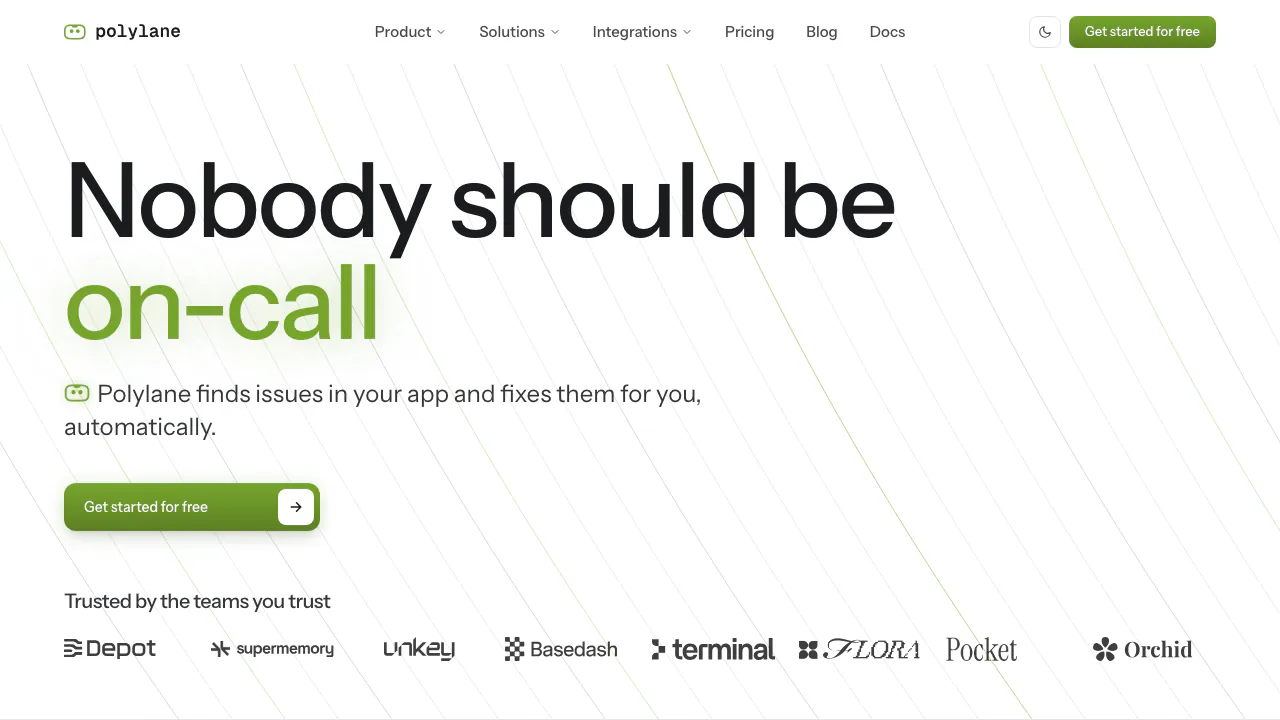
Polylane is a production-aware AI assistant from Coreplane Labs for developers and on-call teams. Connect your cloud, repositories and telemetry, and it can investigate application problems, explain the evidence and open a pull request when a code change can address the cause. Think of it as a teammate that can follow a problem across your stack, rather than asking you to paste logs into a disconnected chat.
Its AI SRE role is most relevant when you already run an application and need to understand why it is failing or what a proposed change might break. It is not a promise that every incident will be solved or that your team can stop reviewing changes.
Follow an incident from symptoms to a fix
The context graph links services, cloud resources, repositories and observability data. Agents examine logs, metrics and traces against normal resource behaviour, then use those relationships to investigate the problem. The useful output is an explanation you can inspect alongside the underlying evidence, followed by a fix PR where appropriate.
For an initial evaluation, choose a service and a specific time window: ask which deployments preceded its error increase, then check the cited queries and changes. That is an evaluation suggestion, not a guarantee that a deployment caused the error. A convincing result should connect symptoms to evidence and explain why the proposed fix addresses them.
Check training settings before connecting private code
The service terms enable the training licence by default for self-serve subscriptions. Opting out applies prospectively; it does not automatically erase previously collected data. The privacy statement explains connected operational data, possible US processing and the admin training control. Review these settings and access scopes before connecting confidential repositories or logs. The main platform is proprietary, not a generally open-source service.
Connect a first service and ask a useful question
The official quickstart supports a browser-based path:
- Sign in to the console with Google, GitHub or email and create a workspace.
- Connect a repository through the GitHub App and add your cloud account from Settings.
- Connect telemetry. Supported clouds including AWS, Cloudflare and Vercel can already provide logs and metrics; a separate observability tool is not always necessary.
- Open Threads, select New thread and ask which services recently deployed or experienced a change in behaviour.
- Inspect the investigation and any fix run. Review the resulting PR in your repository and run your normal CI checks.
Integrations also include Kubernetes, Datadog, Sentry and Slack. Confirm your specific provider before granting access. The CLI and platform MCP server bring connected context into coding agents; the quickstart documents polylane setup.
Review code against the system it will affect
Polylane checks pull request changes against production metrics, logs and open issues. This complements tests by examining the environment and dependencies the code will encounter. Draft PRs are not reviewed. A review produces a comment and can expose a production-impact check; require that check in branch protection if it should prevent merging.
Cloud connections begin read-only. Write actions normally pause for approval, but previously authorized actions and explicitly enabled autonomous settings change that boundary. A generated fix still deserves code review and validation; do not treat an AI verdict as proof that a deployment is safe.
Free limits, credits and the paid starting point
Checked on October 2, 2026: public USD pricing lists Free and a Starter plan at $80/month on monthly billing. Free includes two members, two cloud accounts and a monthly agent allowance. Repositories and integrations are unlimited. The pricing card and billing documentation list 10 free PR reviews/month, while the pricing FAQ says 50; check the allowance shown in your workspace before relying on either number. See the current pricing and billing limits.
Investigations and other agent work consume shared credits. MCP/API reads are unlimited, which does not make agent activity unlimited. Activity pauses when the allowance runs out unless an eligible plan has paid extra usage enabled; Scale and above support a spending cap. Inactive Free workspaces can also pause background monitoring after a seven-day notice trigger and three-day response window. Taxes, local availability and actual workload costs are not established by the public USD price alone.
Questions when evaluating Polylane
What do I get beyond a monitoring alert?
Polylane can investigate the alert using connected code and operational context and produce a reviewable code fix. Success depends on the evidence and access available; an alert does not guarantee a valid fix.
Must I replace my observability tools?
No. Official integrations include existing providers such as Datadog and Sentry, and supported clouds can supply telemetry directly. Check the integration documentation for your stack.
Does automated investigation mean automatic deployment?
No. Read-only access and reviewed PRs are the normal starting point. Writes require approval unless you have authorized them in advance; autonomous actions are a separate opt-in decision.
Official resources
- Service status: check current availability.
- Polylane on X: official product announcements.
Related tools
AI Operations & Incident Response →
DevPitFree
Keep coding sessions, task boards and call costs together on your desktop.
RillFree
Turn the page you are reading into work for your own coding agent.
AutonomyAIContact

Mastra FactoryFreemium
A shared software factory for coding agents and human reviewers.
PR LensFreemium
See a pull request’s architecture and data flow before reading the diff.