

RillFree
Turn the page you are reading into work for your own coding agent.
DevPit: Claude Code Session Manager for Developers
Keep coding sessions, task boards and call costs together on your desktop.
What does DevPit actually do?
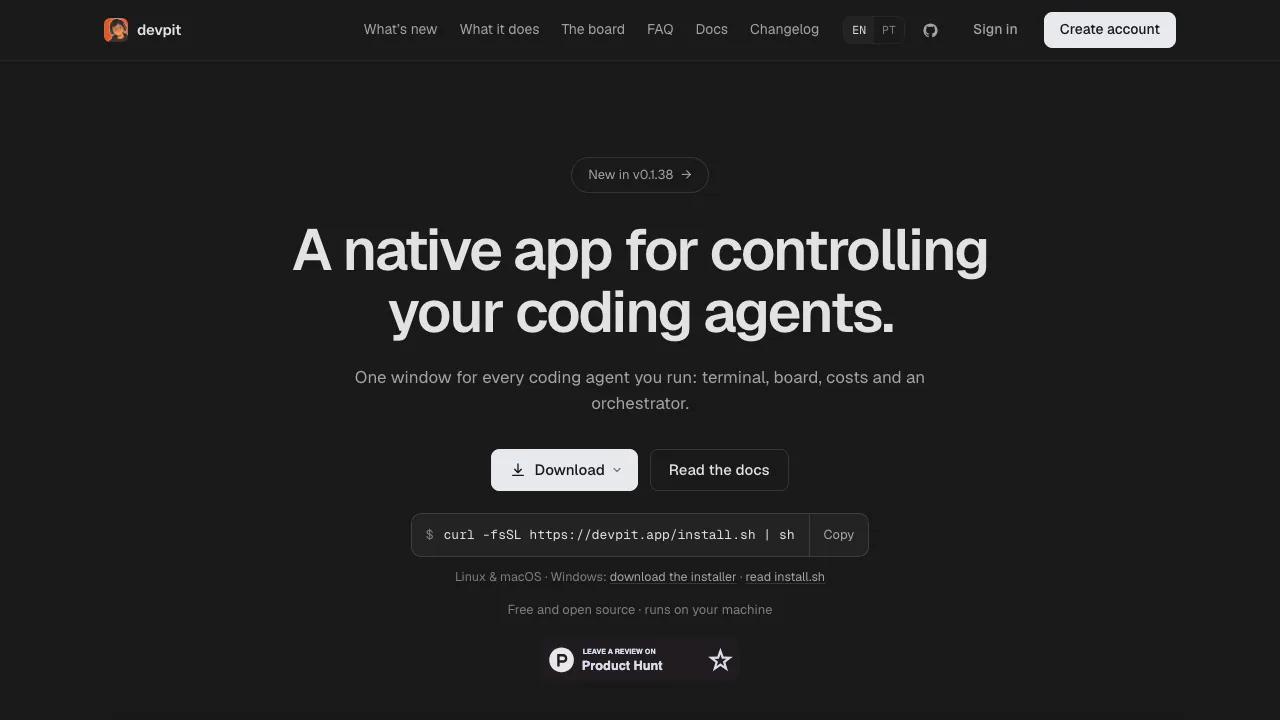
DevPit is a desktop app for developers who need a Claude Code session manager. Think of it as a control desk for several coding jobs: see the terminal for the task you are following, organize work on a board, inspect changes and check what each agent call cost. The website provides downloads and documentation; the development workspace runs on your computer.
It is useful when you already use Claude Code across repositories and keep losing track of which session needs attention. It does not provide a new model or an included team of agents. Claude Code must already be available, and agent definitions come from your own machine.
Custom agents use Markdown files with frontmatter, including definitions in ~/.devpit/agents/.
Follow concurrent work without losing its context
Each project has one attached target terminal; switching tasks leaves the previous session running in the background. Sessions use tmux, so closing the app window normally does not end them. A card can receive a Git worktree when its step needs a checkout, and DevPit does not remove that worktree while it contains uncommitted changes.
The file tree and diff view help you inspect edits beside the terminal. A browser pane displays the page your project serves, but built-in agent control of that page is not yet implemented. These views support review; they do not certify that generated code is correct.
Turn a task card into a reviewable workflow
New projects get six board columns with no execution configured. A lane can run an agent step for structured output, an interactive session for implementation, or a command for tests and builds. Its recipe selects the agent, model, card context, expected output and per-call spending cap.
Moving a card into a configured lane starts its step. Inspect the recorded output, exit code and cost before continuing. Progression defaults to manual; ask requests confirmation and auto moves onward and can run the next step. The official board guide explains these settings. Automatic chains exist only where you configure them.
Coordinate projects while keeping decisions visible
Create an orchestrator from the side rail, selecting a Claude Code account and a name. It can inspect projects and boards and start a session linked to a card. The Sessions panel gathers running work and questions awaiting your answer; a floating island shows agent activity above other windows.
The orchestrator does not approve another session, move a card into an executing lane or act on a timer. Reminders notify without starting work. Phone access is available through Tailscale, with one-time pairing and device permissions restricted to your tailnet.
Run a first task
- Follow the installation guide for Linux, macOS or Windows. Make sure
claudeis on PATH; Linux and macOS also need tmux. - Open a project and write a card with a concrete task and acceptance criteria.
- Configure one lane with a session or command step. For an agent step, use an existing local agent definition; DevPit ships none.
- Move the card, follow execution, then inspect the diff and test output before choosing the next lane.
Linux packages, a universal macOS build and a Windows x64 installer are available. macOS is not notarised and Windows packages are not code-signed; follow the documented download verification procedure.
Free software, with separate model usage
Checked on 8 October 2026: DevPit is free and released under Apache 2.0. It uses your existing Claude Code plan; it does not include unlimited model calls or override provider quotas and regional availability. Call caps and recorded costs help you monitor work, rather than defining a new DevPit subscription.
What local-first means for your data
Workspace state lives in ~/.devpit, outside the repository. An account is optional, and cross-device sync is not yet built. Local storage does not mean offline model inference.
The security notes disclose plaintext credential files with restricted permissions, no OS keyring integration yet, and command output stored without redaction. Tokens printed by tools can therefore remain in cards or terminal history. DevPit also contacts Anthropic to show plan availability. Assess these boundaries before using sensitive projects.
Frequently asked questions
Is DevPit free to use?
The app is free and open source. Your Claude Code entitlement, limits and any provider charges remain separate.
Does DevPit run on Windows?
Yes. The native x64 installer includes psmux; Claude Code must be available on PATH. The Linux build can also run through WSL 2.
Do sessions stop when I close the window?
Ordinary window closure leaves tmux sessions running. A native Windows update is an exception: its installer stops psmux and closes terminals. This is not a promise that tasks survive an operating-system shutdown.
Other CLIs can report status through devpit-agent hook, and Gemini CLI has automatic status reporting. Reporting status is different from full support for driving those agents.
Official resources
- Source and documentation: inspect the code and configuration guides.
- Current downloads: choose a package and verification files.
- Changelog: check current capabilities before updating.
Related tools
AI Coding & Developer Tools →
ReviuFreemium
Review agent-written code, return line comments and finish Git work in a native desktop workspace.
PolylaneFreemium
Connect production context to investigations, code reviews and fix PRs.
AutonomyAIContact

OctriFreemium
Generate API docs, SDKs and agent tools from one specification.
FlootFreemium
Build and publish full-stack apps from your AI assistant