

HarmonyContact
AI ITSM for employee requests, access and service workflows
Superhuman Go: AI Work Assistant, Agents & Pricing
AI help for writing, email and connected work
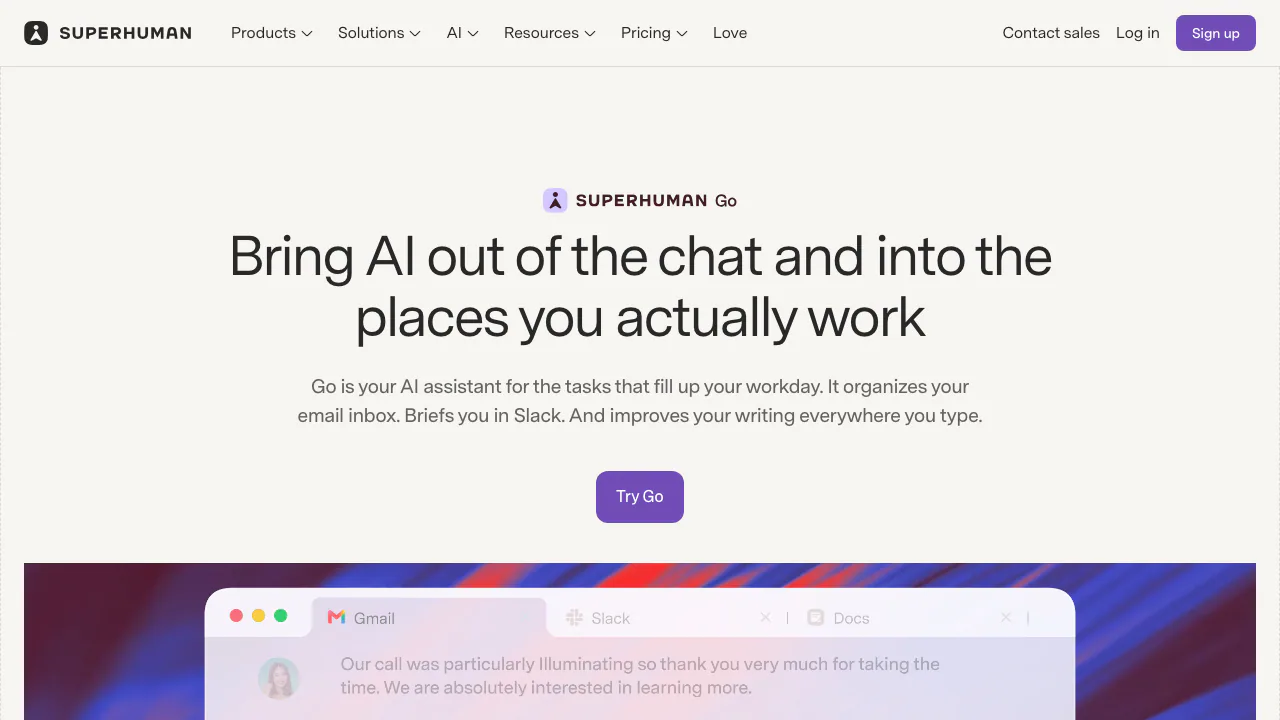
Superhuman Go is a contextual AI assistant for work. It appears in the places where you write and coordinate tasks, and it can use agents and connected apps to help you move from scattered information to a draft or next action. This page explains what Go actually does, how to try it, and where its plan and data boundaries matter.
What is Superhuman Go, in plain English?
Think of Go as an assistant that can sit beside a document, message, or browser tab instead of waiting in a separate chatbot window. It can suggest a clearer sentence while you type, answer a question about the page in front of you, or ask a specialized agent to help with a task. Grammarly's writing agent is part of Go, but Go also covers email, meetings, connected knowledge, and custom workflows. You review its suggestions and any actions that need approval.
Writing, inbox, and meeting work it can help with
When a message needs a careful tone, Go can offer inline edits and rewrites. Its Email Assistant can organize incoming mail and prepare replies using your voice and context. For meetings, Go can bring together earlier discussion, help prepare an agenda, and turn a meeting into a summary or action items. These are useful starting points for people who spend their day across messages, documents, calendars, and team tools; check the output before sending or assigning anything.
Try a first task without losing your place
Create a Superhuman account and open Go in the desktop app or browser extension. Chrome and Edge extensions, Mac and Windows apps, the web app, and iOS and Android access are documented. Open the Go app, type a concrete request such as “summarize this thread and draft a reply,” then inspect the draft and the task list. For help on selected text, highlight it and use the contextual action. If the task needs another service, open Connectors, check what data and permissions it requests, sign in, and test with a low-risk task first. Connector availability depends on your plan and, at work, administrator settings.
Agents and connected apps: where the extra power comes from
The Agent Store offers specialized helpers such as Grammarly, Knowledge Checker, and Email Assistant. Connectors bring context from services such as Gmail, Outlook, Calendar, Slack, and Jira, so a task can use information already held there. In the official agent and connector guide, you can see how to inspect an agent, install it, and authorize a connection. Custom agents can be built through chat or a visual builder, with instructions and triggers, but the builder is in beta and is rolling out on eligible paid plans. Confirm access before designing a workflow around it.
Free access, paid plans, and important limits
The Free plan includes basic inline suggestions, limited chat, and editable shareable docs. Paid plans add richer cursor help, app connectors, Email Assistant, and custom-agent capacity. On the official Go pricing page, checked 28 September 2026, the published US-dollar rates are Pro at $12 per member per month billed annually or $15 billed monthly, and Business at $33 or $40 respectively; Enterprise requires a quote. Limits vary by feature and plan. These are published USD conditions, so verify your checkout currency, tax, and current limits before paying.
What Go can see, store, and let you control
Go can use text you type, what is visible in an active tab or app, and information from accounts you choose to connect. Connected services are a separate permission: they may be searched even when their windows are closed. The Go data and privacy FAQ says parts of chat history, including prompts and screen context, are stored, while optional connector syncing can index app content. You can disconnect apps, delete synced data, and set whether your content is used to train Superhuman's own models. Review those controls before connecting sensitive work sources.
Frequently asked questions
Is Superhuman Go free?
Yes. Free access covers basic suggestions, limited chat, and docs. Connectors and custom-agent creation are paid capabilities, and other features have plan-specific limits.
Where can I use Go?
It is documented for Chrome and Edge, Mac and Windows, the web, and iOS and Android. The way Go appears may differ by surface, so start with the app or extension guide for your device.
Is Go the same thing as Grammarly?
Grammarly provides writing intelligence within Go. Go is the broader assistant and agent platform that can also use specialized agents and connected work apps.
Related tools
AI Assistants & Chatbots →
SaleSmartlyFreemium
AI customer support across messaging channels
OkaraFreemium
Coordinated AI marketing agents, with human review
EclatiraFreemium
Build voice and video AI agents for web and phone.
IntellAgentsPaid
AI agents for customer calls, messages, and handoffs.
NOANFreemium
Approved company facts for agents, apps and teams.