

DictantorFree
Record speech, find the exact passage and keep transcription on your Apple devices.
Wispr Flow Voice Dictation Review and Setup Guide
Dictate polished text into almost any app and adapt to your vocabulary
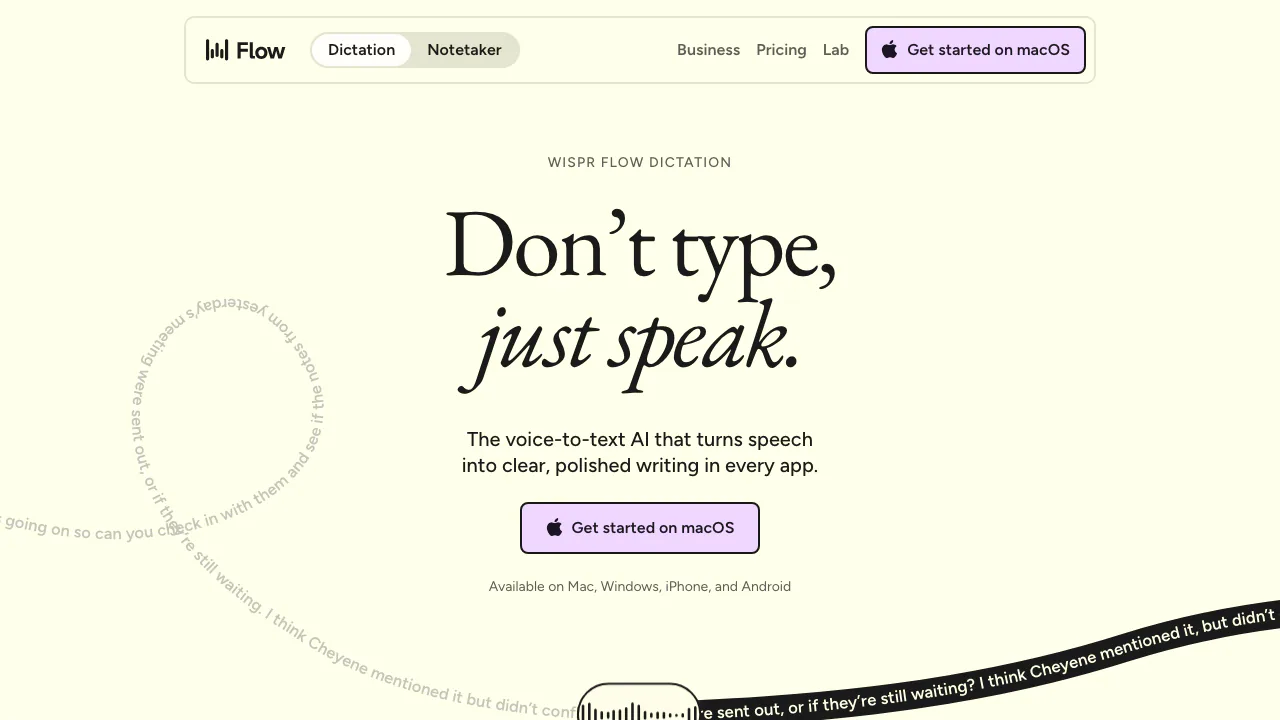
Wispr Flow is an AI voice-dictation app that turns speech into edited text inside the app where the cursor is active. It removes many filler words, adds punctuation and learns names or specialist vocabulary over time. That makes it useful for drafting email, chat, notes and documents without moving text from a separate recorder. It is not an offline transcription utility: voice processing requires an internet connection, and the result still needs a human check.
Test a real writing task safely
Install Flow on a supported device, grant only the microphone, keyboard or accessibility permissions needed for that platform, and start with a non-sensitive message. On Mac or Windows, hold the configured shortcut while speaking and release it to paste the finished text. On iOS, use the Flow keyboard microphone; Android currently uses a floating bubble and is marked beta. The official getting-started guide explains current platform behavior and requirements.
Dictate a short email containing a person's name, a number, a deadline, a negative statement and one technical term. Compare the pasted result with what you intended. Correct names in Flow's dictionary, but always inspect negation, dates, amounts and recipients before sending. A learned vocabulary can reduce recurring corrections; it cannot guarantee the meaning of every sentence. Password, banking and other protected fields may suppress mobile dictation by design.
Plans, meetings and privacy choices
Flow has a free plan with weekly usage limits and paid plans that expand dictation and meeting allowances. Check the live pricing page because limits, prices and platform features can change. Dictation works on Mac, Windows, iOS and Android, while the Notetaker is currently Mac-only. Do not buy it for meeting capture on another platform without rechecking availability.
Review Privacy Mode and Cloud Sync separately. The official privacy-control guide says that disabling model improvement does not by itself prevent cloud storage. Turn off Cloud Sync when on-device-only transcript history is required, confirm organizational rules, and avoid sensitive dictation until permissions and retention settings are understood.
Can Wispr Flow work offline?
No. Its voice transcription requires an internet connection.
Is Wispr Flow free?
Yes, with weekly limits. Pro and team plans add larger or unlimited allowances; verify current terms before subscribing.
Related tools
AI Writing Assistants →
HemoryFreemium
Turn conversations into searchable memory for your AI agents.
SaybleFreemium
Live conversation prompts and practical follow-up for important calls.
KrispFreemium
Clean meeting audio, transcribe conversations and generate editable notes
GranolaFreemium
A bot-free AI notepad that combines your notes with meeting transcripts
FathomFreemium
AI meeting notetaker for recording, transcription, summaries, action items, clips and searchable call history.