

HemoryFreemium
Turn conversations into searchable memory for your AI agents.
Dictantor — offline transcription and searchable voice notes
Record speech, find the exact passage and keep transcription on your Apple devices.
What does Dictantor do?
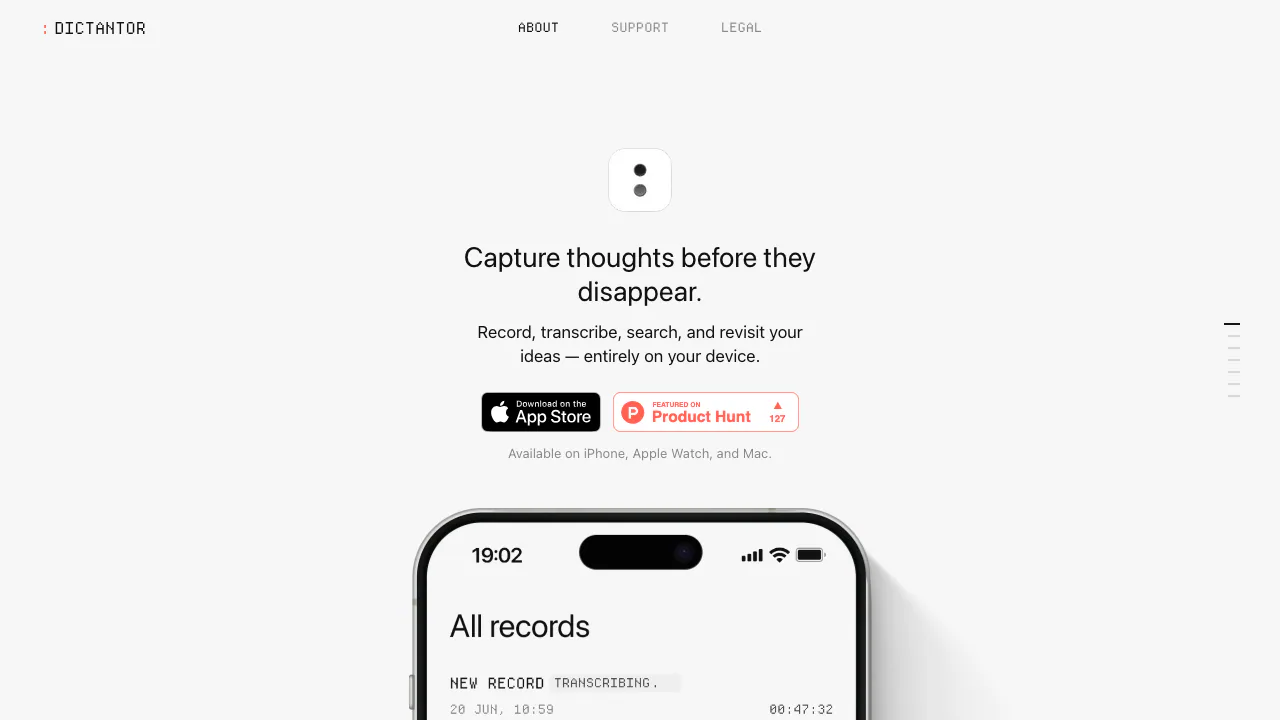
Dictantor turns recorded conversations and spoken ideas into text you can search and revisit. Think of it as a voice notebook: record a meeting, find a phrase later, then jump back to the original audio to check what was said. The website introduces the downloadable app for iPhone, Apple Watch and Mac; it is not an online transcription upload form.
It suits interviews, lectures, meeting follow-ups and personal notes in supported languages. Local transcription covers 25 European languages, including English. The US App Store lists the interface as English and requires iOS 26.0 or later for iPhone.
Capture the conversation on the right device
On iPhone, open Dictantor and tap record. Live Activities keep recording visible, including while the phone is locked; Action Button and Shortcuts provide additional launch options. The homepage advertises recordings up to 120 minutes, so do not assume unlimited sessions.
On Apple Watch, open the companion app or its complication, start recording and stop when finished. Audio transfers to the paired iPhone for transcription. If the phone is unavailable, the recording remains pending on the Watch until transfer resumes.
On Mac, grant microphone and system-audio permissions before starting a meeting recording. Optional calendar access supports local meeting reminders. Color-coded transcript sections distinguish your voice from everyone else; this is not a promise to identify each participant.
Find a quote and move it into your work
Search for a phrase across transcripts, open the matching passage and listen around its timestamp. This provides a useful way to check names, quotations and decisions before reusing the text.
Open a recording and use export to share audio, a transcript or both. You can also copy timestamped transcripts and share summaries as plain text. These are portable outputs; a direct integration with your notes app or an API has not been verified.
Use summaries when your device supports them
Insights can produce a summary, key takeaways and action items from supported transcripts. They require a compatible device with Apple Intelligence available and enabled, plus support for the transcript language. The iPhone support page specifies iOS 26 or later. When Insights is unavailable, recording, transcription, playback, search and export remain usable.
Offline processing, iCloud and the free listing
Recording and core transcription work locally without a Dictantor account or subscription. On September 10, 2026, the US App Store listing showed Free; check your own storefront for availability and current terms.
Private iCloud synchronization is a separate networked feature. Use the same Apple Account with iCloud Drive enabled on iPhone and Mac. Sync can be delayed by connection, device state, storage or Apple service availability. Dictantor says it does not operate a content-sync server or use cloud AI to process recordings.
Deleting a recording propagates to synced devices; uninstalling the app does not necessarily remove other copies. The terms permit personal and professional use and retain your ownership of created content. Obtain required recording consent.
Questions before you start
Can I transcribe without an internet connection?
Yes. The transcription model is included in the app and runs on iPhone or Mac. Watch recordings are processed after transfer to iPhone. iCloud synchronization still needs connectivity.
Is free transcription unlimited?
The US listing is free and says no subscription, but the homepage advertises recording sessions up to 120 minutes. Free does not establish an unlimited-session promise.
How do I check a transcript against the recording?
Search for the phrase, open the matching transcript passage and play the corresponding audio. Review important details before exporting or quoting them.
Official resources
- Support and supported languages: recording, Watch transfer, export and Insights help.
- Privacy policy: local storage, iCloud and deletion behavior.
- Terms of use: content ownership and recording responsibilities.
- Official Product Hunt discussion: launch discussion and product feedback.
Related tools
AI Productivity & Document Tools →
SaybleFreemium
Live conversation prompts and practical follow-up for important calls.
Circle PanelPaid
Plan studies, interview real users and turn recordings into reviewable findings.
Wispr FlowFreemium
Dictate polished text into almost any app and adapt to your vocabulary
KrispFreemium
Clean meeting audio, transcribe conversations and generate editable notes
GranolaFreemium
A bot-free AI notepad that combines your notes with meeting transcripts